Go to section
Spotlight SureThing.io - "OpenClaw" for BeginnersTask automation
The front page of AI.Used by 90M+ humans.

TAAFT Tutorial
Generate image
Tasks
Generate text
Free mode
Trending
Leaderboard
Characters
 Mini tools
New
Featured
Lists
Agents
Requests
Jobs
Map
Newsletter
Starter pack
Free tools
Speech to text
Text translator
Remove background
Settings
Edit profile
My tools
Gallery
Dashboard
Inbox
Get featured
Contact TAAFT
For you
Popular
Job impact index
Most saved
Affiliate program
Submit AI tool
Notification preferences
Glossary
Home
Timeline
My profile
Create tool
Deals
Companies
Models
Robots
Papers
Fundraises
Repositories
Devices
Organizations
Events
Prompt Pack
Merchendise
APIs
Features
Tools
Countries
Collections
Videos
Mini tools
New
Featured
Lists
Agents
Requests
Jobs
Map
Newsletter
Starter pack
Free tools
Speech to text
Text translator
Remove background
Settings
Edit profile
My tools
Gallery
Dashboard
Inbox
Get featured
Contact TAAFT
For you
Popular
Job impact index
Most saved
Affiliate program
Submit AI tool
Notification preferences
Glossary
Home
Timeline
My profile
Create tool
Deals
Companies
Models
Robots
Papers
Fundraises
Repositories
Devices
Organizations
Events
Prompt Pack
Merchendise
APIs
Features
Tools
Countries
Collections
Videos
Mini tools
New
Featured
Lists
Agents
Requests
Jobs
Map
Newsletter
Starter pack
Free tools
Speech to text
Text translator
Remove background
Settings
Edit profile
My tools
Gallery
Dashboard
Inbox
Get featured
Contact TAAFT
For you
Popular
Job impact index
Most saved
Affiliate program
Submit AI tool
Notification preferences
Glossary
Home
Timeline
My profile
Create tool
Deals
Companies
Models
Robots
Papers
Fundraises
Repositories
Devices
Organizations
Events
Prompt Pack
Merchendise
APIs
Features
Tools
Countries
Collections
Videos

▼ Latest
Ai usability
Free mode
100% free
Freemium
Free Trial
Featured matches
-
 The fastest way to streamline inefficient workflowsOpen
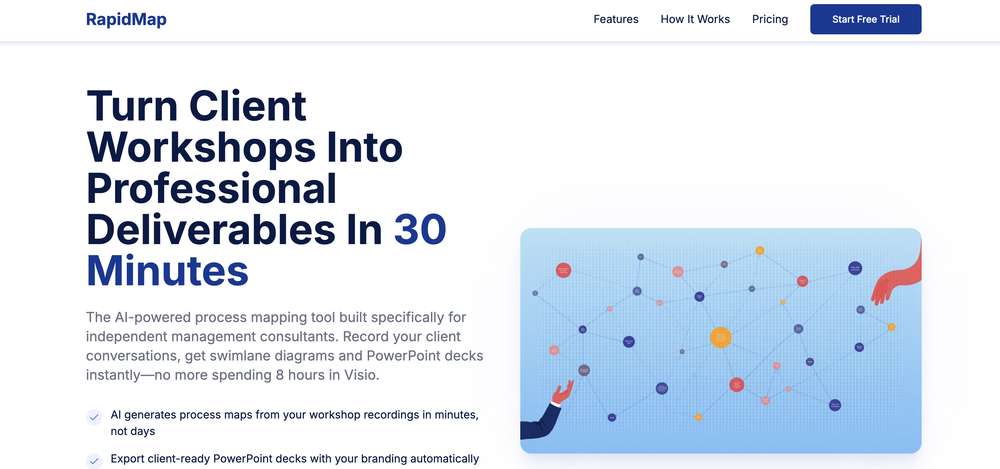 Michael Adair🙏 5 karmaDec 1, 2025@RapidMap - powered by LeanifyVery good. I like it
 -
-
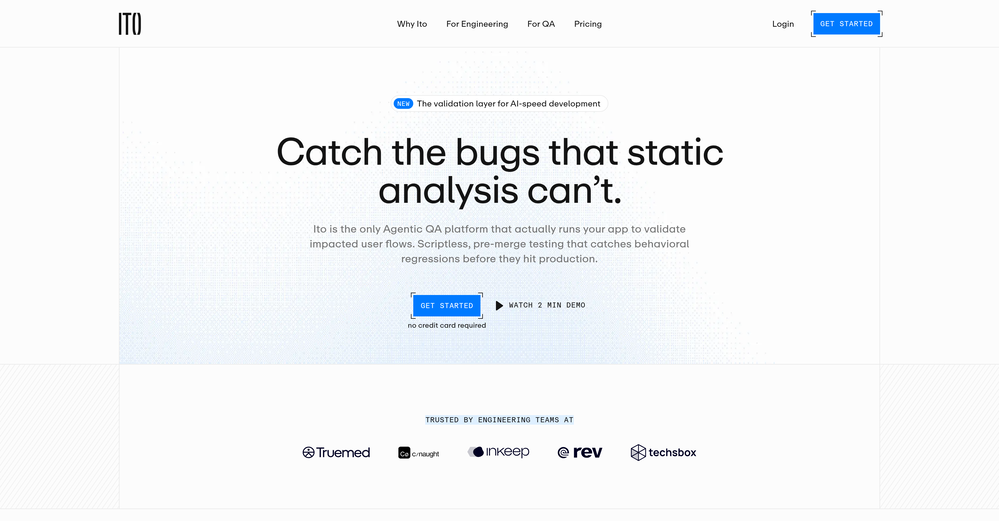
 Your landing page is losing visitors. Find out exactly why.Open
 Hi Guys, Ben the founder. I have soft launched this with some great feedback already. But as always it's great to have as much as possible. We are continuously improving WhyIQ. Please make the most of the free scans and let me know what you think.
 -
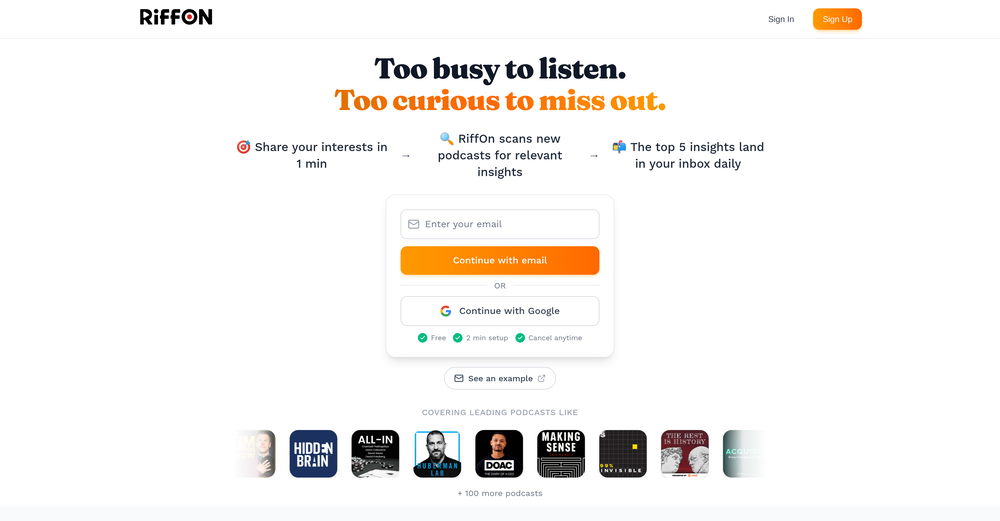 This is a great platform for synthesise insights from different podcasts in case you'd like to extract key point without watching the entire thing. Here's a video I made on it https://youtu.be/m9jw29xsQbo
 -
-
-
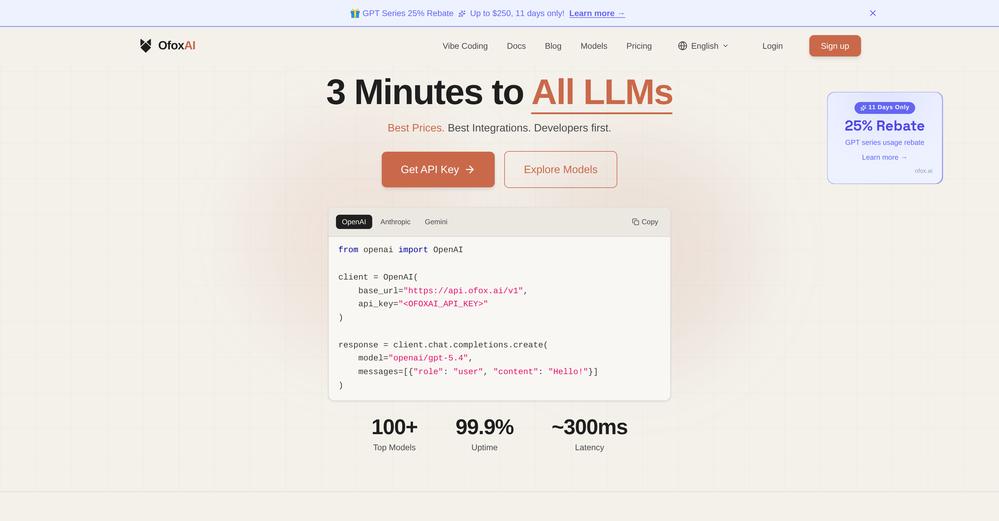 Been using ofox for about 2 months now, mainly to route between Claude and DeepSeek in my coding workflow. The single API key thing actually works — just swap the model name, no SDK changes. Saved me from managing 3 different API keys and billing dashboards. Response times are fine from Asia, no complaints. The 1-star review is weird, this thing just works.
 -
-
-











Verified tools
- SpotlightSureThing.io - "OpenClaw" for BeginnersTask automation
-
This is truly a wonderful experience that brings joy and delight.
-
-
 OpenHere's the rundown. If you thought image editing like Photoshop or Affinity Photo, you were wrong. It's 100% insert a photo and put a filter over it or change it into another AI image. Signing up for an account gets you 4 credits. Enough for one image to image generation. Instead, you should go to aistudio.google.com. This Dreamega site is just using google to generate their stuff anyways. You can do this yourself without paying per generation, the only difference is you need to type the prompt yourself. Is it worth paying some overblown monthly subscription on Dreamega for something you can do yourself or something you'll probably only do once?
 -
Interesting tool - I still need to experiment a bit but I really liked it. This is what I was looking for when it comes to strengthening my SEO for large language models. It's a bit pricy though.
-
It's not even usable anymore, their website is literally a sponsor and that's it
-
Hey, I just checked out your AI tools site—nice launch, you’re on the right track 👌 One thing I’d suggest early on is focusing on distribution, not just the product. A lot of AI tool sites struggle with visibility because they don’t position themselves inside the right communities. For example, targeting niche subreddits where people are actively looking for solutions (not just posting links, but actually joining conversations, sharing use-cases, and soft-introducing your tool) can drive highly targeted traffic and real users. Also, creating comparison-style posts like “X vs Y tools” or “best tools for [specific use case]” tends to perform really well and brings consistent organic traffic over time. If you’re not already doing something like that, I can share a few ideas specific to your niche that could bring in your first consistent users pretty fast.
-
-
As a technical entrepreneur, working with designers is often way too slow - when I have an idea, I want a prototype the same day - not days/weeks later. I created UX Canvas because I wanted a better way to communicate my UI/UX ideas to developers, without having to spend thousands on hiring UI/UX designers or opening Figma and spending days/hours manually creating, iterating on, and prototyping designs myself. UX Canvas unlocks the ability for anyone - technical or not - to rapidly prototype their design ideas and instantly share them with team members in minutes. If you can put your idea into words, you can design it. No design skills required. (Although they are helpful) The agent has the ability to do cool things like generate it’s own image assets to be used in the design, and you can even export your designs to clean React/Typescript code - so you can hand the code over to your developers (or other AI tools like Cursor, Windsurf, etc.) to bring your product idea to life. Try it for free and let me know what you think! https://uxcanvas.ai


















Other tools
-
-
 Open
Open -
threw in one short essay that I had. I really liked the recommendations section, super clear and helpful. easy to use
-
If you got a small paragraph of words you want to change to sound more organic, this tool's got your back. It even checks if your initial prompt looks AI-Generated or Human, but will still help you out in case of the latter. Free version is a good demo of its capabilities.
- Didn't find the AI you were looking for?
-
-
-
it works great and super fast with great attention to details and just enhances the interior to a great extend just like a professsional.
-
-
Very good service but it doesn’t always display what the prompt tells. Do you plan to add a feature for negative prompting?
-
-
Only available on the iphone... doesn't seem super intuitive to use.
-
Its actually good. I was able to make 3 screens using the promo code and they were better than the other UI tools.
-
Onboarding was vey easy, I just gave my platform link. Test Strategy and Test cases were automatically generated and I could see the defects. Very easy to use and very useful too
-
Aii.cx's tools supercharged our website, boosting conversions by a whopping 42% in just a few days. The trick? Tailoring them to grab our visitors' attention. Now, we're thinking of using these tools for presentations too—they're versatile and budget-friendly.
-
Ask AI outperforms ChatGPT in search capabilities, providing more accurate and relevant results. Its advanced AI technology ensures a superior search experience for users.
-
 Open
Open -
 Enhancing user experience through rigorous usability testing and feedback.Open
 -
 Evaluate your web page for accessibility, conversion, and usabilityOpen
 -
 Helping disabled people find and claim benefits globally.Open
 -
 Expert guide for disability benefits application.Open
 -
 Optimizing BCI interfaces with user feedback and neural input.Open
 -
 Discover the perfect GPTs tailored just for you from an astounding selection of 29171 models!Open
 -
 Open
Open -
 Optimizing machine prompts for enhanced understandingOpen
 -
 Write your role and get tailored ChatGPT instructions.Open
 -
 Specialist in extracting innovative, actionable insights from data.Open
 -
 Expert in analyzing and suggesting UI & UX improvements for websites!Open
 -
 Automates data labeling with technical expertise and user-friendliness.Open
 -
 Open
Open -
![Listicle Builder GPT [WordsAtScale]](https://media.theresanaiforthat.com/icons/listicle-builder-gpt-wordsatscale.png?height=207) Create unique, news-driven listicles for backlinks.Open
Create unique, news-driven listicles for backlinks.Open -
 Provides comprehensive assistance in user experience research and analysis.Open
 -
 Planning guide for rapid app development with Microsoft Power AppsOpen
 -
 Open
Open -
 Unreal Engine Assistant, your guide to gaming creation.Open