
 Mini tools
▼ Most saved
Deck
Free mode
100% free
Freemium
Free Trial
Featured matches
-

-
-
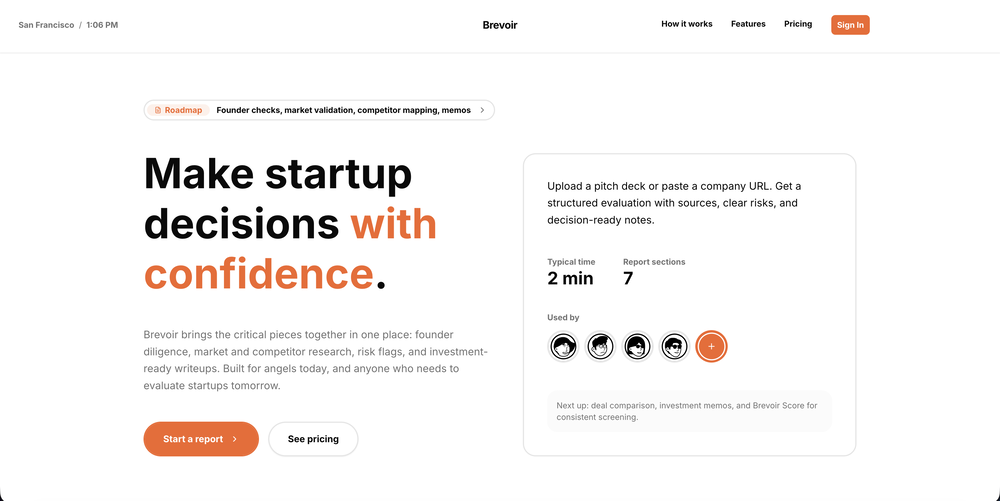
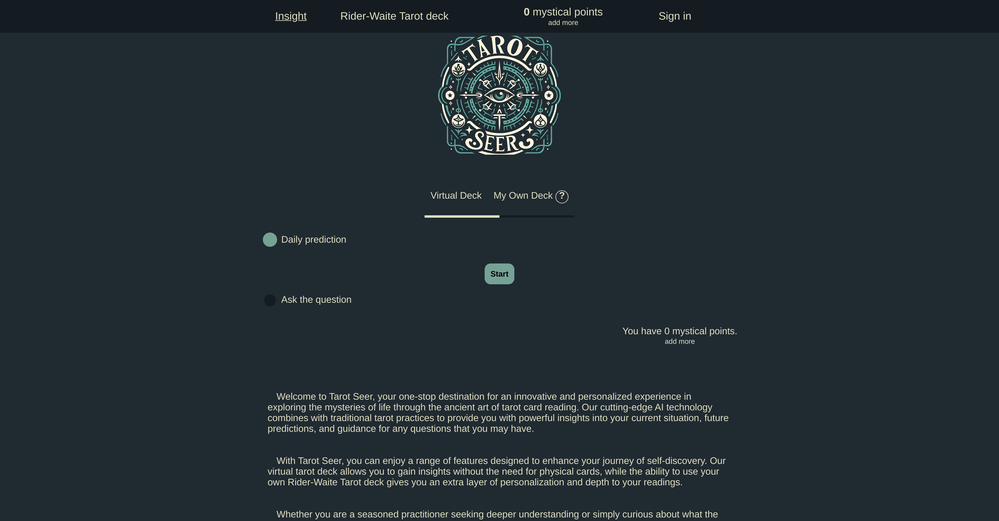
 haohan zheng🛠️ 1 tool 🙏 2 karmaNov 15, 2025@TarotAI.art🪄TarotAI: An all-in-one AI Tarot platform. Redefining your Tarot experience with AI. 🔮 Why Choose TarotAI? Traditional Tarot decks are fixed, but we believe Tarot should be fluid and personal. Core features of TarotAI: 1. Generate Unique Tarot Cards with AI Our AI Tarot card image generation engine is incredibly powerful. You can upload your favorite Tarot card template images and generate Tarot cards with highly consistent artistic style in 30 seconds, with full control over each card's elements, symbolism, and details. 2. Craft Your Own Deck Design and create an entirely original Tarot deck from scratch, visualizing your inspiration and ideas. Infuse it with your personal beliefs or narratives, and use the custom deck for genuine readings. 3. Receive Insightful Free Readings Select any Tarot deck on our platform and ask any question on your mind. Our AI provides thoughtful, empathetic, and in-depth interpretations, designed to offer you meaningful guidance. 4. Share Your Creations Whether you're a creative enthusiast or a professional Tarot reader, you can share your card designs and unique Tarot insights in our community gallery. 👋 Try It Today! We can't wait to hear what you think. Visit our website to experience free AI Tarot readings and create your first AI-generated Tarot card. ✨ Start here: https://tarotai.art
 -





Other tools
-
 OpenThis is amazing! I love the quality. We shared this with our partners and they didn’t believe it was done using AI. Really one of the most incredible AI apps I have ever used.
 -
Edisa, thanks for the reply. Didn't know about the confidentiality guarantee.
-
Should offer a free trial.. so much competition out there and alot with substandard results. I need to try it before I buy it.
-
 OpenYou spent half of hour on describing how your presentation should look like, and just after that getting informed that you need to pay subscription to proceed. Who’ll pay my time back?
 - Sponsor
 Wispr Flow-Now on Android!🎤 Dictation
 -
 Insightful guidance tailored to your life's questions.OpenThis ai tool is awesome because I did figure out last Christmas when I was was lucky enough but thanks for sharing a tarot reading. But now I will be using this as often as I can. This may my Christmas a miracle for me.
 -
Casavista Dec AI Room Dremiai gave me nice ideas to redesign my room. The AI decorate options are creative yet realistic, and I love the Zodiac Designer feature. It's like having an interior designer in my pocket!
-
Should be able to upload all pics to be generated not 1 at a time
-
 Experience unparalleled accuracy in astrology and tarot readings with Tarot Master.OpenI like that you get to try it for free, and then when you run out of AI minutes, you can buy more. It didn't save my reading in the Journal but maybe because I was using the Freebee. I bought 20 more minutes and poked around a bit. You do have to wait while the ai bot 'thinks' and I would like to shorten the wait time. Idk if takes long to answer question because it's actually processing, but it feels like it's just a way to eat into the purchased minutes and get folks like me to buy more.
 -
ppt.ai has saved me at least 80% of the time spent on making PPTs. I just need to submit rough ideas or drafts to ppt.ai, and it can create a relatively usable PPT. This is simply amazing! Although some revisions and optimizations are still needed afterward, it’s already a huge relief compared to starting from scratch.
-
Interesting to test our speaking skills when talking about our business.
-
 Generate professional presentations in seconds with AIOpenDid not allow to download the slides.... ideally they should keep it free till sufficient traffic hits the platform and allow people to share feedback.
 - Didn't find the AI you were looking for?
-
Wow, I can't believe it, how much can a human being cheat? You get a free data tag, you register on the site, so you don't get paid, you can't do anything. I really feel sorry for humanity.
-
impressive :O quite easy to use and great designs overall
-
 AI automates startup fundraising from pitch deck to investor match.OpenInstead of wasting weeks searching, Evalyze did the hard work for us. Just from our deck, it matched us with investors that aligned exactly with what we’re building. A total game-changer.
 -
 Open
Open -
 Create unique oracle card decks with AI-powered intuition.Open
 -
 Open
Open -
Loved the app! I see real life use case for this and the opportunities are insane! Keep going you guys!
-
-
I can't edit my card's language from English to Japanese.
-
 Create custom AI-powered Tarot decks effortlessly.Open
 -
 Transform ducks into 3D whimsical masterpieces.Open
 -
SparrowGenie isn’t a SaaS. It’s a secret weapon, battle-tested by our own sales team. Real problems, solved by real users—finally!
-
 Transform ideas into stunning AI-generated tarot cards.Open
 -
We love this little addition to the OneSub family and we find it super-useful for keeping on top of important topics. If you have any feature requests get in touch!
-
Generate decks in seconds that are indistinguishable from top consulting firms. Using only verified data and credible sources. Xavier specializes exclusively in business and consulting presentations, unlike general AI presentation tools.
-
-
Let me the first to share... The scoring looks at Spelling
-
 Create surreal 8K desk scenes with miniature you.Open
 -
Great piece of software and very affordable to competitors. Does what it says. Great to be able to afford a serptracker in these times of so many Google updates.
-
Thanks for your feedback! We are also shipping some exciting new features this month!
-
 Open
Open -
 Create stunning presentations in seconds with AIOpen
 -
Roast My Desk is a vital application of AI technology to show just how disorganized humans are even in their work place. And it is incredibly funny, well I think it is. And I am a human. I think.
-
Simply upload your photo; you don't need to type anything in the prompt field. Just click "generate" and watch the magic happen.
-
not gonna lie, reading the name I was ready to start shooting an actual film. turns out it just makes a description and a cover. still, kinda cool for discovering new movie ideas
-
Great tool for developing business ideas and more. Also made a video on it here: https://youtu.be/ozmFFMiFLwM
-
 AI receptionist for vets: Never miss a client call.Open
 -
Plus AI makes creating engaging presentations a breeze. I’m impressed by the smart suggestions that align perfectly with my needs. It’s like having an AI co-worker always ready to help!
-
-
 Enhancing system functionality for a better user experience.Open
 -
 Upload your startup presentation, get a Silicon Valley-style Elevator PitchOpen
 -
 USMLE Step 1 study tutor using Duke Pathoma Anki deck, evaluates and guides answers.Open
 -
 Suicide consultation desk 'BONFIRE'Open
 -
 Open
Open -
-
 Open
Open -
 Open
Open -
 An active agent to answer all your questions about Shapeshifter MediaOpen
 -
 Professional advisor on detailed blackjack strategies.Open




















































































































Post





