 Tendem
 Mini tools
▼ Popular
For video editing
Free mode
100% free
Freemium
Free Trial
Featured matches
-
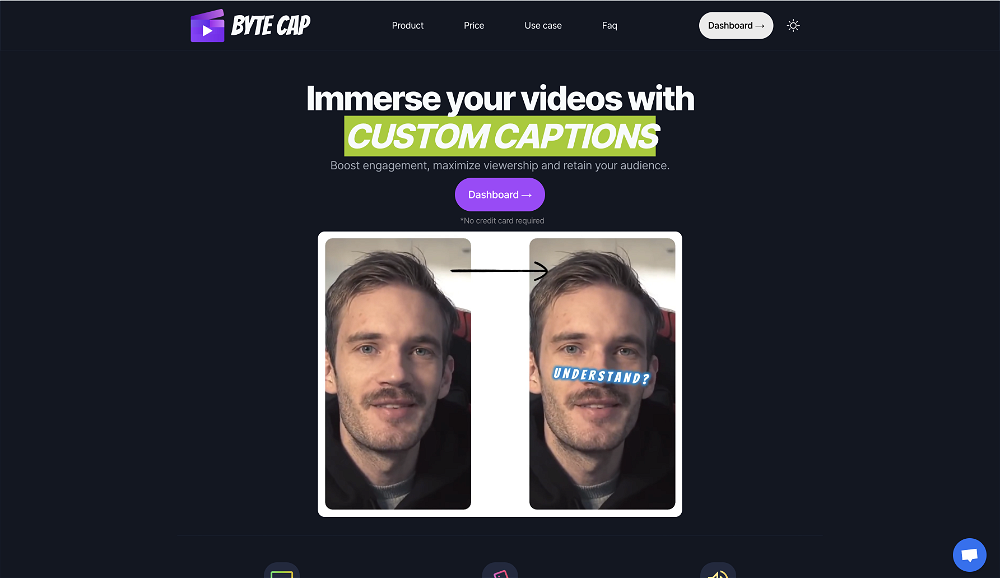 bob miller🙏 70 karmaMay 22, 2024@ByteCapGenerating captions was super fast like seconds. Wish they had Anton font though
 -
 Web platform for video translation, text-to-speech conversion, image creation, media editingOpen
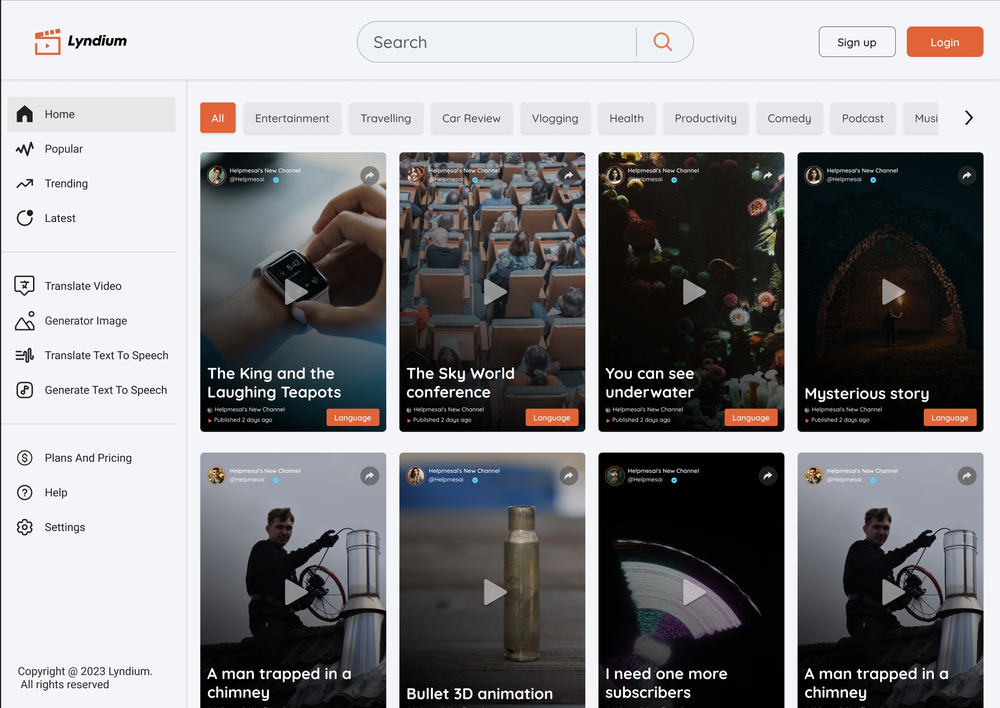 Generated a pretty accurate video translation. Also, was quite impressed with a price tag.
 -

-
 Create AI fashion model photos without photoshoots.Open
-
-
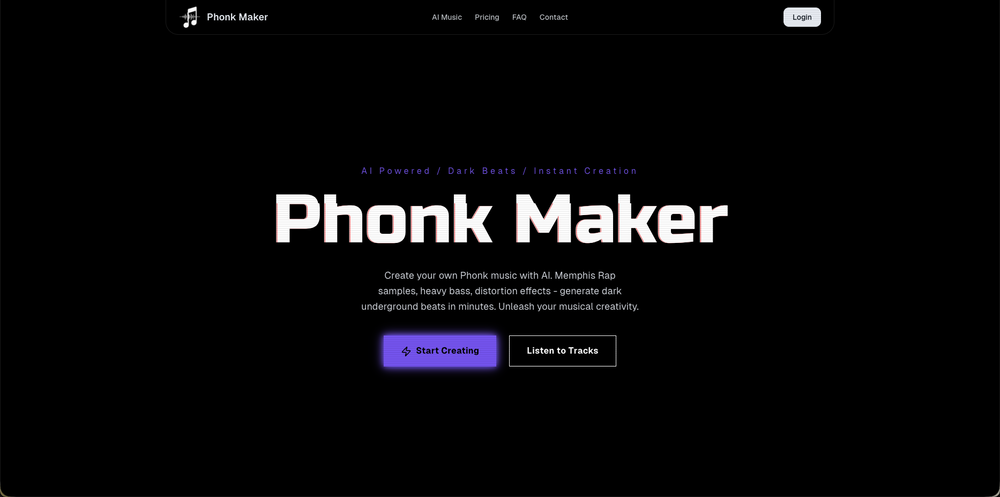
 Skip the complexity. Create professional-quality music with simple prompts.Open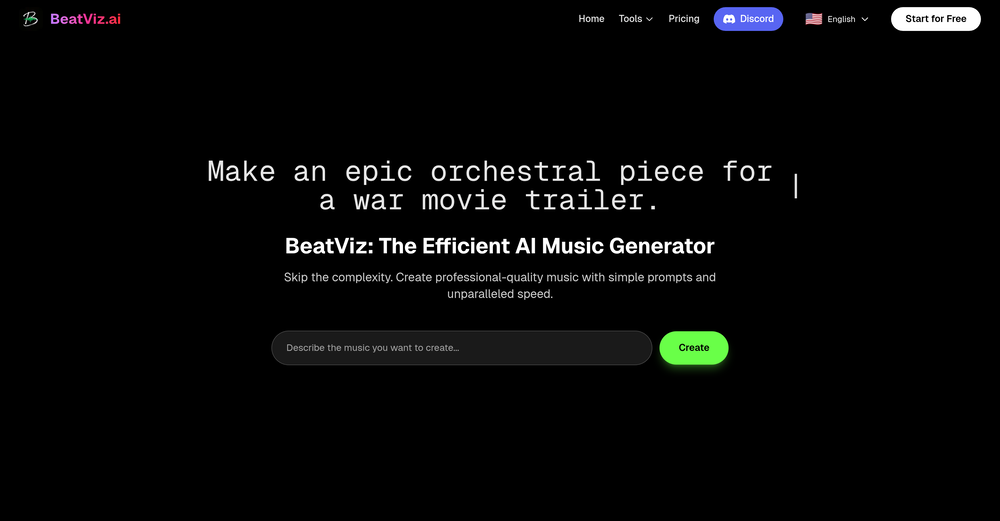
-



Other tools
-
-
I completely agree with the previous comment. I first purchased the $5 package and then upgraded to the Pro package, hoping to create videos longer than 3.5 minutes. However, I was disappointed to find out that I needed to purchase the $99 package to create longer videos. It was not clear that the 5000 characters of script only equated to 3.5 minutes of video. To make things worse, the company has a strict no-refund policy, which feels unfair. They seem more focused on taking your money than providing quality service. I would highly recommend avoiding this service at all costs.
-
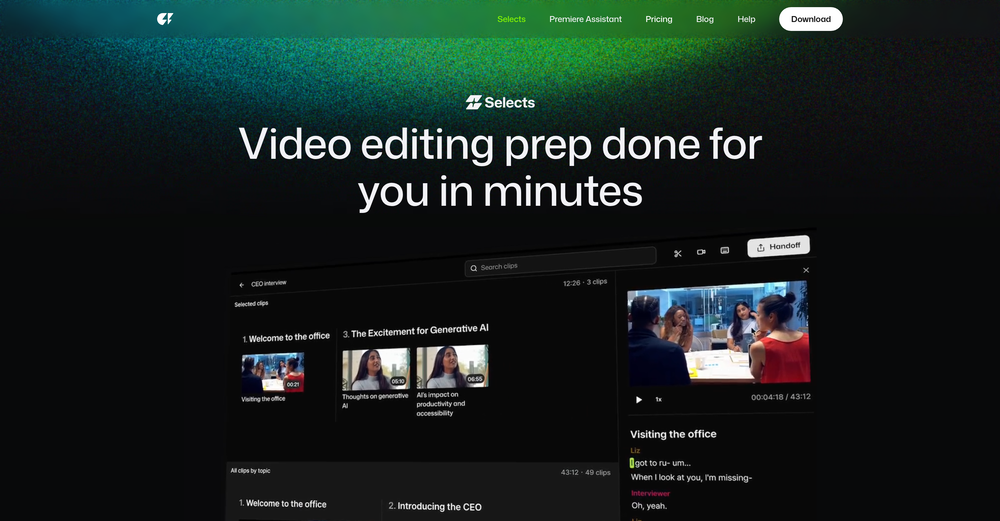
 AI-powered video editing for YouTube creators.OpenI bought it. But its pretty slow and laggy
 -
5 star and Ai is the best to guide anybody Ai helps many things like hardwork is easy due to use of Ai .You help in your study
- Spotlight: Tendem (Task automation)
-
Considering for ONE YEAR I used Eklipse.gg? it was sorta good.. aaand then the putt he cap at clippable streams at three hours.. and instead of it even being ten dollars per month? it became 20 USD per month. and then of course, the completely IGNORED EVERYTHING the community said and even only enforce the rules on their discord for SPECIFIC PEOPLE... find something else. trust me.
-
I've been using it for a while. In the begging I need to contact the support team to solve my issue, which is annoying. It has improved though. Especially after they launched the AI video director around Sep. Really time-saving for me. Anyway, hoping it could improve more
-
-
Results are ok, you maynget nothing younget results thatbare barley acceptable, but they are very generous with their free offerings.
- Didn't find the AI you were looking for?
-
AutoEditor is a tool powered by AI that allows users to create highly customized short videos. It is primarily designed to make video editing easier and more efficient, thus enabling users to focus more on content creation. Distinct features include the automatic generation of subtitles in more than 40 languages, detection of silence or non-relevant content in videos, and the ability to enhance videos by adding b-rolls, watermarks, and other effects. The platform provides an easy-to-use interface for video editing, putting users in complete control of their content. Users can change text, styles, and various other aspects of their videos without prior knowledge in video editing. Furthermore, AutoEditor supports editing of long videos, which can be broken down into smaller parts without pre-cutting them. Videos for editing can be directly processed from YouTube, eliminating the need for separate downloading websites. Users can also customize their captions, save their unique styles as presets, and create videos with a few simple clicks for a fast editing experience. AutoEditor's pricing is designed to be simple and affordable, with plans tailored to suit different needs. Users can also access a free tier to get started. Flexibility is one of its key advantages, providing users the means to edit their videos exactly how they want them. The software works best with videos containing any type of voice or talking, such as podcasts, talk shows, documentaries, educational videos, or speeches.
-
-
Thanks for the feedback. We would love to know more about your issue. Could you please provide more details at [email protected] ?
-
-
TopView is a very good tools to make tiktok/youtube/ig ads video, ecommerce video.
-
Appears to be a full-featured video editor. It tried hard…but chose such shit B-roll.
-
 Transform selfies into artistic AI photos and videos. Fine-tuned for musicians.Openreally low quality. needs lots of development. I lost a month worth of membership. the images are so bad that it even altered the face although 33 images were uploaded perfectly outlining the person to creat a clown. oh my, the clone and pictures are from 1999
 -
-
 Edit smarter, faster and easier with Filmora’s powerful AI video tools.OpenNew Features, Enhancements & Improvements: - AI Extend Effortlessly extend video and audio clips directly on the timeline. Generates seamless, natural-looking continuations for smoother storytelling. - Pen Tool Draw custom paths and shapes with full stroke controls. Bind paths to clips to create dynamic motion tracking and advanced visual effects. - Animated Charts Create animated data visuals with one-click data import. Includes adjustable styles, presets, and motion options for presentations and info-driven videos. - Source & Timeline Preview Editing Dual-preview workflow with a Source Monitor for reviewing raw footage and a Timeline Monitor for project playback. Enables faster, more accurate editing decisions. - Dual-Timeline Editing Work with multiple timelines through tabs, making it easier to manage compound clips, navigate edits, and organize complex projects. - Import Subprojects Import multiple Filmora project files as compound clips to support multi-project workflows and cross-project material reuse. Optimized Performance: - AI Object Remover Upgrade Introduces the new Magic Box engine with significantly improved removal results. Removes watermarks, subtitles, people, and distractions while maintaining natural clarity. - Smart Cutout Upgrade Improved edge detection and smudging interaction for cleaner extractions and fewer repetitive adjustments. - Dynamic Captions Enhanced subtitle editing with batch text processing and new, exclusive animation presets. - 32-Bit Audio Pipeline New high-fidelity audio processing engine with greater dynamic range. Projects needing V14 compatibility can be saved as Legacy Projects. System & Compatibility Improvements: - Improved overall system stability, faster rendering performance, enhanced GPU utilization, and better compatibility across supported devices for a smoother editing experience.
 -
pretty clean tool, i tried a couple product images fast and the controls make sense. model picks, image-to-image and quick batch runs are handy for ad shots or thumbnails. the free tier is tiny at 2 credits, so it's more of a taste test than real use.
-
Amazing functionality! I created stunning animations for my online courses.
-
-
LipSyncAI.net delivers the best lipsync quality I’ve tested so far. The mouth movements are natural, the timing is spot-on, and the results always look professional. I’ve tried several other platforms, but I keep coming back to LipSyncAI because it’s simply the most realistic and reliable. Highly recommended for anyone working with AI music videos or creative projects!

















































Post





