Go to section
Spotlight SureThing.io - "OpenClaw" for BeginnersTask automation
The front page of AI.Used by 90M+ humans.

TAAFT Tutorial
Generate image
Tasks
Generate text
Free mode
Trending
Leaderboard
Characters
 Mini tools
New
Featured
Lists
Agents
Requests
Jobs
Map
Newsletter
Starter pack
Free tools
Speech to text
Text translator
Remove background
Settings
Edit profile
My tools
Gallery
Dashboard
Inbox
Get featured
Contact TAAFT
For you
Popular
Job impact index
Most saved
Affiliate program
Submit AI tool
Notification preferences
Glossary
Home
Timeline
My profile
Create tool
Deals
Companies
Models
Robots
Papers
Fundraises
Repositories
Devices
Organizations
Events
Prompt Pack
Merchendise
APIs
Features
Tools
Countries
Collections
Videos
Mini tools
New
Featured
Lists
Agents
Requests
Jobs
Map
Newsletter
Starter pack
Free tools
Speech to text
Text translator
Remove background
Settings
Edit profile
My tools
Gallery
Dashboard
Inbox
Get featured
Contact TAAFT
For you
Popular
Job impact index
Most saved
Affiliate program
Submit AI tool
Notification preferences
Glossary
Home
Timeline
My profile
Create tool
Deals
Companies
Models
Robots
Papers
Fundraises
Repositories
Devices
Organizations
Events
Prompt Pack
Merchendise
APIs
Features
Tools
Countries
Collections
Videos
Mini tools
New
Featured
Lists
Agents
Requests
Jobs
Map
Newsletter
Starter pack
Free tools
Speech to text
Text translator
Remove background
Settings
Edit profile
My tools
Gallery
Dashboard
Inbox
Get featured
Contact TAAFT
For you
Popular
Job impact index
Most saved
Affiliate program
Submit AI tool
Notification preferences
Glossary
Home
Timeline
My profile
Create tool
Deals
Companies
Models
Robots
Papers
Fundraises
Repositories
Devices
Organizations
Events
Prompt Pack
Merchendise
APIs
Features
Tools
Countries
Collections
Videos

▼ State of the art
Interactive media
Free mode
100% free
Freemium
Free Trial
Other tools
-
Franco Arteseros🙏 67 karmaOct 23, 2024@D-IDWE USE D-ID AT THE COLORADO VIRTUAL CREATIVE FACTORY...AND LOVE IT.
-
Hi this is best teacher in Japan he is teach English every well. Every student like this teacher and he also loving with his students. But every time he is angry on his students because the students is very stofed.
-
 Create and download your digital clone to live forever. Interact with others.Open
 - SpotlightSureThing.io - "OpenClaw" for BeginnersTask automation
-
-
What's New - Added Vidu Q3, our newest video generation model built for cinematic, story-driven content. - Stronger performance for fast action, anime scenes, and multi-shot storytelling with improved continuity. - More expressive multilingual dialogue generation across English, Japanese, and Chinese. - Higher-quality in-scene text rendering for signs, captions, and interface elements. - Overall improvements to motion consistency, visual quality, and narrative coherence.
-
-
One platform gives me access to various high-quality video models — it’s been used to generate 110k viral social media posts.
-
The descriptions I got were good and very useful. Great!
-
It’s super easy to use! Trickle can handle everything from forms to analytics, and you can deploy your project in no time. Impressive!
- Didn't find the AI you were looking for?
-
What I really like about this AI is that it doesn't feel like you're chatting with an AI as much as other options. The daily check-ins are a good way to keep an ongoing journal and the prompts help with figuring out what to talk about. It's not free and probably why some will rate it low, but you do get unlimited access for a reasonable price and an interesting, fun way to interact with AI. If you've ever heard of Little Prince, this app will have an odd familiarity to that story. Overall, it's a great AI tool that I'm getting a lot of enjoyment out of it and can see the potential for it as the developers add more to it and fine-tune the AI even more.
-
 OpenThe features are incredibly comprehensive. I really love it — the AI videos I created got a ton of praise when I shared them. Likes galore!
 -
 Hi Marwa — thank you for the love on your first try and for the candid update. We’re sorry about the frustration with verification and downloads — that’s on us. A quick update based on your feedback: • We’ve removed the human‑verification step entirely. It was only in place during our early launch (before login) to prevent abuse; now that sign‑in is live, it’s no longer needed. • The free plan currently includes 2 song generations per day plus unlimited listening/streaming. (Downloads are available on paid plans.) AI music generation is expensive to run, so we can’t make unlimited usage completely free, but we’re committed to keeping a useful free tier and transparent pricing. If you decide to upgrade, use the code TAAFT at checkout for 20% off any plan. If anything still doesn’t work as expected, please email us at [email protected] — we’ll jump on it. Thanks again for helping us make Eleven Music better!
 -
I've loved this game, is addiction. The only thing got me demotivated was the credit part. Not all people can pay for that in euros even it's part of the business thing. My suggestion is to give free credits more often or make it more than 100 credits for day, cause 15 credits for each text it's too much for me, it goes fast and makes the user gets frustrated.
-
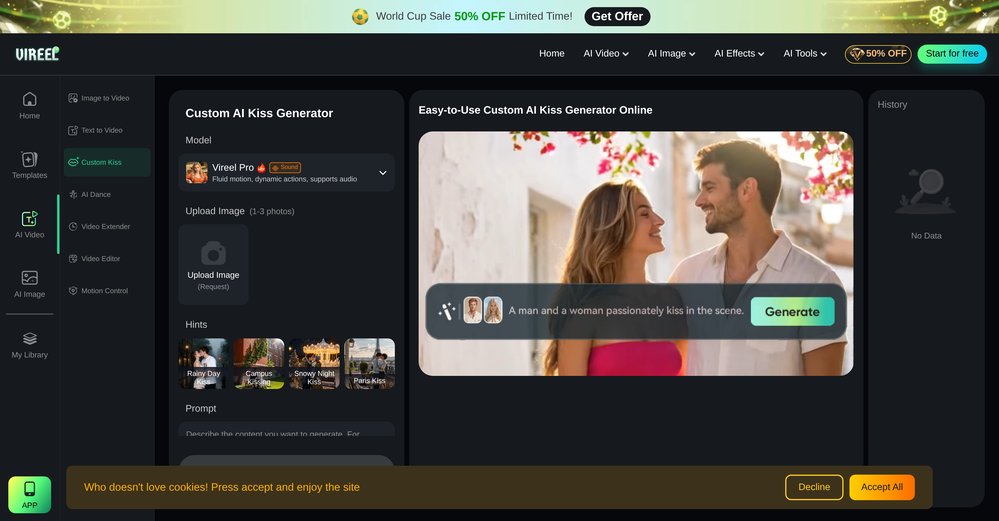
 OpenHonestly, the kissing effect on Viyou is remarkably fluid—way better than other AI tools I’ve tried. The preset scenes are a great touch and super fun to play with. My only tip? The default prompts could be a bit more polished to get even better details, but the results are already top-tier. Definitely worth checking out!
 -
Looks promising but found it very slow to load and create templates and previews
-
-
I mainly used Himedia AI for image creation and got surprisingly realistic outputs. Prompt control feels intuitive compared with some other tools.
-
-
love how it gives links to check out the clothes and lets you swap pieces if something's not your style. nice one right here
-
-
Hello Nishant, Thank you for pointing out the missing detail. The app’s pricing is not listed directly on the TAAFT website. However, if you click on the app and check it out, you’ll find its own pricing tab, with plans starting at $9.99 per month.
-
 Create custom 2D characters for games and animations.OpenI like it, please make it more sexual...😁
 -
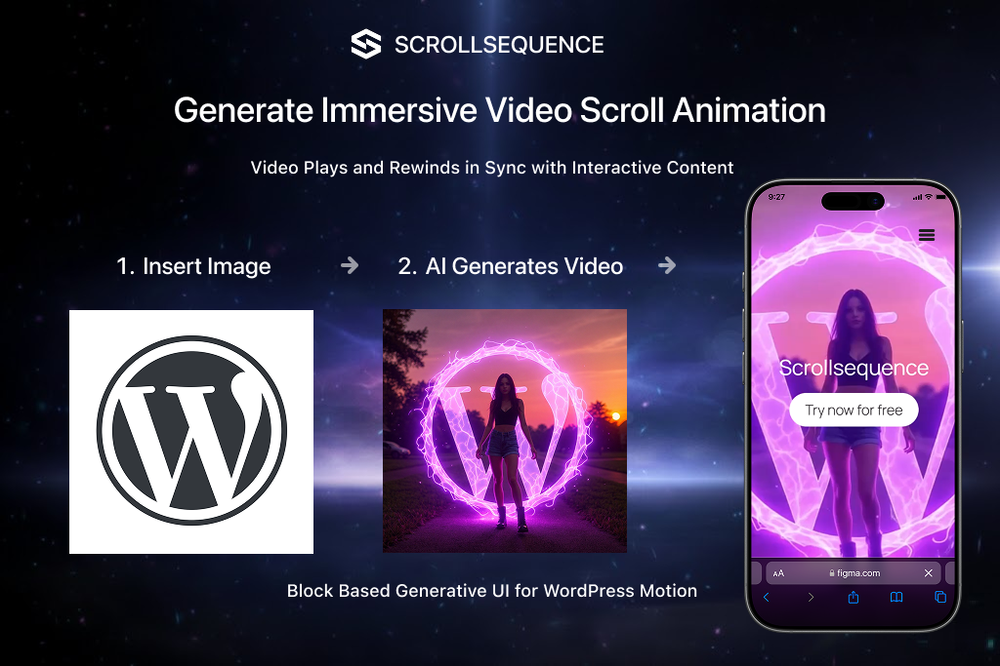 Scrollsequence is a game-changer for interactive storytelling! Smooth animations, intuitive setup, and impressive control over scrolling sequences make it perfect for engaging web experiences. Highly recommend for designers and developers looking to elevate their sites. 🙌
 -
First time I have tried it. I think it is terrific!
-
 Turn baby photos into talking podcast videos.Open
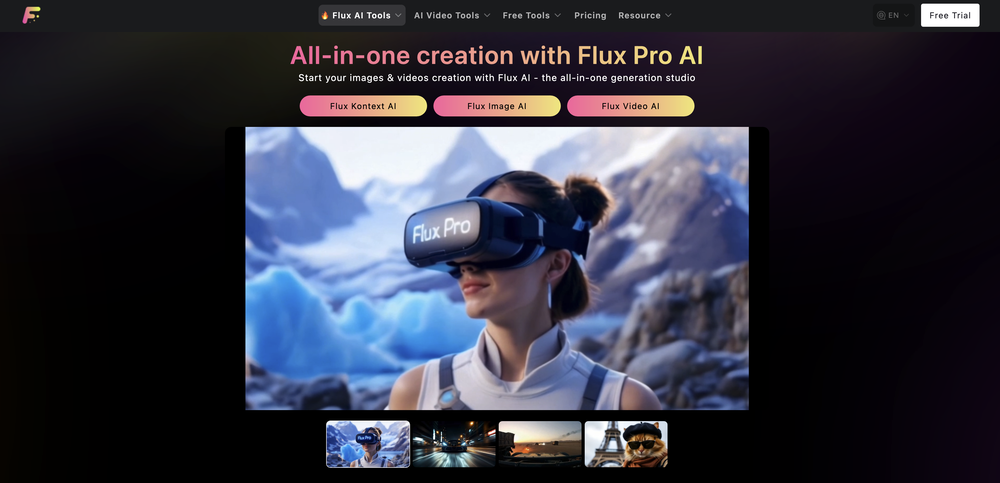 Wow, The AI tool is so interesting for the AI talking baby podcast. I like it. Thank you for the AI
 -
i like the format but the jokes aren’t anything to write home about. still, it is pretty fast and you can basically choose any topic you want. decent tool overall
-
-
-
Fantastic product - it helped me increase my conversions on my website quite a bit. The support was really helpful too.
-
-
 OpenVideo editing is the process of selecting, trimming, and arranging footage to create a cohesive story or visual narrative. Here are some fundamental concepts and techniques: Types of Video Editing Linear editing: A straightforward, sequential approach to editing, where clips are arranged in a linear timeline. Non-linear editing: A more flexible approach, where clips can be arranged and rearranged freely in a timeline. Key Video Editing Techniques Cutting: A transition between two clips, where one clip ends and another begins. Cutting on action: Cutting between two clips while an action is in progress, to create a seamless transition. J-cut: Cutting from one clip to another while audio from the second clip starts playing before the video cuts to it. L-cut: Cutting from one clip to another while audio from the first clip continues to play. Video Editing Software Popular video editing software includes: Adobe Premiere Pro: A professional-level editing software with advanced features and integration with other Adobe tools. Final Cut Pro: A professional-level editing software for Mac users, known for its user-friendly interface and advanced features. DaVinci Resolve: A free and paid editing software that offers advanced color grading and audio editing tools. Best Practices for Video Editing Plan your edit: Develop a clear vision and storyboard before starting to edit. Organize your footage: Label and categorize your clips to make them easily accessible. Keep it simple: Avoid overusing transitions and effects; focus on telling a clear story. Advanced Video Editing Techniques Color grading: Adjusting the color and brightness of footage to create a specific mood or atmosphere. Audio ducking: Automatically reducing the volume of background audio when dialogue is present. Motion graphics: Adding animated text, logos, or other graphics to enhance the visual narrative. Video editing involves selecting, trimming, and arranging footage to create a cohesive story. Linear and non-linear editing are two fundamental approaches. Key techniques include cutting, cutting on action, J-cuts, and L-cuts. Popular software includes Adobe Premiere Pro, Final Cut Pro, and DaVinci Resolve. Best practices involve planning, organizing footage, and keeping it simple. Advanced techniques include color grading, audio ducking, and motion graphics. Capcat pro Capcat pro Download image-to-image-generator generated imagetransparent pixel Image to Image Generator Image to Image Generator Download image-to-image-generator generated imagetransparent pixel Image to Image Generator Image to Image Generator Download image-to-image-generator generated imagetransparent pixel Image to Image Generator Image to Image Generator Download image-to-image-generator generated imagetransparent pixel Image to Image Generator Image to Image Generator Download image-to-image-generator generated imagetransparent pixel Image to Image Generator Image to Image Generator Download image-to-image-generator generated imagetransparent pixel Image to Image Generator Image to Image Generator Download image-generator generated imagetransparent pixel Image Generator Image Generator Copy Video Editing Basics Video editing is the process of selecting, trimming, and arranging footage to create a cohesive story or visual narrative. Here are some fundamental concepts and techniques: Types of Video Editing Linear editing: A straightforward, sequential approach to editing, where clips are arranged in a linear timeline. Non-linear editing: A more flexible approach, where clips can be arranged and rearranged freely in a timeline. Key Video Editing Techniques Cutting: A transition between two clips, where one clip ends and another begins. Cutting on action: Cutting between two clips while an action is in progress, to create a seamless transition. J-cut: Cutting from one clip to another while audio from the second clip starts playing before the video cuts to it. L-cut: Cutting from one clip to another while audio from the first clip continues to play. Video Editing Software Popular video editing software includes: Adobe Premiere Pro: A professional-level editing software with advanced features and integration with other Adobe tools. Final Cut Pro: A professional-level editing software for Mac users, known for its user-friendly interface and advanced features. DaVinci Resolve: A free and paid editing software that offers advanced color grading and audio editing tools. Best Practices for Video Editing Plan your edit: Develop a clear vision and storyboard before starting to edit. Organize your footage: Label and categorize your clips to make them easily accessible. Keep it simple: Avoid overusing transitions and effects; focus on telling a clear story. Advanced Video Editing Techniques Color grading: Adjusting the color and brightness of footage to create a specific mood or atmosphere. Audio ducking: Automatically reducing the volume of background audio when dialogue is present. Motion graphics: Adding animated text, logos, or other graphics to enhance the visual narrative. Video editing involves selecting, trimming, and arranging footage to create a cohesive story. Linear and non-linear editing are two fundamental approaches. Key techniques include cutting, cutting on action, J-cuts, and L-cuts. Popular software includes Adobe Premiere Pro, Final Cut Pro, and DaVinci Resolve. Best practices involve planning, organizing footage, and keeping it simple. Advanced techniques include color grading,
 -
Hi there, thank you so much for your reply. I appreciate you honesty and transparency. I'm quite familiar with these kind of companion ai apps, if you want me to give you some more insight on what would make it more competitive just let me know. I'm happy to do a meeting.
-
-
i gave them pesific instrutions they just put thier own stuff mostly your charter in trash whould not reccomend
-
 Open
Open -
 Transform photos into epic 3D cartoon characters.OpenSimply upload your photo; you don't need to type anything in the prompt field. Just click "generate" and watch the magic happen.
 -
 Open
Open -
 Open
Open -
 Open
Open -
 Transform yourself into a Fast & Furious action hero!Open
 -
 Guides users in creating engaging short-form videos for social media.Open
 -
Doesn't actually generate animations - uses Dall-e to generate 5 different images, then just sticks them together in a GIF. Seems misleading to me.
-
 Chat with your favorite TV/Movie character.Open
 -
 Library of the Dankest Crypto Copy pastas OF ALL TIMEOpen
 -
 Efficiently extracts keywords from various texts, social media, and customer feedbackOpen
 -
 Generate creative and engaging content for Instagram.Open
 -
 Expert in digital marketing strategies, SEO, SEM, social media, marketing data analysis, creative in advertising campaigns.Open
 -
 Open
Open -
 Your go-to solution for effective community management.Open
 -
 Generating Person of the Year for Time Magazine.Open
 -
 Friendly expert in YouTube growth, easy-to-understand advice.Open
 -
 Advanced sports analyst with real-time data and interactive featuresOpen
 -
 Your guide to movies, music, gaming, and pop culture.Open
 -
 Managing and utilizing user information for social networking.Open
 -
 Open
Open -
 Talk with @levelsio on ChatGPT about your startup and remote work questions.Open
 -
 Delivering digital marketing strategies and social media tips.Open
 -
 Open
Open -
Great tips and insights for promotions, would recommend!
-
Open
-
 Simplifying complex contract clauses with expertise.Open
 -
 Chinese-speaking news retrieval assistant, summarizing current news.Open
 -
 Visual and code analysis supported sales and marketing expert focused on global and Turkish market.Open
 -
 Open
Open -
 Exploring words and phrases in a comprehensive way.Open
 -
Open
-
 Discuss current events and societal trends with a famous philosopherOpen
 -
 Open
Open -
 Adaptable expert on current entertainment and media trends.Open