Generate image
Tasks
Generate text
Free mode
Trending
Leaderboard
Characters
 Mini tools
New
Featured
Lists
Agents
Requests
Jobs
Map
Newsletter
Starter pack
Free tools
Speech to text
Text translator
Remove background
Settings
Edit profile
My tools
Gallery
Dashboard
Inbox
Get featured
Contact TAAFT
For you
Popular
Job impact index
Most saved
Affiliate program
Submit AI tool
Notification preferences
Glossary
Home
Timeline
My profile
Create tool
Deals
Companies
Models
Robots
Papers
Fundraises
Devices
Organizations
Events
Prompt Pack
Merchendise
APIs
Features
Tools
Countries
Collections
Videos
News
Investors
Repositories
Modalities
Mini tools
New
Featured
Lists
Agents
Requests
Jobs
Map
Newsletter
Starter pack
Free tools
Speech to text
Text translator
Remove background
Settings
Edit profile
My tools
Gallery
Dashboard
Inbox
Get featured
Contact TAAFT
For you
Popular
Job impact index
Most saved
Affiliate program
Submit AI tool
Notification preferences
Glossary
Home
Timeline
My profile
Create tool
Deals
Companies
Models
Robots
Papers
Fundraises
Devices
Organizations
Events
Prompt Pack
Merchendise
APIs
Features
Tools
Countries
Collections
Videos
News
Investors
Repositories
Modalities
Mini tools
New
Featured
Lists
Agents
Requests
Jobs
Map
Newsletter
Starter pack
Free tools
Speech to text
Text translator
Remove background
Settings
Edit profile
My tools
Gallery
Dashboard
Inbox
Get featured
Contact TAAFT
For you
Popular
Job impact index
Most saved
Affiliate program
Submit AI tool
Notification preferences
Glossary
Home
Timeline
My profile
Create tool
Deals
Companies
Models
Robots
Papers
Fundraises
Devices
Organizations
Events
Prompt Pack
Merchendise
APIs
Features
Tools
Countries
Collections
Videos
News
Investors
Repositories
Modalities

▼ Latest
Language review
Free mode
100% free
Freemium
Free Trial
Featured matches
-
-
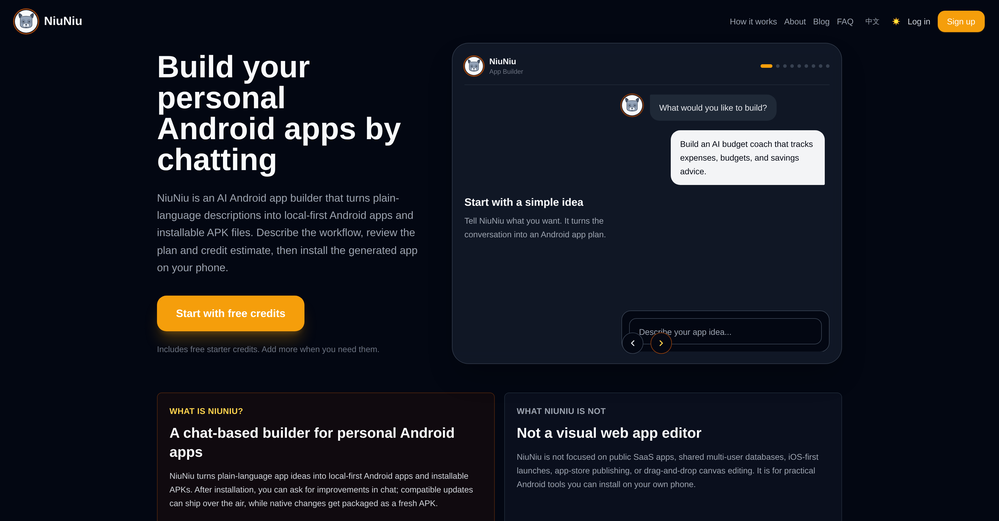 chaer🙏 4 karmaJun 15, 2026@NiuNiuI built a medical tracking App for a friend undergoing cancer treatment. He uses it to record side effects, medications, temperature, blood pressure, and more. The app turns his records into charts, making doctor visits much more efficient. Most importantly, all data stays on his own phone, giving him complete peace of mind!!! We can build apps not only for ourselfs but also as a new type of gift for people we care about. I am excited about this as I have no IT background. NiuNiu keeps its promise that it is easy to build and deploy a real app just by chatting. definately I will try more ideas.
 -

-
-

-
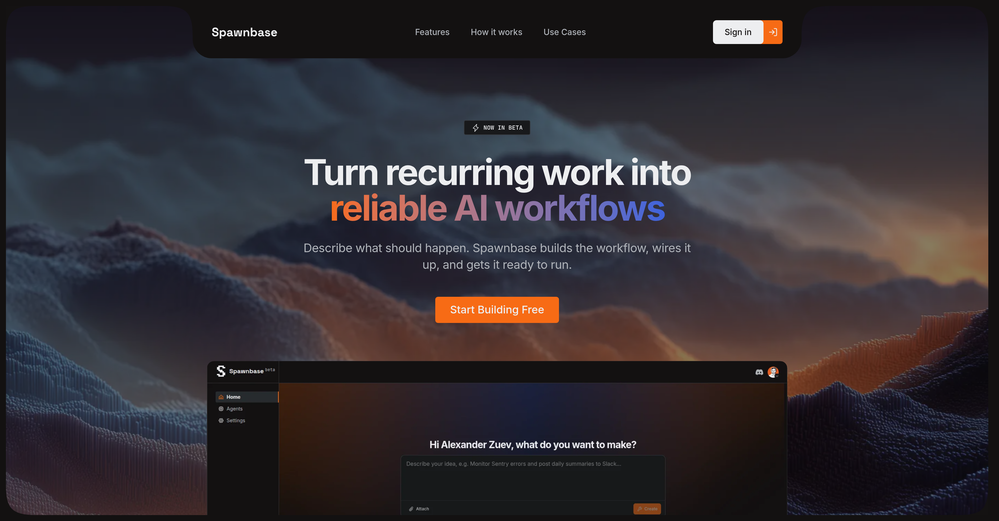
 High quality, really fast and generous free tier. Great tool! Comes even with speaker annotation!
 -
-
-
-











Verified tools
-
Great tool for writing SEO content on autopilot. I use it on 3 different websites.
- Spotlight
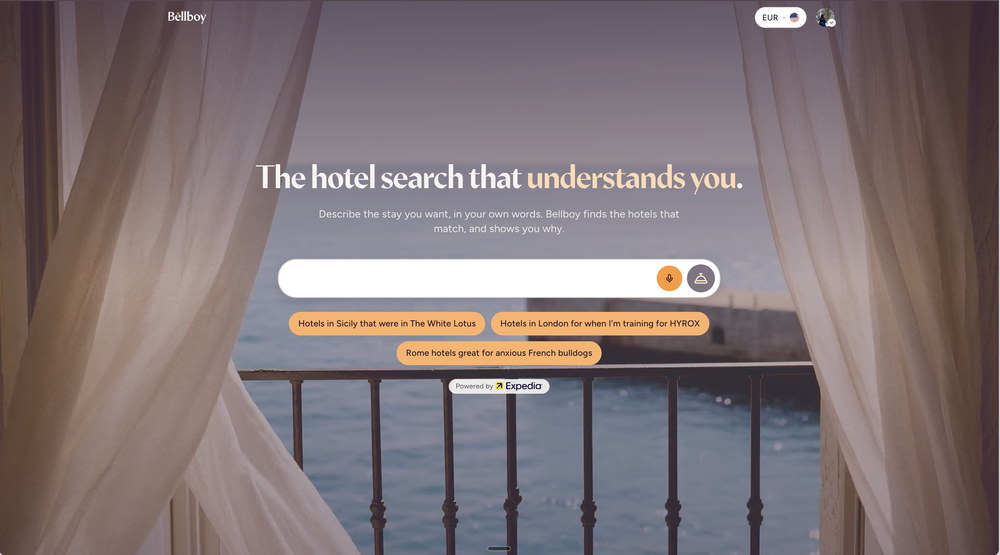
 BellboyHotel recommendations
 -
 Build your vocabulary with AI-powered flashcards & smart spaced repetition.OpenBuilt this after wasting months on paper flashcards and forgetting most of what I studied. AI-powered flashcards with smart repetition and personalized learning paths, so you just focus on learning. It knows when you're about to forget a word and brings it back at the right time. Works in 9 languages.
 -
 Open
Open -
I think this is the best app to learn English.
-
Maybe making an browser extension to integrate directly into mail clients would be great here :)
-
I might be biased, but I think this rocks 🪨
-
I’ve been using it for a month now and I have decided to keep it for a year. There definitely are some kinks they can still work out like file management, but it’s very good at it’s core function: it generally does a good job answering questions and most times identifies PDFs automatically and correctly. The browser plugin works great, and it’s very nice that Papers allows you to add your university’s library API so you can automatically download PDFs that are accessible through your institution (sometimes it refuses to download some papers, so you just have to downlow it yourself and manually add it). The iPad and Android apps are serviceable. Every once in a while it will mess up the PDF identification, especially with papers from either very old sources or online-only journals. Things they must work on: * A much better system to annotate PDFs (the post-it type notes are cumbersome). * Introduce a notepad attached to each PDF or some way to easily link and save the AI’s output to the PDF. Currently, you have to add a little post it note and then paste the text there. * Keep the AI answers available after closing the documents. If you close the document by mistake or have several open and wish to close some, the ai conversation will be reset. * I REALLY wish that you could get citations and links to where the info was from extracted from PDFs. Currently, I have found Coral.ai does a much better job of showing you where the info came from and it even highlights it for you. Give it a try, their 30-day no credit card needed trial allowed me to truly test it, and now I’m a yearly subscriber looking forward for new additions and releases.
-
 Powerful speech-to-text tool for video captions, subtitles and audio transcription.OpenGreat product, very useful for captioning a large volume of influencer videos at work, highly accurate transcription tool, would recommend.
 -
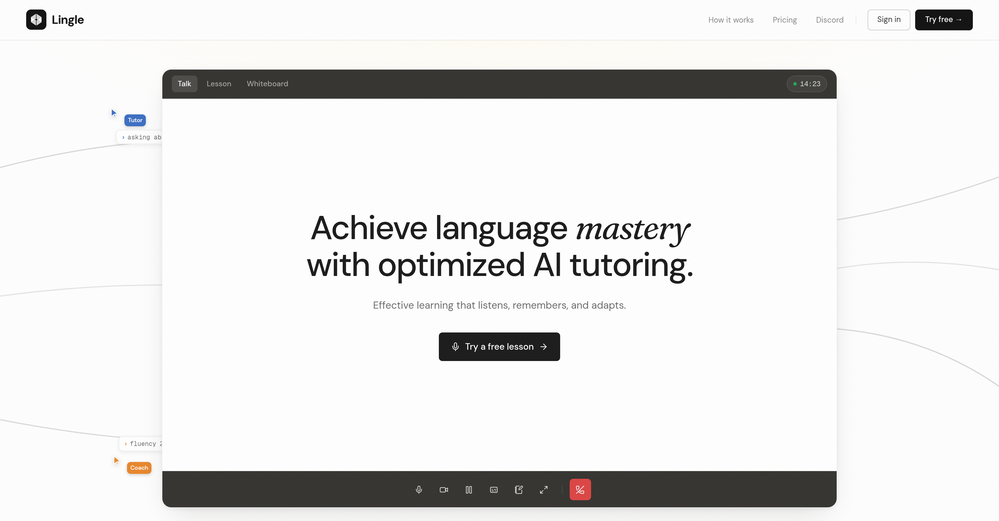
This is hands-down the most engaging language app I’ve ever used. The AI conversations feel real, and the talking avatar makes it fun to practice speaking without anxiety.
-
 OpenThis is how a language learning app powered by AI should look like. Looking forward to the releasing of dutch as one of the language options to learn!
 -
 Build fluency through conversations on any topic with Arti, our AI tutorOpen






















Other tools
-
I’m the developer of ClaviSay, and I’ve always struggled with learning foreign languages. But since I need to use them for work, I wondered if I could create an AI that would help me read more efficiently and save unfamiliar words—all while I’m actually reading content like BBC or Medium. Now I’ve made it happen—ClaviSay. All features are free, so feel free to use them as you like. You can also provide feedback at any time; ClaviSay offers a dedicated feedback channel. Thank you all.
-
 Open
Open -
Great quality, reviewed AI articles. Can create large quantities of SEO-optimized articles at once, or publish on a daily to weekly basis on its own. Easy to manage, well integrated with WordPress. Really worth it!
- Didn't find the AI you were looking for?
-
This is a nice concept. Anyway app needs to be more polished. Can’t delete notes. I was expecting auto assign of topics, or at least suggestions to be more creative instead of just showing some random words from the text I’ve entered.
-
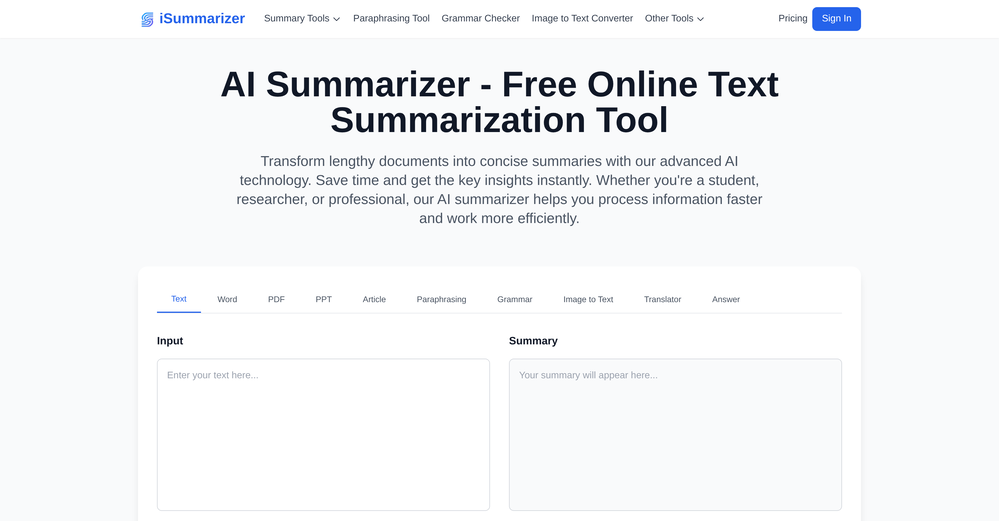
 Summarize content with AI-powered precision and efficiency.Open
 -
They use a payment system and is not free at all plus all it does is piggy back of chat gpt.
-
Such an impressive platform for all of us who are looking for more efficient ways to do the investigation. OpenRead has the potential to solve our problems.
-
Waitinglist keeps you waiting for way too long.
-
 AI-powered tools for Amazon sellers to analyze and optimize.Open
 -
it got nothing free (absolutely). it only lets you write 300 characters (not words) then asks to pay for the citations. but if your paying, this might be the best one your looking for.
-
 AI-powered construction contract review and risk management.Open
 -
-
-
 Practice speaking, reading, writing and listening and improve your learning.Open
 -
-
Unfortunately it only teaches LAtin American Spanish not Castillian Spanish as spoken in Spain
-
 Transform ideas into compelling copy instantly.Open
 -
-
I didnt sign because I have ti pay for something that I dont know if I´ll like it. A free class to try would be good for everybody;
-
 Reviewing and correcting English texts with balance.Open
 -
 Open
Open -
 A friendly place to practice English on your choice of topic.Open
 -
 Personal legal advisor, fluent in German and Chinese, for contract review and explanationOpen
 -
Super easy to find those needle in a hay stack plugins you need/ want
-
 Expert in APA 7 and academic review in English and Spanish.Open
 -
 Casual yet expert analyst of diverse crypto projects.Open
 -
 Open
Open -
 Open
Open -
 Formal, professional editor for app content, bilingual in English and Japanese.Open
 -
 Expert in Ruby programming, offering code generation and learning support.Open
 -
 Offering coding assistance and learning support in Swift programming.Open
 -
 Blending literature and music insights for academic lyric analysis.Open
 -
 Providing Swift interview prep and conducting mock interviews.Open
 -
 AI Assisted Academic Writing with Semiconductor ExpertiseOpen
 -
 Gives critical analysis of research papers with summaries.Open
 -
 AI guide for Python certification with project-based learning.Open
 -
 Su asistente literario para análisis detallados de libros y autores.Open
 -
 Open
Open