TAAFT Tutorial
Generate image
Tasks
Generate text
Free mode
Trending
Leaderboard
Characters
 Mini tools
New
Featured
Lists
Agents
Requests
Jobs
Map
Newsletter
Starter pack
Free tools
Speech to text
Text translator
Remove background
Settings
Edit profile
My tools
Gallery
Dashboard
Inbox
Get featured
Contact TAAFT
For you
Popular
Job impact index
Most saved
Affiliate program
Submit AI tool
Notification preferences
Glossary
Home
Timeline
My profile
Create tool
Deals
Companies
Models
Robots
Papers
Fundraises
Repositories
Devices
Organizations
Events
Prompt Pack
Merchendise
APIs
Features
Tools
Countries
Collections
Videos
Mini tools
New
Featured
Lists
Agents
Requests
Jobs
Map
Newsletter
Starter pack
Free tools
Speech to text
Text translator
Remove background
Settings
Edit profile
My tools
Gallery
Dashboard
Inbox
Get featured
Contact TAAFT
For you
Popular
Job impact index
Most saved
Affiliate program
Submit AI tool
Notification preferences
Glossary
Home
Timeline
My profile
Create tool
Deals
Companies
Models
Robots
Papers
Fundraises
Repositories
Devices
Organizations
Events
Prompt Pack
Merchendise
APIs
Features
Tools
Countries
Collections
Videos
Mini tools
New
Featured
Lists
Agents
Requests
Jobs
Map
Newsletter
Starter pack
Free tools
Speech to text
Text translator
Remove background
Settings
Edit profile
My tools
Gallery
Dashboard
Inbox
Get featured
Contact TAAFT
For you
Popular
Job impact index
Most saved
Affiliate program
Submit AI tool
Notification preferences
Glossary
Home
Timeline
My profile
Create tool
Deals
Companies
Models
Robots
Papers
Fundraises
Repositories
Devices
Organizations
Events
Prompt Pack
Merchendise
APIs
Features
Tools
Countries
Collections
Videos

▼ Latest
Learning coding
Free mode
100% free
Freemium
Free Trial
Featured matches
-

-
-
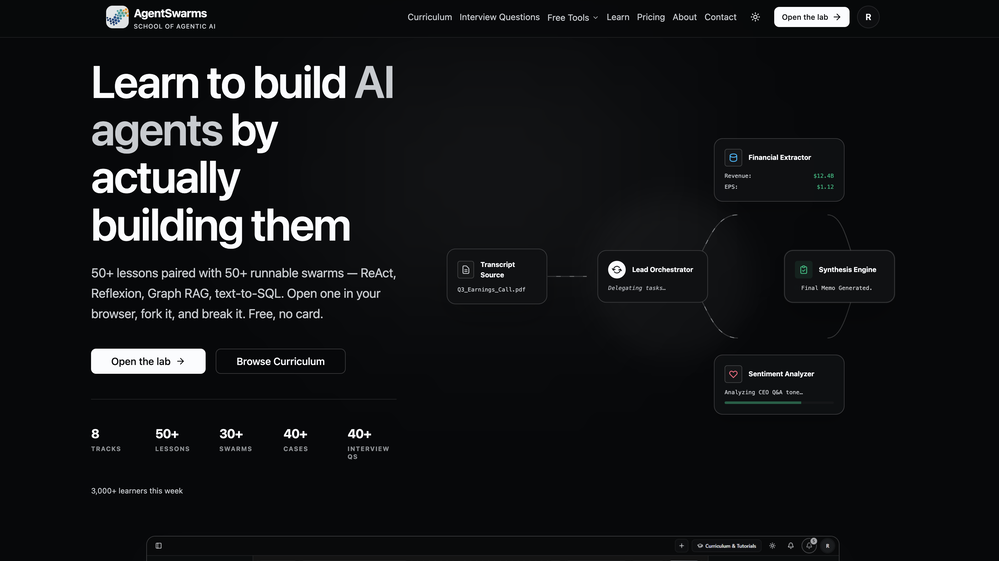 Rohan Ghosh🛠️ 1 tool 🙏 4 karmaMay 12, 2026@AgentSwarmsBuilding multi-agent AI systems shouldn’t require wrestling with messy Python boilerplate, cloud subscription or complex local setups. I built AgentSwarms (AgentSwarms.fyi) to solve this. It’s an interactive, in-browser visual sandbox for learning, building, testing, and orchestrating multi-agent AI workflows. Instead of relying on a single AI chatbot that easily hallucinates, AgentSwarms lets you drag and drop specialized AI agents—like data extractors, code reviewers, and SQL query nodes—to handle complex tasks reliably. Key features for builders: Visual Edge Tracing: Stop guessing why your AI failed. Click any connection line to see the exact JSON data passing between agents in real-time. In-Browser Execution: Powered by local DuckDB WASM. No backend setup required. Enterprise Templates: Test reverse-engineered Agenitic AI architectures for Cybersecurity, Finance, and E-commerce and 10+ industries right on the canvas. If you are tired of black-box AI debugging and want to master Agentic AI orchestration visually, come try the sandbox for free! Let me know what you think of the new execution history features. 🚀
 -
 AI agent for Jupyter: Generate code, run cells with natural language.Open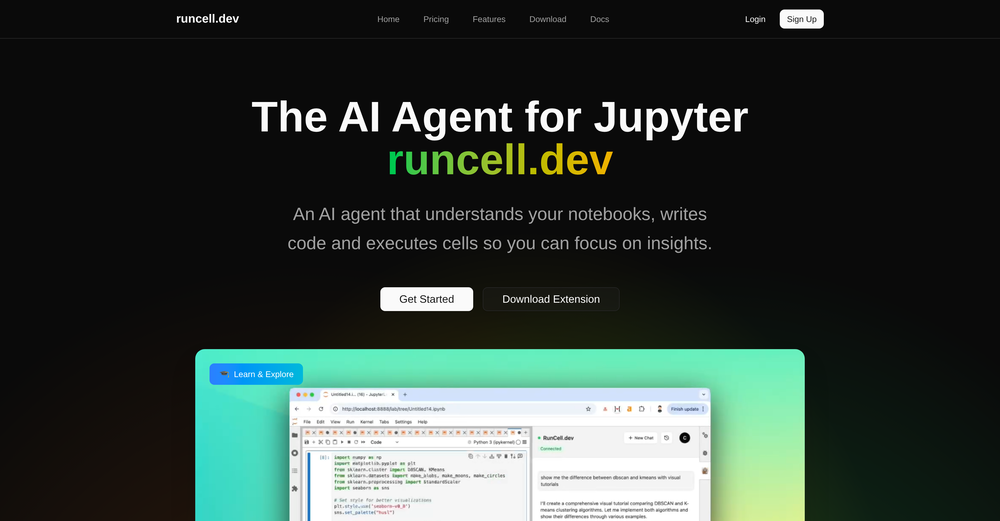
-
 Why we built Elham.ai Elham.ai started as a personal project to compete in Kaggle competitions. While experimenting, we noticed something surprising: our AutoML engine consistently outperformed Microsoft Azure on key benchmarks. That was the turning point — what began as a personal tool for experimentation transformed into a full product. What makes Elham.ai unique: - Outperforms big players (like Azure) in real-world benchmarks. - Designed to be **simple, fast, and production-ready** for anyone who wants to turn their data into insights. - Built with the philosophy of *“AI for everyone”* — no steep learning curve, no endless configuration. What we’re most proud of: Turning a side project into a product that challenges industry giants. And now, opening it up for the community to explore and shape with us. Try it out here: [https://elham.ai](https://elham.ai)
 -
-
-
-
-











Verified tools
- Sponsor
 Tripo AI 3D Generator
 -
Purely magic. It increases the productivity by a lot and the process is pretty addictive. I've been building websites like there's not tomorrow.
-
I was just trying it out at first, used some free credits a few hours ago to build a simple app. Turns out, it actually came out pretty decent! I got to test it on my phone without spending a dime, and even showed it to my wife, she was pretty surprised too. So we decided to go ahead and pay to polish it up and download it properly. So far, everything’s running smooth
-
-
Love how direct the name is. “EduSolver” instantly tells you what problem it’s trying to solve 👀
-
 Ship Your Full-Stack MVP in Hours, No CodeOpenThe AI tool that turns Figma design into production-ready websites, automates complex backend tasks like auth and payments, adds AI capabilities, and I like their support team service.
 -
Absolutely love this tool! It helps me apply to jobs so quickly and is so easy to use
-
 Master system design and behavior interviews with AI-powered practice.Open













Other tools
-
 Hands-on LEGO learning makes computer science accessible.Open
 - Didn't find the AI you were looking for?
-
I gave Verve Copilot a fair shot. Used it for about two weeks hoping it would help me prep better for interviews. Honestly? It felt super basic. The responses were slow, generic, and half the time I didn’t even feel like I was in a real interview. More like filling out a survey. 🫠 The UI looked clean, but that’s about it. There was no depth in the feedback, and it didn’t adapt to my answers at all. I kept thinking — is this it? Out of frustration, I tried LockedIn AI (wasn’t expecting much tbh), but man… what a difference. The mock interviews actually felt real, the questions were on point for my role, and the feedback made sense. Even the resume review caught things I hadn’t noticed for months. I don’t usually write reviews, but if someone’s seriously preparing for interviews — skip Verve and go straight to LockedIn. It actually feels like you’re practicing with someone who knows what they’re doing. Verve was more like talking to a voice assistant who’s just... there. 😅
-
-
-
this very helpful and awesome so easy to use and user friendly
-
 AI-driven code learning platform for hands-on practice anytime, anywhere.Open
 -
I've been using CodeKidz with my two kiddos, 9 and 12, and I gotta say, it's a pretty neat platform. The way it teaches Python through storytelling and games is super engaging - my kids are actually excited about coding, which is something I never thought I'd say. The AI coaching is a standout feature. It's like having a personal tutor available 24/7, which is a lifesaver for someone like me who can barely keep up with the tech lingo. My kids can ask questions and get immediate answers, which is fantastic. However, it's clear that CodeKidz is still in the early stages. There are a few bugs here and there, and the platform could definitely benefit from a wider variety of lessons. It's great for beginners, but I can see my older kid outgrowing it pretty soon if they don't add more advanced content. But you know what? Despite the growing pains, I think CodeKidz has a lot of potential. It's a fun, interactive way to introduce kids to coding, and I'm excited to see how it evolves. If you're looking to dip your kids' toes into the world of programming, I'd say give it a shot. Just remember to have a little patience as they work out the kinks.
-
Code varies from run to run. Still it is a helpful app. You can specify coding languages that are not in the dropdown menu.
-
As the service was in beta-testing stage, I created there a dozen of AI-generated courses for free. I wanted to use them. Those courses remained in my account as they started subscription tiers. But recently I have found out that they were deleted. The support didn't answer to my e-mail at all.
-
Since the VSC extension became available, I've been using IDEs just to install the extension and run Claude Code in them. In the peak of my dev frenzy, I was running nine Claude Code instances in three projects on two computers. Cognitive strain was also extreme, but the amount of code and solutions deployed at that time was extreme as well.
-
 AI code assistant: Analyze, explain, and optimize snippets instantly.Open
 -
i liked i didn`t tested, but i could`t find any error with code , the only possible thing i could criticize so far is that can`t provide where i could find the shape file , but this isnt that much for a hassol . so is very good
-
 Master data structures and algorithms with AI-driven learning.Open
 -
 Open
Open -
 Open
Open -
 Open
Open -
 Offering complete coding solutions for Apple PencilKit.Open
 -
 Open
Open -
 Expert in Python and OpenAI Assistant API, focusing on modular coding and documentation.Open
 -
 Defines and explains function calls from a knowledge source.Open
 -
 Open
Open -
 Beginner-friendly Python guide with practical projects.Open
 -
 Multilingual assistant for Jest.js unit JavaScript testing.Open
 -
 Open
Open -
 Expert tutor in compilers and assemblers, offering detailed coding solutions.Open
 -
-
 Friendly web design and coding expert, offering tailored, clear guidance.Open
 -
 Assist in creating, refining, and mastering neural networks.Open
 -
 Guiding your Bootstrap 5 and React creations.Open
 -
 Open
Open -
 Open
Open -
 Expert advice and guidance for RaspBerry Pi and Micropython.Open
 -
 Open
Open -
 Provides R troubleshooting tips and forum resources.Open
 -
 Writes fully functioning WordPress plugins using best practices.Open
 -
 Your expert mentor for solving FAANG coding interview problems.Open
 -
 Demystifying DirectX 12 programming for beginners.Open
 -
 Open
Open