Go to section
Spotlight SureThing.io - "OpenClaw" for BeginnersTask automation
The front page of AI.Used by 90M+ humans.

TAAFT Tutorial
Generate image
Tasks
Generate text
Free mode
Trending
Leaderboard
Characters
 Mini tools
New
Featured
Lists
Agents
Requests
Jobs
Map
Newsletter
Starter pack
Free tools
Speech to text
Text translator
Remove background
Settings
Edit profile
My tools
Gallery
Dashboard
Inbox
Get featured
Contact TAAFT
For you
Popular
Job impact index
Most saved
Affiliate program
Submit AI tool
Notification preferences
Glossary
Home
Timeline
My profile
Create tool
Deals
Companies
Models
Robots
Papers
Fundraises
Repositories
Devices
Organizations
Events
Prompt Pack
Merchendise
APIs
Features
Tools
Countries
Collections
Videos
Mini tools
New
Featured
Lists
Agents
Requests
Jobs
Map
Newsletter
Starter pack
Free tools
Speech to text
Text translator
Remove background
Settings
Edit profile
My tools
Gallery
Dashboard
Inbox
Get featured
Contact TAAFT
For you
Popular
Job impact index
Most saved
Affiliate program
Submit AI tool
Notification preferences
Glossary
Home
Timeline
My profile
Create tool
Deals
Companies
Models
Robots
Papers
Fundraises
Repositories
Devices
Organizations
Events
Prompt Pack
Merchendise
APIs
Features
Tools
Countries
Collections
Videos
Mini tools
New
Featured
Lists
Agents
Requests
Jobs
Map
Newsletter
Starter pack
Free tools
Speech to text
Text translator
Remove background
Settings
Edit profile
My tools
Gallery
Dashboard
Inbox
Get featured
Contact TAAFT
For you
Popular
Job impact index
Most saved
Affiliate program
Submit AI tool
Notification preferences
Glossary
Home
Timeline
My profile
Create tool
Deals
Companies
Models
Robots
Papers
Fundraises
Repositories
Devices
Organizations
Events
Prompt Pack
Merchendise
APIs
Features
Tools
Countries
Collections
Videos

▼ Latest
Productivity management
Free mode
100% free
Freemium
Free Trial
Featured matches
-
 First General AI Agency. Designed for long-horizon tasks.Open
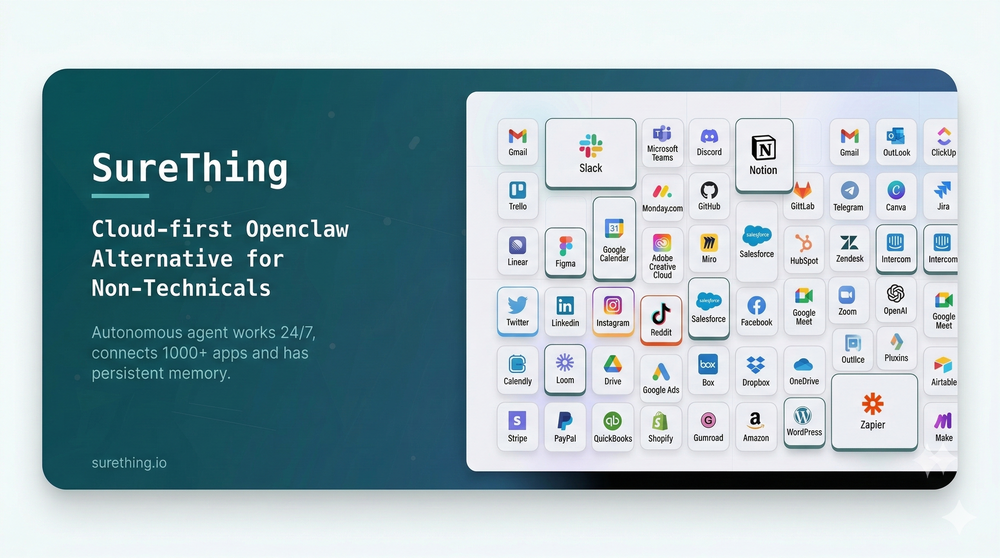 Bonnie🙏 26 karmaMar 5, 2026@SureThing.io - "OpenClaw" for BeginnersI've put about 30-40 hours into SureThing, and it's seriously been a game-changer, basically acting like a virtual COO for my business!
 -
 Open
Open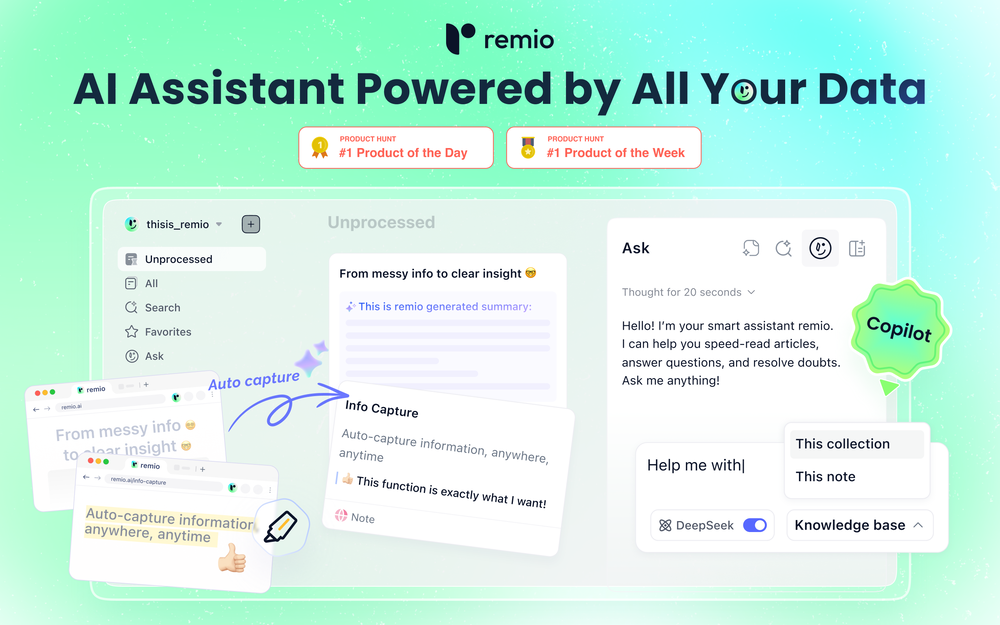 Most AI tools start from zero. You paste in context, re-explain your work, and hope the output is relevant. Every. Single. Time. remio is different. It automatically captures everything you work on — web pages you browse, documents you read, meetings you record, emails you send — and turns it all into a living, private knowledge base. No manual tagging. No copy-pasting. No setup. Then, when you need to get something done, remio already knows your context. Write a doc, draft an email, generate a report, create slides — just tell it what you need. It pulls from your actual work history to produce output that's genuinely relevant to you. What makes remio different: 🧠 Passive, automatic context capture — works silently in the background 🔒 Local-first & privacy-focused — your data stays on your device ⚡ BYOK support — bring your own API key from OpenAI, Google, DeepSeek and more 🖥️ Local model support via Ollama 📎 Connects to Gmail, Google Docs, local files, YouTube, and more 🛠️ Build reusable aApp workflows powered by your own knowledge This is not another note-taking app. This is your personal agent — one that already knows your world. From knowledge to getting things done. 👉 Try remio today.
 -
-
 The fastest way to map and streamline inefficient workflowsOpen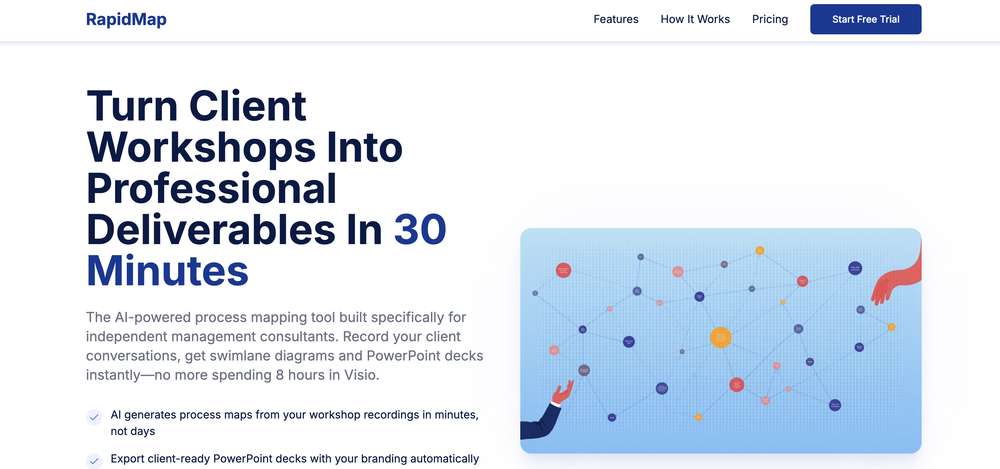
-
 Great tool! Was very helpful in content production
 -

-
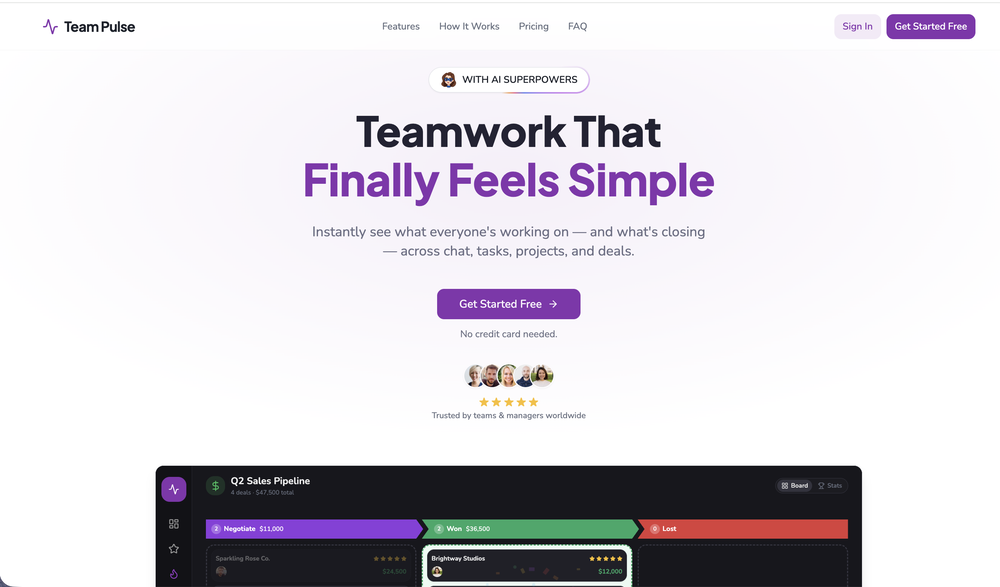 I started using Team Pulse recently, and I really like how simple it feels. Managing projects, tasks, and pipelines in one place is smooth, clean, and easy to understand without overcomplicating the workflow.
 -
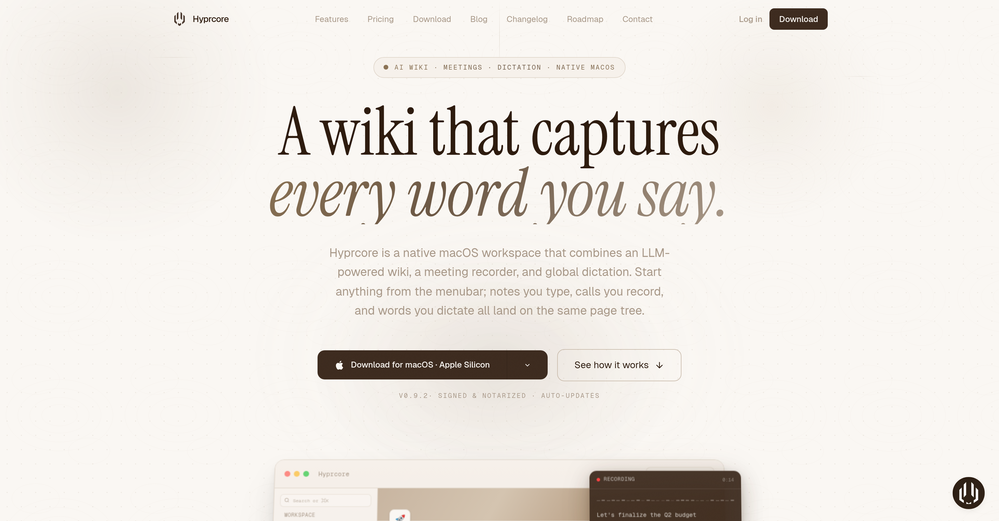 Awesome to use, the dictation really helps out while doing dev work
 -
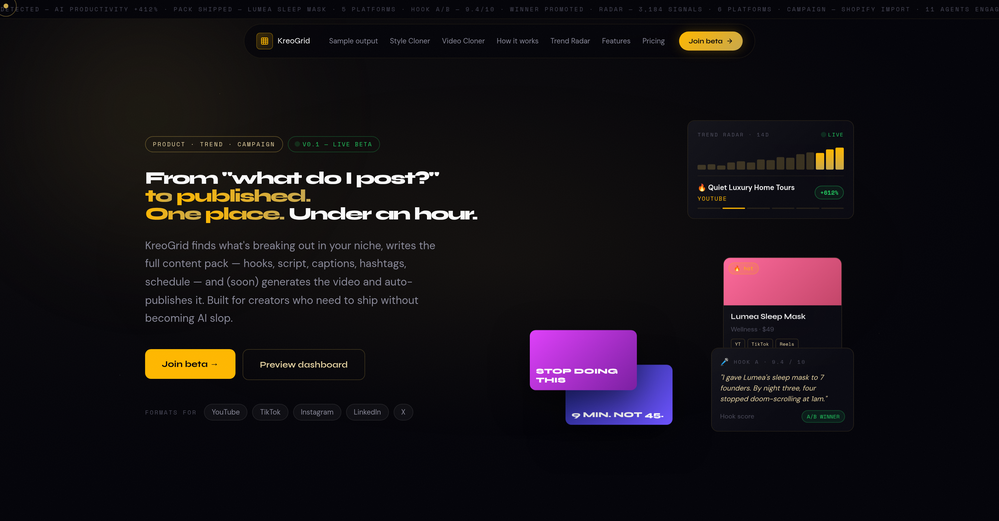 Been experimenting with KreoGrid for content ideas, and I like how it turns trends into something you can actually publish. Instead of spending hours researching what's working, it helps speed up the process and makes campaign planning feel much more streamlined.
 -
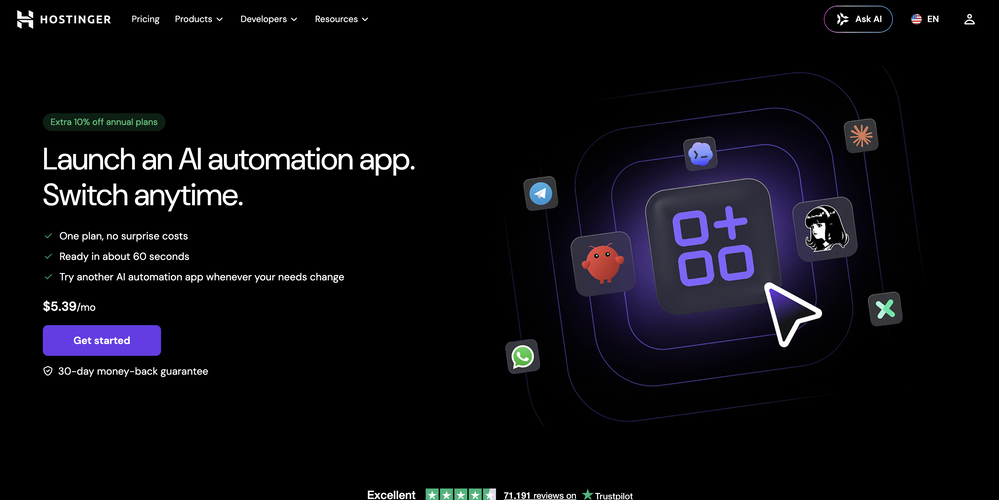 ⚙️ Reliability & Stability Improvements • Improved plugin recovery mechanisms • Better data merge handling during restarts • More resilient operation across updates and container restarts • Improved platform stability and recovery behavior












Verified tools
- SpotlightSureThing.io - "OpenClaw" for BeginnersTask automation
-
 Pay-as-you-go productivity. Meeting transcription at $0.25/hour, AI tasks, document search — noOpenKolva is a game changer! I use it almost every day and works every time! can't recommend it enough! I use it for every meeting. Give it go!
 -
It's a powerful AI-powered personal knowledge system that brings together links, files, notes, and documents in one unified workspace. It's like Notion meets Raindrop meets Google Drive, but with an AI layer that helps you resurface forgotten content, cluster related topics, and even draft documents based on your saved materials.
-
Bracket makes your task list proactive. Instead of hunting tasks across tools, Bracket captures them straight from Slack and Email (for now :P). It automates follow-ups, takes accountability for your tasks, and eliminates the hours wasted maintaining task systems. Operate where your work happens —> no context switching, no dropped balls, just a team that actually follows through. Try Bracket free, sign up to the waitlist today.
-
 AI Product Description Generator – Write Smarter, Sell FasterOpen
 -
 Create accurate estimates in minutes with AI.Open
 -
A Game-Changer for Deep Work and Creativity! Flowith has completely transformed my workflow. The infinite canvas is an intuitive and powerful way to interact with AI, moving beyond the limits of traditional linear chats. I can now explore multiple ideas in parallel, compare outputs from different AI models like GPT-4o and Claude 3.5 side-by-side, and visually organize complex projects. The personal knowledge base feature is incredible. By simply uploading my own documents, the AI generates content that is perfectly tailored and context-aware, which has significantly boosted the quality and relevance of its outputs. It's the ultimate tool for long-form content generation, brainstorming, and real-time collaboration. Highly recommended for anyone looking to enhance their productivity and creativity with AI.
-
Great platform! Very impressed by the ability to combine documents to generate full research reports or extract data in large PDF files.
-
Echother is exactly what I was looking for to speed up our meetings. While other tools trap you in $X/month subscriptions for basic transcription, echother does something different, it connects your meeting discussions to your actual codebase and generates Jira tickets with real context. The repo-aware ticket generation cut our sprint refinement time in half because we stopped re-explaining everything. Instead of vague tickets that need clarification later, we get tickets with file references, implementation patterns, and technical context pulled directly from our code. It's saved us 10+ hours per week that used to disappear into coordination overhead. No corporate fluff, just meetings that actually turn into actionable work.
-
Hi, I am Cristian the founder of Konvertly. I built Konvertly because I was tired of juggling 5 different tools just to send a cold email. A tool for leads, A tool for sending, manually writing intros, forgetting to follow up—it was exhausting and confusing with all the credit systems. I thought: "Why isn't there ONE tool that does all of this?" So I built it. Six months of nights and weekends. Then we soft-launched and got 60 paying customers, which honestly blew my mind. Today's the official launch. If you've ever felt buried in manual prospecting, this one's for you. — Cristian
-
 AI-powered employee monitoring that turns screen data into productivity insightsOpen
 -
Honestly SurfSense is amazing, I use it almost every morning to get an mp3/podcast of my Gmail, Gcal and urgent Linear tickets so I know exactly what's going on that day. It's also insane for board games because I just throw the rulebooks in and share it with my friends so we can chat with the AI together to figure out how to play. And it is scarily good at untangling and explaining really complex rules when we encounter some weird situation!
-
Yes, finally a slack tool that does it all. I wonder how safe it is?
-
good for beginners & really awesome features, yet to be integrated within themselves
-
It just feels seamless when I ask it to generate my Q2 marketing docs and polish my email replies. I mean you don't need to write a long prompt and copy all the Re:Re:Re:Re email to it like other LLMs do. You just give a clear instruction and it gets things done.
-
 Open
Open -
Most tools in the Upwork ecosystem focus on writing proposals, but the real leverage seems to be speed to apply. Are users mainly winning more jobs because of the alerts, or because of the AI proposals?
-
 Strategically strengthen workplace mental wellbeing with measurable results.Open
 -
 AI-powered construction site safety and compliance management.Open
 -
I love the idea of how one platform can hold so many features in one place, working so efficiently.
-
-
 Search and chat across multiple developer documentation sources in one place.Open
 -
The Zetane AI platform helps me and my small marketing team produce like a team ten times our size while maintaining high quality. I can research through giant threads of emails, messages and threads and gain insights citing the exact place the insights come from. It works great for organizing our tasks and keeping our team collaborating in one central space.
-
Really impressed with Junior.so so far. Having an AI teammate inside Slack that can handle CRM updates and follow-ups without me constantly prompting it feels genuinely useful, especially for small teams juggling sales and ops. Setup was pretty smooth, and the daily reports are a nice bonus.
-
amaiko finally makes AI feel native to Teams. Instead of another chatbot bolted onto your workflow, amaiko lives right inside Microsoft Teams and actually gets things done — reading your email, digging through Microsoft 365, researching the web, and drafting documents through a team of specialist agents that remember who you are and how you work. It's everything Copilot promised, but sharper, faster, and genuinely useful. If you live in Teams, amaiko is the AI colleague you've been waiting for. 🚀
-
 Open
Open -
-
Saves me from rewatching hour-long recordings just to find one decision point. The recap feature is clutch when back-to-back calls pile up and I need to remember who committed to what.
-
Fabric is kind of like a combo of bookmarking/webclipper/summarizer/knowledgebase. Basically you can add information and it will auto organize it as well as let you chat with this information and search through it. It is not a “search engine tool” I wouldn’t say. Maybe you will be able to create a knowledge, base and information repository of everything relevant to you and be able to search through that information… But that is still different than a “search engine, tool” in my opinion. So far I think they are shooting for individuals and not enterprise users. Which is great because I have been wanting to find a product that will allow me to add information from PDFs, websites and videos and then be able to search/query/chat with that. But so many of the companies I have found that offer anything close to along these lines are developing knowledge bases with only company customers in mind. I get that that is where the money is, but Fabric appears to be for actual people to use. The product is definitely underdevelopment, and I have the TestFlight of their iOS app. I wouldn’t say the app is perfect yet or anything, but they are actively developing it, and some of their ideas are changing and evolving not just minor changes to their user interface. I am using Fabric and Mem at the same time and I will be interested to see which turns put to be more for me. Definitely check it out if you have not already done so they have the opportunity to make an extremely useful tool and kind of even changing the way individuals think about storing/accessing information important to them.
-
It pretty much does everything I need and more, I give it 5 stars for accuracy and ease of use. Most of the tools I use are cluttered and complex but this platforms very simple to use and neat
-
Hey everyone! I’m Martin — co-founder, builder, and creator of OneTask 🚀 OneTask is specifically designed for people with ADHD and other creatives who can’t be bothered to spend time “managing” their tasks, and instead need an app that just helps them get things done. We have a Todoist and Google Calendar integration, and offer many other features that will help you optimize your life. Let me know if you have any questions! As of this writing, we have a special lifetime deal featured on our website — be sure to catch it before it’s gone! Martin
-
Relay.app fills the gap between AI and actually using it. It allows you to build your own custom flows and agents, unlocking a level of customisation that was previously only achievable through custom code. It's a game changer, and the free plan is so generous - go try it!
-
 AI-powered task list: Dictate tasks, integrate with Gmail, Slack, ChatGPT & Calendar.OpenEasy to use and the AI does its work but it is not something extraordinary. But the AI can do nothing more as it does right now
 -
I’ve added the newest OpenAI models to n8nChat! - gpt-4.1-nano - gpt-4.1-mini - o4-mini - gpt-4.1 - o3 This update is currently live in the Firefox version, however the Chrome version is still pending Google approval for the update.
-
The best among similar tools. Don't forget to add all your newsletters to get rid of them.
-
 Voice-first AI workspace for meetings, notes, and dictation. Works offline.OpenVery interesting tool and useful ❤️👌🏽👏🏽🙏🏽
 -
A very simple-to-use, yet very powerful app. It made my work so much easier, my scanned and downloaded files are no longer a mess.
-
As a student juggling classes and deadlines, this tool is a lifesaver. It helps me stay on track without having to manually check everything.
-
 AI note taker that fixes broken meetings.OpenTeamsMaestro boosts my productivity by automatically generating clear meeting summaries with key takeaways and action points. It keeps everything organized in one place, making follow-ups easy. Highly recommend!
 -
 MRI scan for Businesses: Find What to Cut, Replace, Automate with AIOpenJust implemented your instruction out how to run drip campaigns automatically, nice! Getting prospect calls coming in
 -
 Turn any browser workflow into a polished, AI-narrated video guide in minutes.OpenHey everyone, I’m Evaldas, co-founder of Guideless, the fastest way to turn any browser workflow into a polished, AI-narrated video guide in minutes. No screen recording. No tedious editing. Just turn on the extension, click through your process as you normally would, and instantly get a share-ready guide. We recently shipped a major update: a sleeker UX and new high-quality AI voiceover characters — making guides sound and feel more vibrant than ever. Give Guideless a try and see how effortless creating high-quality tutorials can be 🪄
 -
 Extract Wisdom from Any Link -- 6 AI Models, Haiku 4.5 SynthesizedOpenExtract wisdom from YT, websites, PDFs, any link. Multiple models catch what single perspectives miss. Organized thematically. Honest about uncertainty. Built for understanding, not compression. All feedback welcome!
 -
Used it for PPT generation and performed extremely well, especially the numbers and data part.
-
 Managed AI agent like OpenClaw but with real phone calls includedOpenThis app is really great it helped me with automation and also getting an AI assistant that sounds exactly like a human improved my productivity
 -
 LinkedIn Email Finder & Copilot (DeepSeek Inside)OpenLinkedCRM is a practical tool, especially its email finder feature, which is quite accurate and has saved me a lot of time searching for client emails. The one-click sync to CRM is also convenient, eliminating the need for manual copy-pasting. The AI email writing feature, while free, works surprisingly well, helping me draft emails quickly.
 -
I work on the Tendem team, so take this with that context — but I also use the product constantly for my own work. I've used Tendem to research AI directories — finding relevant ones, pulling submission requirements, organizing everything into a spreadsheet I could act on. I've also used it for copy edits — sending over drafts and getting back tightened, polished versions without going back and forth with a prompt ten times. The thing that keeps me coming back is how little I have to think about the handoff. I describe what I need, send it, and move on to something else. It's slower than getting a ChatGPT response, sure. But I get something finished — not a starting point I still need to rework. When you use AI tools for this kind of work, you trade waiting time for cleanup time. Tendem flips that. I'd rather wait and get a result I can use than get a fast draft I have to fix myself.
-
 Your AI presentation agent for instant professional slides.Open- Added MCP support, allowing AI agents and MCP-compatible tools to connect with Dokie directly. - Enabled agent-driven presentation creation, making it easier to turn prompts, documents, and structured content into slides. - Improved workflow compatibility for AI agent use cases, including research-to-slides and report-to-PPT scenarios. - Optimized generation stability when creating presentations through external AI tools. - Improved the handoff from AI-generated content to editable, export-ready PPTs.
 -
Purely magic. It increases the productivity by a lot and the process is pretty addictive. I've been building websites like there's not tomorrow.
-
-
-
 Schedule without effort: speak, snap, paste — plan and adapt as youOpenGood job dud good job , i wanna try sure
 -
Miro has massively improved how we collaborate and execute. The AI features have made a real difference in day-to-day productivity, helping us structure ideas quickly and get to decisions faster. What really surprised me is the new prototyping feature: it’s now much easier to turn a workshop board into an actual prototype and iterate with the team. If you’re running product work, workshops, roadmaps, or even GTM planning, Miro is worth it.
-
Hey everyone! We're making VIP mobile friendly, team-friendly (added support for organizations). We've added semantic search and better bulk analysis, and we're soon adding real-time camera feeds and API access for custom integrations. Try it out for free and let us know what you think!
-
 Find and ask all your documents and emails in one AI workspace.OpenImpressive, looks like what I needed all these years... Finally I found something useful!
 -
 AI assistant that gets your tasks done. Smarter than ChatGPT.OpenAthena has been a useful product for travel and product recommendations. Additionally, it has helped me with my daily tasks.
 -
-
 AI-timekeeping enabling lawyers, accountants, and consultants to focus on their work.Open
 -
Hey AI fans, I am Kalo, co-founder of Breezemail. If your inbox is anything like mine, you spend at least 20% of your life opening, answering, and unsubscribing from emails. Arguably, the only thing more tedious than this is fixing your grandma’s Windows XP (arguably). Or you just gave up, and your inbox app has a cute red dot with a truncation ellipsis (…), also known as the symbol of inbox doom. Either way, the whole inbox situation is an absolute disaster. We wanted to solve this challenge using AI. Breezemail will help you enter the holy land of Inbox Zero. It’s an email categorizer tool that keeps important emails in your inbox and categorizes the rest into folders using natural language prompts. How does it work? 1. Breezemail has a default Important category which leaves all your real human emails in your inbox. 2. Everything else is organized into AI folders (or labels). Labels using natural language prompts, for example, “All emails from my family”. 3. We give you a bunch of pre-defined categories to start with, and you can create your own custom categories, the same way you would write a ChatGPT prompt (yes, our tool also uses ChatGPT). We’ve been testing it in-house for both our personal and business emails, and it worked so well that I no longer hate link builders and outreach people because their requests are neatly organized into a couple of folders. For my personal inbox, I can finally see all my receipts in one place, and all stock newsletters are ready for daily review in a different folder. Go try it out now for free. We’d love to hear your feedback, so please don’t be shy and drop me a line back. Currently, the tool is only available for Outlook, but we are working on a Gmail app, too. If you’d like to try it for Gmail, please let us know. Thank you, Kalo
-
 From idea to software application fast with Archie’s AI-first platform and services.Open
 -
I was on an early version of this, and it's been really cool to use with Claude and be able to just send different tasks to my Superlists and organize everything. It's completely changed the way that I do my productivity software.
-
High bandwidth way to work with Claude Code and Codex. Has become my main workspace.
-
 Turn campaign briefs into launch-ready assets instantly.Open
 -
-
 AI-powered social content calendar that automatically creates content.Open
 -
Decent if you have a bunch of highlights sitting in your kindle that you never go back to. It pulls them in and groups them by theme which is honestly more useful than I expected. Wish it worked better with PDFs though, that's where I do most of my reading and the import was a bit hit or miss for me. Still gonna keep using it for the kindle stuff.
-
 OpenLove this app! So great at implementing several proven concepts to help with efficiency, productivity, and the ability to be consistent with tracking, rewards and gasification. Game changer in this space.



















































































































Other tools
-
Worth the $60 monthly if you're a small business especially because it sends email on your behalf - doesn't just draft and keep it in your inbox (that option also exists). Mails composed are accurate, it's as if the tool is thinking on your behalf too. Learns and understands your writing style, job role, etc. and tailors the response.
-
 Your HTS classification assistant for accurate tariff codes.OpenClean design and the interaction just flows. It guides you step by step into a more detailed classification
 - Waitlist
- Didn't find the AI you were looking for?
-
Not a very good experience. There are a lot of screenshots of what is supposed to happen when you record or upload audio, but the functionality is very clunky. I had to upload the same audio file 5 times before it appeared in the dashboard. The experience is even worse on a mobile phone. So I am still looking for a quick audio to text AI tool and one that I can get the transcription in multiple languages.
-
 Ready-to-use AI Teams for Your Automation NeedsOpengood!A different kind of AI tool that has been very helpful for my work!
 -
Not bad, its freemium and the feature is good like private pdf and support OCR
-
The K2.5 Agent mode itself is giving up on a particular small task
-
 Podcasts, scholarships, literature reviews - study and work faster with AIOpen
 -
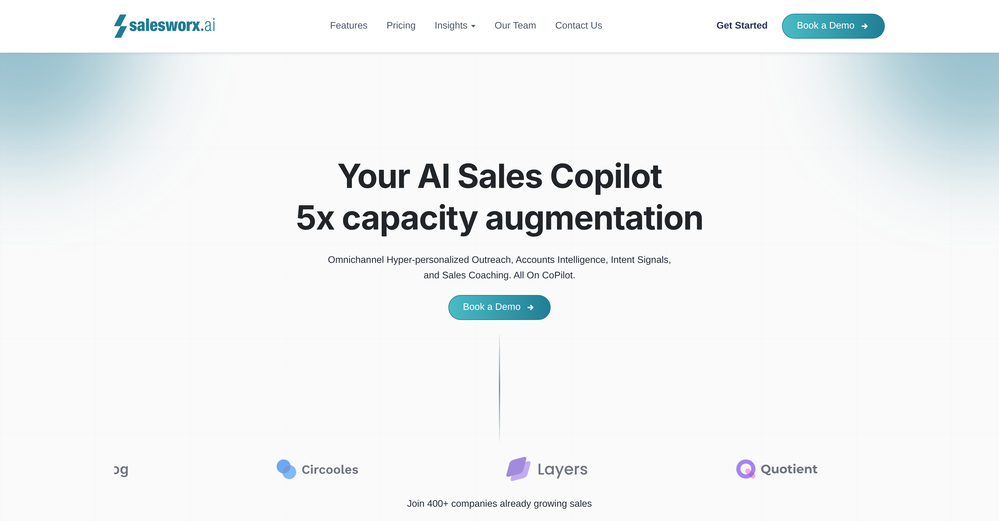
 Improve Your Productivity with Copilot–Your AI-Powered ChatAssistantOpenCopilot on mobile keeps me sharp during sales calls. I use it to quickly draft follow up emails right after meetings or pull contract language on the fly. Voice input works smooth and it formats responses professionally.
 -
 Open
Open -
 Approve/reject Claude code permission requests from anywhere on MacOpen
 -
 Last Night Before Exam Helper turns panic into points.Open
 -
 Beat procrastination instantly with this AI productivity coach.OpenThe best thing for adults with ADHD (like myself).
 -
 Offering personalized strategies for time management & productivity.Open