Go to section
Spotlight SureThing.io - "OpenClaw" for BeginnersTask automation
The front page of AI.Used by 90M+ humans.

Generate image
Tasks
Generate text
Free mode
Trending
Leaderboard
Characters
 Mini tools
New
Featured
Lists
Agents
Requests
Jobs
Map
Newsletter
Starter pack
Free tools
Speech to text
Text translator
Remove background
Settings
Edit profile
My tools
Gallery
Dashboard
Inbox
Get featured
Contact TAAFT
For you
Popular
Job impact index
Most saved
Affiliate program
Submit AI tool
Notification preferences
Glossary
Home
Timeline
My profile
Create tool
Deals
Companies
Models
Robots
Papers
Fundraises
Repositories
Devices
Organizations
Events
Prompt Pack
Merchendise
APIs
Features
Tools
Countries
Collections
Videos
Mini tools
New
Featured
Lists
Agents
Requests
Jobs
Map
Newsletter
Starter pack
Free tools
Speech to text
Text translator
Remove background
Settings
Edit profile
My tools
Gallery
Dashboard
Inbox
Get featured
Contact TAAFT
For you
Popular
Job impact index
Most saved
Affiliate program
Submit AI tool
Notification preferences
Glossary
Home
Timeline
My profile
Create tool
Deals
Companies
Models
Robots
Papers
Fundraises
Repositories
Devices
Organizations
Events
Prompt Pack
Merchendise
APIs
Features
Tools
Countries
Collections
Videos
Mini tools
New
Featured
Lists
Agents
Requests
Jobs
Map
Newsletter
Starter pack
Free tools
Speech to text
Text translator
Remove background
Settings
Edit profile
My tools
Gallery
Dashboard
Inbox
Get featured
Contact TAAFT
For you
Popular
Job impact index
Most saved
Affiliate program
Submit AI tool
Notification preferences
Glossary
Home
Timeline
My profile
Create tool
Deals
Companies
Models
Robots
Papers
Fundraises
Repositories
Devices
Organizations
Events
Prompt Pack
Merchendise
APIs
Features
Tools
Countries
Collections
Videos

▼ Latest
User conversion
Free mode
100% free
Freemium
Free Trial
Featured matches
-
 AI-powered local marketing and review generation for multi-location businesses.Open
-
 Open
Open
-
-
 Johnny Ruhlen🙏 4 karmaMar 6, 2026@TentedImpressive work from the team at Tented.ai, their approach to AI-driven automation is genuinely next-level.
 -
-
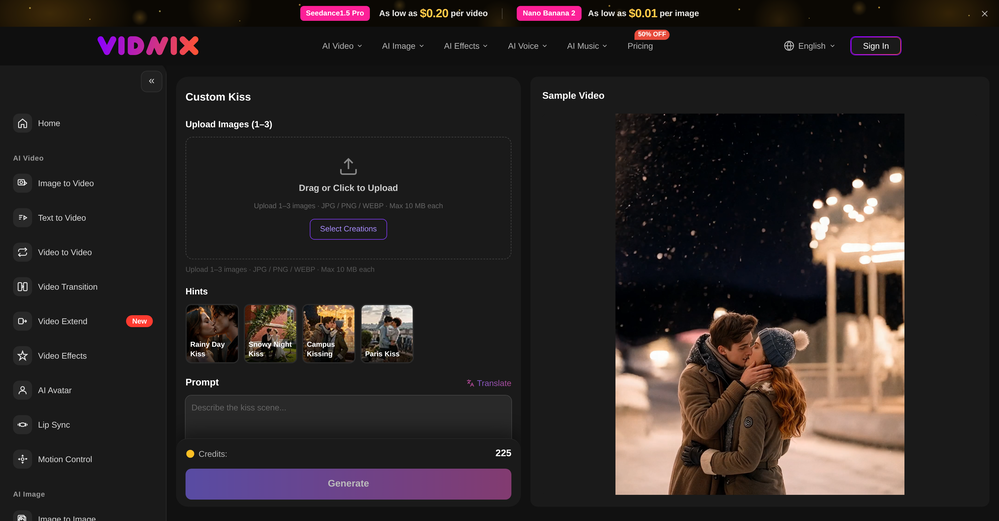 Looks pretty clean and easy to use! The upload process is straightforward, though the top section feels a little crowded. Maybe add a bit more info about how the credits work.
 -
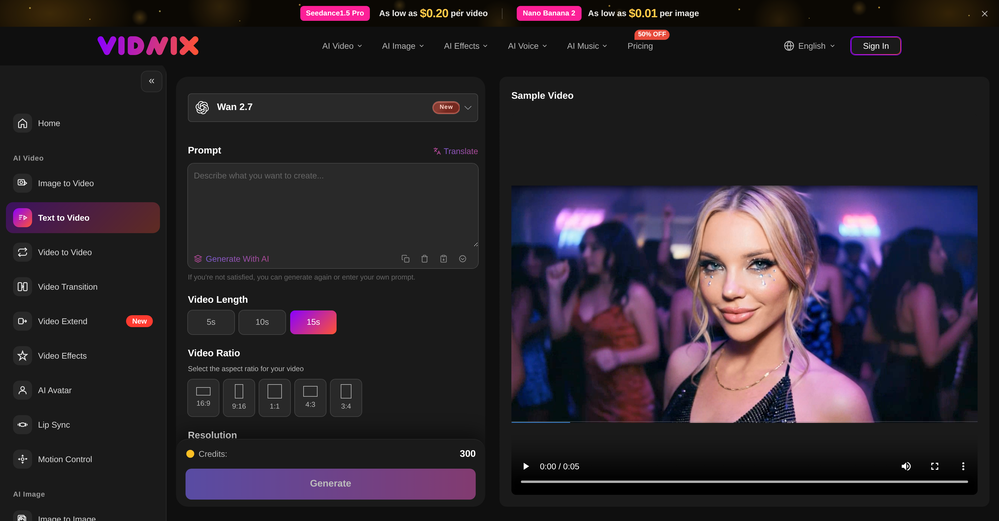 Solid. Not perfect but it gets the job done and the updates have been pretty consistent
 -

-
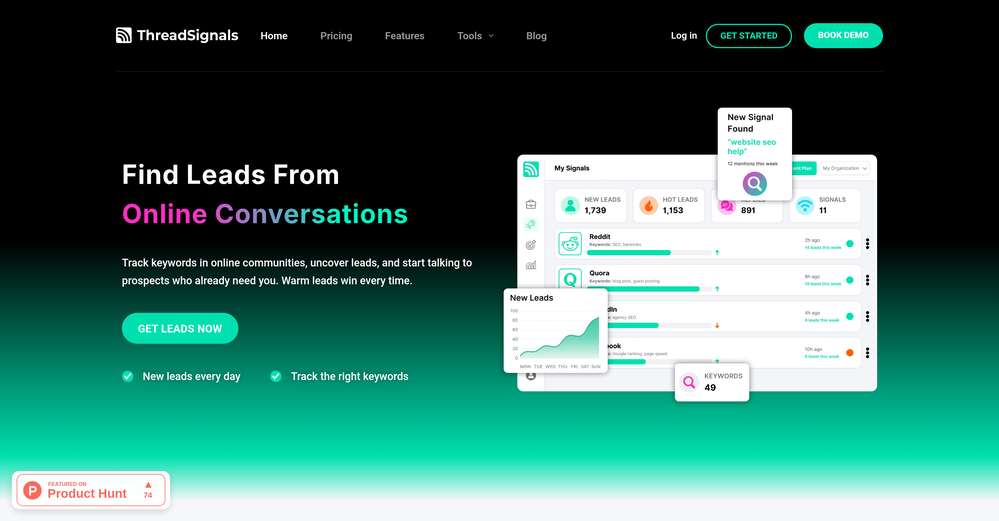
-
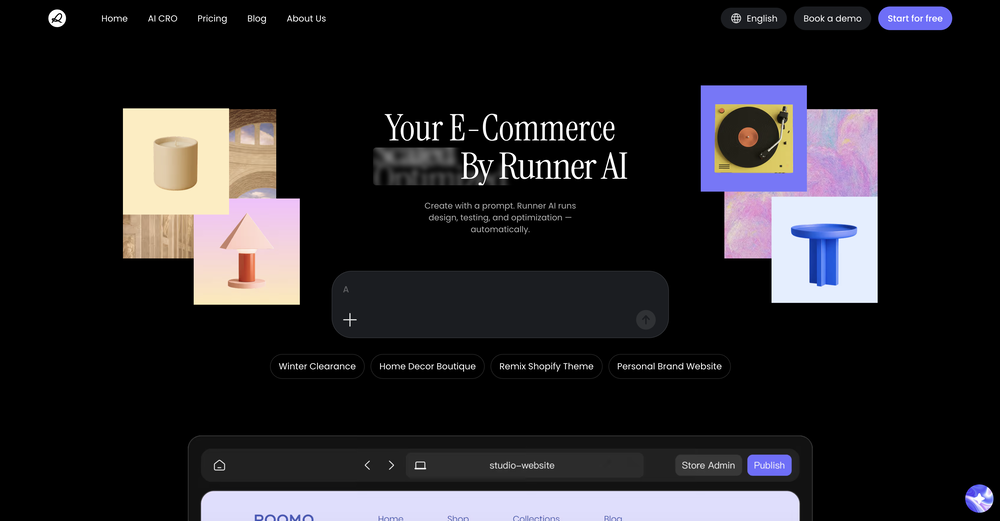










Verified tools
- SpotlightSureThing.io - "OpenClaw" for BeginnersTask automation
-
-
 Free landing page analyzer backed by a library of 500+ top-converting pages.Open
 -
Been using TranscriptTool whenever I need to quickly turn short videos into text. I like that it keeps things simple and makes it easier to review claims or pull quotes without having to watch clips repeatedly. Handy tool for anyone dealing with video content regularly.
-
-
-
-
The price disappeared because of some problem. Now, it's back! Thanks a lot for the feedback :) Please let me know if there's any feature you need or if you have feedback! Thanks!
-
SEATEXT is an AI-powered platform designed to optimize websites for better user engagement, higher conversions, and enhanced international reach. With tools tailored for online stores, multilingual sites, landing pages, and personalized experiences, SEATEXT combines dynamic A/B testing, AI text generation, and advanced personalization to drive growth. It supports 40 languages and offers free and premium plans, ensuring scalability for businesses of all sizes. Core Features
-
-
 OpenGoEnhance's production from video to animation is impressive. It can go up to 2k 60fps, so exciting.
 -
 OpenTried it with one photo and was surprised how natural the video looked — lots of effects and models to play with too
 -
-
Insanely easy to use yet reliable automation tool. Recommend to give it a try.
-
 Open
Open -
I'm absolutely blown away by the design quality of the presentations they look so vibrant and stylish. I was also pleasantly surprised that the AI asks lots of clarifying questions to make sure the final result is exactly what I wanted, not just something random. Vibes 🔥
-
Intuitive UI with quick insights backed by actionable suggestions.
-
Very impressed with the results! The illustrations are wonderful and really high quality
-
 Turn text and images into production-ready 3D models with AI in seconds.OpenThis tool is definitely good for basic stuff, no doubt. Just keep the prompts super duper simple and it gets the job done. But once I put in something a bit more complex at it… it kinda screwed up the thing. Still, I see potential here
 -
 API to personalize your product with logos, colors, and company info fromOpen
 -
I was just trying it out at first, used some free credits a few hours ago to build a simple app. Turns out, it actually came out pretty decent! I got to test it on my phone without spending a dime, and even showed it to my wife, she was pretty surprised too. So we decided to go ahead and pay to polish it up and download it properly. So far, everything’s running smooth
-
This has got a super-positive future. After creating just one video, I could see that there would be a large use-case for most industries, including mine with Online Marketing. One thing I did notice was that assets that appear on screen often overlap each other. The same was apparent on most of the other videos in their showcase. Once they get over this hurdle, it'll be worth paying for, for sure.
-
I’ve found Jogg.ai to be super convenient, especially for creating short ad videos for products! If you haven’t tried it yet, you should check out this tutorial: https://www.jogg.ai/blog/4-steps-to-create-your-product-video-ads-in-minutes/
-
Hey, I just checked out your AI tools site—nice launch, you’re on the right track 👌 One thing I’d suggest early on is focusing on distribution, not just the product. A lot of AI tool sites struggle with visibility because they don’t position themselves inside the right communities. For example, targeting niche subreddits where people are actively looking for solutions (not just posting links, but actually joining conversations, sharing use-cases, and soft-introducing your tool) can drive highly targeted traffic and real users. Also, creating comparison-style posts like “X vs Y tools” or “best tools for [specific use case]” tends to perform really well and brings consistent organic traffic over time. If you’re not already doing something like that, I can share a few ideas specific to your niche that could bring in your first consistent users pretty fast.
-
-
-
Particularly useful in scenarios where human voices are clear but background noise is complex.
-
I’ve been using Image Combiner for quick image blending tests, and it does exactly what I need without making the workflow complicated. The interface is clean, uploads are simple, and the generated combinations are useful enough to iterate on quickly.
-
Very simple and easy to use. The premium feature of Lyrics helper really helped me to write lyrics exactly the way i wanted.
-
 Open
Open -
-
⭐⭐⭐⭐⭐ Great AI Presentation Tool! I really liked the Brand PPT feature. It helped me create professional, on-brand presentation slides in under 60 seconds. The AI-generated content was well-structured, the design looked polished, and the editing process was simple. It has saved me a lot of time compared to creating presentations manually. Highly recommended for anyone who needs fast, professional-quality PowerPoint presentations.
-
-
Great free tool. Simple and easy to use. Best of all don't need any subscriptions.
-
 Your landing page is losing visitors. Find out exactly why.OpenHi Guys, Ben the founder. I have soft launched this with some great feedback already. But as always it's great to have as much as possible. We are continuously improving WhyIQ. Please make the most of the free scans and let me know what you think.
 -
Klayn looks really solid — simple to use, clean interface, and genuinely useful. It saves a lot of time on tasks that would normally take way longer. Definitely a tool worth trying!
-
-
Steer clear of this by any cost ! it gives you ONE video for free and then ask you for no less than FIFTY dollars a month for only FIVE videos ! they must be crazy with all the alternatives.
-
I tried Animon for a bit and it’s actually pretty solid. It does a good job with simple animations and keeps the original image style pretty well, so the results usually look clean.
-
Nice interface and a good ai humanizer.
-
PDF Digest is a helpful AI tool that makes working with PDF files easier and saves time.
-
-
i really wanted something fast. works really good. Certainly doesn't justify the price tag
-
This was impressive. From just one picture and a few details, it made a really good, professional video. Amazing quality!
-
 Create & Sell 4K Images, AI Videos, 3D Models, websites and MORE.Open
 -
KikiVoice does a great job with voice cloning — the results sound very natural and close to the original, and there’s no sign-up required.
-
-
Lmao this is gold. Kirkify my friend's face in seconds. 😂
-
Personally it was really helpful for my experiments and it supports the inline edits like figma.
-
 Convert YouTube videos to text with 99% accuracy.OpenI’ve used Riverside before and it’s a really solid tool for recording and producing high-quality audio and video. If you’re looking for a YouTube transcript generator, I’ve also been using Saveto AI. It’s been pretty handy for turning videos into clean text and quick notes.
 -
-
needed background instrumentals for a demo track and this delivered. the beats are clean and royalty free which is huge.
-
Can only edit oe long clip to shorter clip, but i have multiple clip
-
 AI-driven personalization engine boosting engagement and conversions.Open
 -
COngratulaitons on your new release,Wishing you a prosperous New Year! 😊 I came across your profile in the SaaS and startups directories, and I'm excited to connect . I help SaaS & Tech Product owners create Promo, interactive explainer, and demo videos that drive engagement. Would you be interested in exploring how video can boost your business? I'm available to chat. Best regards
-
used this to turn a couple of our engagement pics into line drawings for the welcome sign + menu ideas and they came out sooo cute!! the minimal ones looked really clean, especially for wedding stationery. some of the tiny details got a little lost but still gave me a really good starting point!!
-
 Open
Open -
Well, it did give me an insanely good image, but you only get one free trial, i.e, generate one image for free. And the model is costly for someone who wants free AI tools. But it does the job if you're willing to pay.
-
I'm giving it two stars because it does do an ok job on videos but I would NOT recommend this. The "free trial" gives you 80 credits. It's not even enough to make a 60 second video so you can't really "trial" anything. I then spent $35 to make a 60 second video and I did two edits to it and I only have 451 credits left for the month. Until the costs come down, this is not feasible.
-
Every claim on this site starting with #1 Free use as many times as you like is false. Dont waste your time! "https://imagetovideoai.run/#:~:text=1,as%20you%20need.
-
 Turn scripts into creator-style videos instantly.OpenI built this because I had a spare RTX 5090 sitting idle and friends in e-commerce kept telling me UGC videos were too expensive. Most AI UGC tools cost 80 to 110 dollars a month, about 10 dollars per video. My prototype can already create 3-minute videos, but it takes almost an hour on one GPU, so I limited the public version to 30 seconds while I scale to 4 GPUs. Would love feedback on the best pricing model and go-to-market.
 -
This tool not only transcribes videos and audio, but also automatically generates summaries, which greatly helps me organize my study notes.
-
To be honest I never really thought AI could help me in anything more than writing the email. But I'm delightfully proved wrong by Mailmodo. I mean it does everything for you!
-
 Turn photos into realistic AI kissing videos instantly.Open
 -
Hey Cherryl, seems to be working just fine for me, can you give it another try?
-
 OpenThe features are incredibly comprehensive. I really love it — the AI videos I created got a ton of praise when I shared them. Likes galore!
 -
Hey TAAFT, real talk. AI gives you ideas. But, it doesn't give you a voice. Enter Humanize.sh. We make AI text sound like a real person, not a bot. Fast, private, and low effort. How: Paste. Humanize. Copy. Done. Works with ChatGPT, Gemini, Claude, and all the usual suspects. Made for students who want clear essays, honest emails to profs, and captions that don’t scream “generated”. Teachers, creators, everyone welcome. Privacy: we never store your text. Want a demo? Drop one sentence and we'll humanize it live :)
-
 OpenHere's the rundown. If you thought image editing like Photoshop or Affinity Photo, you were wrong. It's 100% insert a photo and put a filter over it or change it into another AI image. Signing up for an account gets you 4 credits. Enough for one image to image generation. Instead, you should go to aistudio.google.com. This Dreamega site is just using google to generate their stuff anyways. You can do this yourself without paying per generation, the only difference is you need to type the prompt yourself. Is it worth paying some overblown monthly subscription on Dreamega for something you can do yourself or something you'll probably only do once?
 -
tried it for quick photo cleanups, solid results. the bg remover is free with HD downloads and does clean cutouts on tricky edges. the full editor gives 5 daily credits, not badd
-
 Instant compression, zero restrictions just fast, free, and flawless.Open
 -
 OpenI often struggle to find the right words, but this tool helps me polish my expressions and make my writing flow naturally.
 -
-
I like that the ai support many languages the only disadvantage is that the free version is limited and the paid version is also high $8 per month!!




























































































































Other tools
-
Tried AnyGen for a bit and I like how flexible it feels compared to more rigid AI generators. Seems useful for quickly experimenting with different types of content and ideas without overcomplicating the workflow.
-
 Transform your brand from idea to unstoppable forcefast.OpenFound my “why” for my recruiting business right away. Has a robust suite of tools I haven’t used yet but look forward to diving in when I have more time.
 -
 Apply spooky Halloween filters and scary makeup effects online for free.Open
 -
Not bad, its freemium and the feature is good like private pdf and support OCR
-
 Open
Open -
- Didn't find the AI you were looking for?
-
 Remove background noise from any audio or video, free to preview.Open
 -
-
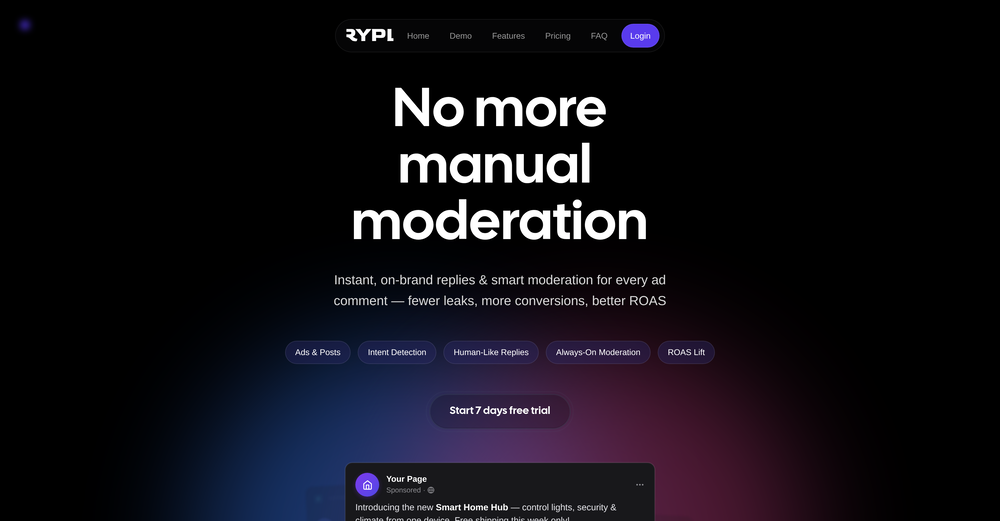
Lexi has made it easier to meta ads, it's a very useful tool for ROI
-
this one looks good, it has a clean layout and a clear flow that makes prompt-building feel approachable. the idea is genuinely useful, and the execution alr feels solid, it has a lot of potential, WELL DONE! :)
-
A knowledge base that doesn’t tie to revenue impact (less churn / faster onboarding) often sits unused -> ~20–30% drop in retention vs teams that quantify value. What metric are you using to prove Userdoc moves revenue, not just pages?
-
 Transform photos into cinematic movie scenes.Open