
 Mini tools
▼ Latest
Vide
Free mode
100% free
Freemium
Free Trial
Featured matches
-
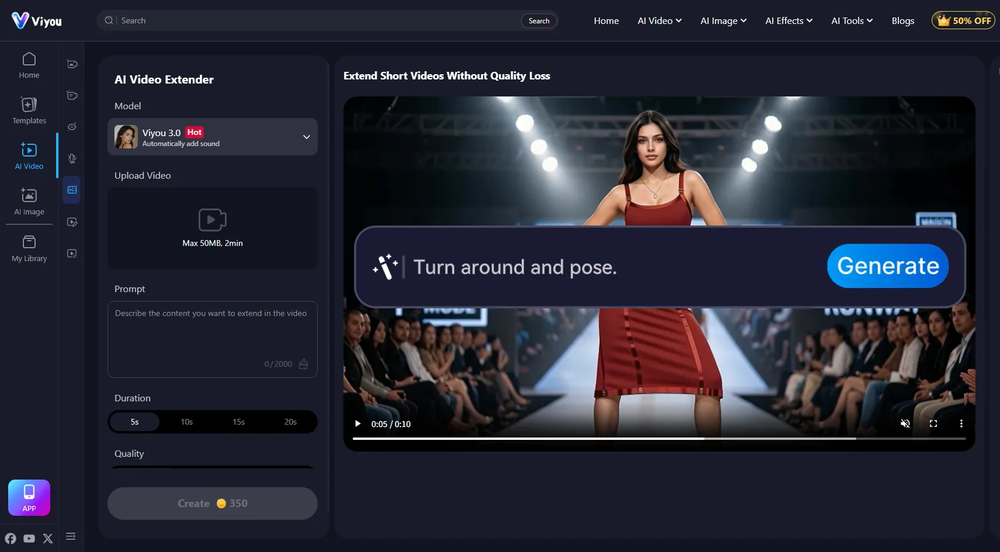
 Transform photos into cinematic videos with AI.Open
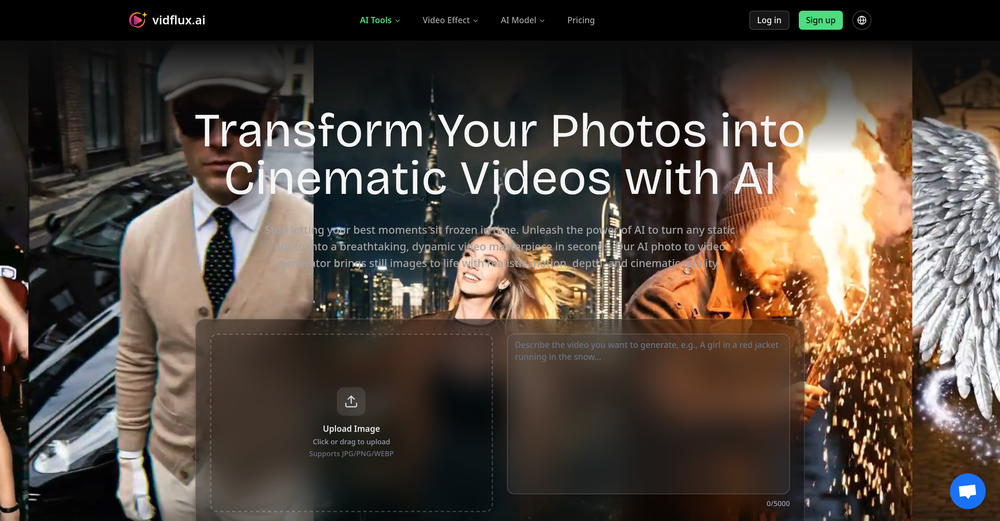 🚀 Added Kling 3 for video generation. Improved video generation experience for Wan 2.6, Veo 3.1, Seedance 1.5, Grok Imagine, and Sora 2. Supports generating multiple videos at the same time.
 -
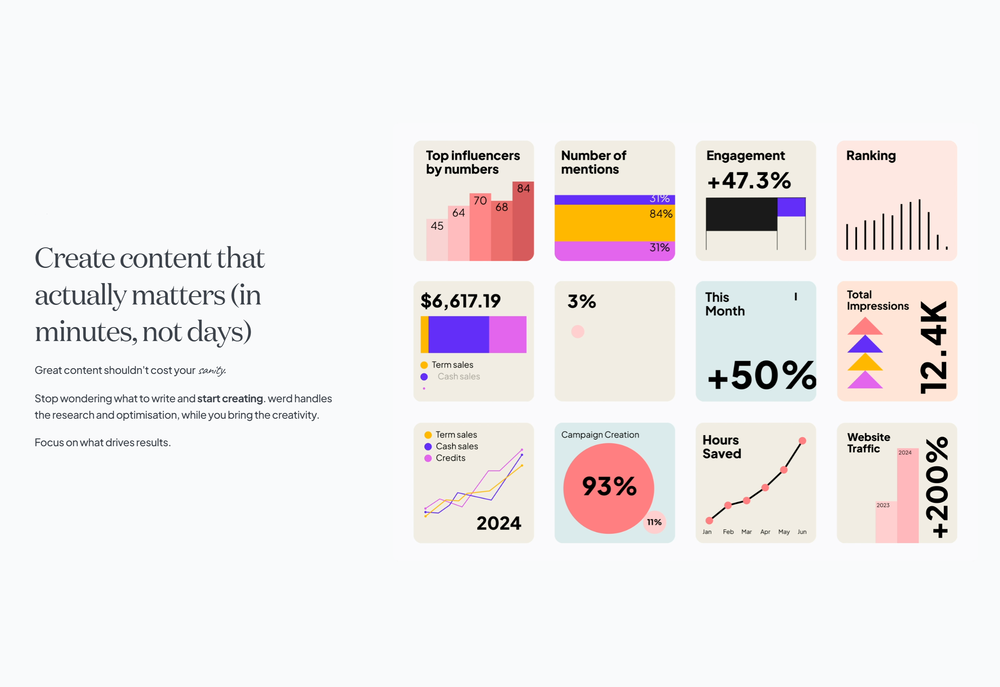 Kris Chan🙏 64 karmaFeb 4, 2025@Werd - Vibe Write with Multi-agent AIHave been trial running this tool and am very impressed by what I've seen. Would recommend for persons in need of a reliable, cost-effective and SEO optimized writing solution.
 -
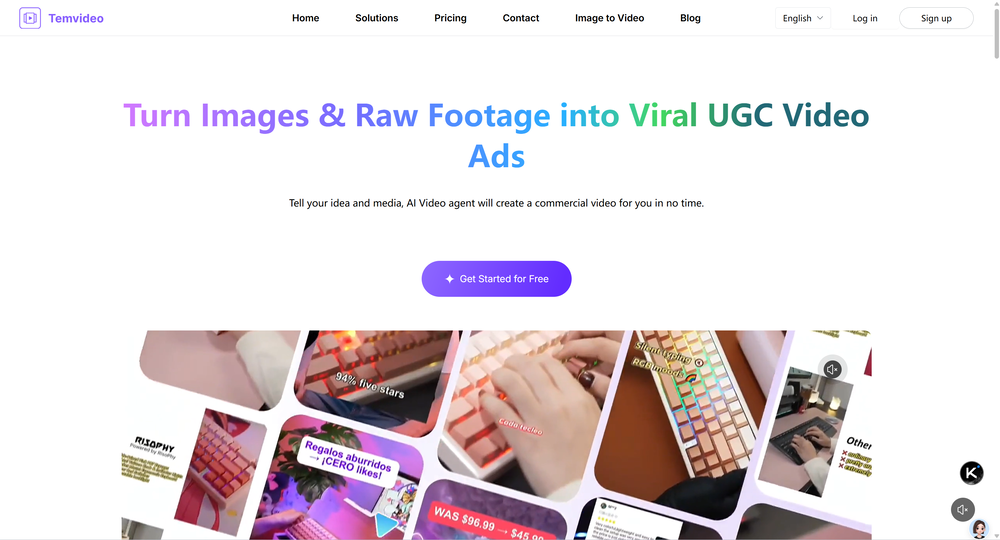 I was skeptical about the "one-click video" claim, but I gave TemVideo a shot for a new product I'm testing. The biggest headache with AI video tools is usually the prompt engineering—you spend 30 minutes typing descriptions just to get a weird-looking hand. TemVideo completely bypasses that. My honest take after using it: The "From Raw Footage" feature is the real MVP. You know those random 10-second clips you take on your phone just to check lighting? The AI somehow turns those messy scraps into coherent ads. It’s almost spooky how well it edits around the product. It’s built for speed. If you are a dropshipper who needs to test 5 different products today, this workflow is unbeatable. Upload, click, done. I had an export ready faster than I could find a coffee. Multi-language is a bonus. It’s smart they included localization. If you sell globally, having the AI handle the lip sync and narration in different languages from one workflow is a massive time-saver. Best part? The built-in "Viral Hooks" library. It takes the guesswork out of what text to put on screen to stop the scroll.
 -
 Open
Open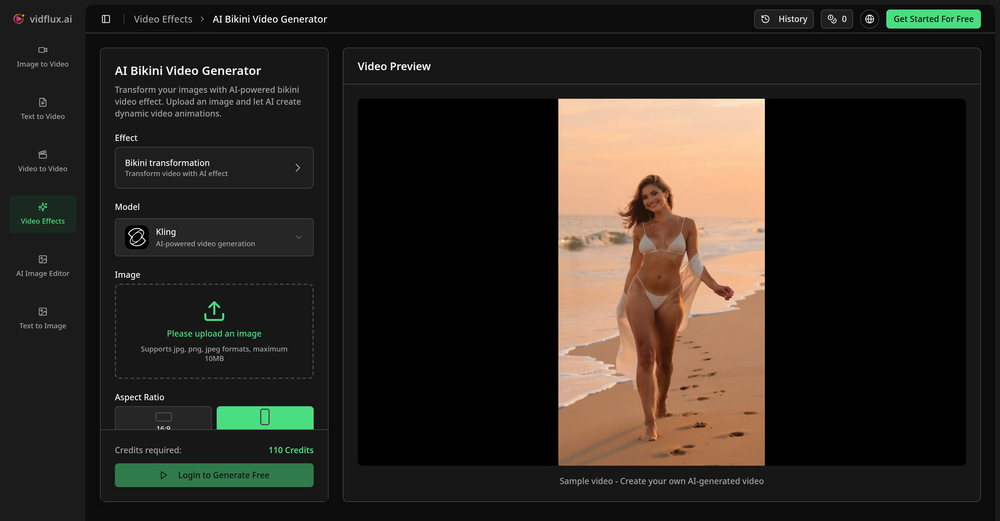 Tried it with one photo and was surprised how natural the video looked — lots of effects and models to play with too
 -
-
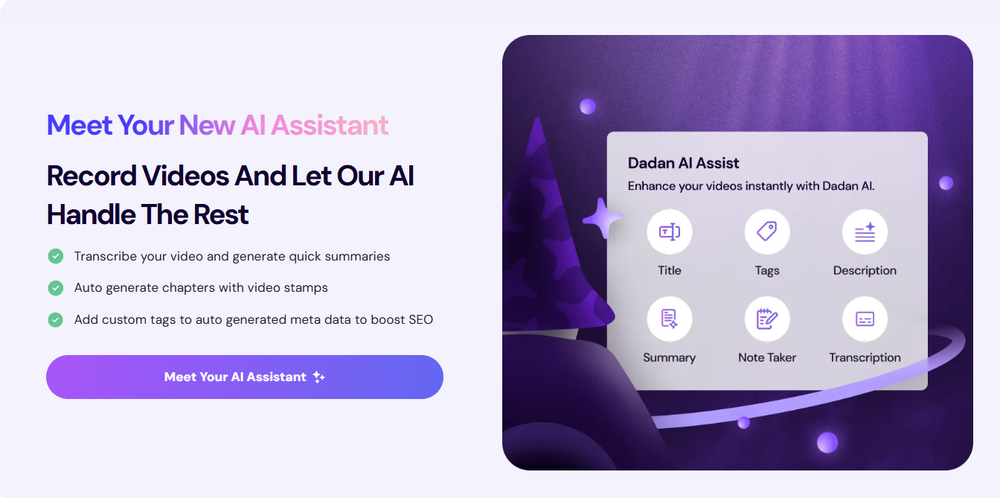 Love Dadan's new AI features. I used to hate searching through videos to find specific points and actions. Now I just get AI Assist to transcribe them and use one of the meeting templates to find what I need in a few seconds.
 -
 Don't just go, know the vibe first.Open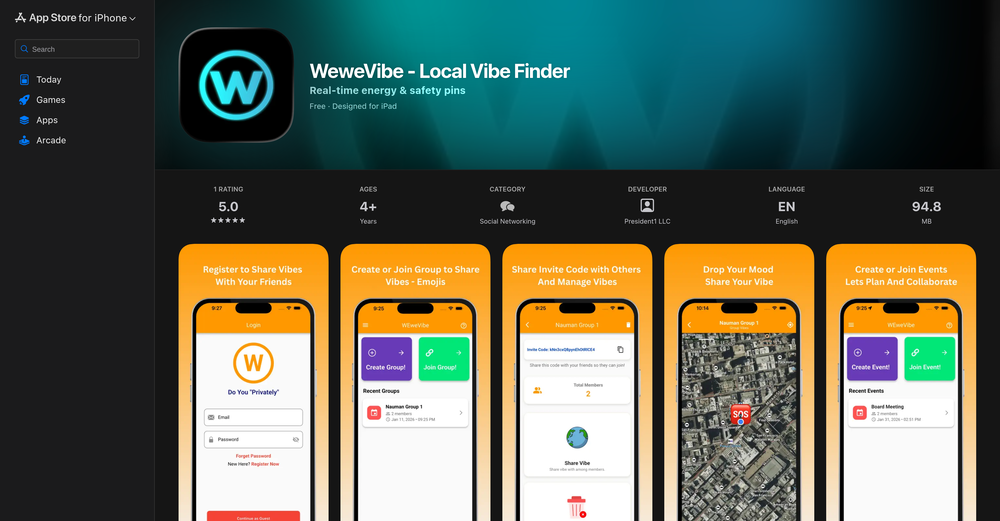
-

-
 Modular & Cross-Platform Vibe Coding Editor and Workflow Automation on Any DeviceOpen
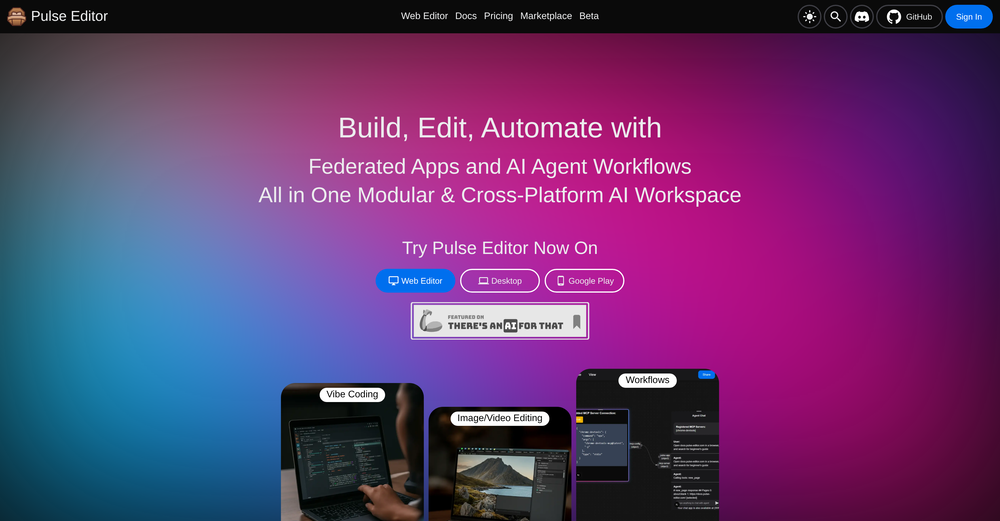 good!A different kind of AI tool that has been very helpful for my work!
 -













Verified tools
-
To just upload my song and have AI figure out the rest so I can share my songs on tiktok etc... As a Suno user I've wanted something simple and affordable, this is finally it. Other tools want $50 credits then it turns out it's not even enough to learn the tool, never mind just get a usable video out.
-
Speed is amazing ! I will definitely utilize the tool in the future for film generation
-
Many ai models help me create videos I love
- Sponsor
 MongoDB - Build AI That Scales🗄️ Database
 -
 Transform your music into stunning visual experiences with AIOpenThe generation effect is good, the pictures are exquisite, and the transition animations of the pictures are smooth The only drawback is that it would be better if the generation time were a little faster
 -
 Upscale videos or images with AI for free, right in your browserOpen
 -
Hey everyone! We're making VIP mobile friendly, team-friendly (added support for organizations). We've added semantic search and better bulk analysis, and we're soon adding real-time camera feeds and API access for custom integrations. Try it out for free and let us know what you think!
-
What I like is how practical it is. No fancy setup—just type, generate, tweak, export. The paid plan is a good value if you’re making content regularly, because it cuts out a lot of editing time.
-
 AI-powered video background remover without green screens.Open
 -
 Generate custom copyright-free music that fits to your video automaticallyOpenWe built Vidsembly’s Video Music-Score tool to make adding background music simple and fast. Upload your MP4 video, choose a music style, and get a copyright-free soundtrack that is automatically fit to your video and ready for export. No editing skills needed. You can try it free with 15 credits.
 -
This tool not only transcribes videos and audio, but also automatically generates summaries, which greatly helps me organize my study notes.
-
 Instant compression, zero restrictions just fast, free, and flawless.Open
 -
VideoWeb AI is an useful AI tool for my video creation. I like the video to video feature that I can create the anime video with my videos.
-
not that good it cant generate your prompt it can only generate custom prompt as saved by itself
-
After trying this feature for a few days, I found that it writes more human-like articles than ordinary AI-generated ones, with higher depth and less wordiness than traditional AI articles.
-
I really gotta let my heart out, got so many great reviews from my peers. It has helped me make my school work so much easier. I work with little children so when i make it cartoonish it's giving me the best one's yet.
-
The workflow is straightforward, the output quality is clean, and it’s especially useful for marketing videos, product demos, and social media content. Overall, it’s a solid AI video generator that saves a lot of time. Highly recommended.
-
 Free AI video generator without watermarks.OpenSovideo.org is an advanced AI SaaS web platform built to unify powerful AI image generation and AI video generation in one simple, accessible workspace. It is designed for creators, marketers, and teams who want to turn ideas into high-quality visual content faster and easier than ever before. As an all-in-one AI image generator & AI video generator, Sovideo brings together multiple cutting-edge models, including Sora2, Nano Banana Pro, Veo3, and Seedream. Users can generate realistic images, creative illustrations, and cinematic AI videos from text or visual prompts—all without switching tools or learning complex workflows. Sovideo runs entirely in the browser, requiring no installation or technical setup. Its clean interface and cloud-based architecture make it easy to create, manage, and iterate on visual projects from anywhere. Whether you are producing social media content, marketing assets, concept art, or short videos, Sovideo helps streamline the entire creative process. By combining speed, flexibility, and powerful AI models, Sovideo reduces production time and lowers the cost of visual creation. It empowers users to experiment freely, scale content creation, and explore new creative possibilities. Sovideo.org is redefining how AI-driven images and videos are created—one platform, all-in-one AI, built for the future of visual content.
 -
 Open
Open -
Every claim on this site starting with #1 Free use as many times as you like is false. Dont waste your time! "https://imagetovideoai.run/#:~:text=1,as%20you%20need.
-
I used it to generate several Christmas-related videos, and the results were excellent. It’s a really great product and definitely worth trying.
-
Finally, a pay-as-you-go option!" "I was so tired of paying $30/month for Runway just to use it once or twice. Winmov lets me pay only for what I generate. The 'Smart Routing' to Kling AI works perfectly. Highly recommended for indie creators.
-
 Chain AI tasks with no-code into workflows for chatbots, video, documents, andOpenThis tool removes all of the prep work of getting an LLM API endpoint running. I can try out ideas quickly and see within minutes whether an endpoint concept actually works. And when it does, moving it into a production app is about as easy as it gets.
 -
Glad to see LitVideo listed here. Have been using it for a while. Easy to use, and LitVideo provides a relatively low-cost entry point into AI video creation.
-
 Turn scripts into creator-style videos instantly.OpenI built this because I had a spare RTX 5090 sitting idle and friends in e-commerce kept telling me UGC videos were too expensive. Most AI UGC tools cost 80 to 110 dollars a month, about 10 dollars per video. My prototype can already create 3-minute videos, but it takes almost an hour on one GPU, so I limited the public version to 30 seconds while I scale to 4 GPUs. Would love feedback on the best pricing model and go-to-market.
 -
Hey Cherryl, seems to be working just fine for me, can you give it another try?
-
I ama YouTuber, scrambling to put out content,this AI video maker works.No weird,glitchy stuff here—just realistic footage that doesn’t make my viewers go‘that’s AI?’Total lifesaver when I’m tight on time.
-
 OpenThe features are incredibly comprehensive. I really love it — the AI videos I created got a ton of praise when I shared them. Likes galore!
 -
 Transform static images into animated videos instantly.OpenHi everyone! I'm the creator of AI Video Maker. It's completely free to use and doesn't require any signup. You can instantly generate unlimited 5-second AI videos from text or images. Great for testing ideas before upgrading to HD or commercial plans. Excited to see what you all create!
 -
 All-in-one AI Video Generator of Veo3,Hailuo,Seedance,Kling and more.OpenYa I would like to receive them as well
 -
It's working very well. AI chat is 100% free, but image and video are not free, though they are still good. You get a few daily credits, but at least you still have some
-
Doesnt work. Also even if it would work the free Version offers only 5 seconds of video generation per month which is almost nothing. but then again, doesnt work in the first place
-
tried it on selfies and random shots and it did fine. faces look good objects get weird if the source is rough. free tier is tight too on my account it gave 20 credits which basically covered one export then a small daily drip of +2 or +5 before I could play more. would love more runway up front. paid packs lift the watermark and quality if you need it.
-
Best PDF to Explainer Videos AI Tool
-
 Generate romantic kissing videos from two photos.OpenI like the AI Kissing Video Generator in AI facefy. It's interesting to generate my romanatic video with my girlfriends
 -
It has most popular video models on the platform
-
 AI chat with images – Create, edit, innovate for free!Openthis is completely free, and it is amazing that you can change pictures into art and animations without paying anything.
 -
Super interesting tool! I’ve been using FindTube to learn data analysis, and it solved a problem I always had with YouTube—I could easily collect too many tutorials, but I was always lost about where to start, and everything felt unstructured.
-
I am the builder of WUI.AI, an innovative content repurposing application designed to help global individual creators transform their text, audio, and video content into platform-optimized short and long videos for YouTube, TikTok, Reels, and more, with automated publishing capabilities. I try to build in public so any feedbacks will be appreciated
-
 Web platform for video translation, text-to-speech conversion, image creation, media editingOpenGenerated a pretty accurate video translation. Also, was quite impressed with a price tag.
 -
 Uncensored and Free Image to Video, Face Swap, and Ai AvatarsOpenFree credits everyday. good quality generations
 -
-
I tested the application, and after running a simple project, the design page became glitchy and started shaking, making it unusable. The preview works fine, but the design interface is unworkable due to this issue. It's as if the screen is glitching like an old TV.
-
 Open
Open -
 Edit smarter, faster and easier with Filmora’s powerful AI video tools.Open
 -
Really liked the performance dashboard features. Very unique. Also the output was very polished, ready to deploy. Did not have to use Supabase - though would like to have the option of also using it if I want. Also cheaper compared to alternatives
-
I was just trying it out at first, used some free credits a few hours ago to build a simple app. Turns out, it actually came out pretty decent! I got to test it on my phone without spending a dime, and even showed it to my wife, she was pretty surprised too. So we decided to go ahead and pay to polish it up and download it properly. So far, everything’s running smooth
-
It’s super easy to use! Trickle can handle everything from forms to analytics, and you can deploy your project in no time. Impressive!
-
I’ve found Jogg.ai to be super convenient, especially for creating short ad videos for products! If you haven’t tried it yet, you should check out this tutorial: https://www.jogg.ai/blog/4-steps-to-create-your-product-video-ads-in-minutes/
-
I tried to look at what their avatars look and sound like but could not find it on their website. I'm not going to make a purchase if I can't see what I'm buying.
-
-
Hey Jack, fair question! The AI is the "Wingman" feature inside the video call. Instead of transcribing the audio (which would violate our privacy policy), the AI is an on-demand agent powered by GPT-4o. You toggle modes like 'Roast' or 'Spicy', and it generates context-aware conversation cards to save the date if things get awkward. We prioritized user privacy over an 'always-listening' AI assistant. Give the Roast mode a try—it's pretty ruthless!
-
 Rapidly generate AI training videos without equipment or editing.Open
 -
 Add accurate, multilingual subtitles to videos - fast, right in your browser.OpenThis one is CRAAAAAZY! drop your MP4/MOV, it locks captions to speech cleanly (also multi-language), the in-browser editor is solid and you can either export SRT for youtube or burn the subs in shorts with a couple clicks. it's a W for creators :D
 -
It is easy to use, has a low threshold for getting started, and is inexpensive.
-
Hi there, it worked great for me, maybe try again with another video
-
Hello Gilson, We disabled free credits because we observed many abusers. Could you please let me know more about the audio quality, surprised to hear this feedback. Thanks
-
Amazing tool! Just started working on my videos and I’m loving everything RenderCut offers. It’s super easy to use and saves me a ton of time with subtitles. 5 tacos, no doubt!
-
 Slash 70% time-to-hire with one-way video interviewsOpenA perfect solution for candidate screening! 🔥 Very convenient and efficient for interviews. Saves time, automates the process, and helps quickly assess candidates. Highly recommend!
 -
Crazy stuff, it's so useful, i feel like a weight's been lifted off my shoulders. Real game changer 10/10
-
-
Cool service. Used it just now on a video I took of my son's soccer game, which came out a bit blurry. The final result was significantly sharper.
-
This software helps me watch various educational videos on YouTube without any obstacles, significantly improving my learning efficiency.
-
It's pretty good. It needs a little work when it comes to the facial expressions, they could be more natural, and it seems like they loop, so extending them to not repeat would help. The voices are impressive, and I like the that there's multiple styles to switch between. The styles could use some improvement as to the clothing and hairstyles seem a bit dated. With a little attention, I see this becoming fantastic.
-
 OpenThanks - are you looking to generate business ideas from the transcript as an extra feature?
 -
 Transform YouTube videos into polished documents and quizzes.OpenSuper helpful tool for content creators like myself. I have a Patreon where I give my Patreons quizzes and video summaries based on my YouTube video and this website speeds the whole process up tremendously.















































































































Other tools
-
I forgot to take videos on my trip, so I gave this a shot with just the photos I had. Surprisingly, it created a short clip that actually looked real, super cool. Just wish it didn’t take forever to render
-
Hey SFS, it seems the app works with credits via an API key, priced at $0.01 per credit. The lowest generation cost is 0.9 credits, and the highest is 8 credits. We’ve also updated the app’s price description. Thank you very much!
-
Step 1 . Registered first for you to have an access. Make sure you let people in your advert first that registration is required. Not misleading them .
-
-
In the "free" version you start with too little of an amount of Credits - so no actual trial possible before paying. can not recommend
-
I was able to get a summary for a half hour video in just under 2 minutes. An hour long video took 5 minutes. Saved me a phenomenal amount of time having to watch videos for courses!
- Didn't find the AI you were looking for?
-
 Open
Open -
After trying it out, I find the price is indeed more friendly.
-
Used to work... now the website doesn't load and may have been abandoned. Edit: Cannot log in and my purchased credits are gone.
-
Feels illegal to be this early, quick run with Grok Imagine: great for teaser bits. The image-to-video pass holds up for shorts ~6s loops with decent motion and sound sync. Style range is solid. Access sits behind the Grok sub on mobile, so not fully free and I’d love longer clips!
-
Try doing anything real with Lovable and welcome to the error loop. Has a lot of potential but Lovable does not seem to be ready to produce real apps with multiple pieces that need to work together without getting stuck in error loops. Disappointing.
-
It gets 2 stars for actually being able to deploy an app. But I'd give it negative 5 stars because it will cause pure rage when it starts to break your app and won't reference what is currently deployed or it will break backups. Wtf?!?!
-
Returning to bolt after initial disappointment (due to user error/misunderstanding), I was impressed how easily I could have a chat app made with React and Vite! I'll be returning to this for sure!
-
-
the tool charges per response not result, simply the 100 gratuity credits keeps decreasing every time i try to correct the action taken backend, may be i am stupid but if i am uploading a photo that cannot be altered in horizontal view, the tool should notify me that the outcome will be wrong due to the reference image, what really happened is that i was charged, the result even after i requested correction was the same for 3 times. and guess what the script was complete and i literally requested the assets to be added since i had none, the tool promised to get assets and show a preview,, but after charging ofcourse and again the result was wrong.. not recommended sorry!
-
bro you're such a hater, your comments all sound the same, I doubt you even tried this tool.
-
Amazing functionality! I created stunning animations for my online courses.
-
UI is chill, export is fine. Free credits disappear fast if you experiment. 3/5 for now, nothing extremely special :j
-
The quality is definitely there, but yeah... would be dope to get a few more free credits to explore it properly. hard to decide if it's worth upgrading when you barely get to try it out. still, the stuff it does is clean so there's that
-
its really good, works super well. I use a lot for resumes at classes.
-
-
-
-
-
 Open
Open -
The one day free version works really well and hepls you a lot by searching and optimizing your search time, good to considerate to pay for the long time version
-
I have been using this since 2 months, and have been able to reach out to French audience for my course. Thank you.
-
-
 Generate engaging YouTube scripts instantly with AI.Open
 -
 AI-powered YouTube script generator for engaging video content.Open
 -
 Creates ten captivating YouTube video titles from your keywords.Open
 -
Works great? In this economy? YES! 😭🙏🌟
-
Could you please guide me step by step on how you found the pricing page? All I can find is a Pro subscription page that doesn't display any prices.
-
 Open
Open -
 Open
Open -
 Open
Open -
 Creates casual-toned video ideas and shot lists in table format.Open
 -
 Open
Open -
 Open
Open -
 Optimizing YouTube SEO and crafting engaging content.Open
 -
 Mastering video, from classic to neural network compression.Open
 -
 Beat any game with the Ultimate Video Game Walkthrough Guide.Open








































































Lists
-
Tools for creating demo videos for your AI toolPublicSubscribe1887





-
Best ai tools for videoPublicSubscribe179





-
Tools for Editing Wedding Videos and PhotosPublicSubscribe3413







-
Best Video AI ToolsPublicSubscribe138





-
VideoBotsPublicSubscribe8510







-
Video GenerationPublicSubscribe827




-
VideoPublicSubscribe16




-
Text to video toolsPublicSubscribe384



-
IMAGE TO VIDEOPublicSubscribe284


Post





