Go to section
Spotlight SureThing.io - "OpenClaw" for BeginnersTask automation
The front page of AI.Used by 90M+ humans.

TAAFT Tutorial
Generate image
Tasks
Generate text
Free mode
Trending
Leaderboard
Characters
 Mini tools
New
Featured
Lists
Agents
Requests
Jobs
Map
Newsletter
Starter pack
Free tools
Speech to text
Text translator
Remove background
Settings
Edit profile
My tools
Gallery
Dashboard
Inbox
Get featured
Contact TAAFT
For you
Popular
Job impact index
Most saved
Affiliate program
Submit AI tool
Notification preferences
Glossary
Home
Timeline
My profile
Create tool
Deals
Companies
Models
Robots
Papers
Fundraises
Repositories
Devices
Organizations
Events
Prompt Pack
Merchendise
APIs
Features
Tools
Countries
Collections
Videos
Mini tools
New
Featured
Lists
Agents
Requests
Jobs
Map
Newsletter
Starter pack
Free tools
Speech to text
Text translator
Remove background
Settings
Edit profile
My tools
Gallery
Dashboard
Inbox
Get featured
Contact TAAFT
For you
Popular
Job impact index
Most saved
Affiliate program
Submit AI tool
Notification preferences
Glossary
Home
Timeline
My profile
Create tool
Deals
Companies
Models
Robots
Papers
Fundraises
Repositories
Devices
Organizations
Events
Prompt Pack
Merchendise
APIs
Features
Tools
Countries
Collections
Videos
Mini tools
New
Featured
Lists
Agents
Requests
Jobs
Map
Newsletter
Starter pack
Free tools
Speech to text
Text translator
Remove background
Settings
Edit profile
My tools
Gallery
Dashboard
Inbox
Get featured
Contact TAAFT
For you
Popular
Job impact index
Most saved
Affiliate program
Submit AI tool
Notification preferences
Glossary
Home
Timeline
My profile
Create tool
Deals
Companies
Models
Robots
Papers
Fundraises
Repositories
Devices
Organizations
Events
Prompt Pack
Merchendise
APIs
Features
Tools
Countries
Collections
Videos

▼ Latest
Video effects
Free mode
100% free
Freemium
Free Trial
Featured matches
-
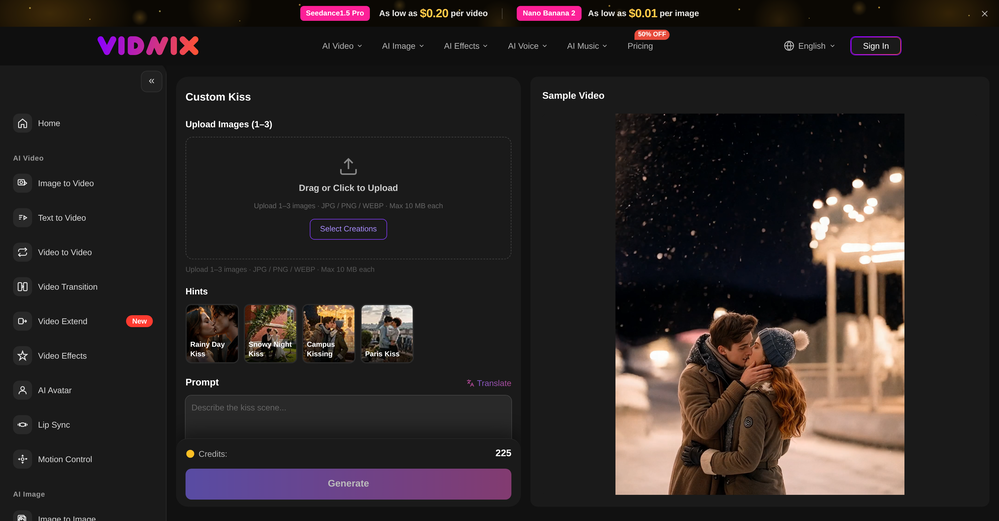 oriole serpent🙏 24 karmaJun 15, 2026@Vidnix | AI Kiss generateLooks pretty clean and easy to use! The upload process is straightforward, though the top section feels a little crowded. Maybe add a bit more info about how the credits work.
 -
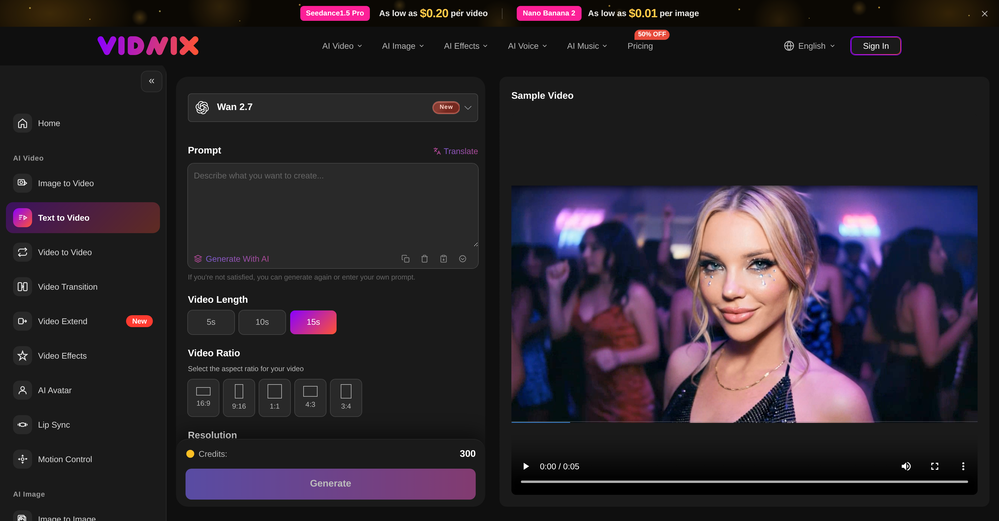 Solid. Not perfect but it gets the job done and the updates have been pretty consistent
 -
 Turn any song into scroll-stopping videos in minutes with AI-directed scripts andOpen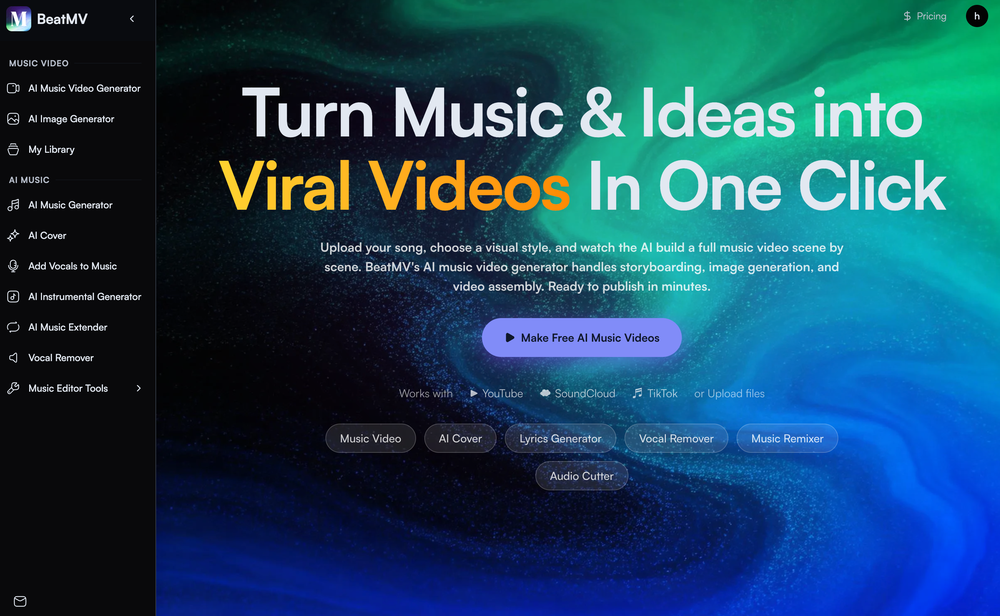
-
 Open
Open
-
-
-
 Open
Open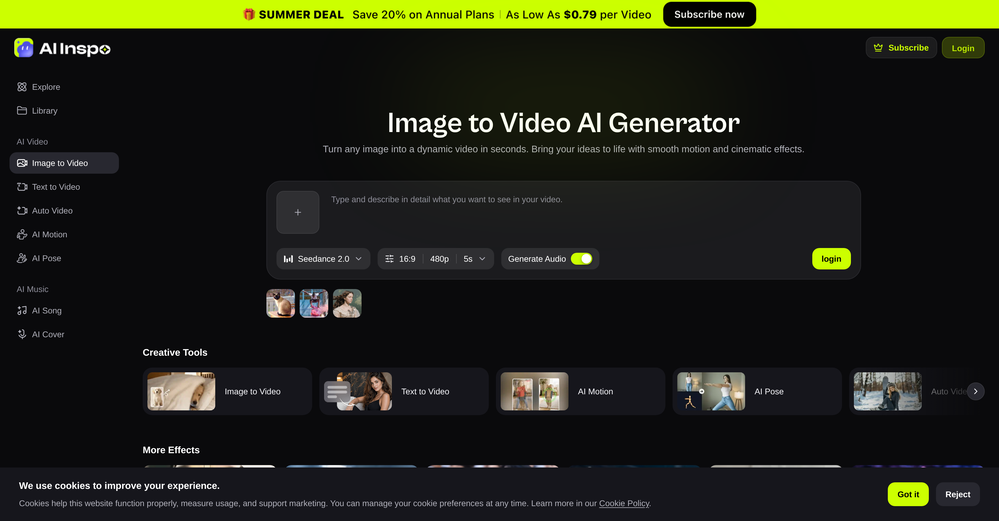 AI Inspo is an excellent all-in-one AI platform. With trending templates and advanced AI generation models, creating engaging videos becomes fast and effortless in just a few clicks.
 -
 Open
Open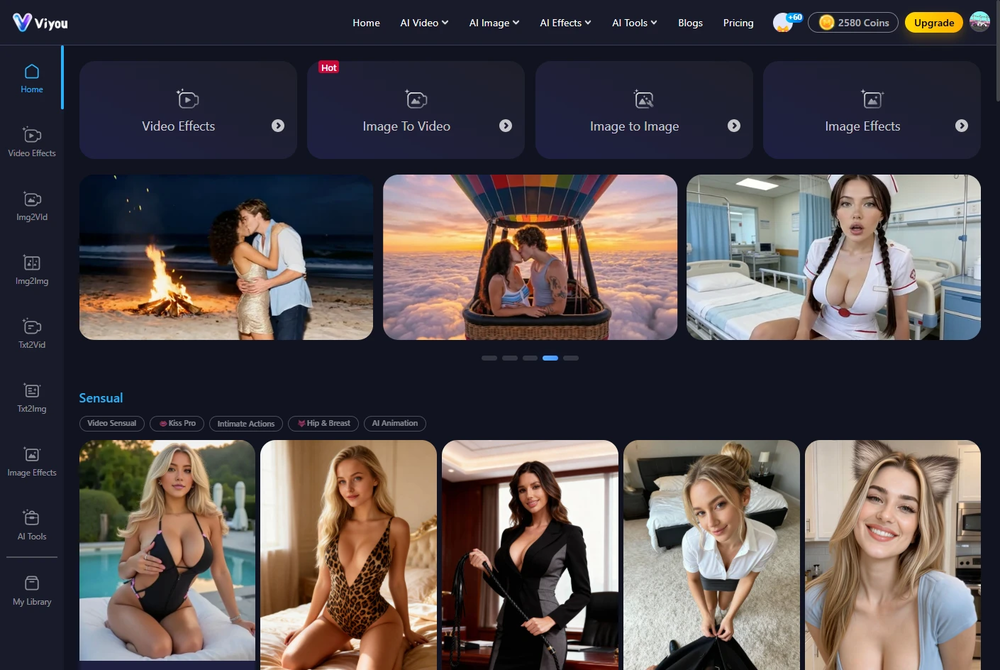 I was struggling to create some free Christmas and New Year's e-cards, and these templates are really good. I recommend giving them a try. The only downside is that each free template can only be used once.
 -

-









Verified tools
- SpotlightSureThing.io - "OpenClaw" for BeginnersTask automation
-
Speed is amazing ! I will definitely utilize the tool in the future for film generation
-
Movie Maker Edit Web Edition v5.2.0 is a major performance and stability release that puts Pro-grade movie-making in your browser, free. Faster exports and rock-solid handling of long, large projects let you turn hundreds of AI-generated clips into a finished film without ever leaving the tab, with no installation and no account. It's essentially the Pro edition, at no cost. Start making movies from your AI-generated clips: moviemakeredit.iacolettisoftware.com
-
 Transform photos into cinematic videos with AI.Open✨ New: Seedance 2 Mini Model Better quality. Lower cost. Now available for AI video generation.
 -
 Use every top AI model and 100+ effects in one account.Open🎬 Just Added: Gemini Omni & Kling 3.0 Turbo! Two new video models are here. Make better videos, faster. 🎁 Free to start: 10 credits, no card, full commercial rights.
 -
 Start from real examples. Turn one good clip into a full video.OpenI was surprised by MotionGen's image2 model. I've uploaded a photo and it accurately suggested hairstyle variations I actually loved. Didn't expect that at all.
 -
 Transform your music into stunning visual experiences with AIOpenThe generation effect is good, the pictures are exquisite, and the transition animations of the pictures are smooth The only drawback is that it would be better if the generation time were a little faster
 -
 Open
Open -
 Open
Open -
-
 Turn images into videos with advanced AI All with Fylia AI.Open
 -
 Open
Open -
 Open
Open -
 Turn simple prompts into viral videos, stunning images, and realistic audio.Open
 -
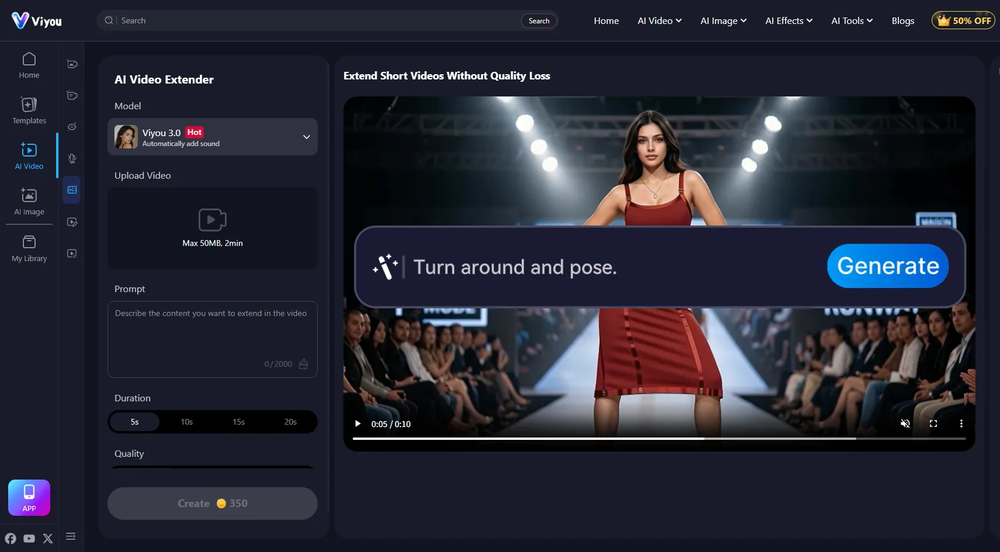
After testing Viyou AI Motion Control, I’m impressed by how it solves the 'stiff' movement common in AI video. While competitors struggle with physical contact, I found Viyou excels at fluid, complex interactions like hugging and dancing. It’s my go-to tool for cinematic storytelling where precise subject behavior matters most.
-
 Open
Open -
The workflow is straightforward, the output quality is clean, and it’s especially useful for marketing videos, product demos, and social media content. Overall, it’s a solid AI video generator that saves a lot of time. Highly recommended.
-
needed broll for a travel vlog and didn't have footage of certain locations. generated some establishing shots with this and they blend in perfectly. not replacing my camera but great for filling gaps
-
Well, it did give me an insanely good image, but you only get one free trial, i.e, generate one image for free. And the model is costly for someone who wants free AI tools. But it does the job if you're willing to pay.
-
-
Just tried the Seedance 2.0 experience on LumeFlow and I’m honestly blown away. That "uncanny AI jitter" I’m used to seeing in other models is practically gone—the motion is just so smooth and fluid. I was a little skeptical at first since it’s tagged as an "Early Access Lab" feature, but the output quality is 100% the real deal. If you’re looking for cinematic physics that actually make sense, this is easily one of the best AI video experiences out there right now. Highly recommend giving it a spin.
-
Hey everyone 👋 I’m excited to introduce VidFab, an AI-powered tool that turns text and images into cinematic videos in seconds. We built VidFab to help creators and startups make beautiful videos without complex editing or long render times. Just type an idea — and our AI brings it to life. I’d love to hear your feedback and ideas for what features you’d like to see next. Your thoughts really help us shape the future of VidFab!
-
Glad to see LitVideo listed here. Have been using it for a while. Easy to use, and LitVideo provides a relatively low-cost entry point into AI video creation.
-
Looks great, I really appreciated that it gives you credits to test it out first, not many video tools do that. Makes it way easier to actually see what it can do before paying. Nice experience overall :)
-
 Turn photos into realistic AI kissing videos instantly.Open
 -
tried it on selfies and random shots and it did fine. faces look good objects get weird if the source is rough. free tier is tight too on my account it gave 20 credits which basically covered one export then a small daily drip of +2 or +5 before I could play more. would love more runway up front. paid packs lift the watermark and quality if you need it.
-
VideoWeb AI is an useful AI tool for my video creation. I like the video to video feature that I can create the anime video with my videos.
-
I used the Punk subscription for 2 months and really went deep into it. Plazmapunk offers great flexibility and a lot of option to create videos/animated visuals that can look stunning and cool. My favorite part is the Scene Editor where you can be your own story director. Sometimes videos won't turn out the way you like them, but upon refining you usually get it to be satisfying for you. So in short, I enjoyed it a lot :)
-
 Open
Open -
The "Lion and Sun" symbol is seen on streets where protests are underway, fires are spreading, and the nation has risen up for freedom.
-
 Turn any image into AI video. No watermark, 10+ models, free.OpenVdoo is excellent; it can freely generate all sorts of videos and images I want. I highly recommend giving it a try.
 -
 Open
Open -
 Transform any photo into stunning dynamic videos.Open
 -
Steer clear of this by any cost ! it gives you ONE video for free and then ask you for no less than FIFTY dollars a month for only FIVE videos ! they must be crazy with all the alternatives.
-
I tried Animon for a bit and it’s actually pretty solid. It does a good job with simple animations and keeps the original image style pretty well, so the results usually look clean.
-
 Open
Open -
 OpenHonestly, the kissing effect on Viyou is remarkably fluid—way better than other AI tools I’ve tried. The preset scenes are a great touch and super fun to play with. My only tip? The default prompts could be a bit more polished to get even better details, but the results are already top-tier. Definitely worth checking out!
 -
This is an amazing AIGC tool! The effect is incredible, it can perfectly restore what I want.
-
 Create & Sell 4K Images, AI Videos, 3D Models, websites and MORE.Open
 -
 Transfer motion from videos to photos with AI.OpenHey guys, Zeeshaan here, co-founder of AI Motion Transfer. This tech allows AI videos to follow complex human movements, making ai video look more far more realistic than ever before. My goal is to create a simple interface for anyone to take advantage of this new model. Hope you enjoy the tool, and I'm open to all feedback.
 -
 Open4K resolution is one of its major advantages in the relevant field.
 -
 Open
Open -
-
I ama YouTuber, scrambling to put out content,this AI video maker works.No weird,glitchy stuff here—just realistic footage that doesn’t make my viewers go‘that’s AI?’Total lifesaver when I’m tight on time.
-
 OpenThe features are incredibly comprehensive. I really love it — the AI videos I created got a ton of praise when I shared them. Likes galore!
 -
I’ve been using this tool for a while, and it’s made a huge difference. I now create 40–50 reels a month in half the time. It helps me generate videos automatically with realistic avatars, create images, edit clips easily, and see which types of content perform best. It really feels like having a creative team by my side.
-
 OpenHere's the rundown. If you thought image editing like Photoshop or Affinity Photo, you were wrong. It's 100% insert a photo and put a filter over it or change it into another AI image. Signing up for an account gets you 4 credits. Enough for one image to image generation. Instead, you should go to aistudio.google.com. This Dreamega site is just using google to generate their stuff anyways. You can do this yourself without paying per generation, the only difference is you need to type the prompt yourself. Is it worth paying some overblown monthly subscription on Dreamega for something you can do yourself or something you'll probably only do once?
 -
It's working very well. AI chat is 100% free, but image and video are not free, though they are still good. You get a few daily credits, but at least you still have some
-
it does only do one image per time i am looking for multiple images to video
-
v03 ai is the only veo 3 videos generator supporting vertical videos for instagram, tiktok and other social media platforms, try it now!
-
nice find! i just found out about Videnly today, i was messing around trying to figure out how to make faceless TikToks faster and this popped up it actually looks pretty solid so far. i haven’t dug into everything yet but first impression is it might save me a ton of time making short videos. curious to see how well it works once I really test it...
-
Great that you like it! Due to a lot of abuse, we had to disable exports in the free trial. We do have a 14 day money back guarantee for one-time licenses, so you can try out all the features.
-
-
One platform gives me access to various high-quality video models — it’s been used to generate 110k viral social media posts.
-
 Sync your sound, elevate your lyrics with AI-powered video creation.Open
 -
 Automate your short video production with AI and instantly publish to socialsOpen
 -
WTF... this thing is actually wiiiildd! everything i've tried came out looking like straight up high quality movie scenes.. i'm actually mind blown... insane..
-
This video generator did much better than I expected on complex subjects. Unfortunately, it isn't as free as I wished. I could not iterate my creation to create a resolved result.
-
It works well on video upscaling. I can fix my blurry old videos.
-
-
good platform to create my short video
-




















































































Other tools
-
Create tool for AI image generation, image and video enhancement and other tools on your computer. No usage limits like online services.
-
 Apply spooky Halloween filters and scary makeup effects online for free.Open
 -
 Open
Open -
-
tried veo 3 today and it honestly feels like a sneak peek into the future. one short prompt and it gave me a crisp 4K video with perfect audio and cinematic camera moves. not flawless yet, but wow.
-
Diffusion pulls out extremely good images from simple prompts. Renders were a little slow on higher quality, but totally worth it for the results. The controls feel clear enough and the outputs look legit. Good one here!
-
Hey SFS, it seems the app works with credits via an API key, priced at $0.01 per credit. The lowest generation cost is 0.9 credits, and the highest is 8 credits. We’ve also updated the app’s price description. Thank you very much!
-
I’ve used this product, and the AI video generation quality is excellent. Most importantly, it offers the best value for money I’ve ever seen. In addition, if you need help optimizing your video prompts, you can email their professional advisors for free consultation.
- Didn't find the AI you were looking for?
-
-
Appears to be a full-featured video editor. It tried hard…but chose such shit B-roll.
-
-
it does not give you enough credits to use veo3 which it claim to .
-
Greetings Kalyani. Tool offers you 1 credit upon sign up, you can use that in order to test it out. That counts as a free trial. Have fun !
-
You can find the customer service with chat button. Tina help me a lot
-
nice for sound play. took out clean vocals from a track.
-
-
-
This Site gets a high spot on google search results (Top 10) by advertising a free and efficient sound effects generator. What they dont tell you is you cannot download or use these sounds in any way without buying a subscription.
-
Just tried it and the subscribe button shows up fine on my side. Maybe try disabling any ad blocker or switch browsers and refresh the page.
-
-
 Open
Open -
-
-
Very good job. File size concerns me, it was 10.2mb from a 1.63mb file. That was only one image, what if I had 50?
-
tried submagic and it does the job, auto captions came out clean and it’s super easy to use. free trial lets you upload 3 vids which is enough to test it out, but the watermark on them means you can’t really use those exports anywhere. still, pretty solid tool overall :p
-
Hi this is best teacher in Japan he is teach English every well. Every student like this teacher and he also loving with his students. But every time he is angry on his students because the students is very stofed.
-
Instantly deleted my account after first video failed to generate and when tried second time, it says you've reached the limit. NEED MORE IMPROVEMENT
-
-
 Open
Open -
 Create cinematic YouTube breakout visuals that conquer algorithms.Open
 -
 Transform yourself into a Fast & Furious action hero!Open
 -
 Generate cinematic overhead shots with vintage film aesthetics.Open
 -
 Open
Open -
 Generate detailed cinematic visuals with varied effects.Open
 -
 Focused After Effects animation and expression guide.OpenTo register as a requestor, I can download the mobile application from the Play Store or Apple Store. Then, I open the application and click on “signup”. On the signup screen, I can enter personal information like Name, Email ID, Password, Contact No and Address. My account is successfully created, and I can “sign in” with the entered email ID and password. Smart Sort generates a unique QR code with my information, which will be stuck on front of my door.