
 Mini tools
▼ Latest
Pdf editing
Free mode
100% free
Freemium
Free Trial
Featured matches


Verified tools
-
1. Real-Time Video Preview & Editing 2. Voice Cloning 3. 3D & Knowledge Metaphor Visual Tools 4. Long Video Support 5. Real-Time Asset Injection 6. export All source files 7. Some optimizations to the accuracy of educational videos
-
 Edit smarter, faster and easier with Filmora’s powerful AI video tools.Open
 - Spotlight:
 The Color QuizPersonality assessment
 -
 J.I.🙏 109 karmaDec 28, 2025@Foundor.aiGreat tool for developing business ideas and more. Also made a video on it here: https://youtu.be/ozmFFMiFLwM
 -
 Turn your slides into narrated videos with AI voiceoverOpenWe built Vidsembly to make video creation from presentations as simple as having a conversation. Just upload your slide deck, pick a voice, and get a clean narrated video in minutes. No editing software or mic needed. Great for creators, educators, and sales teams who want their message to land. You can try it free with 30 credits.
 -
Amazing app and really easy-to-use! It has all the things I need to create a neat, functional, and clear-cut mindmap.
-
 Transform YouTube videos into polished documents and quizzes.OpenSuper helpful tool for content creators like myself. I have a Patreon where I give my Patreons quizzes and video summaries based on my YouTube video and this website speeds the whole process up tremendously.
 -
5/5 very easy, it translated all the text very easily and in 5seconds
-
Free version is limited to 10 words. Not even a sentence. Its a joke
-
Very nice tool for storyboarding. The process is streamlined and it's a real time saver! The tool has also a lot of features to specify shots for comprehensive settings which is a must for complex projects!
-
The fact that it's available as a Chrome and Firefox extension makes it super convenient to integrate into my workflow. I love how it not only helps with proofreading and editing but also tracks changes, which is incredibly useful.
-
Highly recommend it for anyone dealing with high-volume document processing. Simplifies the process of extracting data from multiple PDFs into clean, accurate spreadsheets.
-
Best PDF to Explainer Videos AI Tool
-
 Chat with any PDF, ask questions, summarize and extract insights effortlessly.OpenThe maximum number of pdf pages for the free tier is 10, which is a bit small. Generally, I think people need this service for pdf documents over 50 pages or so.
 -
Good. But there should be options to move questions to google form or Microsoft form so that as a teacher I can take exam




















Other tools
-
Not bad, its freemium and the feature is good like private pdf and support OCR
-
 Open
Open -
 AI-powered PDF assistant for summarizing, translating, and creating content.Open
 -
I like it. It answers simple questions accurately and by the book. The Ref (reference) page is not usually accurate though. I'll keep you updated on how it responds to complex questions.
-
Not available for PC only Mac, it would have been worth mentioning.
- Didn't find the AI you were looking for?
-
Highly recommended. It saves a lot of time. Their PDF chat feature is very user-friendly.
-
Good to use even for free. Gives answers related directly to the info in the document, along with references to pages where it can be found. Also does well at analyzing graphs and charts
-
-
-
 Open
Open -
First week is free (hence 3 stars when it would have been 1 otherwise) then you have to pay £81 / year or £9 / month which for a light or occasional user is very expensive. There really needs to be a sensible ’document limit’ to back up the very good trial period.
-
-
These are garbage there are 1000s of these fake free PDF editors. They don’t work and just waste everyones time.
-
 Creating interest-based writing exercises for young learners.Open
 -
 Open
Open -
A good app that let me reset some metadata on a pdf to keep the author name private. I'm going to try to use it for other things as well. It was also able to find a way for me to re-download the pdf after the modification, when the default way would not work. Very handy!
-
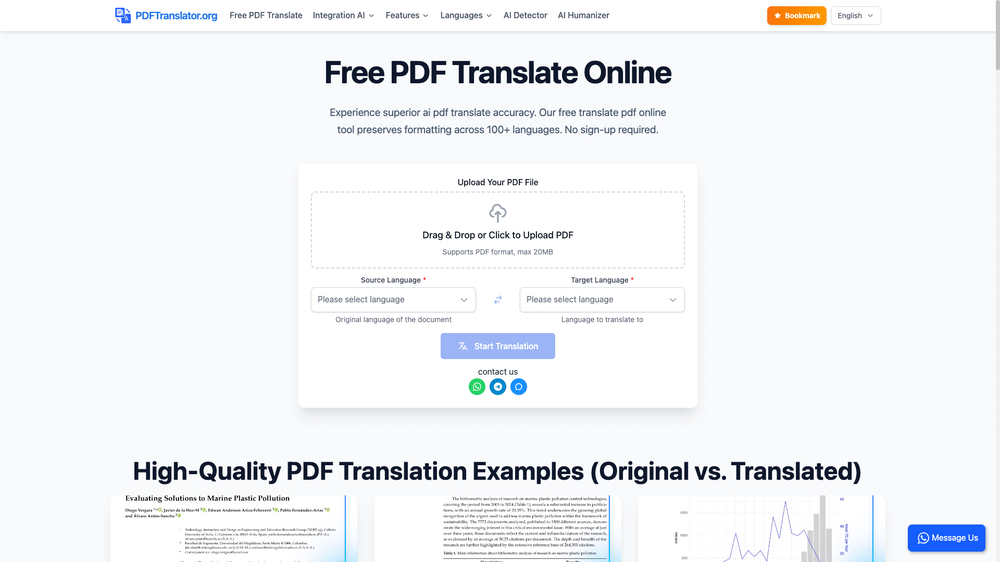
 Multilingual PDF Translator with MarkdownOpen





































Post





