Go to section
Sponsor
 Flow - 4x faster than typing
🎤 Dictation
Flow - 4x faster than typing
🎤 Dictation
The front page of AI.Used by 90M+ humans.

Generate image
Tasks
Generate text
Free mode
Trending
Leaderboard
Characters
 Mini tools
New
Featured
Lists
Agents
Requests
Jobs
Map
Newsletter
Starter pack
Free tools
Speech to text
Text translator
Remove background
Settings
Edit profile
My tools
Gallery
Dashboard
Inbox
Get featured
Contact TAAFT
For you
Popular
Job impact index
Most saved
Affiliate program
Submit AI tool
Notification preferences
Glossary
Home
Timeline
My profile
Create tool
Deals
Companies
Models
Robots
Papers
Fundraises
Repositories
Devices
Organizations
Events
Prompt Pack
Merchendise
APIs
Features
Tools
Countries
Collections
Videos
Mini tools
New
Featured
Lists
Agents
Requests
Jobs
Map
Newsletter
Starter pack
Free tools
Speech to text
Text translator
Remove background
Settings
Edit profile
My tools
Gallery
Dashboard
Inbox
Get featured
Contact TAAFT
For you
Popular
Job impact index
Most saved
Affiliate program
Submit AI tool
Notification preferences
Glossary
Home
Timeline
My profile
Create tool
Deals
Companies
Models
Robots
Papers
Fundraises
Repositories
Devices
Organizations
Events
Prompt Pack
Merchendise
APIs
Features
Tools
Countries
Collections
Videos
Mini tools
New
Featured
Lists
Agents
Requests
Jobs
Map
Newsletter
Starter pack
Free tools
Speech to text
Text translator
Remove background
Settings
Edit profile
My tools
Gallery
Dashboard
Inbox
Get featured
Contact TAAFT
For you
Popular
Job impact index
Most saved
Affiliate program
Submit AI tool
Notification preferences
Glossary
Home
Timeline
My profile
Create tool
Deals
Companies
Models
Robots
Papers
Fundraises
Repositories
Devices
Organizations
Events
Prompt Pack
Merchendise
APIs
Features
Tools
Countries
Collections
Videos

▼ Most saved
Slidesai
Free mode
100% free
Freemium
Free Trial
-
 Jenna Hayes🙏 14 karmaJul 6, 2023@SlidesAIWhen testing out the free version it looked promising, but as soon as I purchased the largest package for more characters the slides were unusable with text running vertically up and beyond my slides (1 character per line). When I reached out to the supplier, they wouldn't refund me because it had been more than 48 hours since my purchase. Waste of money and time.

Featured matches
-
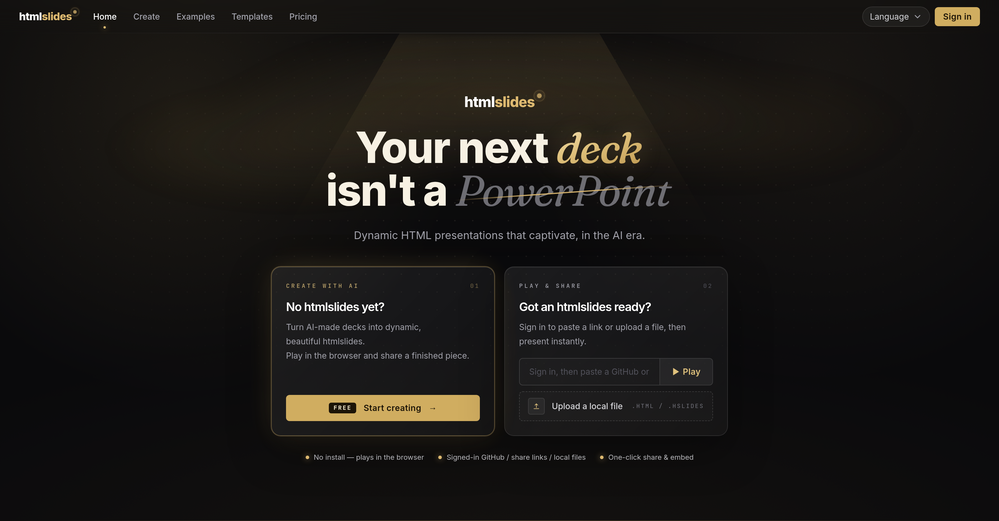
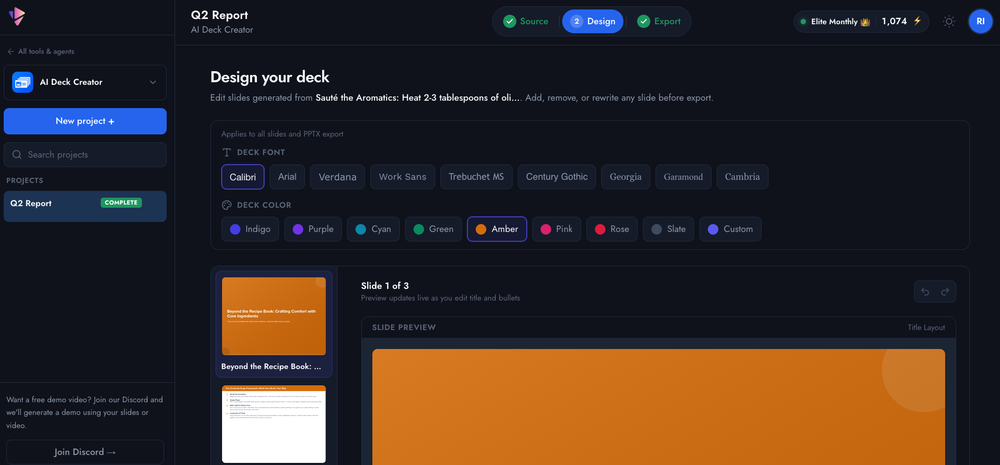 Started building this to make presentation creation less repetitive. It's become one of the tools I use the most myself.
 -
-
-
-
-
-
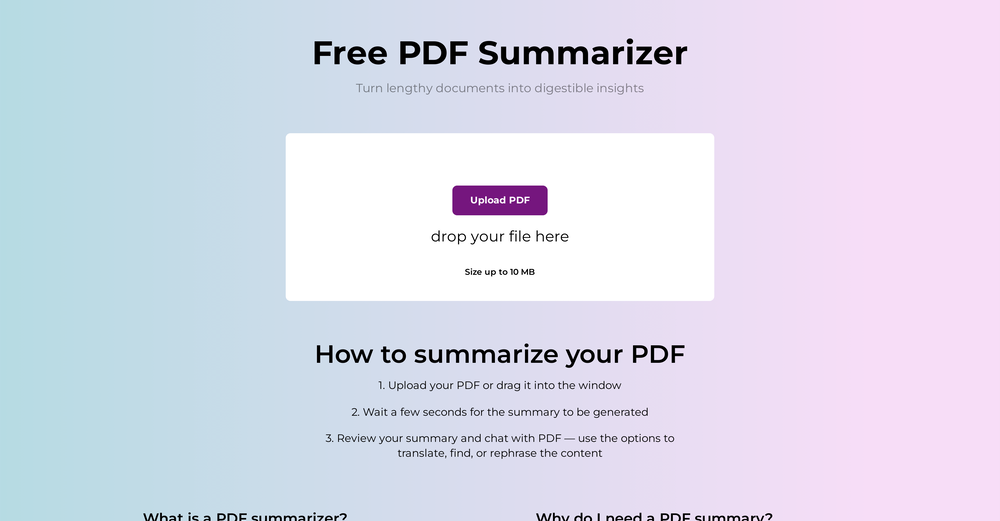 We've shipped a major update that turns our PDF summarizer into a full document summarizer. Now more than just PDFs — 14 formats supported You can now summarize far more than PDFs. In addition to PDF, the tool now handles: - Documents & spreadsheets: Word (DOCX), Excel (XLS, XLSX), PowerPoint (PPTX), TXT, Markdown (MD), HTML Images: JPG, JPEG, PNG, GIF, WEBP E-books: EPUB, FB2, MOBI Upload almost any file and get the same clear, structured summary with key points in seconds. - New languages Added full localizations for Thai, Korean, and Indonesian, so more users can summarize and read results in their own language. - Bigger files Increased the maximum file size from 10 MB to 50 MB — summarize longer reports, books, and spreadsheets without splitting them. As always: 100% free, no registration, and no usage limits.
 -
 Just type what you need — AI fills Sheets™, Docs™, and Slides™Open
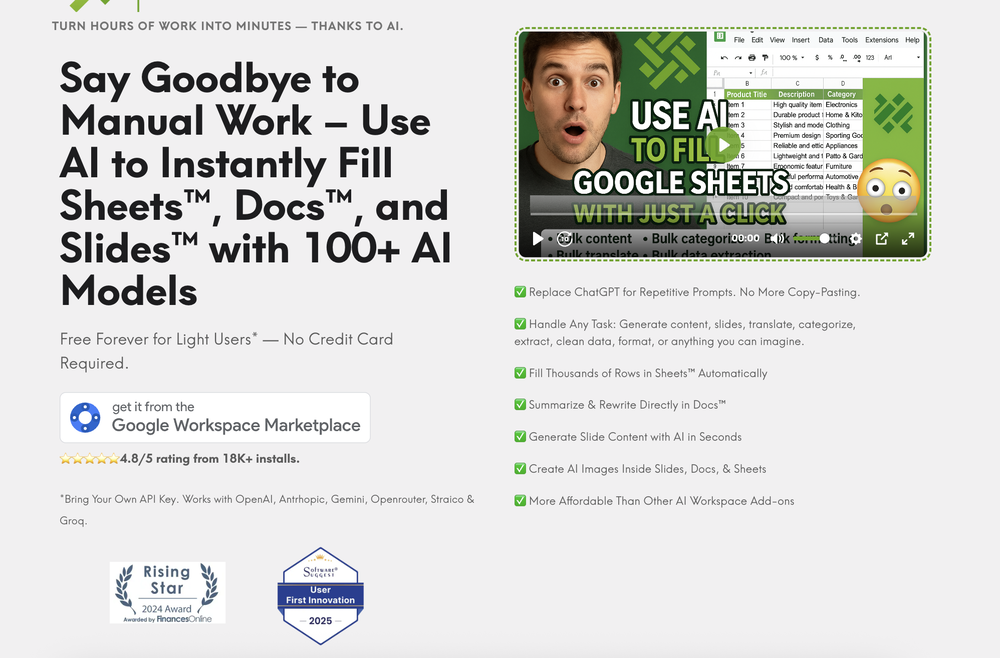 Just type what you need — AI fills Sheets™, Docs™, and Slides™. FREE Forever with your API key for up to 100 execution per month! Zero formula typing, natural language instructions, zero complexity. Fill spreadsheets, create and edit documents, generate slide presentations, create images, and more.
 -
 Build professional, on-brand decks — 10x faster. Inside PowerPoint or online.Open
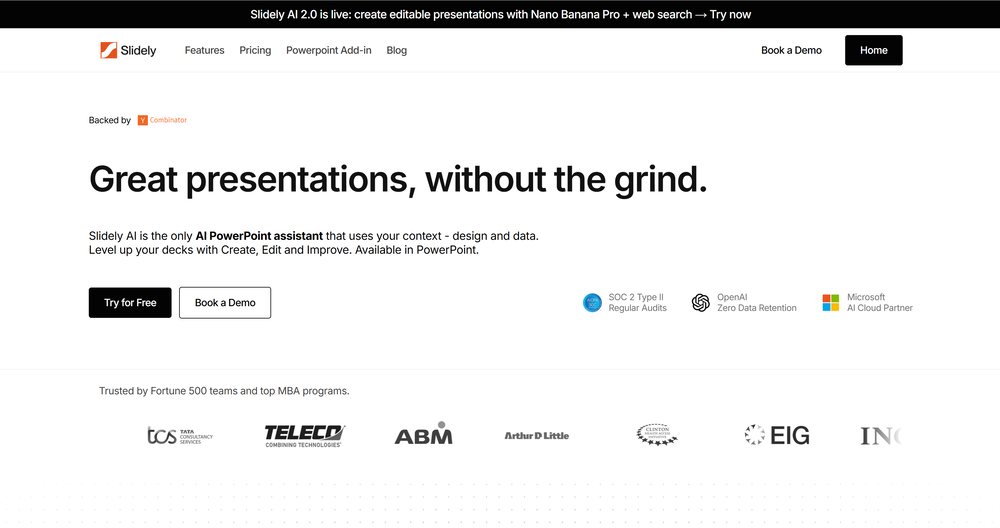 I think Slidely is the only tool that has worked for me when creating my client presentations. The presentations aren't web pages or images like the other tools but actual PowerPoint slides which I really like.
 -








Other tools
-
 Create Stunning PPTs in Seconds with the AI PPT MakerOpen
 -
Would be better if they let you use your own text as an option.
-
Looks like it's working for me. Could you give it another try?
-
You spent half of hour on describing how your presentation should look like, and just after that getting informed that you need to pay subscription to proceed. Who’ll pay my time back?
- SponsorFlow - 4x faster than typing🎤 Dictation
-
An AI that can present slides! I used to only use AI that could create PowerPoint presentations, but this is the first time I've encountered an AI that can present slides for me! I hope it will provide even more help with my work in the future.
-
PPT.AI is an outstanding AI-powered presentation tool that has completely transformed my workflow! With just a few clicks, it turns my ideas, documents, or even YouTube links into polished, professional slides in minutes. The platform offers over 800 premium templates and smart editing tools, making customization both powerful and intuitive. I especially appreciate the real-time cloud collaboration and version control features, which make working in teams seamless. Whether you’re a professional, educator, or entrepreneur, PPT.AI saves a tremendous amount of time and ensures every presentation looks visually engaging and consistent. Highly recommended—definitely a five-star experience!
-
It does it's job and I love that it has a lifetime plan
-
It's helps you get started on a presentation. Likely need to edit photos and text.
-
Test based on an actual teaching topic of Social Media Marketing based on a textbook. Perhaps my prompt was not detailed enough because the .ppt output had a minimalist layout. Some textual explanations were acceptable however, the AI does not yet have enough depth to use for an education environment. The results were very fast and produced 12 slides. Images were presentation quality however, two images were repeated and the text-to-image ratio was only a 1/2 grid.
-
-
This is the first slide creator I found that actually creates an outline, and nice looking slides with images. The one negative/con is it takes yoursubject and title and generates an outline, but it doesn't allow you to put in your own outline
-
 Generate professional presentations in seconds with AIOpenDid not allow to download the slides.... ideally they should keep it free till sufficient traffic hits the platform and allow people to share feedback.
 - Didn't find the AI you were looking for?
-
Wow, I can't believe it, how much can a human being cheat? You get a free data tag, you register on the site, so you don't get paid, you can't do anything. I really feel sorry for humanity.
-
Presentations clearly feel and look AI generated not good enough for work.
-
We're live folks! Do check us out and drop your feedback or requests.
-
impressive :O quite easy to use and great designs overall
-
Takes input (full presentation text in my case) as prompt and generates its own copy. Poor image quality. Boring layout. No bullets etc. You can try once with your free credits. no fun
-
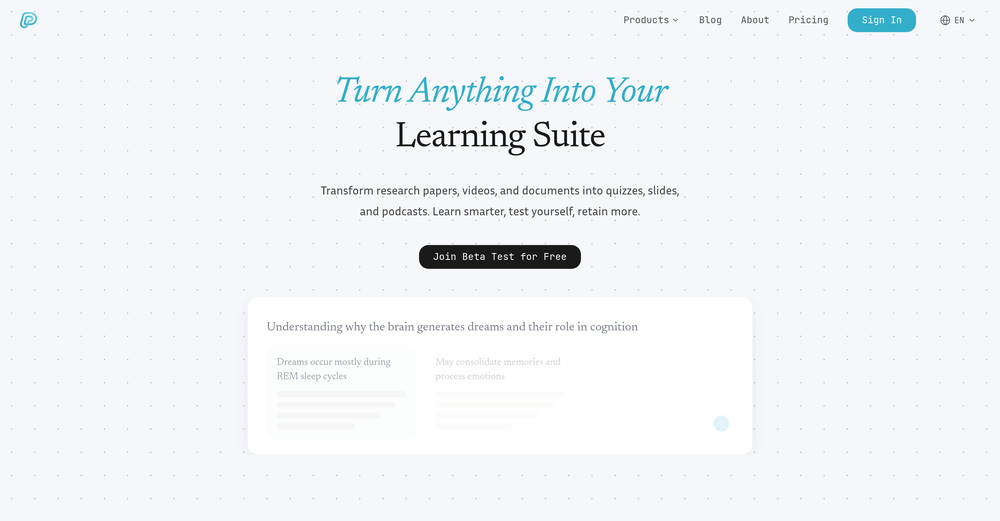
 Podcasts, scholarships, literature reviews - study and work faster with AIOpen
 -
 Learning shouldn't be a chore. Gamify your learning with AISheets.study.Open
 -
It has improved a lot. When it was launched, it was just a tool for presentation. Now, I have been using it for more than 6 months and can create professional and engaging presentations and documents in just 1 minute
-
-
I'm the creator, so I'm biased. Slatebox lets you build editable diagrams/visuals using natural language. You can even chat with the AI to build a diagrams in real-time and brainstorm together. Real-time collaborate with your team. Starts at free.
-
A very useful AI slides tool! The content it generates is genuinely smart.
-
-
This is a fake website. I was allured by its presentations and purchased their lifetime subscription amount. The money got debited from my account and they did not upgrade my account. They do not respond to their messages. No contact numbers. Kindly stay away and dont lose your money as they will not help you anyway.
-
 Turn your slides into narrated videos with AI voiceoverOpen- Complete rebuild with a redesigned interface and faster workflow. - Added AI script generation to automatically create presentation narration. - Expanded language support for creating videos in more languages. - Added new natural-sounding AI voices across supported languages. - Improved presentation rendering speed and overall reliability. - Enhanced export experience with downloadable MP4, PDF, and script files. - Refined project management and editing workflow. - Numerous bug fixes and performance improvements.
 -
Just paste content in, layout will automatically be desigend
-
It easy to use and you can create beautiful presentations but you can't share professionally without a HUGE cost of 50 per month thats billed annual! they try and force you to buy. Will not use as it is NOT easy to share
-
 Your AI presentation agent for instant professional slides.OpenA great AI presentation maker
 -
I’ve tried almost every AI slide generator out there, and Tosea is in a league of its own. Most tools just scrape the surface, but Tosea actually digs into my research PDFs. It captures the nuance and logical flow of the original document without the usual AI hallucinations. The slides it produced for my last project were surprisingly deep and well-structured. Plus, being able to export directly to PPTX and make my own tweaks is a lifesaver. It’s easily saved me hours of manual formatting this week.
-
I tested a few AI presentation tools and this one works smoothly inside Google Slides.
-
 Create stunning presentations in seconds with AIOpen
 -
I'm giving it two stars because it does do an ok job on videos but I would NOT recommend this. The "free trial" gives you 80 credits. It's not even enough to make a 60 second video so you can't really "trial" anything. I then spent $35 to make a 60 second video and I did two edits to it and I only have 451 credits left for the month. Until the costs come down, this is not feasible.
-
It suponer to be free but i need to pay for the download
-
It’s a decent tool for making slide presentations. A bit complicated at first, but once you get used, it gets better. Offers some nice features
-
It's a pity I got a red line saying there is an error Actually, after a while, I got an email with the presentation So it was created, delivery was average I'd say, I didn't use it
-
 Open
Open -
 Adaptable to your Level of experience Google Slides Assistant.Open
 -
 Get custom suggestions for the best stock photo sitesOpen