
 Mini tools
▼ Latest
Youtube to text
Free mode
100% free
Freemium
Free Trial
Featured matches
-

-
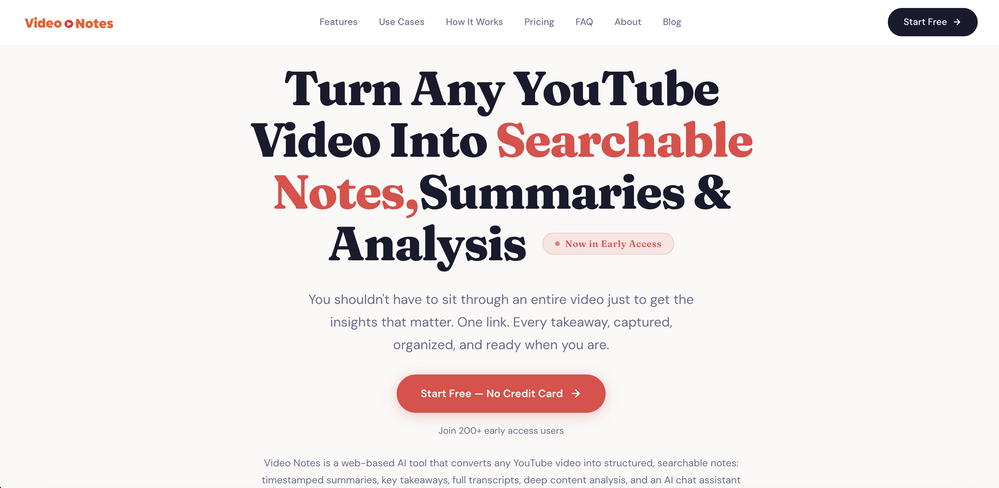
 Robert Moore🙏 2 karmaMar 26, 2026@Video NotesBeen using it for the past few days and it is exactly what I hoped it was. Nothing complicated, does exactly what it says it does without the fluff. The analysis section is great, does not produce canned summaries. It appears to be doing something different for every different type of topic, which is great. Still playing with it.
 -
-

-
 Open
Open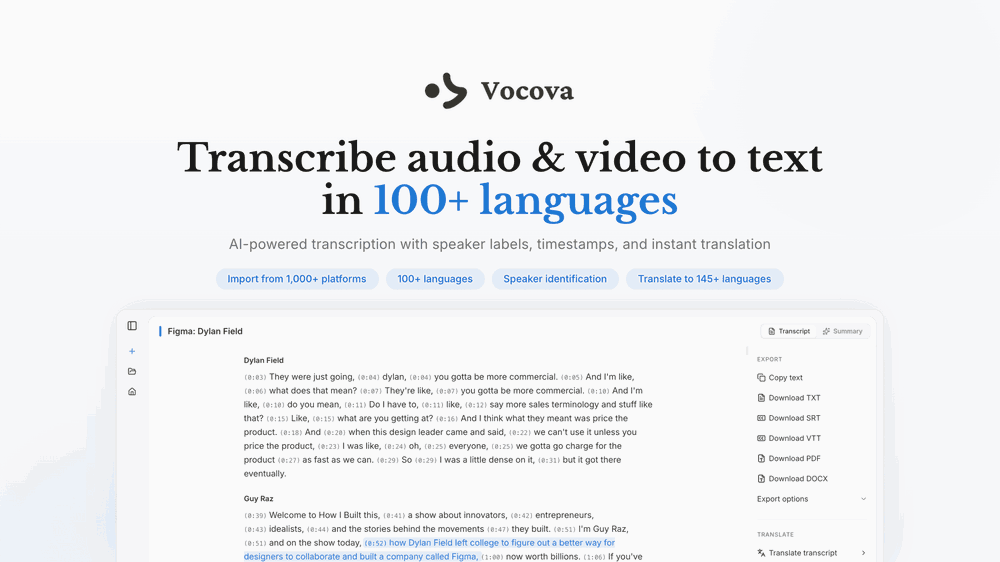 I built Vocova to solve a simple problem — people consume content across languages and platforms every day, but turning that content into accurate, readable text is still painfully fragmented. You need one tool to download, another to transcribe, another to translate. It should be one step. We build Vocova the way you'd build a piece of art — every detail is intentional. How natural the speaker labels read, how precisely timestamps align with every word, how a bilingual export looks like a polished document rather than a raw data dump. We don't ship anything that we wouldn't be proud to put our name on. Vocova supports 100+ languages, imports from 1,000+ platforms, and translates into 145+ languages. Try it and let me know what you think — your feedback directly shapes what we build next.
 -

-
 Convert YouTube videos to text with 99% accuracy.Open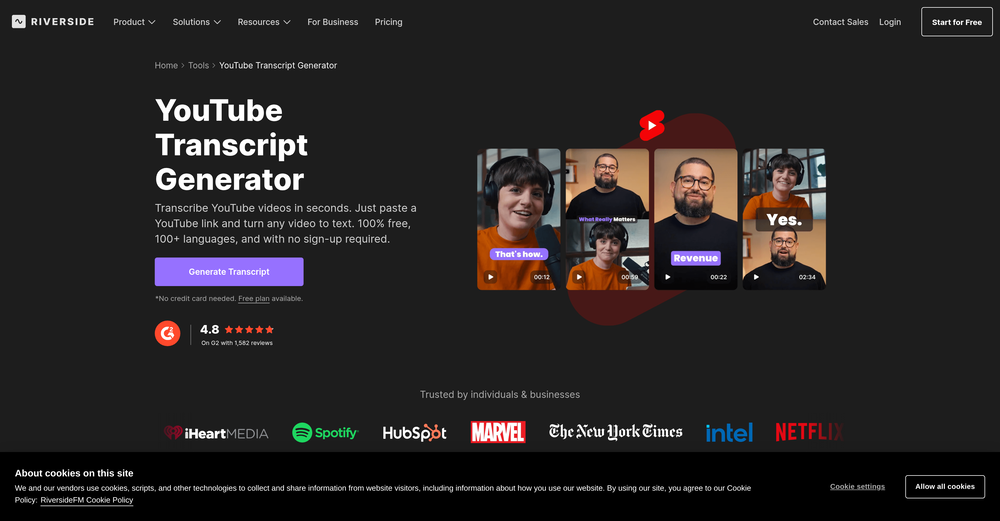






Verified tools
-
An amazing app, I love the share feature and the comment section summaries
-
The ability to create a short video as a demo of the output is great. It had good imagery and it created a good script.
-
 OpenThere is nothing here that meets the presentation requirements. The slides are monotonous and boring; it's as if I just copied my entire text and pasted it onto 10 slides - there's no value in that. The information is inconvenient and uninteresting to read. It's even summarised and organized worse than I could do it in 5 mins. It's better to use free GPT and put all into slides then use this. Omg it's really very bad, extremely poor, and I will never use it again.
 -
ppt.ai has saved me at least 80% of the time spent on making PPTs. I just need to submit rough ideas or drafts to ppt.ai, and it can create a relatively usable PPT. This is simply amazing! Although some revisions and optimizations are still needed afterward, it’s already a huge relief compared to starting from scratch.
- Sponsor
 KiloClaw - Managed 🦀 OpenClaw hosting
 -
Vocallab AI is honestly the easiest tool I’ve ever used. The interface is super simple and intuitive. Generations take less than 2 seconds. The quality is also incredible. The voices sound very realistic — almost like real people. You can even add emotions and details like coughs, laughs, sighs, and other subtle effects, which makes everything feel much more natural and alive. Highly recommend it to anyone working with content, videos, or voice projects.
-
Terrible experience. Spent over $200 to produce a music video that Musid.ai was never able to complete. System crashed during the final production generation/rendering - over and over and over. Contacted [email protected] - no response whatsoever after 2 days. Don't touch it! UPDATE: minutes after posting this Musid.ai responded by reinstating all of the credits purchased. Doesn't compensate for the wasted time but better that a poke in the eye with a sharp stick! I'll review again once I get to the other side of this drama...
-
needed background instrumentals for a demo track and this delivered. the beats are clean and royalty free which is huge.
-
This tool not only transcribes videos and audio, but also automatically generates summaries, which greatly helps me organize my study notes.
-
 Add accurate, multilingual subtitles to videos - fast, right in your browser.OpenThis one is CRAAAAAZY! drop your MP4/MOV, it locks captions to speech cleanly (also multi-language), the in-browser editor is solid and you can either export SRT for youtube or burn the subs in shorts with a couple clicks. it's a W for creators :D
 -
YouTube to Doc is freaking awesome! Total lifesaver for turning videos into text. Just paste the URL → boom, you’ve got a doc. Perfect for notes or quotes. 10/10 recommend!
-
 Create Celebrity voices and voiceovers in 120 languages with 800+ AI voices.OpenThis is a cool little generator for a quick clip! Could see some potential quick use cases if you needed to generate something with an accent on the fly. Not a bad little tool!
 -
AI Notebook does what it promises, it's a decent on the go note-taking app. I like the automated tweak of these newer note-taking apps. I can just throw in pdfs, voice memos or youtube videos, and it'll generate all type oof different format like summaries, mind maps or flashcards. Extremely useful for students and professionals as it digest lengthy materials into small chunks of text. Recommended for anyone looking for a no-frills note taker tool
-
It says it’s free but they don’t have a free option once you’re on their site. Have to sign up for a subscription. It may be a great product- I don’t know. But I’m not going to pay to try it. There are other platforms out there.
-
-
Transcriptmate is an outstanding transcription service, especially for those who value simplicity and convenience. What sets it apart from other platforms is that you don’t need to register or create an account to use it. This makes the whole process super fast and easy – perfect for people who just want to upload their audio or video and get a transcript without any hassle. Another great feature is its pay-as-you-go model. There are no hidden fees or monthly subscriptions. You simply pay for the transcription you need, whenever you need it. This flexibility ensures that you only pay for what you use, making it a highly efficient and cost-effective option. Overall, Transcriptmate offers a seamless and user-friendly experience for anyone needing quick, accurate transcriptions without the burden of signing up for yet another service. Highly recommended!
-
You spent half of hour on describing how your presentation should look like, and just after that getting informed that you need to pay subscription to proceed. Who’ll pay my time back?
-
I completely agree with the previous comment. I first purchased the $5 package and then upgraded to the Pro package, hoping to create videos longer than 3.5 minutes. However, I was disappointed to find out that I needed to purchase the $99 package to create longer videos. It was not clear that the 5000 characters of script only equated to 3.5 minutes of video. To make things worse, the company has a strict no-refund policy, which feels unfair. They seem more focused on taking your money than providing quality service. I would highly recommend avoiding this service at all costs.
-
-
One platform gives me access to various high-quality video models — it’s been used to generate 110k viral social media posts.
-
Might as well use Harpa for this, that's free.
-
 Summarize any YouTube video, any size, under 30 seconds, for free.Open
 -
 Transform YouTube videos into polished documents and quizzes.OpenSuper helpful tool for content creators like myself. I have a Patreon where I give my Patreons quizzes and video summaries based on my YouTube video and this website speeds the whole process up tremendously.







































Other tools
-
-
-
 Convert YouTube videos to text fast and freeOpenHands down the best ai tool for content creators. Their free YouTube transcriptor is always on point
 -
its really good, works super well. I use a lot for resumes at classes.
- Didn't find the AI you were looking for?
-
Great AI voices, though still monotonous and robotic, or rather too neutral, with almost zero voice inflections! Excellent to read news, articles, essays, and any nonfiction books. BTW, computers should be allowed to TALK to us for free, like in the Star Trek TV series. Our future grandchildren will laugh at us for "paying" to use this everyday option, biting the hook to "monthly subscriptions" like gullible fish and then getting up to 1,000 words per month" under the so-called Pro version ;-) This is crazy!
-
-
-
-
Glitched output at best, that can’t even be exported unless you pay.
-
iPhone SE 2020 and iOS17.6.1 - totally not working
-
-
-
-
Well, it is not that good as expected It only transcribes the outline of the video. Don't expect the notes from the website I think the paid versions work better than this and it just gives you the outline. That's it
-
-
 Open
Open -
 Open
Open








































Post





