TAAFT Tutorial
Generate image
Tasks
Generate text
Free mode
Trending
Leaderboard
Characters
 Mini tools
New
Featured
Lists
Agents
Requests
Jobs
Map
Newsletter
Starter pack
Free tools
Speech to text
Text translator
Remove background
Settings
Edit profile
My tools
Gallery
Dashboard
Inbox
Get featured
Contact TAAFT
For you
Popular
Job impact index
Most saved
Affiliate program
Submit AI tool
Notification preferences
Glossary
Home
Timeline
My profile
Create tool
Deals
Companies
Models
Robots
Papers
Fundraises
Repositories
Devices
Organizations
Events
Prompt Pack
Merchendise
APIs
Features
Tools
Countries
Collections
Videos
Mini tools
New
Featured
Lists
Agents
Requests
Jobs
Map
Newsletter
Starter pack
Free tools
Speech to text
Text translator
Remove background
Settings
Edit profile
My tools
Gallery
Dashboard
Inbox
Get featured
Contact TAAFT
For you
Popular
Job impact index
Most saved
Affiliate program
Submit AI tool
Notification preferences
Glossary
Home
Timeline
My profile
Create tool
Deals
Companies
Models
Robots
Papers
Fundraises
Repositories
Devices
Organizations
Events
Prompt Pack
Merchendise
APIs
Features
Tools
Countries
Collections
Videos
Mini tools
New
Featured
Lists
Agents
Requests
Jobs
Map
Newsletter
Starter pack
Free tools
Speech to text
Text translator
Remove background
Settings
Edit profile
My tools
Gallery
Dashboard
Inbox
Get featured
Contact TAAFT
For you
Popular
Job impact index
Most saved
Affiliate program
Submit AI tool
Notification preferences
Glossary
Home
Timeline
My profile
Create tool
Deals
Companies
Models
Robots
Papers
Fundraises
Repositories
Devices
Organizations
Events
Prompt Pack
Merchendise
APIs
Features
Tools
Countries
Collections
Videos

▼ Latest
Drafting tool
Free mode
100% free
Freemium
Free Trial
Featured matches
-
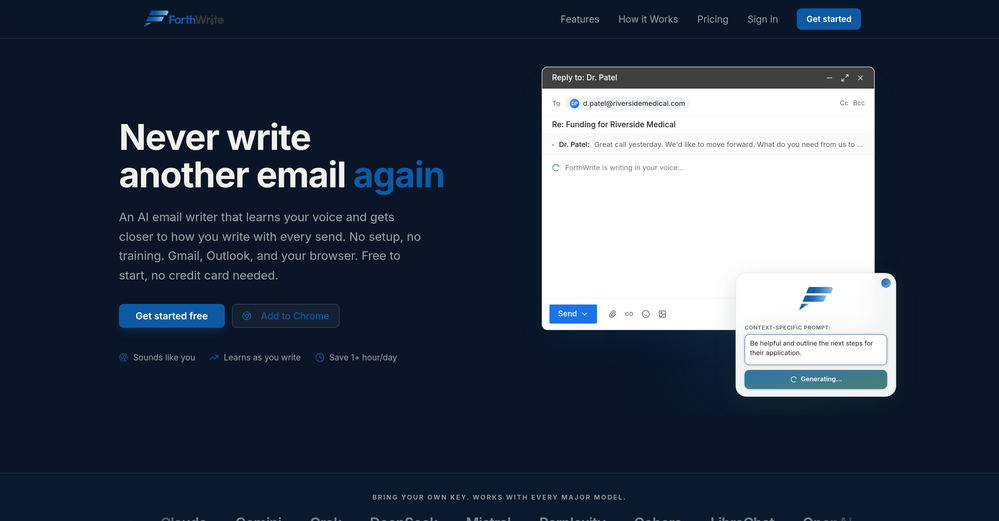
 Curtis Boortz🛠️ 1 tool 🙏 2 karmaJun 19, 2026@ForthWriteI've tried a lot of AI email tools and they all produce the same generic output. ForthWrite is different because it actually learns from the gap between what it drafts and what I end up sending. After a few weeks the drafts need almost no editing. Works right inside Gmail via the Chrome extension, so there's no new app to learn. The 60-day guarantee made it easy to commit. Highly recommend for anyone who sends a high volume of professional email.
 -
 BlogWorkflow AI | Opus 4.6 GPT 5.4 GPT Image 2.0 Supported | Structured SEO Workflow for Individual and ProfessionalFrom fragmented ideas to structured, reviewable 8-step publish-ready SEO content.Open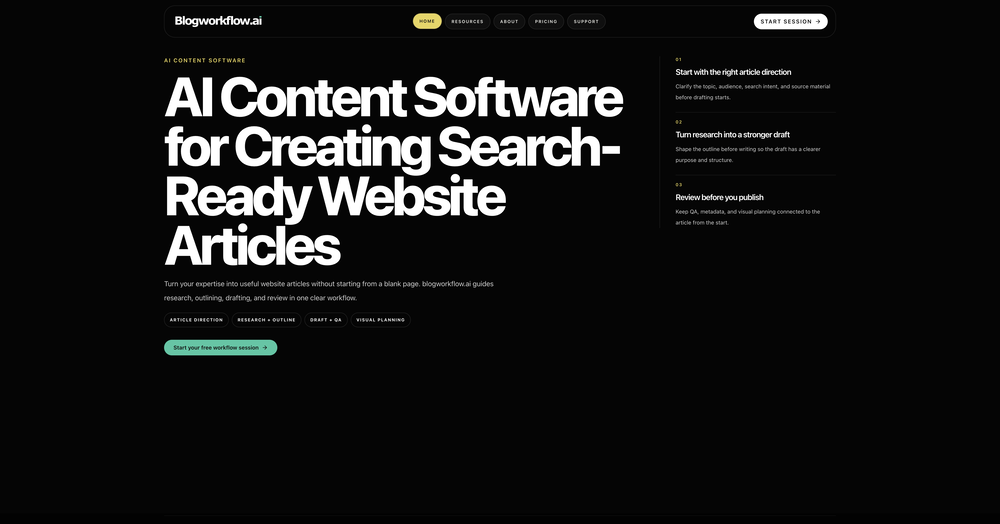
-
-

-
-
-
-
-
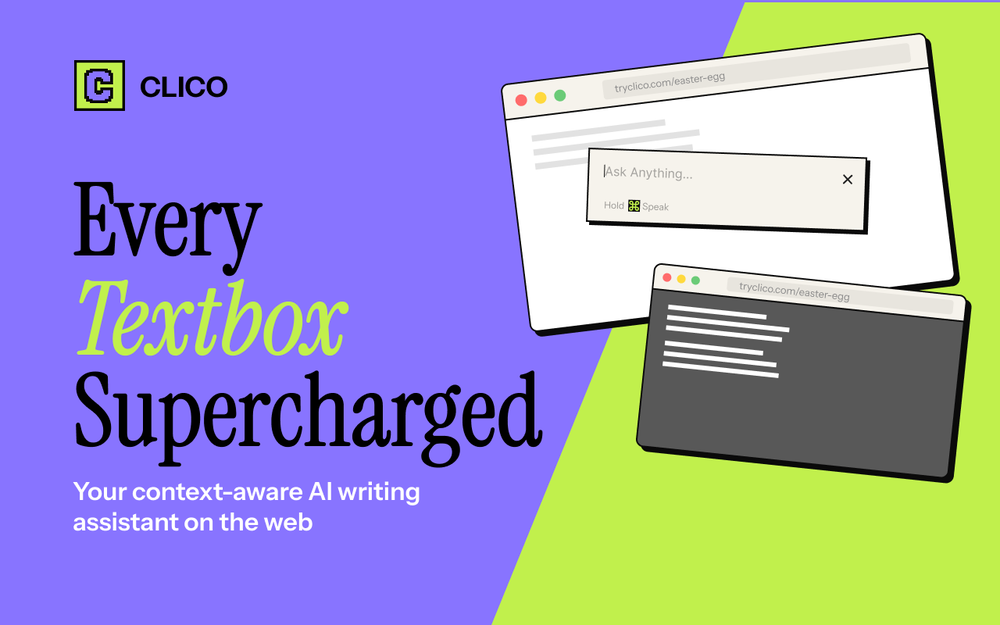 It just feels seamless when I ask it to generate my Q2 marketing docs and polish my email replies. I mean you don't need to write a long prompt and copy all the Re:Re:Re:Re email to it like other LLMs do. You just give a clear instruction and it gets things done.
 -








Verified tools
- Sponsor
 Tripo AI 3D Generator
 -
 ⚡ Your everyday writing companion: Fix grammar, Reply emails, Paraphrase, and more...Open🧩 TextWisely was born from a personal itch ⚠️ Sending numerous Emails and Slack messages daily, I found myself constantly switching apps and re-entering the same prompts into ChatGPT to refine my writing 💡 This inspired me to create TextWisely to boost writing speed, reduce context switching, and improve quality with instant text actions: → Grammar corrections → Email drafts → Structured writing → Tone changes → Translations ...and more 👉 It's a native macOS desktop app – shortcut-heavy for power users, but also click-friendly for those just starting out 🚀 Give it a try – Share your feedback and experience 👋 Edgar, creator of TextWisely
 -
Saves me from rewatching hour-long recordings just to find one decision point. The recap feature is clutch when back-to-back calls pile up and I need to remember who committed to what.
-
 OpenI love this extension, mobile app and desktop software! I use it everyday and everywhere. Generated text are amazing. Well done to the team and continue your incredible work! For me, Voilà is the best AI assistant, copilot and AI writer on the market. I stopped my ChatGPT plus subscription since I discoverer it.
 -
Insanely easy to use yet reliable automation tool. Recommend to give it a try.
-
 Open
Open -
-
Pretty good tool for writing assignments or essays even, easy to use, gives a structured way to use AI and the outputs are better than expected, looks human.
-
Used this for a eulogy I had to write and I'm not gonna lie, it helped me find the right words when I was completely stuck. Sometimes you just need that push to express what you're feeling. Surprisingly thoughtful tool
-
-
Maybe making an browser extension to integrate directly into mail clients would be great here :)
-
-
It works great for generating your Thesis/Essay or research papers. The fact that it has in-source citations is what really makes it stand out from the competition. Also great that it has minimal AI detection😁
-
Seems very promising, except I want to try it by myself. I don’t want a demo. Also, I’d like to know the costs before I commit to anything.
-




































Other tools
-
 Improve Your Productivity with Copilot–Your AI-Powered ChatAssistantOpenCopilot on mobile keeps me sharp during sales calls. I use it to quickly draft follow up emails right after meetings or pull contract language on the fly. Voice input works smooth and it formats responses professionally.
 -
Ready to Send is the best thing I’ve seen in a while. I wake up every morning to drafts written to my important emails 🤯
-
This website very good image and understanding the all your thoughts. So best uses for reels creators and article writes and images posting very help ful
- Didn't find the AI you were looking for?
-
What's new about this app? Apple's Notes app does a similar task and it's totally free with unlimited audio
-
 Supercharge Word with AI-powered writing assistance.OpenAwesome tool! Using it on a daily basis!
 -
very free to use the app for everyone letting them know if this AI was very useful
-
Really good - a bit of a hidden gem this tool. Would recommend to others who struggle.
-
Easy to use, no app downloads or whatsoever. It also supports audio messaging in many languages.
-
-
-
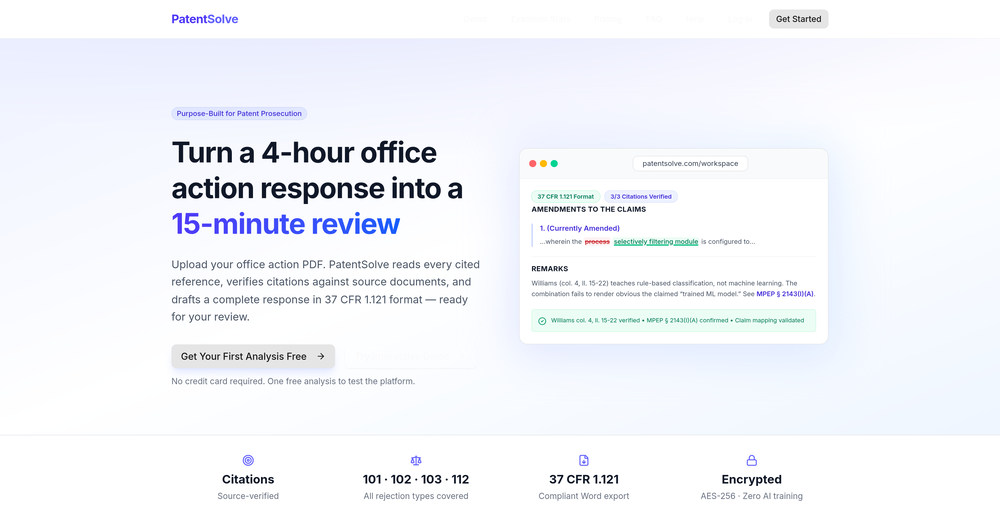
It works. But the output is super basic. The tools own analyzer called out major deficiencies in the patent file it created.
-
-
It’s minimalistic and easy to prompt and generate a image any style you needed
-
 Generating software use cases from a template repository.Open
 -
 OpenHelped me set up a balanced team to cover all bases and pumped me up with simulating a hypothetical game. Really hype. 5/5
 -
 Reviewing and correcting English texts with balance.Open
 -
 Crafting detailed research papers from web-sourced citations.Open
 -
 Legal Expert in drafting Internship AgreementOpen
 -
 Your legal expert for drafting full-time employment agreements.Open
 -
 Open
Open -
 Open
Open