Go to section
Sponsor
 Flow - 4x faster than typing
🎤 Dictation
Flow - 4x faster than typing
🎤 Dictation
The front page of AI.Used by 90M+ humans.

Generate image
Tasks
Generate text
Free mode
Trending
Leaderboard
Characters
 Mini tools
New
Featured
Lists
Agents
Requests
Jobs
Map
Newsletter
Starter pack
Free tools
Speech to text
Text translator
Remove background
Settings
Edit profile
My tools
Gallery
Dashboard
Inbox
Get featured
Contact TAAFT
For you
Popular
Job impact index
Most saved
Affiliate program
Submit AI tool
Notification preferences
Glossary
Home
Timeline
My profile
Create tool
Deals
Companies
Models
Robots
Papers
Fundraises
Repositories
Devices
Organizations
Events
Prompt Pack
Merchendise
APIs
Features
Tools
Countries
Collections
Videos
Mini tools
New
Featured
Lists
Agents
Requests
Jobs
Map
Newsletter
Starter pack
Free tools
Speech to text
Text translator
Remove background
Settings
Edit profile
My tools
Gallery
Dashboard
Inbox
Get featured
Contact TAAFT
For you
Popular
Job impact index
Most saved
Affiliate program
Submit AI tool
Notification preferences
Glossary
Home
Timeline
My profile
Create tool
Deals
Companies
Models
Robots
Papers
Fundraises
Repositories
Devices
Organizations
Events
Prompt Pack
Merchendise
APIs
Features
Tools
Countries
Collections
Videos
Mini tools
New
Featured
Lists
Agents
Requests
Jobs
Map
Newsletter
Starter pack
Free tools
Speech to text
Text translator
Remove background
Settings
Edit profile
My tools
Gallery
Dashboard
Inbox
Get featured
Contact TAAFT
For you
Popular
Job impact index
Most saved
Affiliate program
Submit AI tool
Notification preferences
Glossary
Home
Timeline
My profile
Create tool
Deals
Companies
Models
Robots
Papers
Fundraises
Repositories
Devices
Organizations
Events
Prompt Pack
Merchendise
APIs
Features
Tools
Countries
Collections
Videos

▼ Latest
Productivity tool
Free mode
100% free
Freemium
Free Trial
Featured matches
-
 First General AI Agency. Designed for long-horizon tasks.Open
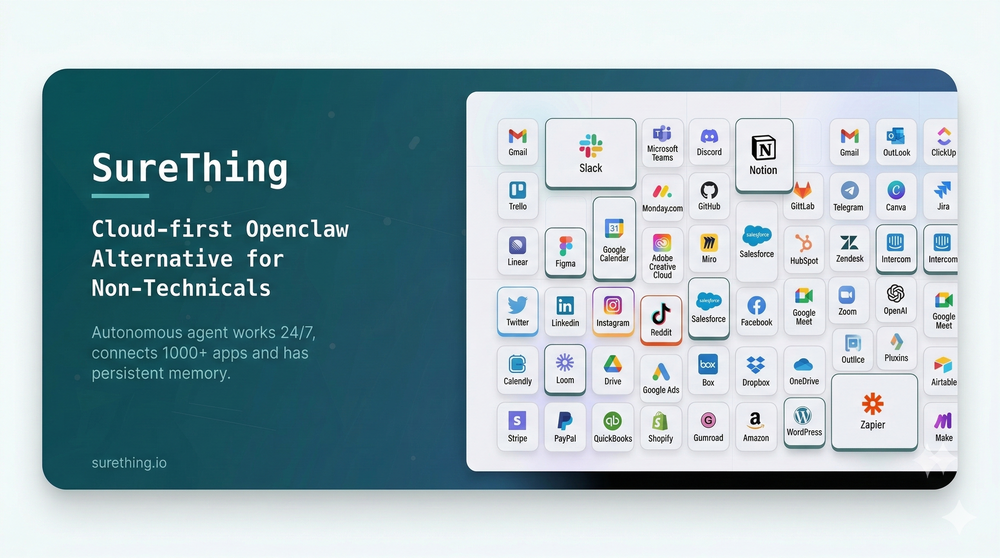 Bonnie🙏 29 karmaMar 5, 2026@SureThing.io - "OpenClaw" for BeginnersI've put about 30-40 hours into SureThing, and it's seriously been a game-changer, basically acting like a virtual COO for my business!
 -
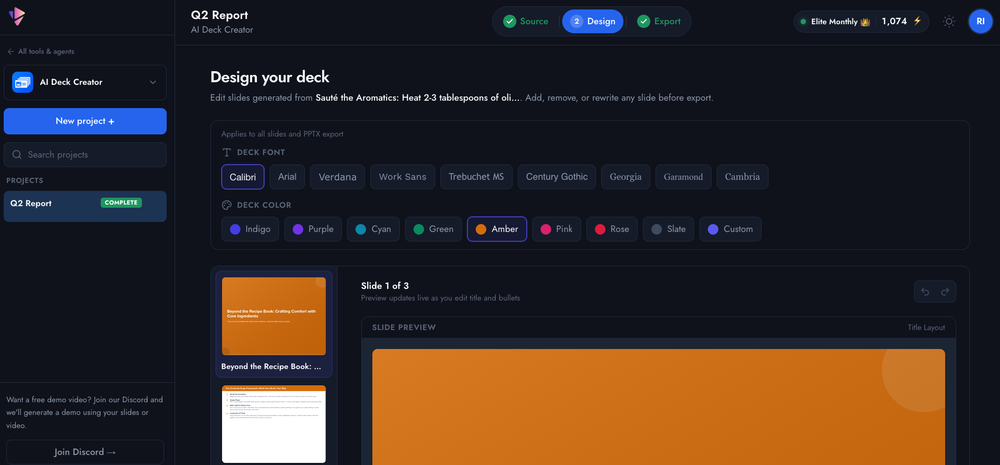 Started building this to make presentation creation less repetitive. It's become one of the tools I use the most myself.
 -
-

-
-
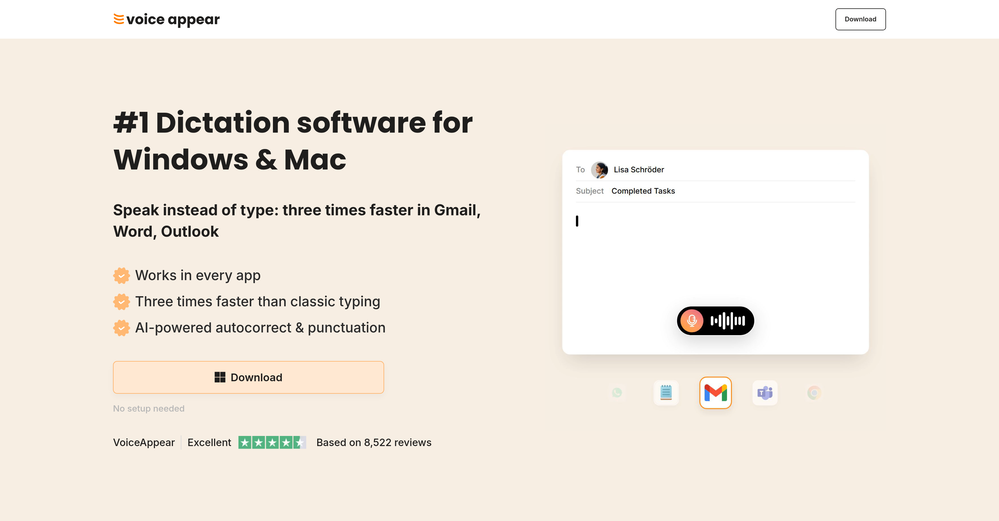
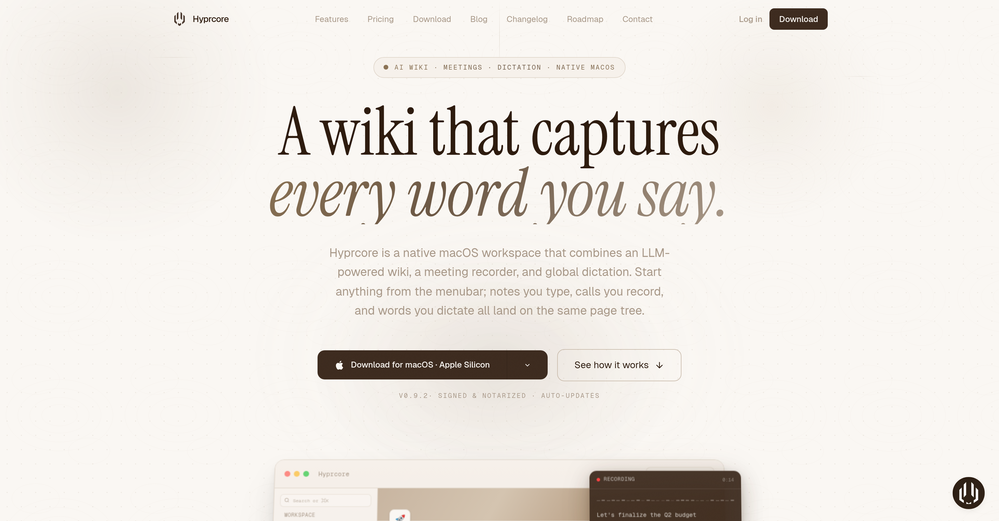 Awesome to use, the dictation really helps out while doing dev work
 -
 The fastest way to map and streamline inefficient workflowsOpen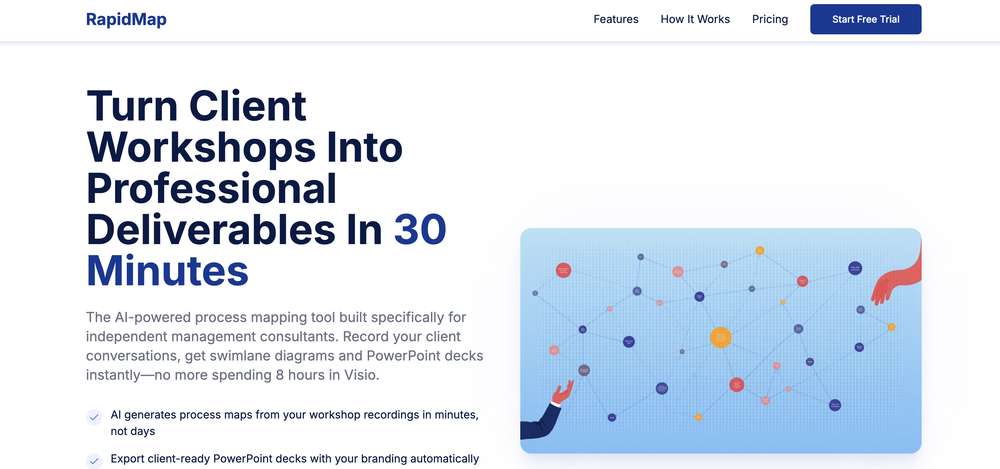
-
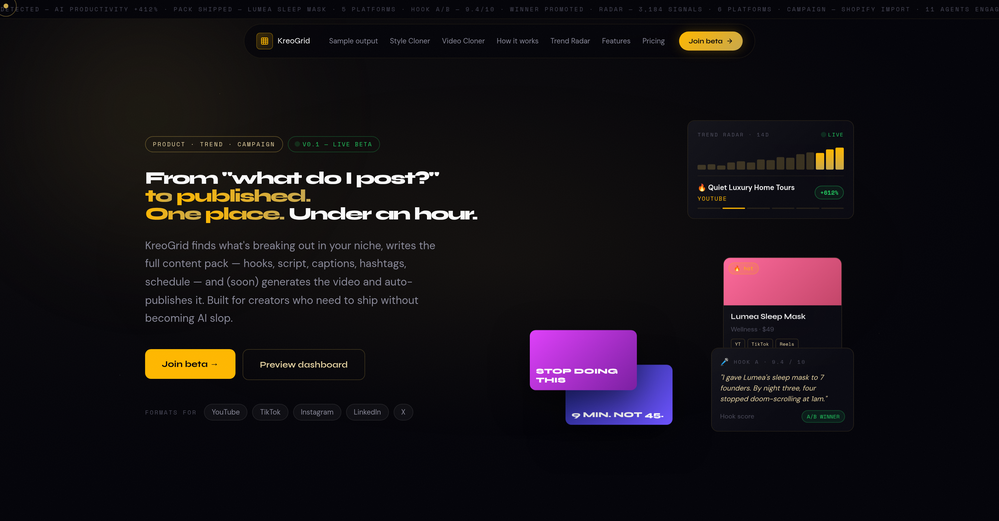 Been experimenting with KreoGrid for content ideas, and I like how it turns trends into something you can actually publish. Instead of spending hours researching what's working, it helps speed up the process and makes campaign planning feel much more streamlined.
 -
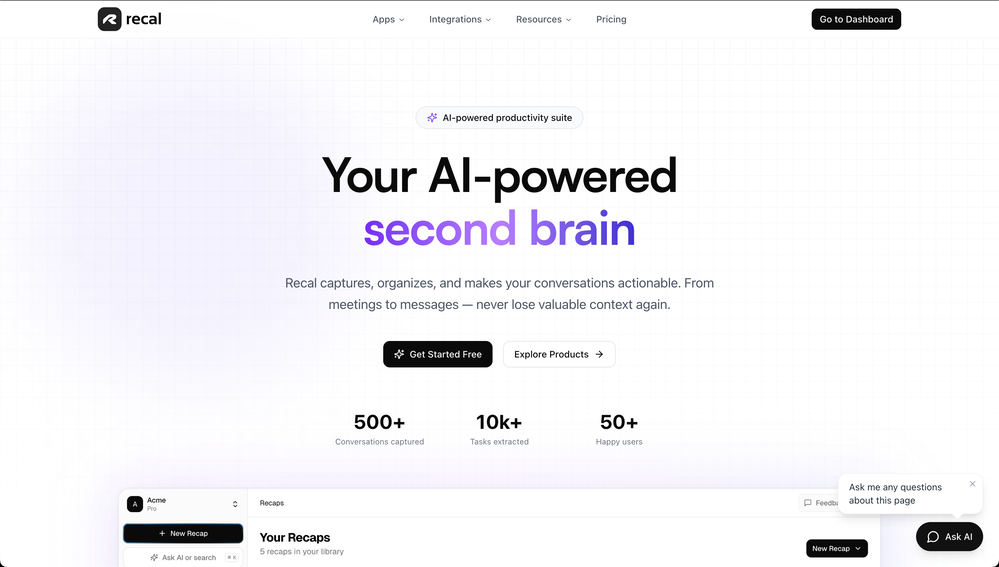
-
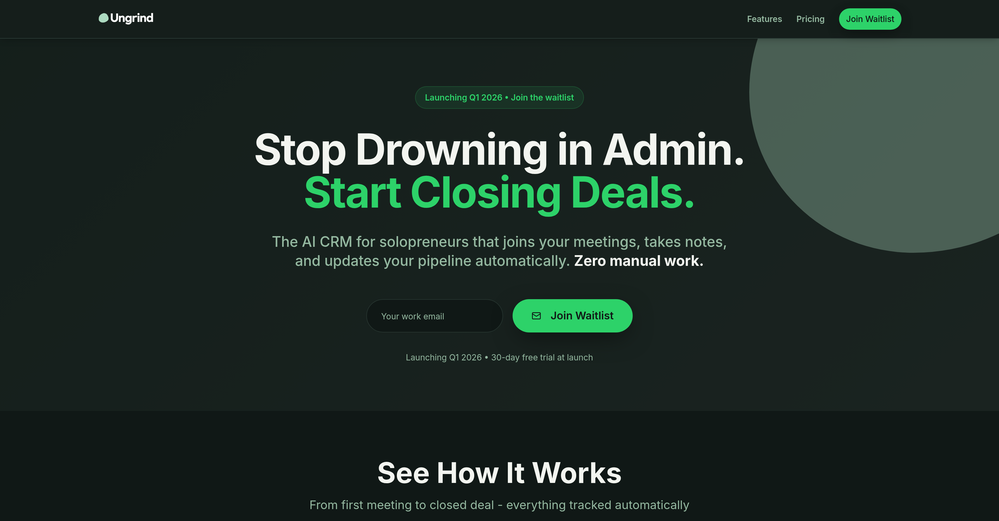












Verified tools
- SponsorFlow - 4x faster than typing🎤 Dictation
-
 Pay-as-you-go productivity. Meeting transcription at $0.25/hour, AI tasks, document search — noOpenKolva is a game changer! I use it almost every day and works every time! can't recommend it enough! I use it for every meeting. Give it go!
 -
-
Like copilot, but for power users. Nice for my n8n workflows command center
-
It's a powerful AI-powered personal knowledge system that brings together links, files, notes, and documents in one unified workspace. It's like Notion meets Raindrop meets Google Drive, but with an AI layer that helps you resurface forgotten content, cluster related topics, and even draft documents based on your saved materials.
-
-
Bracket makes your task list proactive. Instead of hunting tasks across tools, Bracket captures them straight from Slack and Email (for now :P). It automates follow-ups, takes accountability for your tasks, and eliminates the hours wasted maintaining task systems. Operate where your work happens —> no context switching, no dropped balls, just a team that actually follows through. Try Bracket free, sign up to the waitlist today.
-
 Create accurate estimates in minutes with AI.Open
 -
-
Great platform! Very impressed by the ability to combine documents to generate full research reports or extract data in large PDF files.
-
Finally, process optimization without the 10k consultant fees" Review: As a small business owner, I've always known we could be more efficient, but hiring a business consultant was way out of budget. Maxee.me changed that completely. What I love: ✅ Takes 60 seconds to get concrete optimization suggestions ✅ Shows actual numbers (% efficiency gain, % revenue increase) ✅ Industry-specific recommendations (not generic advice) ✅ First 3 suggestions free - perfect to test before buying I run a hair salon and got suggestions like "digital booking system" (+18% efficiency) and "product sales at point-of-service" (+18% revenue). Actually implemented them and saw results within 2 weeks! The full analysis (€29.95) is worth it if you're serious about optimization. Way cheaper than any consultant and gives you actionable steps immediately. Only minor con: Currently German-focused, but they're working on English version. Best for: Small businesses (1-50 employees), retail, restaurants, service providers Not for: Large enterprises with existing process management systems
-
Echother is exactly what I was looking for to speed up our meetings. While other tools trap you in $X/month subscriptions for basic transcription, echother does something different, it connects your meeting discussions to your actual codebase and generates Jira tickets with real context. The repo-aware ticket generation cut our sprint refinement time in half because we stopped re-explaining everything. Instead of vague tickets that need clarification later, we get tickets with file references, implementation patterns, and technical context pulled directly from our code. It's saved us 10+ hours per week that used to disappear into coordination overhead. No corporate fluff, just meetings that actually turn into actionable work.
-
Use it every day! Best AI support for work
-
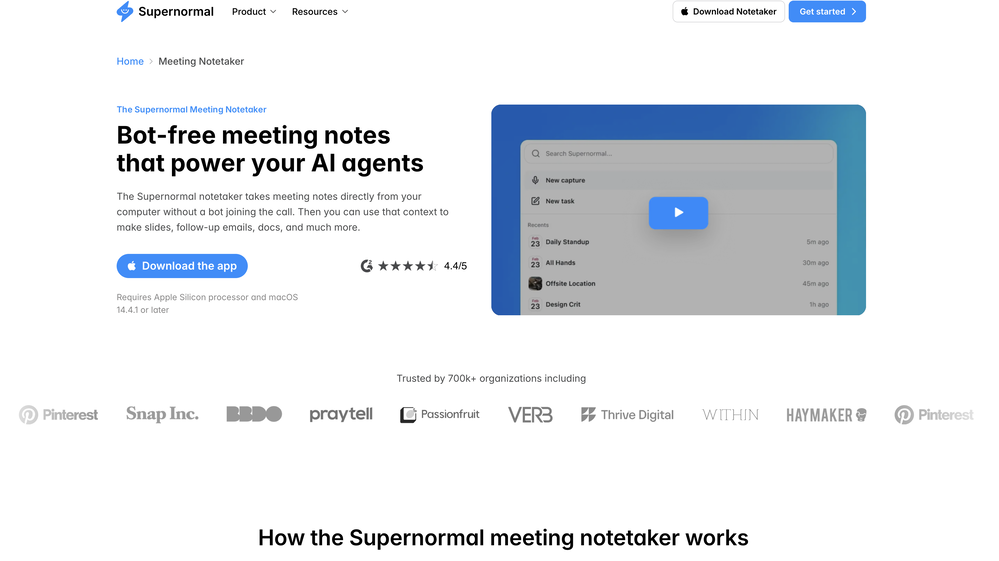
 OpenFound this product useful. A great way to add a personal touch to meetings.
 -
Honestly SurfSense is amazing, I use it almost every morning to get an mp3/podcast of my Gmail, Gcal and urgent Linear tickets so I know exactly what's going on that day. It's also insane for board games because I just throw the rulebooks in and share it with my friends so we can chat with the AI together to figure out how to play. And it is scarily good at untangling and explaining really complex rules when we encounter some weird situation!
-
Yes, finally a slack tool that does it all. I wonder how safe it is?
-
It just feels seamless when I ask it to generate my Q2 marketing docs and polish my email replies. I mean you don't need to write a long prompt and copy all the Re:Re:Re:Re email to it like other LLMs do. You just give a clear instruction and it gets things done.
-
Most tools in the Upwork ecosystem focus on writing proposals, but the real leverage seems to be speed to apply. Are users mainly winning more jobs because of the alerts, or because of the AI proposals?
-
Hello 👋, I'm Luc, surfmind creator. I built this tool to solve my own problem of getting instant AI assistance on tab without switching tabs and disrupting my flows. I hope you find it just as helpful!
-
 AI-powered construction site safety and compliance management.Open
 -
I love the idea of how one platform can hold so many features in one place, working so efficiently.
-
-
The new ProposAI is live. When we launched ProposAI, the goal was simple: take the pain out of writing proposals and RFP responses. This release is our biggest step yet. What's new: 🔹 A redesigned interface — cleaner, faster, and far fewer clicks from brief to finished proposal 🔹 Truly agentic AI — ProposAI now orchestrates multiple AI models behind the scenes, picking the right one for each part of your response 🔹 Public sector tender search — find the latest public sector tenders directly in the platform, then respond to them without leaving it Less time formatting and searching. More time winning. See it in action 👇 [overview video] Try it at https://proposai.io — I'd love your feedback. #ProposAI #RFP #Proposals #PublicSectorProcurement #AI #BidWriting
-
 Search and chat across multiple developer documentation sources in one place.Open
 -
This started from a small frustration that wouldn't go away: I'd open 12 tabs for "research," skim none of them properly, and close my laptop feeling more behind than when I started. The web rewards reading speed, not reading depth — and I wanted a tool that flipped that. So I built GetTheGists: a Chrome extension that gives you the gist of any page in 3 seconds, then lets you ask follow-up questions like you would a smart friend who already read it. A few things we went out of our way to get right: - Cognitive hierarchy, not walls of text. Every summary is structured as Gist → Why It Matters → Key Takeaways → Implications. Compression before precision. - Ask, don't just read. Hit the page with follow-ups, get answers grounded in the content. - 20 languages, full dark mode, and a resizable side panel that actually respects your screen. What surprised me building this: the hardest part wasn't the AI — it was deciding what not to show. Every iteration was about removing a section, not adding one. It's free to try (Premium and Pro tiers if you want higher limits). I'd love your honest feedback — especially on the summary format and where it falls short on your favorite kind of page. I'll be in the comments all day. Thank you for taking a look 🙏
-
Filex AI seems useful for people dealing with too many documents and scattered files daily. I like tools that make finding and organizing information feel faster instead of turning file management into another chore.
-
Really impressed with Junior.so so far. Having an AI teammate inside Slack that can handle CRM updates and follow-ups without me constantly prompting it feels genuinely useful, especially for small teams juggling sales and ops. Setup was pretty smooth, and the daily reports are a nice bonus.
-
Lynx by Apex7 AI offers an interesting approach to workflow automation and AI-powered business operations. The interface feels clean, and it’s great to see a tool focused on helping teams streamline repetitive tasks more efficiently. Looking forward to seeing how the platform evolves and the new capabilities it brings over time.
-
amaiko finally makes AI feel native to Teams. Instead of another chatbot bolted onto your workflow, amaiko lives right inside Microsoft Teams and actually gets things done — reading your email, digging through Microsoft 365, researching the web, and drafting documents through a team of specialist agents that remember who you are and how you work. It's everything Copilot promised, but sharper, faster, and genuinely useful. If you live in Teams, amaiko is the AI colleague you've been waiting for. 🚀
-
This app now supports both iOS & macOS: https://whispernotes.app
-
-
 ⚡ Your everyday writing companion: Fix grammar, Reply emails, Paraphrase, and more...Open🧩 TextWisely was born from a personal itch ⚠️ Sending numerous Emails and Slack messages daily, I found myself constantly switching apps and re-entering the same prompts into ChatGPT to refine my writing 💡 This inspired me to create TextWisely to boost writing speed, reduce context switching, and improve quality with instant text actions: → Grammar corrections → Email drafts → Structured writing → Tone changes → Translations ...and more 👉 It's a native macOS desktop app – shortcut-heavy for power users, but also click-friendly for those just starting out 🚀 Give it a try – Share your feedback and experience 👋 Edgar, creator of TextWisely
 -
-
Have been trial running this tool and am very impressed by what I've seen. Would recommend for persons in need of a reliable, cost-effective and SEO optimized writing solution.
-
Well, what can I say, I managed to create quite a few books quickly and with good quality ;)
-
 OpenIn addition to creating AI YouTube Thumbnails by just pasting your YouTube Video URL, you can now turn your video into Short Form Content, Blog Posts, Email Newsletters, Infographics & More with AI & just a button click!
 -
-
Saves me from rewatching hour-long recordings just to find one decision point. The recap feature is clutch when back-to-back calls pile up and I need to remember who committed to what.
-
Fabric is kind of like a combo of bookmarking/webclipper/summarizer/knowledgebase. Basically you can add information and it will auto organize it as well as let you chat with this information and search through it. It is not a “search engine tool” I wouldn’t say. Maybe you will be able to create a knowledge, base and information repository of everything relevant to you and be able to search through that information… But that is still different than a “search engine, tool” in my opinion. So far I think they are shooting for individuals and not enterprise users. Which is great because I have been wanting to find a product that will allow me to add information from PDFs, websites and videos and then be able to search/query/chat with that. But so many of the companies I have found that offer anything close to along these lines are developing knowledge bases with only company customers in mind. I get that that is where the money is, but Fabric appears to be for actual people to use. The product is definitely underdevelopment, and I have the TestFlight of their iOS app. I wouldn’t say the app is perfect yet or anything, but they are actively developing it, and some of their ideas are changing and evolving not just minor changes to their user interface. I am using Fabric and Mem at the same time and I will be interested to see which turns put to be more for me. Definitely check it out if you have not already done so they have the opportunity to make an extremely useful tool and kind of even changing the way individuals think about storing/accessing information important to them.
-
It pretty much does everything I need and more, I give it 5 stars for accuracy and ease of use. Most of the tools I use are cluttered and complex but this platforms very simple to use and neat
-
Hey everyone! I’m Martin — co-founder, builder, and creator of OneTask 🚀 OneTask is specifically designed for people with ADHD and other creatives who can’t be bothered to spend time “managing” their tasks, and instead need an app that just helps them get things done. We have a Todoist and Google Calendar integration, and offer many other features that will help you optimize your life. Let me know if you have any questions! As of this writing, we have a special lifetime deal featured on our website — be sure to catch it before it’s gone! Martin
-
Relay.app fills the gap between AI and actually using it. It allows you to build your own custom flows and agents, unlocking a level of customisation that was previously only achievable through custom code. It's a game changer, and the free plan is so generous - go try it!
-
-
 Break creative barriers with AI for marketing teams.OpenUnite is amazing! The ultimate tool for marketing teams.
 -
A very simple-to-use, yet very powerful app. It made my work so much easier, my scanned and downloaded files are no longer a mess.
-
⭐⭐⭐⭐⭐ Great AI Presentation Tool! I really liked the Brand PPT feature. It helped me create professional, on-brand presentation slides in under 60 seconds. The AI-generated content was well-structured, the design looked polished, and the editing process was simple. It has saved me a lot of time compared to creating presentations manually. Highly recommended for anyone who needs fast, professional-quality PowerPoint presentations.
-
As a student juggling classes and deadlines, this tool is a lifesaver. It helps me stay on track without having to manually check everything.
-
 OpenI love this extension, mobile app and desktop software! I use it everyday and everywhere. Generated text are amazing. Well done to the team and continue your incredible work! For me, Voilà is the best AI assistant, copilot and AI writer on the market. I stopped my ChatGPT plus subscription since I discoverer it.
 -
This is truly a wonderful experience that brings joy and delight.
-
 Boost your creativity with AI-powered brainstorming.OpenI can't explain how impressed i am by this. I've seen tools to help you brainstorm ideas, but not one to break your task down into big steps, then little steps for each of these. Plus "games" to help come up with more ideas for your project. I'm excited to use this!
 -
Thank you everyone for trying 1UI! If you haven't yet, give it a spin and use code ‘TAAFT’ to get $5 credits to try 1UI.
-
👋 Hey, I'm the founder of Flowova! We built this because we were tired of spending hours dragging boxes in traditional flowchart tools. A few things you might not know: - Works with anything — text, images, PDFs, Word, PPT, Excel, even photos of whiteboard sketches - 40+ themes designed for presentations - Full Mermaid code support for developers Happy to answer any questions! 🚀
-
 Turn any browser workflow into a polished, AI-narrated video guide in minutes.OpenHey everyone, I’m Evaldas, co-founder of Guideless, the fastest way to turn any browser workflow into a polished, AI-narrated video guide in minutes. No screen recording. No tedious editing. Just turn on the extension, click through your process as you normally would, and instantly get a share-ready guide. We recently shipped a major update: a sleeker UX and new high-quality AI voiceover characters — making guides sound and feel more vibrant than ever. Give Guideless a try and see how effortless creating high-quality tutorials can be 🪄
 -
 Extract Wisdom from Any Link -- 6 AI Models, Haiku 4.5 SynthesizedOpenExtract wisdom from YT, websites, PDFs, any link. Multiple models catch what single perspectives miss. Organized thematically. Honest about uncertainty. Built for understanding, not compression. All feedback welcome!
 -
Used it for PPT generation and performed extremely well, especially the numbers and data part.
-
 AI-powered whiteboard for marketers to create winning content fast.Open
 -
 Your AI presentation agent for instant professional slides.OpenA great AI presentation maker
 -
the founder is cool, definitely a recommendation if you have personal requests and grow the app along with you.
-
The fact that it's available through ChatGPT plugin actually helped me find a lot more AI tools to help me do certain tasks. Thanks.
-
Purely magic. It increases the productivity by a lot and the process is pretty addictive. I've been building websites like there's not tomorrow.
-
-
Really impressed by the multi-model planning and code review. Having different models collaborate instead of relying on just one actually leads to better decisions. You can feel the difference on more complex tasks.
-
-
Just tried yesterday. The first productivity tool which allowed me to create professional slides, reports, and sheets with my data in a few minutes. Was able to connect 20 of my tools in less than 5 minutes.
-
Hey this is Tan, I'm the creator of NotesBot. I created this tool because I needed it for my own meetings. After using myself and getting great summarization reviews from my peers, I decided to release it to the public. After release, we realized people were also using it for Dungeons and Dragons, I then added a DnD mode. This tool is non-invasive, very easy to set up, and perfect for meetings. I hope you enjoy using it!
-
Works well and connects with my apps easily. I’m considering using it for daily reports and posts
-
 AI spreadsheet & data analyst. 10x your productivity.OpenI use Sourcetable for quick data analysis and visualizations with natural-language queries. I'm working with Excel files and our Postgres database. It feels like an AI analyst built into a spreadsheet for turning raw data into clear reports. (Like ChatGPT + Excel, but better.)
 -
It’s a fantastic tool that makes collaboration seamless and super productive by bringing AI-powered assistance directly into shared workspaces. Highly recommended!
-
PPT.AI is an outstanding AI-powered presentation tool that has completely transformed my workflow! With just a few clicks, it turns my ideas, documents, or even YouTube links into polished, professional slides in minutes. The platform offers over 800 premium templates and smart editing tools, making customization both powerful and intuitive. I especially appreciate the real-time cloud collaboration and version control features, which make working in teams seamless. Whether you’re a professional, educator, or entrepreneur, PPT.AI saves a tremendous amount of time and ensures every presentation looks visually engaging and consistent. Highly recommended—definitely a five-star experience!
-
 OpenEasily saves me an hour every day - I no longer have to type long winded “professional” sounding email replies to my colleagues, I just speak roughly with minimal effort 👏
 -
Every time i switch to a new mac -> this is the first tool i install
-
 AI-timekeeping enabling lawyers, accountants, and consultants to focus on their work.Open
 -
Great way to get concrete, organized supervisor-style feedback on papers pre-submission without text generation or ChatGPT-style high-level comments.
-
Hey AI fans, I am Kalo, co-founder of Breezemail. If your inbox is anything like mine, you spend at least 20% of your life opening, answering, and unsubscribing from emails. Arguably, the only thing more tedious than this is fixing your grandma’s Windows XP (arguably). Or you just gave up, and your inbox app has a cute red dot with a truncation ellipsis (…), also known as the symbol of inbox doom. Either way, the whole inbox situation is an absolute disaster. We wanted to solve this challenge using AI. Breezemail will help you enter the holy land of Inbox Zero. It’s an email categorizer tool that keeps important emails in your inbox and categorizes the rest into folders using natural language prompts. How does it work? 1. Breezemail has a default Important category which leaves all your real human emails in your inbox. 2. Everything else is organized into AI folders (or labels). Labels using natural language prompts, for example, “All emails from my family”. 3. We give you a bunch of pre-defined categories to start with, and you can create your own custom categories, the same way you would write a ChatGPT prompt (yes, our tool also uses ChatGPT). We’ve been testing it in-house for both our personal and business emails, and it worked so well that I no longer hate link builders and outreach people because their requests are neatly organized into a couple of folders. For my personal inbox, I can finally see all my receipts in one place, and all stock newsletters are ready for daily review in a different folder. Go try it out now for free. We’d love to hear your feedback, so please don’t be shy and drop me a line back. Currently, the tool is only available for Outlook, but we are working on a Gmail app, too. If you’d like to try it for Gmail, please let us know. Thank you, Kalo
-
“AI replies in your voice, not AI’s” is actually such a smart positioning line 👀
-
-
Finally, a productivity tool that doesn't overcomplicate things. Caret's tab-complete works seamlessly across apps — once you get used to it, going back feels impossible. Exactly what macOS was missing.
-
-
-
Maybe making an browser extension to integrate directly into mail clients would be great here :)
-
Amazing tool to get things done! Trully amazing use of AI



































































































































































Other tools
-
 Open
Open -
Worth the $60 monthly if you're a small business especially because it sends email on your behalf - doesn't just draft and keep it in your inbox (that option also exists). Mails composed are accurate, it's as if the tool is thinking on your behalf too. Learns and understands your writing style, job role, etc. and tailors the response.
-
 Your HTS classification assistant for accurate tariff codes.OpenClean design and the interaction just flows. It guides you step by step into a more detailed classification
 -
Tried AnyGen for a bit and I like how flexible it feels compared to more rigid AI generators. Seems useful for quickly experimenting with different types of content and ideas without overcomplicating the workflow.
-
I just generated a strategy for my idea. I’ve never seen such a clear document. It’s non-generic and very creative. I don’t know what the recipe is behind it, but it’s very well written. Thank you, Elena!
- Didn't find the AI you were looking for?
-
 Save Hours of Research in Seconds with 40+ AI ToolsOpen
 -
Not a very good experience. There are a lot of screenshots of what is supposed to happen when you record or upload audio, but the functionality is very clunky. I had to upload the same audio file 5 times before it appeared in the dashboard. The experience is even worse on a mobile phone. So I am still looking for a quick audio to text AI tool and one that I can get the transcription in multiple languages.
-
I like the concept and the convenience of Refer.me; it gives job seekers like me access to networks I wouldn’t normally have.
-
 Ready-to-use AI Teams for Your Automation NeedsOpengood!A different kind of AI tool that has been very helpful for my work!
 -
Not bad, its freemium and the feature is good like private pdf and support OCR
-
ChatGPT — v61.5M+ context window points to much longer context handling across documents, codebases, and persistent sessions. A new pre-training foundation suggests a deeper base-model reset rather than a small iterative checkpoint. Rumored 10T-scale training implies broader capability coverage and stronger knowledge compression. Substantial agentic gains point to better tool use, task planning, and multi-step execution. Stronger reasoning aimed above current top tiers implies better performance on difficult chained problem-solving tasks.
-
 Podcasts, scholarships, literature reviews - study and work faster with AIOpen
 -
 Improve Your Productivity with Copilot–Your AI-Powered ChatAssistantOpenCopilot on mobile keeps me sharp during sales calls. I use it to quickly draft follow up emails right after meetings or pull contract language on the fly. Voice input works smooth and it formats responses professionally.











































Collections
-
Useful productivity tools to increase efficiencySubscribe15312







-
Useful productivity toolsSubscribe510







-
Best AI productivity toolsSubscribe49






-
AI Productivity ToolsSubscribe85