 Flow - 4x faster than typing

 Mini tools
Auto Gmail
 AI learns from you and drafts answers to all your emails





Go to 🚀 Productivity
📚
Knowledge
(248)
🔍
Research
(181)
📧
Email
(144)
💼
Personal assistant
(106)
🤖
Task automation
(100)
🔎
Search
(87)
📋
Task management
(85)
📝
Notes
(51)
🌐
Web browsing
(46)
💻
Operating systems
(41)
🎯
Goals
(31)
🔎
Problem solving
(24)
⌛
Time management
(20)
🗄️
Workspace organization
(10)
📈
Productivity advice
(9)
📝
Form filling
(7)
 TheLibrarian.io
 Supernormal App
 Saidar
 MiroAI
 Collate
 Runable
 ComputerX
 Slashspace (Formerly RabbitHoles AI)
 AiAssistWorks - GPT Gemini Claude AI for Sheets Docs Slides
 ConsoleX AI
 Ask Steve
 Kolva
Kolva
 Alfred by Simbli.ai
 Affint
 Octofy
 Sup AI
 BrowseWiz
 ZeroTwo
 Support Flow
 Hyperis
TheLibrarian.io
645,127
Supernormal App
204,571
Saidar
133,584
MiroAI
131,643
Collate
130,958
Runable
125,317
ComputerX
124,431
Slashspace (Formerly RabbitHoles AI)
120,100
AiAssistWorks - GPT Gemini Claude AI for Sheets Docs Slides
113,939
ConsoleX AI
68,751
Ask Steve
52,407
Kolva
44,248
Alfred by Simbli.ai
43,600
Affint
40,360
Octofy
39,711
Sup AI
37,321
BrowseWiz
36,910
ZeroTwo
36,468
Support Flow
33,761
Hyperis
30,457
Go to 📧 Email
✉️
Email writing
(65)
📧
Email management
(39)
✉️
Email replies
(9)
💌
Email enhancement
(8)
📧
Email templates
(4)
📧
Email subject lines
(3)
📩
Email summaries
(3)
📧
Email personalization
(1)
 hi ai
hi ai
 Atomic Mail
 Superhuman
 Canary Mail
 Re:GPT
 Arch AI
 Letty
Letty
 Quiky.email
 Gmail
Gmail
 Agentic Mail | Hostinger
 Sendmux
 Moosend
 Unlimited E-mails
 EMAIL DRAFT
 temp email
hi ai
22,929
Atomic Mail
12,894
Superhuman
11,446
Canary Mail
4,118
Re:GPT
3,536
Arch AI
1,107
Letty
980
Quiky.email
976
Gmail
652
Agentic Mail | Hostinger
555
Sendmux
396
Moosend
70
Unlimited E-mails
55
EMAIL DRAFT
51
temp email
17
Go to ✉️ Email writing
📧
Gmail email writing
(9)
📧
Outlook emails
(1)
 Ellie - Your AI Email Assistant
 Jetwriter AI
 WriteMail.ai
 AImReply
 InboxPro
 Politepost
 Superflows
 Respondable
 Ghostwrite
 The Reply Project
 Emailtree
 ReplyAssistant
 Persana AI
 Klynk
Klynk
 Hypertype
 VoiceType
 Addy AI
 AI Email Generator
 Mailr
Mailr
 Scribbly
Ellie - Your AI Email Assistant
35,992
Jetwriter AI
18,235
WriteMail.ai
16,160
AImReply
16,131
InboxPro
10,845
Politepost
6,672
Superflows
5,426
Respondable
5,385
Ghostwrite
4,962
The Reply Project
4,075
Emailtree
3,871
ReplyAssistant
3,724
Persana AI
3,487
Klynk
3,215
Hypertype
3,205
VoiceType
3,183
Addy AI
3,155
AI Email Generator
3,035
Mailr
2,853
Scribbly
2,816

Auto Gmail
Inputs:
Outputs:
AI learns from you and drafts answers to all your emails
Overview




Overview
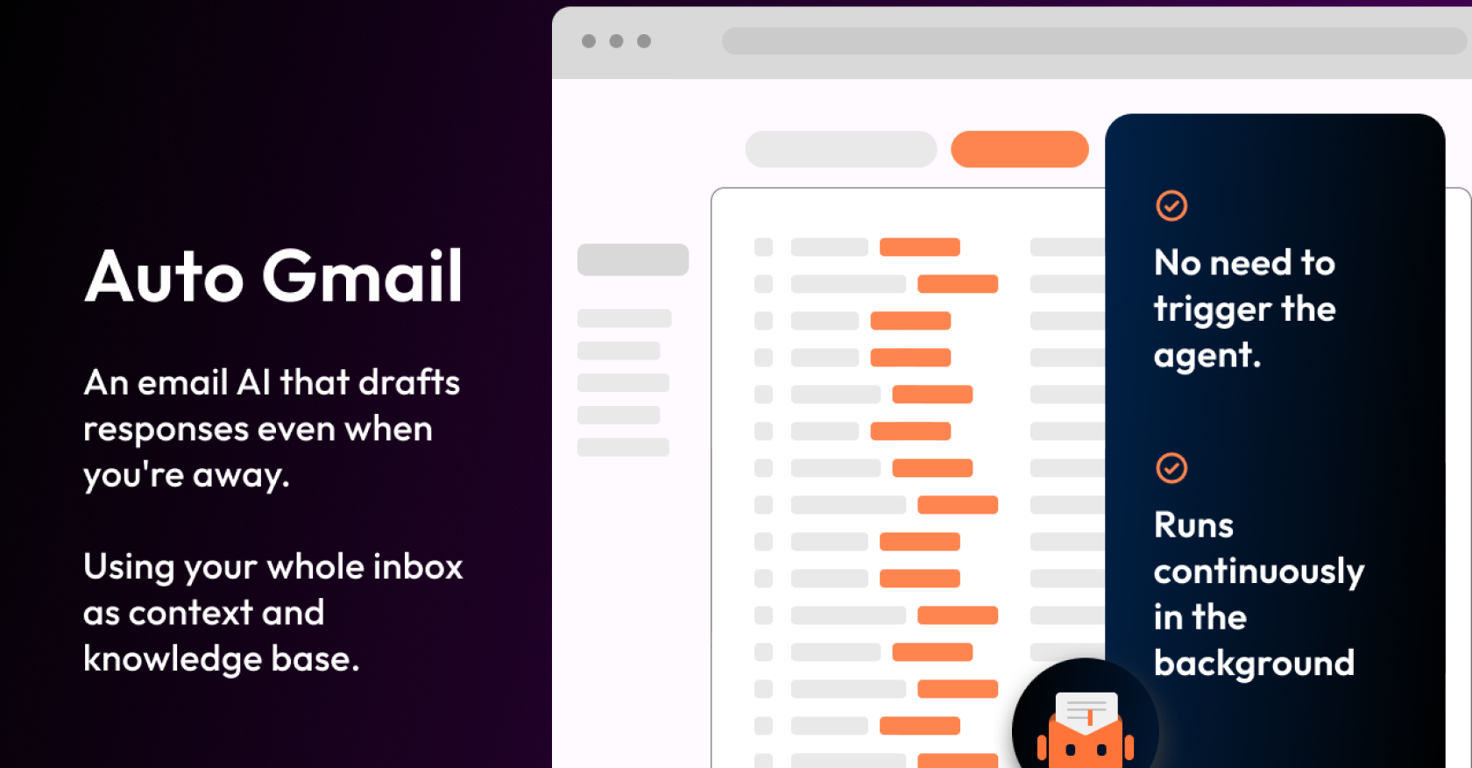
Auto Gmail is a Chrome extension designed to revolutionize email management by automating the drafting process of email responses.It connects directly to your Gmail inbox and leverages advanced AI models like ChatGPT (GPT-4) and Llama-3 to learn from your past email communications.
By understanding your writing style, tone, and knowledge, it generates personalized draft responses to every inbound message you receive.
This automation aims to save users significant time—up to 2 hours per day—by handling the initial drafting process, while still keeping the user in control to review and send the emails.
The extension works seamlessly across desktop and mobile platforms, ensuring that drafts are ready for you whenever you access your inbox.
Show more
Releases
Get notified when a new version of Auto Gmail is released
Notify me
May 5, 2024
Initial release of Auto Gmail.
Author

Pricing
Pricing model
Freemium
Paid options from
$27
Top alternatives
-
 Gmail emails that write themselves? It's not magic, it's MailWizard.David Weitlaner🙏 2 karmaSep 14, 2024@MailWizardAmazing! This is exactly what I‘ve been looking for for years
 -
 Write emails in 1 click using AIvery free to use the app for everyone letting them know if this AI was very useful
 -
 ChatGPT AI for Gmail: Generate, summarize, translate, and improve emails.
 -
 Automatically draft email replies, straight from Gmail.I had the opportunity to use Trimbox for 4 months now, and I must say, I am thoroughly impressed by its simplicity and efficiency. The tool has significantly aided me in composing emails, consistently leaving a positive impression (if I provided a well-thought-out prompt that is). Additionally, the one-click unsubscribe feature, which allows for unsubscribing without the need to open the emails, and the option to delete all emails from a sender with also just one click, have been invaluable in managing my inbox quickly and effectively. And as for me, the price is 27,99 € a year with both features in an unlimited version.
 -
 Generate perfect emails instantly with AI in Gmail
 -
 AI drafts Gmail replies automaticallyReady to Send is the best thing I’ve seen in a while. I wake up every morning to drafts written to my important emails 🤯


2
0





