 Rocket - Think it. Type it. Launch it.
 Mini tools
 Erase the background from your images effortlessly.
 Remove Background by Picsart
 Merchant Floor | Background Remover
 remove.bg
 AI Background Remover - Picsman
 Remove Background
 Removal.ai
 Slazzer
 Erase.bg
 Unlimitedbg
 Retoucher
 Pixian.AI
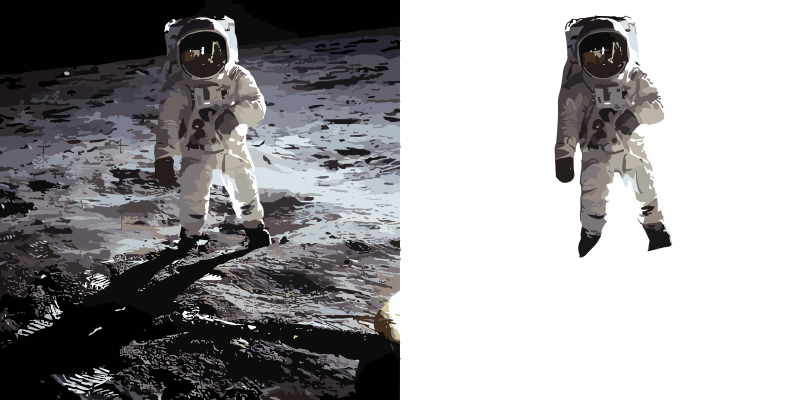 Backgroundremoverai
 AI Background Remover by HTML Zone
 BG Remaker
 Krisp
Krisp
 Bg Eraser
 EzRemove
 Img-Cut
 Lensto: AutoBackground Changer
 BgSub
BgSub
 So You Want To Be A Writer?
 Minka
Minka
 Ancient AI powered spirits
 Jvb ai
 somacguffin
 Cuty
Cuty
 Superfly Stoner
 Photo AI
 Freepik AI Image Generator
 Stockimg AI
 Midjourney
 CreativePixel
 INLINER
 BestPhotoAI
 Ideogram
 SD Telegram bot
 Getimg.ai
 Shoots by Diktatorial
 Seedream
 Picsman - AI Photo Editor
 PixAI Art
 NewHero AI
 GenTube
 Reface
 FLUX
FLUX
 Stable Diffusion
 TinderProfile.ai
 Funy AI: Video, Image
 Image to Image Generator
 Viyou AI Image Generator
 Photoeditor
 Photoleap
 Cleanup pictures
 ObjectRemover
 Luminar AI
 Img2Img AI
 Deep Art Effects
 img2img AI
 AI Photo Editor by The Influencer AI
 Magic Eraser
 Retouch4me
 ExtendImage
 FaceApp
 HeyPhoto
 AVCLabs PhotoPro AI
 PixPretty AI
 Image Editor Online

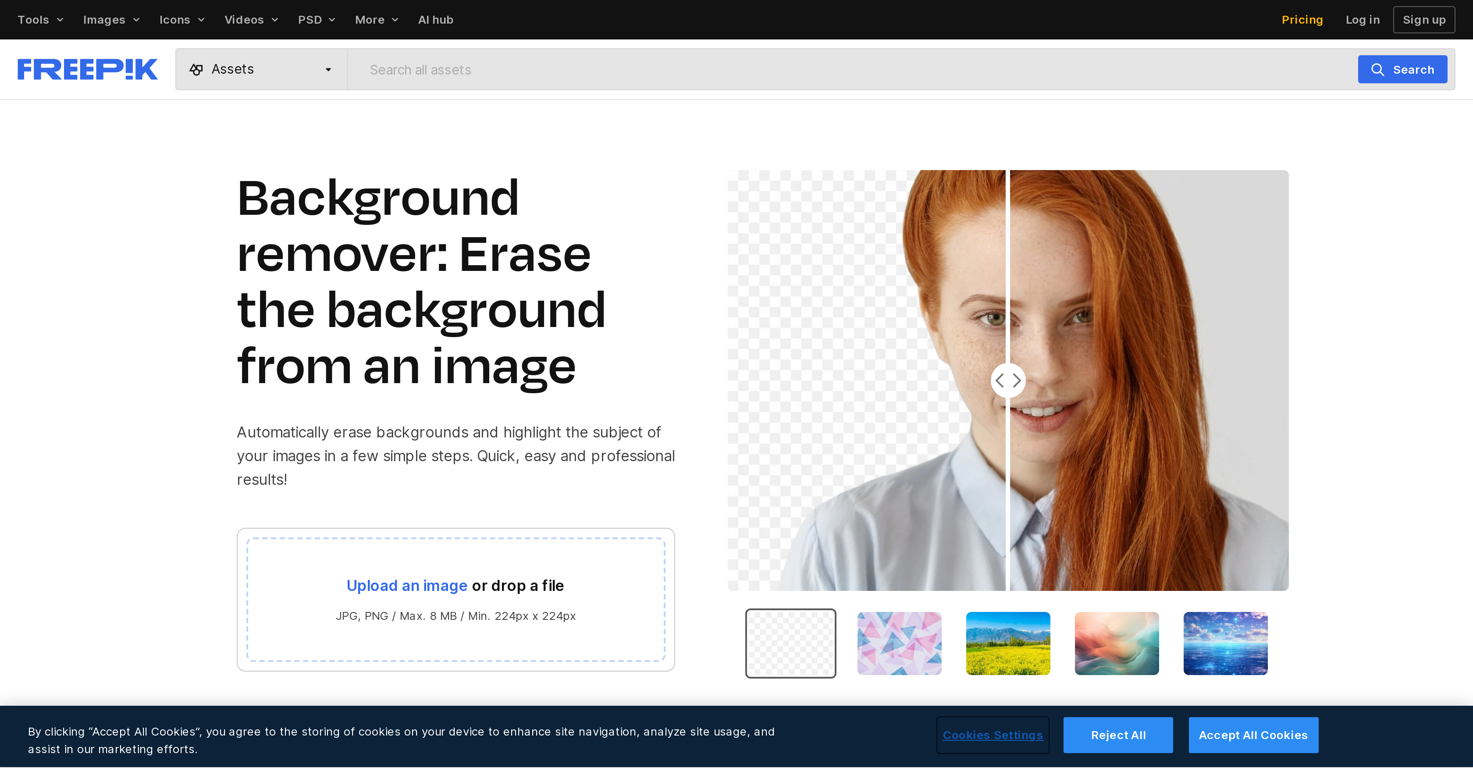
Freepik Background Remover
 Bulk BG Remove.com
 unbg.video
 RemoveBGVideo
 TeeDIY
 MuseCraft
 BeatMusic
Overview
The Background Remover is a useful tool designed to eliminate backgrounds from images. It is capable of distinguishing the subject of your images and removing its backdrop, enhancing the emphasis on the subject matter, thus aiding in creating cleaner, clearer, and crisp images.
This can be achieved in a few simple steps, without needing extensive knowledge of image manipulation. This AI tool is not just limited to background removal but also allows users to replace backgrounds with new ones from its extensive library, enabling customization of images.
Features such as generating AI-based backgrounds from specific prompts are soon to be available. The tool finds utility in various sectors such as marketing, graphics, and photography, among others.
It has specific use cases including aiding in car presentations and inventory management, by focusing on vehicles while eliminating background noise; ensuring consistent brand aesthetics by enabling easy customization; and saving time in editing process with its simplified workflows.
Furthermore, it helps in enhancing social media and online presence by creating visually appealing custom images.
Releases



Pricing
Other tools by Freepik Company
-
Carlos Cantu🙏 195 karmaNov 10, 2023@Freepik AI Image GeneratorFreepik helps people to create better designs, faster.
-
It's helps you get started on a presentation. Likely need to edit photos and text.
-
 Envision and sketch any image, AI transforms it into art in real time.Openlove it and the customization it offers. still needs some work creating faces :| even cartoon ones
 -
This is basically Magnific Ai integrated into this service since they have bought the company.
-
-
Freepik is an all in one editing and content creation suite. It features ai and stock images and videos. I honestly love them so much. I use them daily and customer service support is quick and efficient. Highly recommend.











Top alternatives
-
 Instantly remove backgrounds for clean, transparent images—perfect for products, designs, and creativeOpenUse it daily and the results are incredibly good…
 -
 Remove the background & retouch your product photosOpen
 -
It works! It is fast and you have many choices for the background. Also the pricing seems to be ok
-
Thank you for your support. We value your feedback. If you have any questions or suggestions, please send us your feedback.
-
 Easily eliminate the background from any image to isolate the subject. Perfect for creating clean product shots, profile pictures, and creative designs with transparent or custom backgrounds.Openstill background removing accuracy is required. it only 80% not 100%
 -
Removal.AI is fast and easy to use, especially useful when removing backgrounds in batches. However, with complex backgrounds, manual adjustments are sometimes required. Overall, this is a useful tool that is fast and saves time.


Related topics


















 1
1




