Go to section
Spotlight SureThing.io - "OpenClaw" for BeginnersTask automation
The front page of AI.Used by 90M+ humans.

Generate image
Tasks
Generate text
Free mode
Trending
Leaderboard
Characters
 Mini tools
New
Featured
Lists
Agents
Requests
Jobs
Map
Newsletter
Starter pack
Free tools
Speech to text
Text translator
Remove background
Settings
Edit profile
My tools
Gallery
Dashboard
Inbox
Get featured
Contact TAAFT
For you
Popular
Job impact index
Most saved
Affiliate program
Submit AI tool
Notification preferences
Glossary
Home
Timeline
My profile
Create tool
Deals
Companies
Models
Robots
Papers
Fundraises
Devices
Organizations
Events
Prompt Pack
Merchendise
APIs
Features
Tools
Countries
Collections
Videos
News
Investors
Repositories
Mini tools
New
Featured
Lists
Agents
Requests
Jobs
Map
Newsletter
Starter pack
Free tools
Speech to text
Text translator
Remove background
Settings
Edit profile
My tools
Gallery
Dashboard
Inbox
Get featured
Contact TAAFT
For you
Popular
Job impact index
Most saved
Affiliate program
Submit AI tool
Notification preferences
Glossary
Home
Timeline
My profile
Create tool
Deals
Companies
Models
Robots
Papers
Fundraises
Devices
Organizations
Events
Prompt Pack
Merchendise
APIs
Features
Tools
Countries
Collections
Videos
News
Investors
Repositories
Mini tools
New
Featured
Lists
Agents
Requests
Jobs
Map
Newsletter
Starter pack
Free tools
Speech to text
Text translator
Remove background
Settings
Edit profile
My tools
Gallery
Dashboard
Inbox
Get featured
Contact TAAFT
For you
Popular
Job impact index
Most saved
Affiliate program
Submit AI tool
Notification preferences
Glossary
Home
Timeline
My profile
Create tool
Deals
Companies
Models
Robots
Papers
Fundraises
Devices
Organizations
Events
Prompt Pack
Merchendise
APIs
Features
Tools
Countries
Collections
Videos
News
Investors
Repositories

▼ Latest
Ai powered video editing
Free mode
100% free
Freemium
Free Trial
Featured matches
-
-
 Aurélien D'Hondt🛠️ 1 tool 🙏 9 karmaMay 6, 2026@ReloopReloop let's you create and edit ads in different kind of styles, whether you want to promote a product, a service or a tool, you can do it in 3 minutes, by having a convo with an agent. The output and ease of use is great!
 -
-
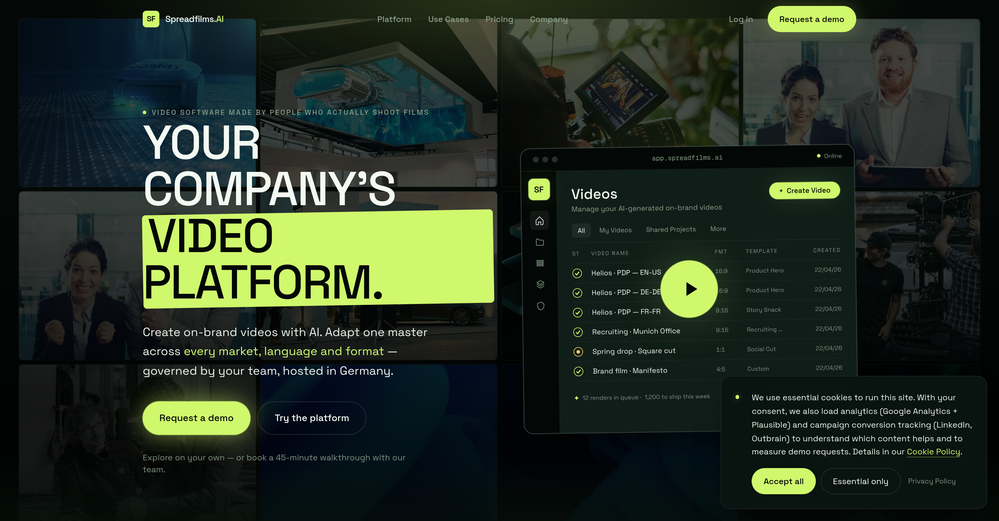
 One thing we kept noticing with AI music: Great songs were being generated… but most of them still looked like demos when shared online. We built LyricMV to help turn AI-generated music into something that actually feels publishable — cinematic lyric videos with synced visuals, emotional pacing, and short-form friendly formats. Would love feedback from the AI music community 👀
 -
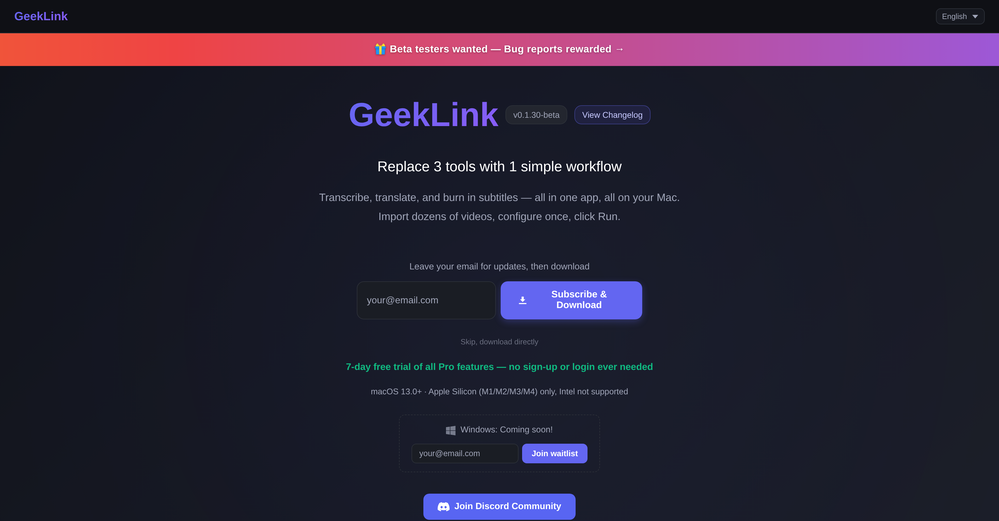 You are absolutely right. There are a lot of founder and certain types of tools that assume their users are experts, making their products very technical. GeekLink is not that kind of product. A creator shouldn't have to know the exact parameters, meanings, and depths behind it. All of that is handled behind GeekLink.
 -
-
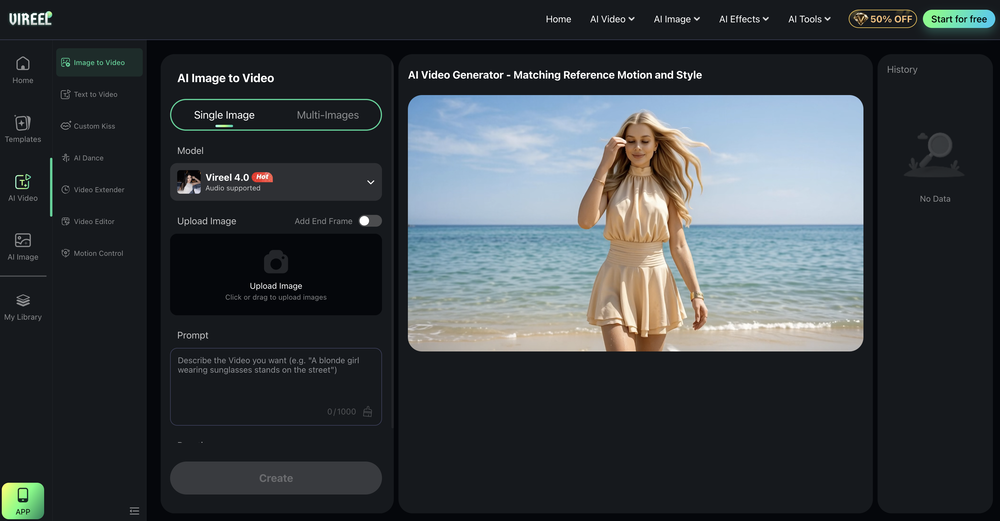 Vireel offers the best realistic ai image to video and ai text to video tools. Incredible no watermark quality!
 -
 Edit smarter, faster and easier with Filmora’s powerful AI video tools.Open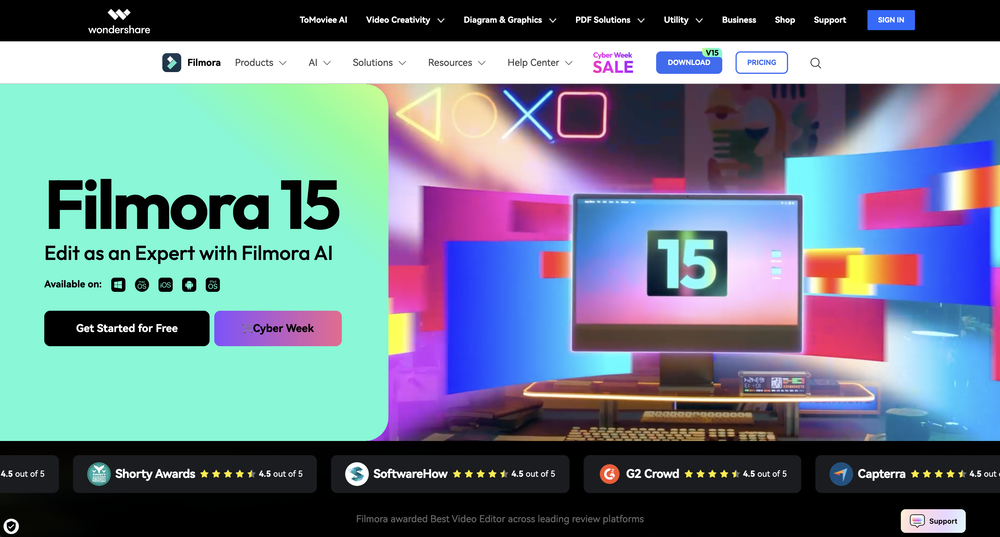










Verified tools
-
-
This release introduces Flint, a new family of each::labs image models designed to deliver frontier-quality results with production-ready economics.
- flint-image: Generate four distinct images from a single prompt in one call for $0.20, compared with $0.60 for a standard generation.
- Flexible output controls: Set the output format and aspect ratio for each run, so generated images fit directly into your layout.
- Available across each::labs: Access Flint through the API at api.eachlabs.ai or the visual no-code AI Flows builder, with pay-per-call pricing and no subscription required.
- Coming next: Additional Flint models for clean 4K image generation and editing, available at the same $0.20 per-call price.
- SpotlightSureThing.io - "OpenClaw" for BeginnersTask automation
-
-
Thanks for the feedback. We would love to know more about your issue. Could you please provide more details at [email protected] ?
-
-
Actually solid for product visuals. Uploaded a basic product photo and got a few usable lifestyle-style options without much setup. Having image and video tools in one place is handy, especially for testing listing ideas. I’d just like a clearer view of credit usage before running larger batches.
-
Been using ViralReels.co for a few days and it honestly saves me a ton of time editing shorts. The animated captions look really good, and I can turn one video into multiple Reels and Shorts in minutes.
-
 Open
Open -
 AI-powered YouTube thumbnail maker for click-ready designs.Open
 -
I tried Animon for a bit and it’s actually pretty solid. It does a good job with simple animations and keeps the original image style pretty well, so the results usually look clean.
-
-
 Open
Open -
I was skeptical about the "one-click video" claim, but I gave TemVideo a shot for a new product I'm testing. The biggest headache with AI video tools is usually the prompt engineering—you spend 30 minutes typing descriptions just to get a weird-looking hand. TemVideo completely bypasses that. My honest take after using it: The "From Raw Footage" feature is the real MVP. You know those random 10-second clips you take on your phone just to check lighting? The AI somehow turns those messy scraps into coherent ads. It’s almost spooky how well it edits around the product. It’s built for speed. If you are a dropshipper who needs to test 5 different products today, this workflow is unbeatable. Upload, click, done. I had an export ready faster than I could find a coffee. Multi-language is a bonus. It’s smart they included localization. If you sell globally, having the AI handle the lip sync and narration in different languages from one workflow is a massive time-saver. Best part? The built-in "Viral Hooks" library. It takes the guesswork out of what text to put on screen to stop the scroll.
-
This was impressive. From just one picture and a few details, it made a really good, professional video. Amazing quality!
-
I paid for the subscription and the video generation has failed. I found no way to access support and the site says no refunds allowed. Hoping to find some help on here with this and I revisit my review
-
-
Hey everyone 👋 I’m excited to introduce VidFab, an AI-powered tool that turns text and images into cinematic videos in seconds. We built VidFab to help creators and startups make beautiful videos without complex editing or long render times. Just type an idea — and our AI brings it to life. I’d love to hear your feedback and ideas for what features you’d like to see next. Your thoughts really help us shape the future of VidFab!
-
Easy to use, good visuals and good price to videos ratio. Made a few with 10k views.
-
Glad to see LitVideo listed here. Have been using it for a while. Easy to use, and LitVideo provides a relatively low-cost entry point into AI video creation.
-
Looks great, I really appreciated that it gives you credits to test it out first, not many video tools do that. Makes it way easier to actually see what it can do before paying. Nice experience overall :)
-
 Sync your sound, elevate your lyrics with AI-powered video creation.Open
 -
 Transforming creativity and automation with AI-powered image, video, and content editing toolsOpen
 -
-
Videos made with vmagic go viral on social media.
-
Waitlist
 OpenWorks better than expected honestly, they somehow managed to always crop the part where the action happens
 -
excellent to use! very helpful in my content creation journey. the UI is elegant and easy to navigate, plus the founder keeps on shipping new features faster than I can imagine. love the product 👏
-
-
 Open
Open -
I completely agree with the previous comment. I first purchased the $5 package and then upgraded to the Pro package, hoping to create videos longer than 3.5 minutes. However, I was disappointed to find out that I needed to purchase the $99 package to create longer videos. It was not clear that the 5000 characters of script only equated to 3.5 minutes of video. To make things worse, the company has a strict no-refund policy, which feels unfair. They seem more focused on taking your money than providing quality service. I would highly recommend avoiding this service at all costs.



















































Other tools
-
-
I just used LumiClip to make clips from my long podcast video and Im so amazed how it differs from other ai video clipper tools like Opus or vizard, It does the highlight finding very well and reframe comes our so clean with no editing required. Only thing i would suggest is adding b-roll videos to clips automaticaly.
-
Great tool! The most complete one if you want to create music video specifically.
- Didn't find the AI you were looking for?
-
-
Highly recommend for anyone looking to create engaging videos without the hassle!
-
AutoEditor is a tool powered by AI that allows users to create highly customized short videos. It is primarily designed to make video editing easier and more efficient, thus enabling users to focus more on content creation. Distinct features include the automatic generation of subtitles in more than 40 languages, detection of silence or non-relevant content in videos, and the ability to enhance videos by adding b-rolls, watermarks, and other effects. The platform provides an easy-to-use interface for video editing, putting users in complete control of their content. Users can change text, styles, and various other aspects of their videos without prior knowledge in video editing. Furthermore, AutoEditor supports editing of long videos, which can be broken down into smaller parts without pre-cutting them. Videos for editing can be directly processed from YouTube, eliminating the need for separate downloading websites. Users can also customize their captions, save their unique styles as presets, and create videos with a few simple clicks for a fast editing experience. AutoEditor's pricing is designed to be simple and affordable, with plans tailored to suit different needs. Users can also access a free tier to get started. Flexibility is one of its key advantages, providing users the means to edit their videos exactly how they want them. The software works best with videos containing any type of voice or talking, such as podcasts, talk shows, documentaries, educational videos, or speeches.
-
-
-
 Open
Open -
It's good for me to make my videos into different languages.
-
-
-
tried submagic and it does the job, auto captions came out clean and it’s super easy to use. free trial lets you upload 3 vids which is enough to test it out, but the watermark on them means you can’t really use those exports anywhere. still, pretty solid tool overall :p
-
Easy to use compared to other tools, and the Video-to-Video mode is best-in-category.
-
I subscribed to Argil's annual plan and later decided to cancel. While I understand that annual plans come with a commitment, I was disappointed to learn that there is no possibility of any refund for the unused portion of the subscription. I proposed what I believed was a reasonable compromise: charge me the equivalent monthly rate for the months already used and refund the remaining balance. This proposal was not accepted, and no alternative solution was offered. My concern is not simply the refund policy itself, but the lack of any flexibility or effort to reach a fair resolution. Customers considering an annual subscription should be aware that if their needs change, they may have no option to recover any unused value from their plan.
-
Dumme is an AI-powered tool that helps content creators generate ready-to-upload shorts from existing long-form content. It uses AI to detect clip-worthy moments while preserving the context and structure of the original content. The tool also provides automated captions, titles, and descriptions to optimize performance on various platforms. Dumme supports videos and podcasts across all platforms of any length and content type, and will generate 8-12 clips from a 20-minute video and more from longer videos. It does not require users to connect their YouTube account and supports most languages. Request early access for the tool at [https://dumme.typeform.com/waiting-list].
-
-
 AI-powered video editing for YouTube creators.OpenSelamat siang saya akan membagikan tutorial gimana caranya mengedit video di aplikasi capcut
 -
-
I've been using it for a while. In the begging I need to contact the support team to solve my issue, which is annoying. It has improved though. Especially after they launched the AI video director around Sep. Really time-saving for me. Anyway, hoping it could improve more
-
-
the tool charges per response not result, simply the 100 gratuity credits keeps decreasing every time i try to correct the action taken backend, may be i am stupid but if i am uploading a photo that cannot be altered in horizontal view, the tool should notify me that the outcome will be wrong due to the reference image, what really happened is that i was charged, the result even after i requested correction was the same for 3 times. and guess what the script was complete and i literally requested the assets to be added since i had none, the tool promised to get assets and show a preview,, but after charging ofcourse and again the result was wrong.. not recommended sorry!
-
-
TopView is a very good tools to make tiktok/youtube/ig ads video, ecommerce video.