
 Mini tools
▼ Price
Document editing
Free mode
100% free
Freemium
Free Trial
Featured matches
-
-

-
 Alex Rivera🙏 24 karmaDec 18, 2025@VoraInteresting product, worth a try.
 -
-
-
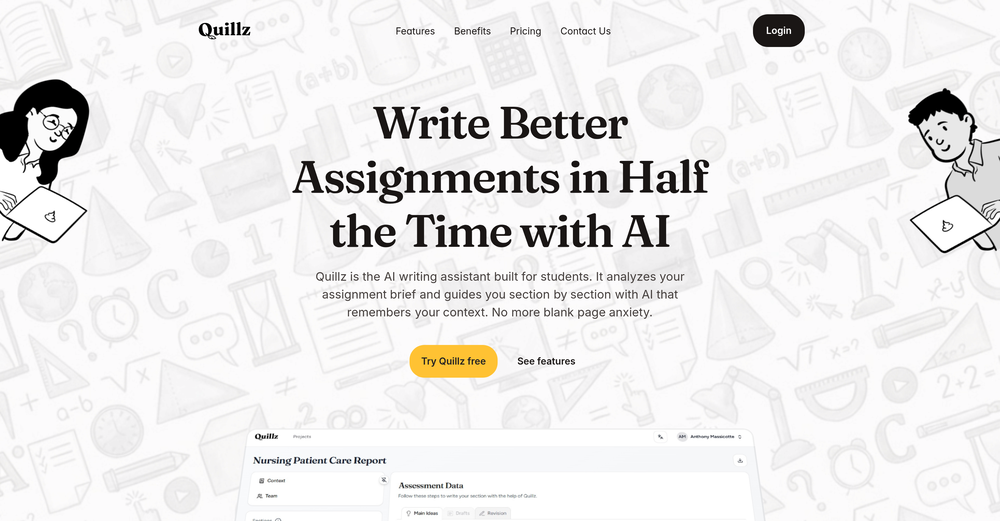 Pretty good tool for writing assignments or essays even, easy to use, gives a structured way to use AI and the outputs are better than expected, looks human.
 -
-
-
-








Other tools
-
 Instantly detects AI-generated content from ChatGPT, Claude, and Gemini.OpenI tried different chats between me and Chat and also Claude. There is an 80% chance this detecter is full of shit. Of all the text where i actually spoke my thoughts to ChatGpt, it was flagged as AI written. Just... WTF??
 - Sponsor:
 Nebius Token Factory🧠 AI inference
 -
 Transform snapshots into perfect passport photos in seconds.Open
 - Didn't find the AI you were looking for?
-
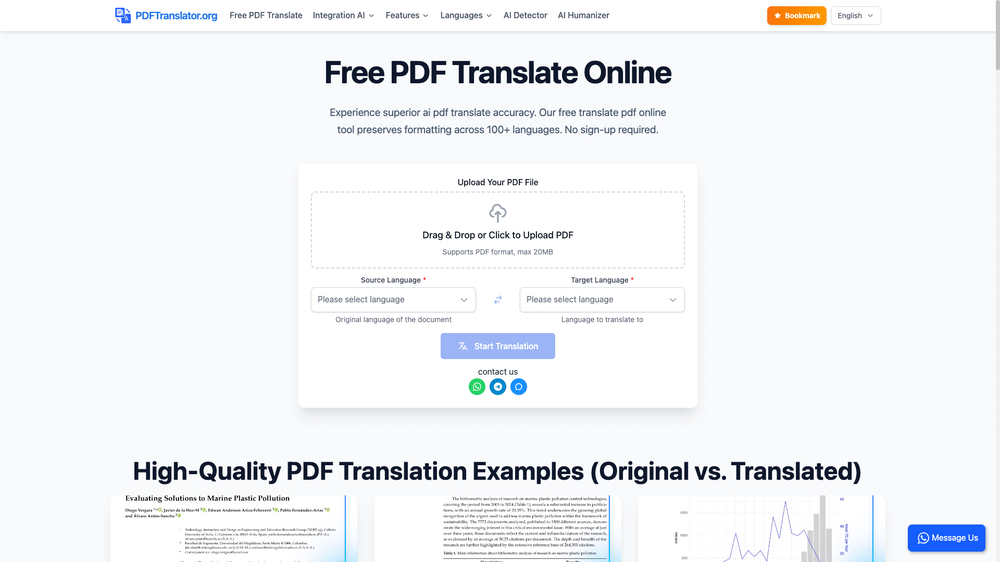
5/5 very easy, it translated all the text very easily and in 5seconds
-
 Open
Open -
-
Pro plan has 100~image gen, other features still I haven't reached the limit
-
couldn't even use it... i signed up, had to rewrite my prompt, but then i had to sign in, then rewrite my prompt, then sign in...
-
I would say this is the best document and researsh creation assistant, but it's more than an Assistant it basically does all the work while you comfortably instruct it.
-
Excited to share this tool that merges documents with AI, making writing PRDs a breeze! 🚀
-
The fact that it's available as a Chrome and Firefox extension makes it super convenient to integrate into my workflow. I love how it not only helps with proofreading and editing but also tracks changes, which is incredibly useful.
-
works wonderfully, really good for cleaning up writing. just wish the monthly plan was a bit cheaper.
-
Hey Michael 🙂 Thanks for the honest feedback , and I totally understand where you're coming from. We recently added the tutorial to help new users understand the app quickly, but we hear you , we’ll look into making it optional. Also, just to clarify: we do offer a free plan! You should be able to create and preview documents without paying. If you ran into any issues, please reach out to us at [email protected] , we’d be happy to give you extra free credits and make things right. We’d love the chance to turn that 2⭐️ into a 5⭐️ , and your input helps us get better. Appreciate you giving it a shot! Best, The Writedoc.ai Team
-
I recently started using Napkin AI, and I couldn't be more impressed! This tool is incredibly user-friendly and intuitive, making it easy to generate clear visual representations from text. Moreover, the interface is clean and visually appealing, which enhances the overall user experience. Napkin AI is a fantastic companion. Highly recommended for anyone looking to elevate their creative process!
-
Love it!!! It still need work, I wish I can add 3 or 4 more voices in my podcast. I trying to make callers call in. That would help.
-
Highly recommended. It saves a lot of time. Their PDF chat feature is very user-friendly.
-
Although the results are slightly inferior to Nano Banana, it has more relaxed content restrictions, including NSFW content.
-
 Transform YouTube videos into polished documents and quizzes.OpenSuper helpful tool for content creators like myself. I have a Patreon where I give my Patreons quizzes and video summaries based on my YouTube video and this website speeds the whole process up tremendously.
 -
You can't do anything without paying
-
-
-
Not bad, its freemium and the feature is good like private pdf and support OCR
-
-
Love this application. Use it as my go to writing app. Replaced Grammarly and ChatGPT.
-
Hello! I am writing about an error When using Asc Isaac. It is not the answer that appears, but the text of the HTML code. here is the first half of <!DOCTYPE html> <html> <head> <meta name="viewport" content="width=device-width, initial-scale=1" /> <meta charset="utf-8" /> <title>Server Error</title> <style media="screen"> :root { --bg: hsl(250, 24%, 9%); --fg: hsl(0, 0%, 100%); --pink: hsl(270, 60%, 52%); } html,
-
For me, watching Pointer AI in action is like witnessing magic - editing even the longest documents is a breeze. Thanks for being such a supportive community. I hope you find as much joy in using Pointer AI as I did in creating it! 😊
-
-
its a language simulator but it comes up in text editor results. it only reveals its not an editor after we create an account. the creator has no integrity
-
 AI documentation that stays fresh and reduces support tickets.Open
 -
-
 AI-powered PDF assistant for summarizing, translating, and creating content.Open
 -
I like it. It answers simple questions accurately and by the book. The Ref (reference) page is not usually accurate though. I'll keep you updated on how it responds to complex questions.
-
Loved that it can draft any legal doc without a pre-configured template
-
Good to use even for free. Gives answers related directly to the info in the document, along with references to pages where it can be found. Also does well at analyzing graphs and charts
-
Very poor service, I paid and the next day, I cannot even login. This is very disappointing
-
 Open
Open -
 Transform any document into structured, navigable outlines.Open
 -
 Advanced multitasking with real-time data management.Open
 -
 Open
Open -
 Converts images of math formulas into LaTeX code.Open
 -
A good app that let me reset some metadata on a pdf to keep the author name private. I'm going to try to use it for other things as well. It was also able to find a way for me to re-download the pdf after the modification, when the default way would not work. Very handy!
-
 Open
Open -
 Aids in biological science writing with concise, professional advice.Open
 -
 Providing CDC-guided, person-centered language feedback.Open
 -
 Multilingual PDF Translator with MarkdownOpen












































































































Post





