
 Mini tools
▼ State of the art
Text processing
Free mode
100% free
Freemium
Free Trial
Other tools
-
fernand Lopes🙏 104 karmaApr 13, 2025@Groki love it i use it to teach me Italian and ukranian and programing ! and it awesome , because it allows you in the free version send many prints of your screen , not having to explain all the errors by typing diferent from gpt that you can only send 3 photos in the free version. i also use grok to study i frist make the exercise in my book then i take a photo of my exercise then i ask it to see if there is any mistake and dissipate my terryble handwriting it understands
-
Here it says "NO pricing," yet online, there is a "hidden" subscription plan? https://www.minimax.io/audio/subscribe - No wonder the media calls 2026 "The Age of Greed!" ;-( FYI, there are 100% FREE Open-Source TTS and Voice Cloners, so why should we pay to be tricked? I don't get it!
-
Such an impressive platform for all of us who are looking for more efficient ways to do the investigation. OpenRead has the potential to solve our problems.
- Sponsor
 Wispr Flow-Now on Android!🎤 Dictation
 -
-
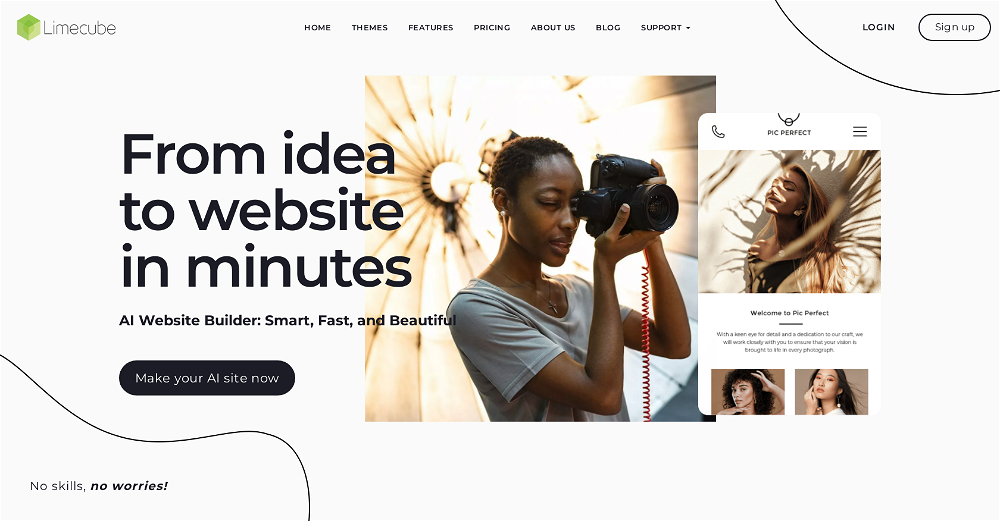 Very cool app! Build was fast as, and with a few tweaks I fully launched my website in 1 hour!
 -
I wasn't able to use this one (I have my API key)
-
The fact that it's available as a Chrome and Firefox extension makes it super convenient to integrate into my workflow. I love how it not only helps with proofreading and editing but also tracks changes, which is incredibly useful.
-
It does exactly what is expected and more. I asked it to create a map with pins for 30 addresses and it did exactly that within a few seconds. It has great customization options also.
-
Now here's an application where ML can shine. Translation quality is usually excellent, especially if the target language is English. Probably the closest you can get to a decent translation short of hiring a professional translator.
- Didn't find the AI you were looking for?
-
This tool is just rewriting the text, and the limit is 1500 words.
-
 OpenEasily saves me an hour every day - I no longer have to type long winded “professional” sounding email replies to my colleagues, I just speak roughly with minimal effort 👏
 -
For now the best browser based AI scraper i have ever used.
-
 OpenThis is my favourite, so handy and works brilliant
 -
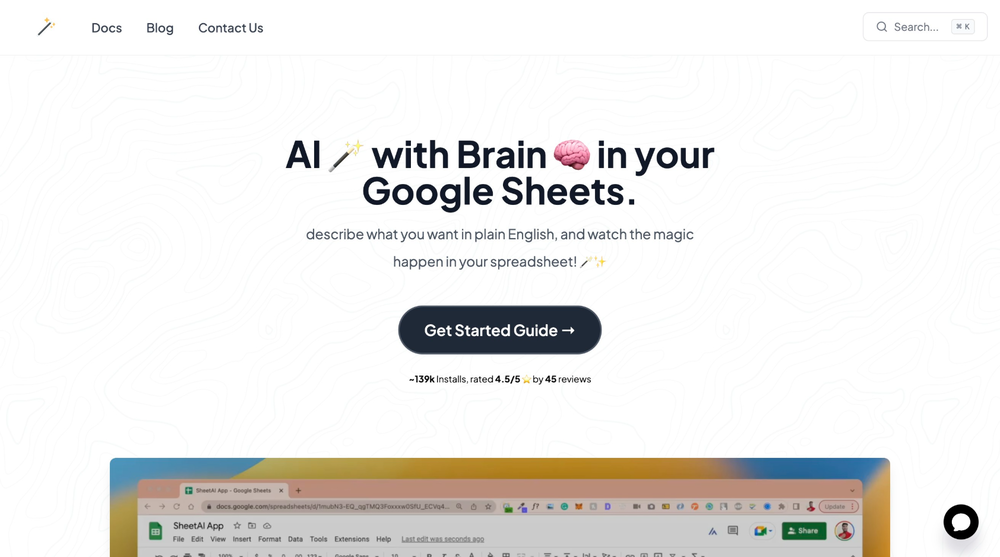 SheetAI was very handy in sorting, fixing and all sorts of tools. This tool is also well documented, so if you need help figuring something out, chances are they will have the info you need.
 -
-
-
Ask AI outperforms ChatGPT in search capabilities, providing more accurate and relevant results. Its advanced AI technology ensures a superior search experience for users.
-
I used AudioPen for dictating short notes and ideas. It does a good job editing them into more concise text that I can use.
-
 Open
Open -
 Open
Open -
 Open
Open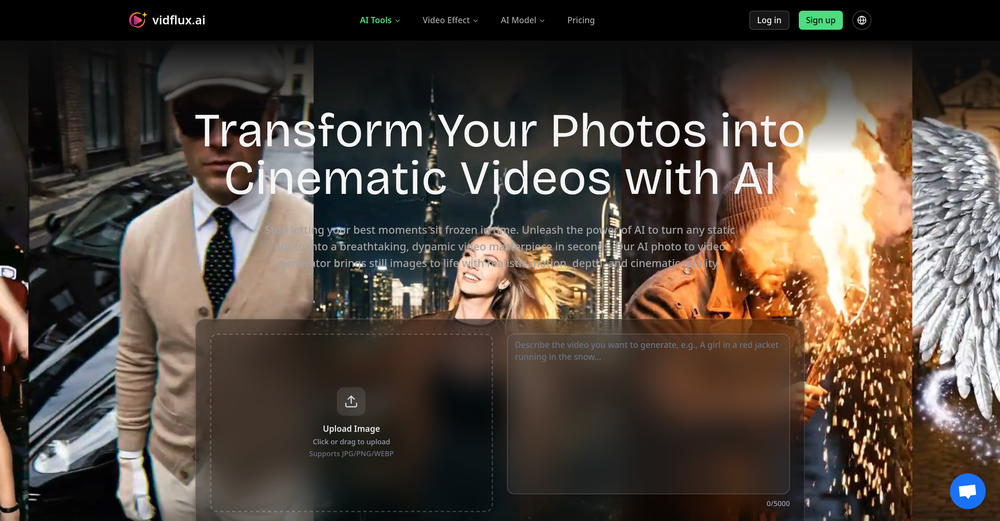 There are tons of video generation models to choose from, which really helped solve my problem. I also love that I can try it for free before paying. Overall, it’s super useful and works great. 👍
 -
-
Inscrivez-vous, c'est gratuit! 9h41  Qu’est-ce que Playtext ? Playtext transforme n'importe quel texte en livre audio et vous aide à lire 3 x plus rapidement. Nous extrayons le contenu et le présentons dans un environnement sans distraction tout en utilisant l'IA pour générer des voix humaines qui lisent le texte à haute voix. Avec Playtext, vous pouvez lire à un rythme qui vous convient, que ce soit 1x, 2x ou même 3x la vitesse. Vous pouvez entraîner vos oreilles à lire jusqu'à 3 fois plus vite avec une utilisation régulière ! Pour accélérer les choses, appuyez simplement sur l'icône . Et le meilleur ? Vous pouvez toujours comprendre tout ce que vous lisez, même à des vitesses plus élevées. En effet, Playtext vous permet de lire et d'écouter en même temps, ce qui améliore considérablement la rétention et la compréhension du contenu. Donc, si vous cherchez une nouvelle façon de profiter de vos articles préférés et d'améliorer votre vitesse de lecture, essayez Playtext. Vous pourriez être surpris de voir à quel point vous allez l'adorer !
-
Combines knowledge graphs with AI, reveals main topics and gaps in a discourse.
-
 Transform documents into interactive knowledge bases using advanced AI.OpenThis tool is expected to evolve rapidly, we are also taking all feature requests so submit what you like and we'll build it if it aligns with our product vision! Have fun with the tool and let us know what you think!
 -
Total game changer. I’ve been using it for about two weeks now, and honestly, I don’t think I need my copywriter or editor anymore. I usually use a mix of Perplexity Claude ChatGPT to generate content for my sites. But no matter how advanced my prompts are, the output often still gets flagged as AI generated by tools like Originality or ZeroGPP.. and it still reads a bit synthetic. After running the content through Humantone, though, it actually sounds like something a real person wrote. Clean, natural, quality. I still make a few light edits here and there, but man… it saves a ridiculous amount of time.
-
-
it removed the watermark cleanly while keeping the original quality.
-
Worked like a charm for me. Maybe give it another try or check if you’re logged in?
-
- AI Rewriting in less than two seconds - Faster & more accurate transcription models (including new high-precision options) - 100+ supported languages - One-step automatic translation to English - App-specific rules (email formatting, code-friendly output, auto-send, etc.) - Revamped UI (faster mic access, improved history view) - New stats view with shareable usage card - Completely new audio engine for reliability
-
 Summarize any webpage portion with ChatGPT.Open
 -
WriteTone is a spark in the margins, it snaps verbs awake, nudges cadence into place, then steps back. Not a sculptor, more a metronome. Great when your draft needs oxygen.
-
 Open
Open -
Clean UI, multiple video models in one place, and fair credit refunds when generations fail. Nice that you can try it for free before committing.
-
It really does a good job at humanizing, very little adjustment needed for the end product.
-
KikiVoice does a great job with voice cloning — the results sound very natural and close to the original, and there’s no sign-up required.
-
I used it to generate several Christmas-related videos, and the results were excellent. It’s a really great product and definitely worth trying.
-
-
 Open
Open -
-
-
👋 Hey, I'm the founder of Flowova! We built this because we were tired of spending hours dragging boxes in traditional flowchart tools. A few things you might not know: - Works with anything — text, images, PDFs, Word, PPT, Excel, even photos of whiteboard sketches - 40+ themes designed for presentations - Full Mermaid code support for developers Happy to answer any questions! 🚀
-
I'm giving it two stars because it does do an ok job on videos but I would NOT recommend this. The "free trial" gives you 80 credits. It's not even enough to make a 60 second video so you can't really "trial" anything. I then spent $35 to make a 60 second video and I did two edits to it and I only have 451 credits left for the month. Until the costs come down, this is not feasible.
-
-
 Extract Wisdom from Any Link -- 6 AI Models, Haiku 4.5 SynthesizedOpenDeep Research -- Full long-form research articles from a single question -- 4-layer Mixture-of-Agents pipeline: parallel web search (deep search + YouTube + Perplexity), 3 reasoning models, 2 revision models, final synthesis -- Inline citations linking to every source used -- Search filters: language, date range, academic-only sources -- Prompt optimizer to sharpen your question before the pipeline runs -- Organize articles into projects Mind Maps -- Turn any deep research article into an interactive visual mind map -- Sections branch into subtopics with spatial connections Research Slides -- Generate a full presentation from any deep research article -- 12 style presets across dark and light themes -- Title slides, content slides, quote callouts, two-column comparisons, FAQ slides, sources slide -- Downloads as a single HTML file — present from anywhere with no dependencies -- Quick-access Slides button in the library listing and export dropdown Voice Input -- Microphone button on every major text input (deep research, extraction Q&A, synthesis Q&A) -- Chrome/Edge/Safari use native Web Speech API -- Firefox gets Vosk — an offline speech model running entirely in-browser via WebAssembly (no audio leaves your machine) Model Council -- Ask the same question to 2–6 AI models simultaneously from 16+ providers (Claude, GPT, Gemini, DeepSeek, Llama, Mistral, Qwen, and more) -- Responses stream in side by side so you can spot agreements, contradictions, and unique angles -- GPT 5.2 runs a comparative synthesis: convergence table, divergence breakdown, unique discoveries, and a bottom line -- Follow-up questions build on the full multi-model context -- Web search toggle gives models live internet context -- Save your preferred model combination as a default Debate Arena -- Models don't just answer — they evaluate each other's responses with honest critiques -- Multi-round debates with thinking indicators as models deliberate -- Arbiter (GPT 5.2) delivers a structured verdict: consensus findings, research scorecard, blind spots, unresolved questions -- Debate insights route into the Synthesis Engine for further analysis -- Debate content persists to database — come back to it anytime Text Highlighting & Notes -- Select any text in an extraction or research article and pick from six highlight colors -- Highlights persist permanently across sessions -- Notes drawer with Markdown support and auto-save -- Highlight a passage and send it directly to your notes Creative Domain Focus -- New extraction mode built for creative content (filmmaking, music, writing, design) -- Captures creative philosophy, techniques, process, key tensions, and inspiration — not generic bullet points -- Set per-extraction or as your default in Profile Settings -- Four domain modes total: All Purpose, Research Paper, Tutorial, and Creative X (Twitter) Support -- Paste any tweet URL for full multi-model extraction -- Video tweets are transcribed, text tweets are analyzed -- Same extraction pipeline as YouTube, articles, and PDFs Mistral OCR for Scanned PDFs -- Automatic fallback for PDFs with no text layer (scanned docs, photographed handouts) -- Detects when standard extraction returns near-empty results and switches to Mistral vision OCR Achievements System -- Added 6 starter achievements to guide feature discovery -- Used to gain quicker access to CORE+ features -- Perplexity Sonar Deep Research - After extracting a video/article/PDF, run Sonar Deep Research to get a sourced analysis with cited sources. The Q&A then draws from both the original extraction AND the deep research. -- Grok & Mistral as extraction providers -- Extract Later - Bookmark/save content on the Discover page for later extraction. Persistent playlist at the top of Discover. -- Web Search on Discover - "Web" tab powered by Perplexity with AI-synthesized results + source citations. Discover 5 sources: YouTube, TikTok, Instagram, Reddit, Web. -- Research Paper domain focus — Specific system prompt and formatting for this domain focus; best with research reports -- "Synthesized by" badge — Every extraction now shows which synthesis engine produced the result. -- Spotify Podcast Support | Auto-finds RSS feed, matches episode, pulls direct audio for transcription. Reliability -- Fixed occasional OOM crashes -- PDF service startup timeout extended with early crash detection -- Captionless video detection and fallback system
 -
Didn't really do the graphs that i thought it would do. Good for simple graphs, like for a presentation
-
Very useful tool, especially that it's free and easy to use.
-
img2img AI is the first image editor that actually replaced three tools on our team. I can upload a product shot, type what I want in plain English.
-
I've been using WriteHybrid and it really does just make AI text sound normal. It doesn't sound robotic, and I don't have to rewrite everything after.
-
-
-
 Boost visibility with instant AI-generated SEO content.Open
 -
 Chrome extension that turns lazy prompts into pro-level instructions.Open
 -
Hands down best multilingual stt API.
-
It's very easy to use, completely free, and even supports files up to 1GB in size.
-
 OpenThe watermark was removed so cleanly, it's amazing!
 -
-
 Instantly summarize and translate any YouTube video or website with AIOpen
 -
 Create flashcards, quizzes, and study materials instantly.Open
 -
 Remove unwanted text, watermark or logo from images online free.Open
 -
Great platform! Very impressed by the ability to combine documents to generate full research reports or extract data in large PDF files.
-
 Translate manga while preserving original artwork and layout.Open
 -
-
It's super easy to use, and the humanizer works. I tried a sample text, and it could pass ZEROGPT and GPTZERO (as a human). Recommended.
-
-
 Transform unstructured documents into actionable data instantly.Open
 -
 Open
Open -
-
COngratulaitons on your new release,Wishing you a prosperous New Year! 😊 I came across your profile in the SaaS and startups directories, and I'm excited to connect . I help SaaS & Tech Product owners create Promo, interactive explainer, and demo videos that drive engagement. Would you be interested in exploring how video can boost your business? I'm available to chat. Best regards
-
 AI-native OCR platform, 95%+ accuracy, zero prompt engineering, flags uncertain fields.OpenWe are a team of founders who worked before in data extraction, with traditional manual review of each document to check accuracy / errors. We are so excited about AI and the new LLM models because we have created DeepRead using those and the accuracy is 95% and we flag uncertain fields so no one has to manually review entire documents (whew), only the exceptions! We hope you try it out and please share your review, comments and feedback. Looking forward to hearing from users!
 -
Used to make coloring pages for the wedding of a friend’s son. Was easy to use. Can pay monthly.
-
-
-
throw research pdfs in here and get summaries in like 30 seconds. saves me hours when i'm doing background reading for articles. simple but does exactly what i need.
-
 Open
Open -
 Transforms verbose text into razor-sharp, high-impact language.Open
 -
 Transform messy lyrics into polished song structures.Open
 -
 Simplifier transforms complex text into crystal-clear, bite-sized content.Open
 -
 Open
Open -
 Efficiently extracts keywords from various texts, social media, and customer feedbackOpen
 -
 Generates interactive maps for literary analysis.Open
 -
 Creating concise, iterative summaries of articles, webpages and attachments.Open
 -
 Texts from 1000 landing pages improve how GPT crafts for you.Open
 -
 Open
Open












































































































































































Post





