Go to section
Spotlight SureThing.io - "OpenClaw" for BeginnersTask automation

 Mini tools
New
Featured
Lists
Agents
Requests
Jobs
Map
Newsletter
Starter pack
Free tools
Speech to text
Text translator
Remove background
Settings
Edit profile
My tools
Gallery
Dashboard
Inbox
Get featured
Contact TAAFT
For you
Popular
Job impact index
Most saved
Affiliate program
Submit AI tool
Notification preferences
Glossary
Home
Timeline
My profile
Create tool
Deals
Companies
Models
Robots
Papers
Fundraises
Devices
Organizations
Events
Prompt Pack
Merchendise
APIs
Features
Tools
Countries
Collections
Videos
News
Investors
Repositories
Mini tools
New
Featured
Lists
Agents
Requests
Jobs
Map
Newsletter
Starter pack
Free tools
Speech to text
Text translator
Remove background
Settings
Edit profile
My tools
Gallery
Dashboard
Inbox
Get featured
Contact TAAFT
For you
Popular
Job impact index
Most saved
Affiliate program
Submit AI tool
Notification preferences
Glossary
Home
Timeline
My profile
Create tool
Deals
Companies
Models
Robots
Papers
Fundraises
Devices
Organizations
Events
Prompt Pack
Merchendise
APIs
Features
Tools
Countries
Collections
Videos
News
Investors
Repositories

Youtube editing
Featured matches
-
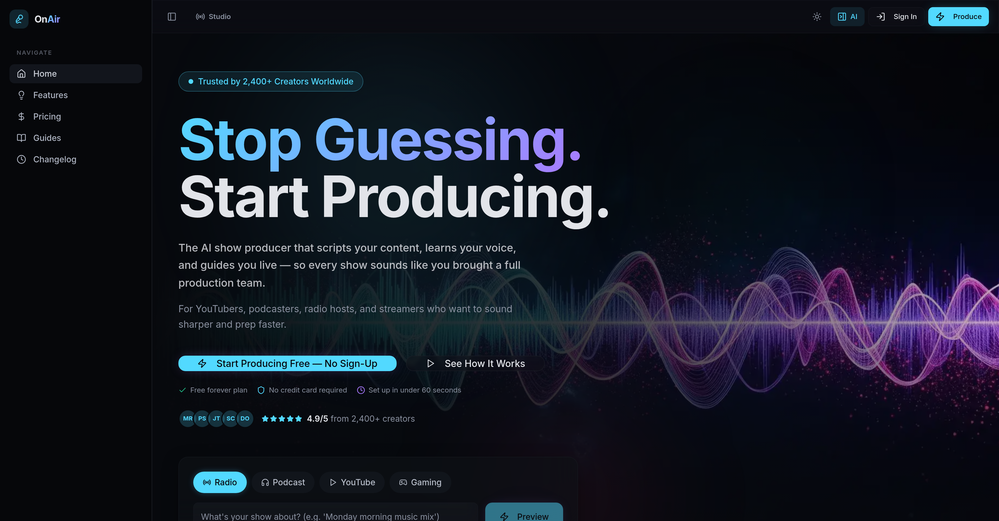 Luna Coverdale🛠️ 1 tool 🙏 3 karmaApr 26, 2026@OnAir StudioThank you for the feedback, Bella Blast. All of the issues you mentioned have been addressed, and the Learn My Voice engine has been fixed and improved. We really appreciate you taking the time to share this — feedback like yours helps us make the experience better.
 -
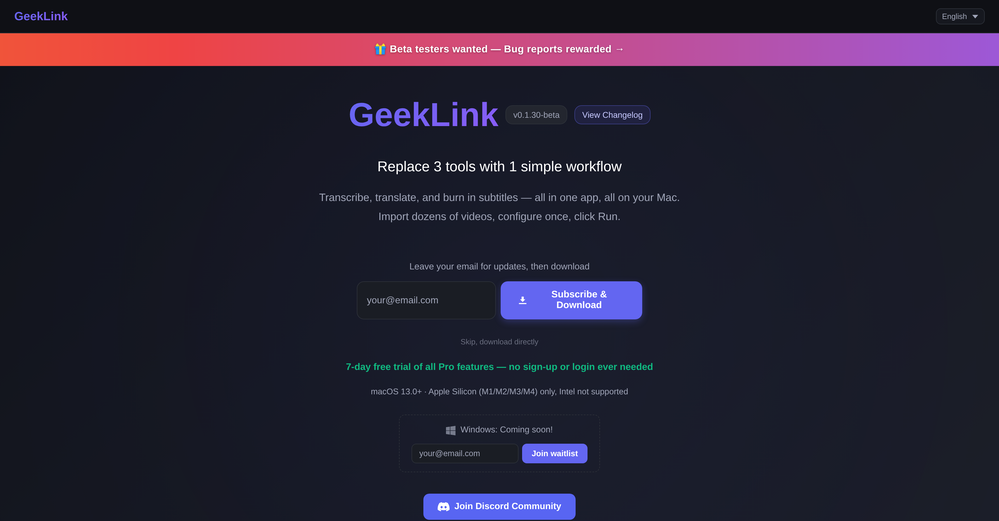 You are absolutely right. There are a lot of founder and certain types of tools that assume their users are experts, making their products very technical. GeekLink is not that kind of product. A creator shouldn't have to know the exact parameters, meanings, and depths behind it. All of that is handled behind GeekLink.
 -
-
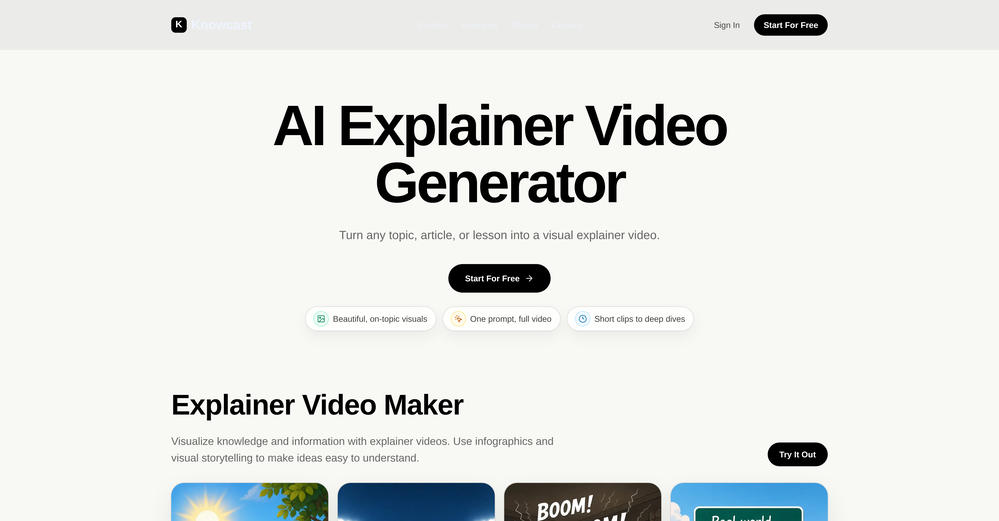 Been using Knowcast to keep up with new ideas and information, and I like how easy it is to discover and revisit useful content. The experience feels straightforward and helps cut through a lot of the noise, making it easier to stay informed without getting overwhelmed.
 -
-
-
-
-
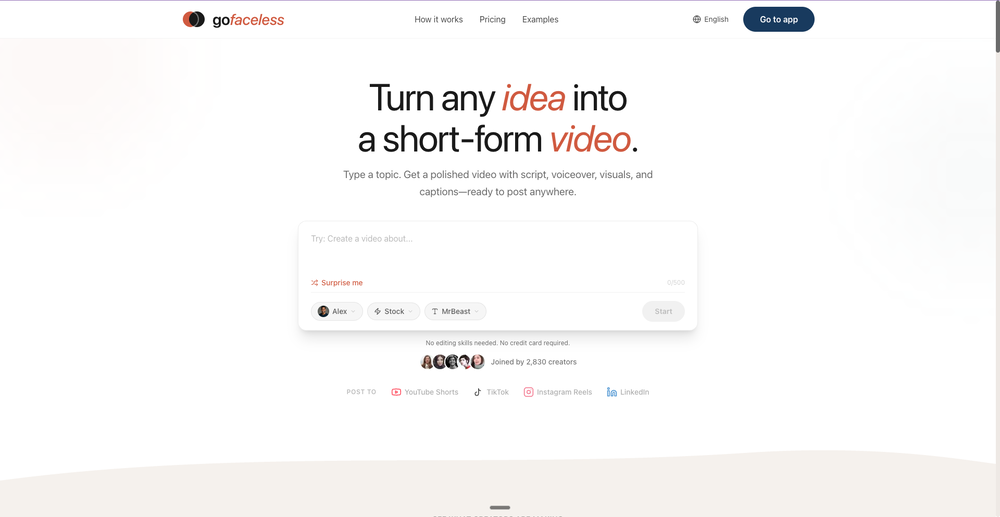
GoFaceless turns a single prompt into a finished, ready-to-post video — script, AI voiceover, B-roll, music, titles, and captions, fully assembled. No timeline to wrestle with, no stock clips to hunt down.
New in this release:
- Edit by chatting — change the voice, script, pacing, language, or any setting just by typing, and it re-renders instantly.
- Full timeline control when you want it — trim, split, reorder, and adjust volume on any track.
- Reusable AI presenters + faceless B-roll — pick a character once, reuse it across every video.
- 30+ languages, vertical and landscape (16:9), with grounded visuals that match real places and facts.
Describe your video, get a finished one back, then refine it in plain English. Faceless content on autopilot.
-













Verified tools
- SpotlightSureThing.io - "OpenClaw" for BeginnersTask automation
-
Currently, generating course videos is basically free, and everyone is welcome to use it! If you have any problems during use, you can complain and we will quickly iterate! Thank you~!
-
Generating captions was super fast like seconds. Wish they had Anton font though
-
-
Added an AI camera that cuts, frames, and captions every clip for you
Added burned-in captions, auto-placed text hooks, and silence trim
Added publishing and scheduling to YouTube and TikTok, plus one-tap share links
Added Kick and Google Drive alongside YouTube, Twitch, and uploads
Improved analysis to about 2x faster, with clips streaming in as they are found
-
 Open
Open -
Tried Teno for a quick product ad — surprisingly simple. Chat your idea, get image/video outputs in minutes. Good free tier to test. Handy if you need creatives fast without a full production team.
-
As a student, I regularly work with research papers and long PDFs. PodcastorAI has been a helpful way to turn that content into something I can listen to while commuting or walking. I like that it creates a structured podcast rather than simply reading the text aloud. The dialogue format is surprisingly engaging and makes dense material easier to get through. I still rely on the original documents for deeper study, but for review and knowledge retention, it's been a genuinely useful tool.
-
Particularly useful in scenarios where human voices are clear but background noise is complex.
-
Very simple and easy to use. The premium feature of Lyrics helper really helped me to write lyrics exactly the way i wanted.
-
 Open
Open -
 Get 99.9% accurate TikTok transcripts in seconds.OpenOne tool that really impressed me—I honestly can’t believe something this good is free. Even if it becomes paid later, I’d still keep using it. The results are just that good.
 -
 Generate full-length faceless YouTube videos from text and earnOpenNoodle Tomato is an amazing video creation tool. You can create shorts or full length videos on ANY subject. Choose your voice, bullet points about what you want the video to be about. It then creates the script, all of the videos into parts that are editable. After it compiles the video you can download it directly, post it to YouTube and it's that simple. You need 0 knowledge of AI prompting or video editing.
 -
 AI-powered YouTube thumbnail maker for click-ready designs.Open
 -
-
AITextSong.com is a solid choice for creators who need high-quality music without a background in production. The ability to extend tracks up to 8 minutes is a standout feature, and the built-in vocal remover is a massive plus for those who want to remix or create karaoke versions. While it could use more vocal customization options, it’s one of the most efficient tools I've found for turning lyrics into fully produced WAV files.
-
Vocallab AI is honestly the easiest tool I’ve ever used. The interface is super simple and intuitive. Generations take less than 2 seconds. The quality is also incredible. The voices sound very realistic — almost like real people. You can even add emotions and details like coughs, laughs, sighs, and other subtle effects, which makes everything feel much more natural and alive. Highly recommend it to anyone working with content, videos, or voice projects.
-
 Remove subtitles, captions, and watermarks from videos instantly.Open
 -
Pricing is fair since it would take me days to clip 4 hour videos
-
 Open
Open -
 Convert YouTube videos to text with 99% accuracy.OpenI’ve used Riverside before and it’s a really solid tool for recording and producing high-quality audio and video. If you’re looking for a YouTube transcript generator, I’ve also been using Saveto AI. It’s been pretty handy for turning videos into clean text and quick notes.
 -
Terrible experience. Spent over $200 to produce a music video that Musid.ai was never able to complete. System crashed during the final production generation/rendering - over and over and over. Contacted [email protected] - no response whatsoever after 2 days. Don't touch it! UPDATE: minutes after posting this Musid.ai responded by reinstating all of the credits purchased. Doesn't compensate for the wasted time but better that a poke in the eye with a sharp stick! I'll review again once I get to the other side of this drama...
-
needed background instrumentals for a demo track and this delivered. the beats are clean and royalty free which is huge.
-
Can only edit oe long clip to shorter clip, but i have multiple clip
-
 Open
Open -
Easy to use, good visuals and good price to videos ratio. Made a few with 10k views.
-
Very cool tool that gives me free hours to cut my videos into shorts. Wish to get more referral bonus hours. If it could deal the video faster that would be even better.👍🏻
-
pretty clean tool, i tried a couple product images fast and the controls make sense. model picks, image-to-image and quick batch runs are handy for ad shots or thumbnails. the free tier is tiny at 2 credits, so it's more of a taste test than real use.
-
 Create Your First Viral Video and Start YouTube Monetization with Multilingual Content.OpenIt feels so cool. I think the characters generated by the model are very consistent.
 -
 Create Celebrity voices and voiceovers in 120 languages with 800+ AI voices.OpenThis is a cool little generator for a quick clip! Could see some potential quick use cases if you needed to generate something with an accent on the fly. Not a bad little tool!
 -
Asks for payment straight away, no way to establish an opinion without subscription.
-
 Transform YouTube videos into polished documents and quizzes.OpenSuper helpful tool for content creators like myself. I have a Patreon where I give my Patreons quizzes and video summaries based on my YouTube video and this website speeds the whole process up tremendously.
 -
5 star and Ai is the best to guide anybody Ai helps many things like hardwork is easy due to use of Ai .You help in your study
-
-
-
-
I completely agree with the previous comment. I first purchased the $5 package and then upgraded to the Pro package, hoping to create videos longer than 3.5 minutes. However, I was disappointed to find out that I needed to purchase the $99 package to create longer videos. It was not clear that the 5000 characters of script only equated to 3.5 minutes of video. To make things worse, the company has a strict no-refund policy, which feels unfair. They seem more focused on taking your money than providing quality service. I would highly recommend avoiding this service at all costs.
-
 OpenA1: Transform text into stunning visuals. Simply describe your scene, and watch as the AI crafts vibrant images. Turn imagination into reality with this intuitive, powerful image generator. Video
 -
This software helps me watch various educational videos on YouTube without any obstacles, significantly improving my learning efficiency.
-
Considering for ONE YEAR I used Eklipse.gg? it was sorta good.. aaand then the putt he cap at clippable streams at three hours.. and instead of it even being ten dollars per month? it became 20 USD per month. and then of course, the completely IGNORED EVERYTHING the community said and even only enforce the rules on their discord for SPECIFIC PEOPLE... find something else. trust me.










































































Other tools
-
 AI-powered video editing for YouTube creators.OpenSelamat siang saya akan membagikan tutorial gimana caranya mengedit video di aplikasi capcut
 -
I just used LumiClip to make clips from my long podcast video and Im so amazed how it differs from other ai video clipper tools like Opus or vizard, It does the highlight finding very well and reframe comes our so clean with no editing required. Only thing i would suggest is adding b-roll videos to clips automaticaly.
-
Asked it to create an animation. Took a few tries but it managed to create a very good one for the purpose I wanted it to use.
- Didn't find the AI you were looking for?
-
 Open
Open -
Not really worth it, not only does it only support Youtube, but can only generate up to 30s of video and has no options to control the image style.
-
Try making a product for other devices as well. Not everybody desires to be in the I-Cult.
-
it gives multiple shorts to pick from and lets you tweak stuff like caption style, duration etc. makes the whole process super easy. Works great.
-
Highly recommend for anyone looking to create engaging videos without the hassle!
-
Thanks for pointing this out Keith! We have reduced our prices significantly after a review. The lowest tier now starts at $19 /mo. You can visit https://aivideo.to to check out the complete pricing updates.
-
AutoEditor is a tool powered by AI that allows users to create highly customized short videos. It is primarily designed to make video editing easier and more efficient, thus enabling users to focus more on content creation. Distinct features include the automatic generation of subtitles in more than 40 languages, detection of silence or non-relevant content in videos, and the ability to enhance videos by adding b-rolls, watermarks, and other effects. The platform provides an easy-to-use interface for video editing, putting users in complete control of their content. Users can change text, styles, and various other aspects of their videos without prior knowledge in video editing. Furthermore, AutoEditor supports editing of long videos, which can be broken down into smaller parts without pre-cutting them. Videos for editing can be directly processed from YouTube, eliminating the need for separate downloading websites. Users can also customize their captions, save their unique styles as presets, and create videos with a few simple clicks for a fast editing experience. AutoEditor's pricing is designed to be simple and affordable, with plans tailored to suit different needs. Users can also access a free tier to get started. Flexibility is one of its key advantages, providing users the means to edit their videos exactly how they want them. The software works best with videos containing any type of voice or talking, such as podcasts, talk shows, documentaries, educational videos, or speeches.
-
Glitched output at best, that can’t even be exported unless you pay.
-
-
So right away, when you go to their site, it allows you to create a video. I punched in a short sentence about Hannahbelle And Tami, 2 women in pink ski masks that rob a bank and get away in a pink dodge charger, a recurring theme in many of my AI Generated tests. I didnt expect too much but i have to say, while I would have liked to have more control over the voiceover, and perhaps some of the images used, it wasnt bad for just going to the site and really without even signing up, getting a demo of what the site is capable of. The features are...few...but there is potential. No free tier, but you do get one free video. With little to no editing or manipulation available, the prices seem high. Also, not sure if you can change this, but the voiceover is auto-captioned inside the video.
-
It's good for me to make my videos into different languages.
-
 Open
Open -
You can't try and see how it sounds unless you pay, no free credits
-
-
Get one free song after signing up, after that its 1 credit for each song. There are package deals for 10/30/100/300 credits starting with $12 for 10.
-
It’s a no! you can’t try anything for the unremoveable ads that pop up as soon as you click a source
-
-
Dumme is an AI-powered tool that helps content creators generate ready-to-upload shorts from existing long-form content. It uses AI to detect clip-worthy moments while preserving the context and structure of the original content. The tool also provides automated captions, titles, and descriptions to optimize performance on various platforms. Dumme supports videos and podcasts across all platforms of any length and content type, and will generate 8-12 clips from a 20-minute video and more from longer videos. It does not require users to connect their YouTube account and supports most languages. Request early access for the tool at [https://dumme.typeform.com/waiting-list].
-
We've released multi-language support and resolved a few pesky bugs that were affecting some users. Videos now chop much more accurately and faster :)
-
Thank you for featuring ChapterMe! Feel free to send us an email at [email protected] if you have any questions. Happy chaptering!
-
Appears to be a full-featured video editor. It tried hard…but chose such shit B-roll.
-
-
the tool charges per response not result, simply the 100 gratuity credits keeps decreasing every time i try to correct the action taken backend, may be i am stupid but if i am uploading a photo that cannot be altered in horizontal view, the tool should notify me that the outcome will be wrong due to the reference image, what really happened is that i was charged, the result even after i requested correction was the same for 3 times. and guess what the script was complete and i literally requested the assets to be added since i had none, the tool promised to get assets and show a preview,, but after charging ofcourse and again the result was wrong.. not recommended sorry!
-
 Open
Open