
 Mini tools
▼ State of the art
Developers
Free mode
100% free
Freemium
Free Trial
Other tools
-
 Kyle Up🛠️ 2 tools 🙏 5,295 karmaMay 28, 2025@Leonardo AIquick and the quality's nuts. tons of presets and styles to pick from, definitely one of those tools that makes you wanna keep testing more stuff.
 -
 OpenI'm happy to help you with generating a manifest file and a Lua script based on your input. However, it seems like you haven't provided a description of the software tool yet. Could you please provide more details about what you need? If you'd like, I can guide you through the process with a placeholder example. Let's assume you want a simple tool that greets the user. Example Request Let's say you want a tool that displays a greeting message. Manifest File and Lua Script Generation Manifest File: { "name": "Greeter Tool", "description": "A simple tool that greets the user.", "author": "Your Name", "version": "1.0.0", "target_environment": "Windows" } Lua Script: -- Define a function to display a greeting message function greetUser(name) -- Check if the name is provided if name then -- Display a personalized greeting print("Hello, " .. name .. "!") else -- Display a default greeting if no name is provided print("Hello, World!") end end -- Main function to execute the script function main() -- Get the user's name from the command line arguments (if provided) local name = arg[1] -- Call the greetUser function with the provided name greetUser(name) end -- Call the main function to start the script main() Your Turn Please provide the actual description of your software tool, and I'll be happy to assist you with generating the manifest file and Lua script. Since no description was provided, here is a default example. Manifest File: { "name": "Example Tool", "description": "A default example tool.", "author": "AI Assistant", "version": "1.0.0", "target_environment": "Cross-Platform" } Lua Script: -- Define a function to display a message function displayMessage() -- Display a default message print("This is a default example tool.") end -- Main function to execute the script function main() -- Call the displayMessage function displayMessage() end -- Call the main function to start the script main()
 -
Phind is amazingly good, combined with VSCode extension it is even better. It just works and it works FOR FREE - without idiotic whining attempts at stealing your money like shitty worse crap is trying to do.
- Sponsor:
 Base44💻 Vibe coding
 -
No free option all models are behind a pay wall.
-
 Redesign And Build websites, docs, and blogs with AI in minutesOpen
 usefull for intial landing page design
 -
This tool is really good. it does a great job, and it cuts my development time down to the point where I can finally catch up on all my movies and series in wishlist.
-
Thank you, if we can help with anything reach out any time!
-
 Open
Open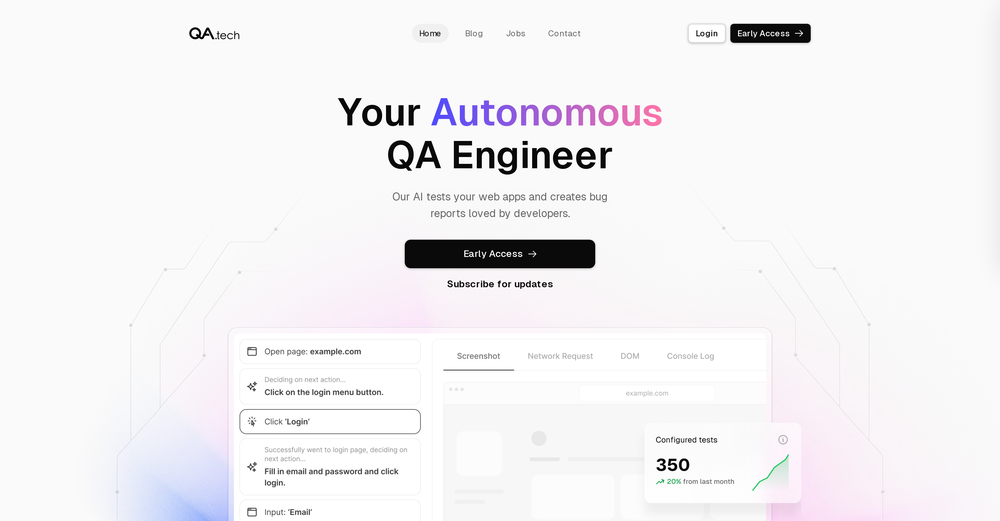
-
Hi Parrot! Thanks for the feedback here, we will relay this to the team! Thanks for sharing your insights!
-
Far beyond my expectation. Thanks for bribg us such a great work.
- Didn't find the AI you were looking for?
-
The concept behind this application is incredibly intriguing. I was pleasantly surprised by the level of accuracy achieved in creating my digital replica. What truly amazed me was the ability to engage in conversations with my digital counterpart. It's a delightful and entertaining experience. Furthermore, witnessing the advancements in artificial intelligence through Vana is truly remarkable. Who would have thought that we'd be able to converse with a digital replica of ourselves, complete with our voice and image? The conversations are incredibly lifelike, as my digital counterpart mirrors my thoughts and responses. My heartfelt gratitude to the creators of this remarkable application.
-
I would have given five stars but it cut off before the song ended. The vocals were very good.
-
I don't know why, but give me a 504 error.
-
-
 Hello everyone, As a AI power user, I constantly faced the multi-tab scramble and the uncertainty of getting truly reliable answers from various AI tools. That frustration led me to build Singulairity AI. My goal was simple: to create a unified, intelligent, and trustworthy platform where you can access leading AI models with unprecedented clarity and efficiency. I poured my efforts into features like Intelligent Auto-Routing, Side-by-Side Response Comparison, and the innovative Truth Mode to give you the confidence I always sought. I truly hope Singulairity AI enhances your workflow. Please review the tool and share your invaluable feedback; it's essential for Singulairity's continued evolution.
 -
 AI-powered code reviews that accelerate pull requests and improve code qualityOpenI signed up for early access and have been using codoki for a few months now, eventually brought it into my team as well. Great tool, simple to use, not overwhelming and has caught things in a way thats actually digestible
 -

-
clean pics and nice styles, got some artsy results fast. solid for art inspo.
-
The tool's quality has dropped significantly over the past three months. The AI is taking three times longer to solve problems and is still making many mistakes. Accuracy has decreased by at least 60%. I had to manually fix everything and stop using the prompt. Unfortunately, it used to work very well for me, but now it no longer does.
-
 AI agent for Jupyter: Generate code, run cells with natural language.Open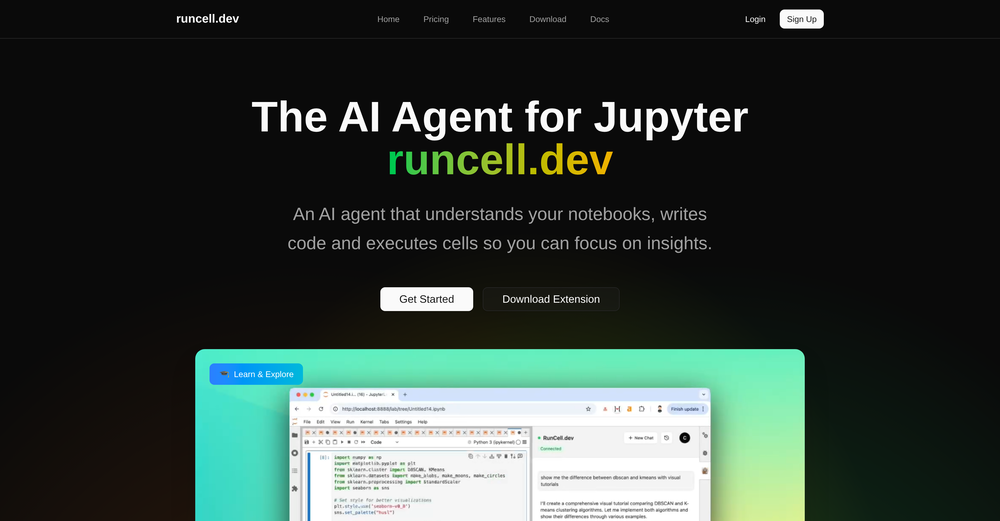
-
It’s amazing to see what AI can achieve, but many tools fall short because they lack the structure needed to deliver exactly what users want. That’s not the case with Aire! This innovative AI-powered app-building tool can create fully functional apps for managing any type of organization or business in just minutes. It doesn’t stop at generating ideas—it builds a complete data model, including modules, fields, relationships, charts, dashboards, and user interfaces tailored to your specific business needs. Here’s what sets Aire apart: Smart Prompt Builder: Aire includes a guided prompt builder that helps you create detailed, accurate prompts for better results. Customizable Scope: You can choose the size of your output—small, medium, or large—ensuring your app fits your needs without unnecessary complexity. Step-by-Step Process: Aire divides app-building into modules, fields, and relationships, delivering each component separately. This speeds up the process and allows you to tweak individual parts without redoing the entire app. Manual Adjustments: At every step, you can manually customize your app—add, delete, or modify modules, fields, and relationships. The AI integrates your changes seamlessly into the next steps. Field Configuration: Aire doesn’t just generate fields; it assigns field types (text, numbers, dropdowns, etc.) and even prepopulates dropdown options, which you can edit if needed. Intelligent Relationships: Mapping relationships between fields—like one-to-one or one-to-many—can be a headache, but Aire handles it effortlessly, even explaining its rationale so you understand the logic. Automatic Charts: Aire generates a range of charts based on your data model. While some might need tweaking, the out-of-the-box charts save days of manual effort. Pages and Dashboards: The tool creates well-organized record pages, list pages, dashboards, and homepages. These layouts are highly functional and customizable, eliminating tedious setup work. Aire deploys apps to Corteza, an open-source low-code platform. While Corteza is incredibly powerful—with features like a workflow builder, API, and integration tools—it requires technical knowledge for advanced tasks like creating workflows or integrations. For non-technical users, this might be a limitation, but Aire simplifies deployment by offering a shared hosted instance of Corteza. You can use this instance to edit your app, upload records, and make adjustments without diving into advanced configuration. For those who prefer self-hosting, Aire lets you export your app’s configuration files (its source code) to deploy on your own Corteza instance. This flexibility is a standout feature, and Aire’s team plans to introduce hosted Corteza instances soon, making deployment even more seamless. Looking ahead, Aire is developing an AI-powered process builder and connector builder, which will allow users to create automated workflows and integrate external data sources without relying on Corteza’s advanced tools. Once launched, this will elevate Aire to a fully autonomous app-building platform—no technical expertise required. In summary, Aire is a trailblazer in AI-driven app development. It’s fast, flexible, and packed with features that save users days of manual effort. Whether you’re a business owner, a tech-savvy developer, or somewhere in between, Aire is paving the way for the future of app-building. Don’t miss out!
-
 Open
Open -
 Open
Open -
 AI-powered custom WordPress features, without expensive developers.Open
 -
 OpenWorked well to fill my room. Would love to see more options in terms of what I can configure in the future releases.
 -
 Become your own expert PineScript developer.Open
 -
 Open
Open -
 Automatically creates coding descriptions and documentation.Open
 -
 Mastering Deluge Functions for Zoho CRM.Open
 -
 Blender 3D plugin & add-on development assistant.Open
 -
 Open
Open -
 Expertise in HTML, CSS, JavaScript, React for web app development.Open
 -
 Refactoring Python code for clarity and functionality.Open
 -
 Building sustainable development and community.Open
 -
 Open
Open -
 Assists developers in integrating Tailwind CSS with React and Next.jsOpen
 -
 Open
Open -
-
 Refining custom GPT model instructions expertly.Open
 -
 Expert in web design & accessibility, offering assessments and development guidance.Open
 -
 Specializing in iOS/macOS, providing implementable code and guidance.Open
 -
 Nuxt coding assistant, with knowledge of the latest Nuxt documentationOpen
 -
 Open
Open -
-
 Open
Open -
 Expert in digital accessibility, guiding with a professional approach.Open
 -
 Simulation of an expert Node.js developer.Open
 -
 Open
Open -
 Provides concise HPLC troubleshooting and method development adviceOpen
 -
 Fluent in code for HTML, CSS, JS, Angular, React, Vue, Node.Open
 -
 Specialist in Full Stack Kick Ass Application developmentOpen
 -
 Streamline your domain name decisions.Open
 -
 Providing concise GC troubleshooting and method development advice.Open
 -
 A helpful guide for Elixir developers, offering code tips and best practices.Open
 -
 Creates Next.js components using the latest docsOpen
 -
 Friendly guide for street sign app development.Open











































































































































![GPT Builder [Community]](https://media.theresanaiforthat.com/icons/gpt-builder-community.png?height=207)


















Post





