Go to section
Sponsor
 Wispr Flow - Don’t type, just speak
🎤 Dictation
Wispr Flow - Don’t type, just speak
🎤 Dictation
The front page of AI.Used by 90M+ humans.

TAAFT Tutorial
Generate image
Tasks
Generate text
Free mode
Trending
Leaderboard
Characters
 Mini tools
New
Featured
Lists
Agents
Requests
Jobs
Map
Newsletter
Starter pack
Free tools
Speech to text
Text translator
Remove background
Settings
Edit profile
My tools
Gallery
Dashboard
Inbox
Get featured
Contact TAAFT
For you
Popular
Job impact index
Most saved
Affiliate program
Submit AI tool
Notification preferences
Glossary
Home
Timeline
My profile
Create tool
Deals
Companies
Models
Robots
Papers
Fundraises
Repositories
Devices
Organizations
Events
Prompt Pack
Merchendise
APIs
Features
Tools
Countries
Collections
Videos
Mini tools
New
Featured
Lists
Agents
Requests
Jobs
Map
Newsletter
Starter pack
Free tools
Speech to text
Text translator
Remove background
Settings
Edit profile
My tools
Gallery
Dashboard
Inbox
Get featured
Contact TAAFT
For you
Popular
Job impact index
Most saved
Affiliate program
Submit AI tool
Notification preferences
Glossary
Home
Timeline
My profile
Create tool
Deals
Companies
Models
Robots
Papers
Fundraises
Repositories
Devices
Organizations
Events
Prompt Pack
Merchendise
APIs
Features
Tools
Countries
Collections
Videos
Mini tools
New
Featured
Lists
Agents
Requests
Jobs
Map
Newsletter
Starter pack
Free tools
Speech to text
Text translator
Remove background
Settings
Edit profile
My tools
Gallery
Dashboard
Inbox
Get featured
Contact TAAFT
For you
Popular
Job impact index
Most saved
Affiliate program
Submit AI tool
Notification preferences
Glossary
Home
Timeline
My profile
Create tool
Deals
Companies
Models
Robots
Papers
Fundraises
Repositories
Devices
Organizations
Events
Prompt Pack
Merchendise
APIs
Features
Tools
Countries
Collections
Videos

▼ State of the art
Email tool
Free mode
100% free
Freemium
Free Trial
Other tools
-
 piw🙏 74 karmaOct 8, 2025@Jason AIthat's such a great AI
 -
 Open
Open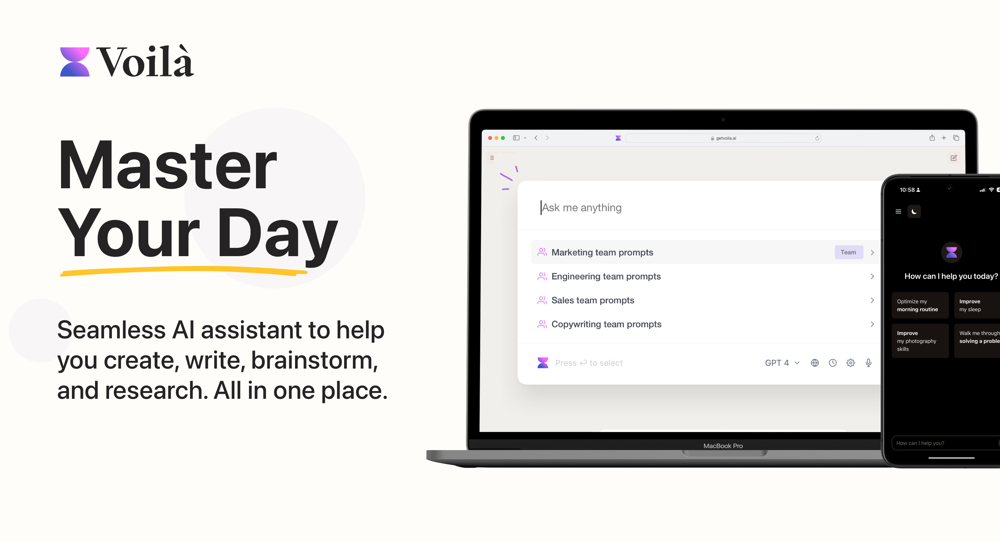 I love this extension, mobile app and desktop software! I use it everyday and everywhere. Generated text are amazing. Well done to the team and continue your incredible work! For me, Voilà is the best AI assistant, copilot and AI writer on the market. I stopped my ChatGPT plus subscription since I discoverer it.
 -
- SponsorWispr Flow - Don’t type, just speak🎤 Dictation
-
-
 OpenEasily saves me an hour every day - I no longer have to type long winded “professional” sounding email replies to my colleagues, I just speak roughly with minimal effort 👏
 -
For now the best browser based AI scraper i have ever used.
-
Hey! We'd love to have you test our tool again after a year! It should work much better now :)
-
 AI-native operating system for strategic execution in founder-led B2B companiesOpenSuper cool, super useful, super use friendly!
 -
 typed in my prompts and boooooom. clean descriptions in secs lol. handy if you suck at writing (like me). lowkey a cheat code (no san andreas)
 - Didn't find the AI you were looking for?
-
-
Works well and connects with my apps easily. I’m considering using it for daily reports and posts
-
Very convenient tool. They have this "prompt wizard", kind of like a template selector so it's easy to generate outputs without coming up with prompts just to generate what I need.
-
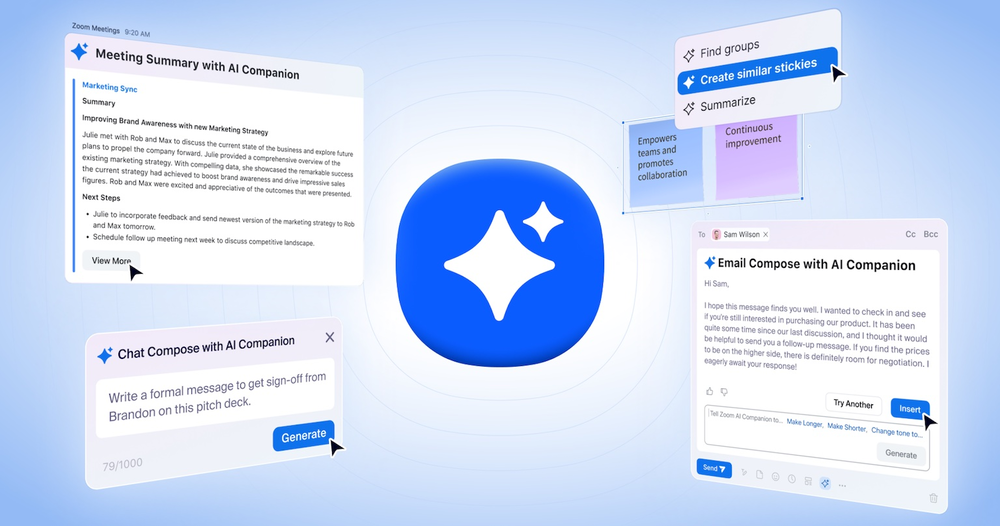 Saves me from rewatching hour-long recordings just to find one decision point. The recap feature is clutch when back-to-back calls pile up and I need to remember who committed to what.
 -
 Open
Open -
-
 Improve Your Productivity with Copilot–Your AI-Powered ChatAssistantOpenCopilot on mobile keeps me sharp during sales calls. I use it to quickly draft follow up emails right after meetings or pull contract language on the fly. Voice input works smooth and it formats responses professionally.
 -
Before registration, it was free, but after downloading to your computer, it became paid.
-
If you don't offer any free trial credits or at least show videos without a watermark, no one will feel confident enough to purchase credits without testing it first. People need to verify the quality before committing to a purchase.
-
-
-
I love the smart formatting and multi language support. It fits perfectly into my workflow and feels thoughtfully built for real world use.
-
Hey AI fans, I am Kalo, co-founder of Breezemail. If your inbox is anything like mine, you spend at least 20% of your life opening, answering, and unsubscribing from emails. Arguably, the only thing more tedious than this is fixing your grandma’s Windows XP (arguably). Or you just gave up, and your inbox app has a cute red dot with a truncation ellipsis (…), also known as the symbol of inbox doom. Either way, the whole inbox situation is an absolute disaster. We wanted to solve this challenge using AI. Breezemail will help you enter the holy land of Inbox Zero. It’s an email categorizer tool that keeps important emails in your inbox and categorizes the rest into folders using natural language prompts. How does it work? 1. Breezemail has a default Important category which leaves all your real human emails in your inbox. 2. Everything else is organized into AI folders (or labels). Labels using natural language prompts, for example, “All emails from my family”. 3. We give you a bunch of pre-defined categories to start with, and you can create your own custom categories, the same way you would write a ChatGPT prompt (yes, our tool also uses ChatGPT). We’ve been testing it in-house for both our personal and business emails, and it worked so well that I no longer hate link builders and outreach people because their requests are neatly organized into a couple of folders. For my personal inbox, I can finally see all my receipts in one place, and all stock newsletters are ready for daily review in a different folder. Go try it out now for free. We’d love to hear your feedback, so please don’t be shy and drop me a line back. Currently, the tool is only available for Outlook, but we are working on a Gmail app, too. If you’d like to try it for Gmail, please let us know. Thank you, Kalo
-
Dash AI has saved me countless hours. It has proven to be more useful than chatgpt or any other AI tool I've tried.
-
 OpenI built Remy to solve a problem I face every day: Newsletter overload 📬 Remy is your personal AI assistant that summarizes all your newsletters into a single digest email. Go from a cluttered inbox to a clear, concise briefing in one go.
 -
It just feels seamless when I ask it to generate my Q2 marketing docs and polish my email replies. I mean you don't need to write a long prompt and copy all the Re:Re:Re:Re email to it like other LLMs do. You just give a clear instruction and it gets things done.
-
 OpenSo what's the point of writing a comment saying it? :D
 -
I recently explored this tool and I am thoroughly impressed.
-
-
Not sure what I'm doing wrong but I downloaded the extension to my chrome browser and then highlighted my email copy and then clicked on the extension link but there is no button to provide updated copy.
-
This tool has been a game-changer for my job in HR, especially in recruitment. It significantly speeds up the email writing process and it helps us manage our workload way faster than before
-
-
What's new about this app? Apple's Notes app does a similar task and it's totally free with unlimited audio
-
I really appreciate it has a Chrome extenstion, besides just the app, as well as the user guide. I haven't yet seen it giving suggestions while writing, but i'm excited to try it out more
-
 ⚡ Your everyday writing companion: Fix grammar, Reply emails, Paraphrase, and more...Open🧩 TextWisely was born from a personal itch ⚠️ Sending numerous Emails and Slack messages daily, I found myself constantly switching apps and re-entering the same prompts into ChatGPT to refine my writing 💡 This inspired me to create TextWisely to boost writing speed, reduce context switching, and improve quality with instant text actions: → Grammar corrections → Email drafts → Structured writing → Tone changes → Translations ...and more 👉 It's a native macOS desktop app – shortcut-heavy for power users, but also click-friendly for those just starting out 🚀 Give it a try – Share your feedback and experience 👋 Edgar, creator of TextWisely
 -
Just paste content in, layout will automatically be desigend
-
 Open
Open -
 Improve your communication with AI writing and grammar tools.Open
 -
Protaige really made my life easier in creating Campaign across different platforms in a single click just by providing my Briefs. Thank you! Awesome Time Saving AI Tool. Really loved using it.
-
Bracket makes your task list proactive. Instead of hunting tasks across tools, Bracket captures them straight from Slack and Email (for now :P). It automates follow-ups, takes accountability for your tasks, and eliminates the hours wasted maintaining task systems. Operate where your work happens —> no context switching, no dropped balls, just a team that actually follows through. Try Bracket free, sign up to the waitlist today.
-
 OpenAmazing! This is exactly what I‘ve been looking for for years
 -
I get the idea, but personalisation feature not even close to what you would expect from a product like this. What a shame!
-
 Open
Open -
Feels like outbound is shifting from manual SDR work to autonomous sales agents. Are your users mostly SaaS founders running their own outbound, or larger sales teams?
-
SparrowGenie isn’t a SaaS. It’s a secret weapon, battle-tested by our own sales team. Real problems, solved by real users—finally!
-
 AI email co-pilot: Draft, triage, and capture notes effortlessly.OpenGreat tool! Look forward to trying!
 -
-
To be honest I never really thought AI could help me in anything more than writing the email. But I'm delightfully proved wrong by Mailmodo. I mean it does everything for you!
-
-
 Grotto Slice – Your Shortcut from Image to KlaviyoOpen
 -
 Turn scripts into creator-style videos instantly.OpenI built this because I had a spare RTX 5090 sitting idle and friends in e-commerce kept telling me UGC videos were too expensive. Most AI UGC tools cost 80 to 110 dollars a month, about 10 dollars per video. My prototype can already create 3-minute videos, but it takes almost an hour on one GPU, so I limited the public version to 30 seconds while I scale to 4 GPUs. Would love feedback on the best pricing model and go-to-market.
 -
Maybe making an browser extension to integrate directly into mail clients would be great here :)
-
couldn't even use it... i signed up, had to rewrite my prompt, but then i had to sign in, then rewrite my prompt, then sign in...
-
Worth the $60 monthly if you're a small business especially because it sends email on your behalf - doesn't just draft and keep it in your inbox (that option also exists). Mails composed are accurate, it's as if the tool is thinking on your behalf too. Learns and understands your writing style, job role, etc. and tailors the response.
-
I am not sure if its working as when I gave the test and post that when I was trying to pay for the results it failed and is not loading the payment page.
-
-
Registration before trial is a bad 1st impression and even worse user experience.
-
-
-
This is a great platform for synthesise insights from different podcasts in case you'd like to extract key point without watching the entire thing. Here's a video I made on it https://youtu.be/m9jw29xsQbo
-
 Open
Open -
Spokenly feels genuinely practical for people who prefer talking through ideas instead of typing everything manually. I also like that offline/local support is included since a lot of dictation tools still depend completely on the cloud.
-
-
 AI-powered Gmail assistant. Get instant email summaries, task extraction, replies +moreOpen
 -
I would say it's the best in this field but I haven't tried other AIs yet. That's only because this one didn't make me need to.
-
 AI-powered assistant for crafting compelling, personalized emailsOpen
 -
 Professional AI email generator for persuasive business communication.Open
 -
 Instantly rewrite, polish, and perfect any text without leaving your current tabOpen
 -
Hi, Which type of user gets the most value from your platform? The reason I asked is because I like understanding who benefits the most from new products. Who's your ideal user?
-
 Open
Open -
I really like SignatureGen.ai — it makes creating a clean, professional-looking signature super easy, and the download options are genuinely useful for documents, email signatures, and branding.
-
 Open
Open -
 Open
Open -
 Enhance your email communication with artificial intelligence.Open
 -
 Transforms casual, slang-filled messages into clear, professional communication suitable for corporate use.Open
 -
 Maximize efficiency with Mojju's AI Personal Assistant.Open
 -
 Reviewing and correcting English texts with balance.Open