TAAFT Tutorial
Generate image
Tasks
Generate text
Free mode
Trending
Leaderboard
Characters
 Mini tools
New
Featured
Lists
Agents
Requests
Jobs
Map
Newsletter
Starter pack
Free tools
Speech to text
Text translator
Remove background
Settings
Edit profile
My tools
Gallery
Dashboard
Inbox
Get featured
Contact TAAFT
For you
Popular
Job impact index
Most saved
Affiliate program
Submit AI tool
Notification preferences
Glossary
Home
Timeline
My profile
Create tool
Deals
Companies
Models
Robots
Papers
Fundraises
Repositories
Devices
Organizations
Events
Prompt Pack
Merchendise
APIs
Features
Tools
Countries
Collections
Videos
Mini tools
New
Featured
Lists
Agents
Requests
Jobs
Map
Newsletter
Starter pack
Free tools
Speech to text
Text translator
Remove background
Settings
Edit profile
My tools
Gallery
Dashboard
Inbox
Get featured
Contact TAAFT
For you
Popular
Job impact index
Most saved
Affiliate program
Submit AI tool
Notification preferences
Glossary
Home
Timeline
My profile
Create tool
Deals
Companies
Models
Robots
Papers
Fundraises
Repositories
Devices
Organizations
Events
Prompt Pack
Merchendise
APIs
Features
Tools
Countries
Collections
Videos
Mini tools
New
Featured
Lists
Agents
Requests
Jobs
Map
Newsletter
Starter pack
Free tools
Speech to text
Text translator
Remove background
Settings
Edit profile
My tools
Gallery
Dashboard
Inbox
Get featured
Contact TAAFT
For you
Popular
Job impact index
Most saved
Affiliate program
Submit AI tool
Notification preferences
Glossary
Home
Timeline
My profile
Create tool
Deals
Companies
Models
Robots
Papers
Fundraises
Repositories
Devices
Organizations
Events
Prompt Pack
Merchendise
APIs
Features
Tools
Countries
Collections
Videos

▼ Most saved
Email-security
Free mode
100% free
Freemium
Free Trial
Featured matches
-
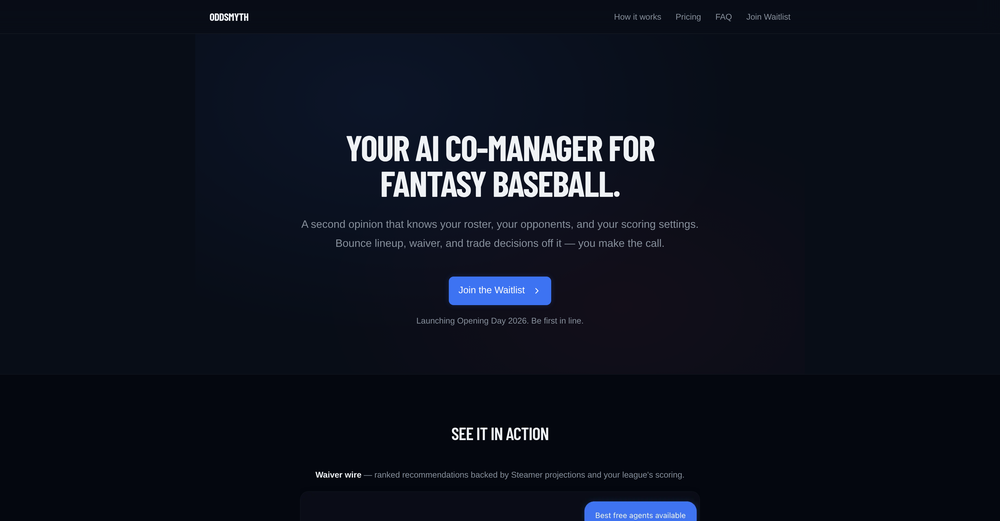
 Kwan Kim🛠️ 1 tool 🙏 5 karmaMar 18, 2026@OddsmythHey! I'm Kwan, the solo founder behind Oddsmyth. I built this because I play in 2 Yahoo H2H fantasy baseball leagues and was spending 30+ minutes every morning researching lineups, scanning the waiver wire, and evaluating trades. The tools I tried (FantasyPros, Yahoo's built-in recs) all had the same problem: they don't know my league. They give generic advice based on generic rankings. Oddsmyth connects to your Yahoo Fantasy league and actually knows your roster, your opponents, your scoring settings, and who's available on your waiver wire. You can ask it anything in plain English ("who should I start today?", "is this trade worth it?", "who should I grab off waivers?") and it gives you a specific answer with reasoning based on your situation. It's not meant to replace doing your own research. It's a second opinion you can bounce decisions off of when you're torn on a close call or managing multiple leagues and don't have time to dig into every decision. The AI is powered by Claude and uses live data from the MLB Stats API, FanGraphs Steamer projections, and your Yahoo league data. You get 5 free credits to try it. Quick questions (game times, scores, injury checks) are always free. I'd love feedback from anyone who plays Yahoo fantasy baseball. What's working, what's not, what would make it more useful. I'm building this in public and actively improving it based on what real users tell me.
 -
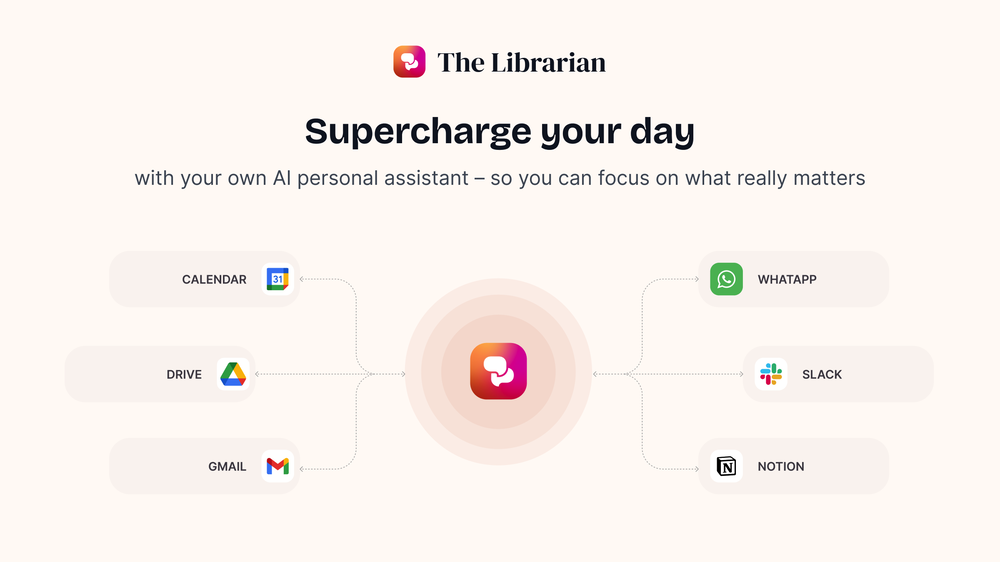 Great tool! Was very helpful in content production
 -
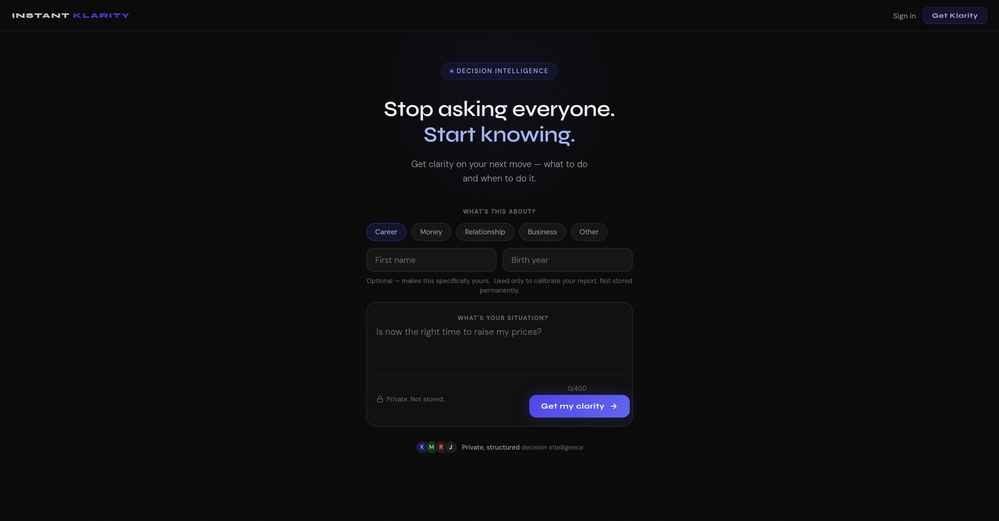
-
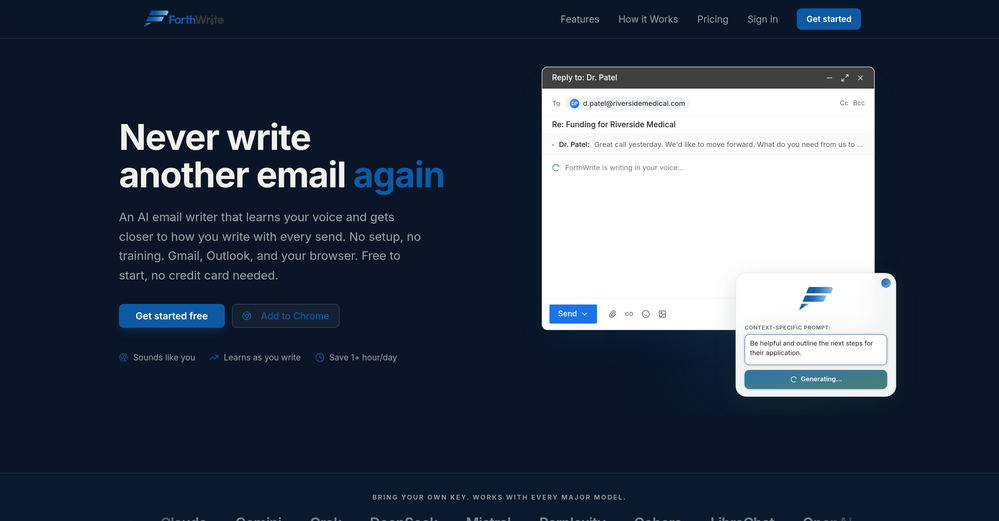 I've tried a lot of AI email tools and they all produce the same generic output. ForthWrite is different because it actually learns from the gap between what it drafts and what I end up sending. After a few weeks the drafts need almost no editing. Works right inside Gmail via the Chrome extension, so there's no new app to learn. The 60-day guarantee made it easy to commit. Highly recommend for anyone who sends a high volume of professional email.
 -
 Hermes Agent with zero setup, maintenance, or infrastructure management.Open
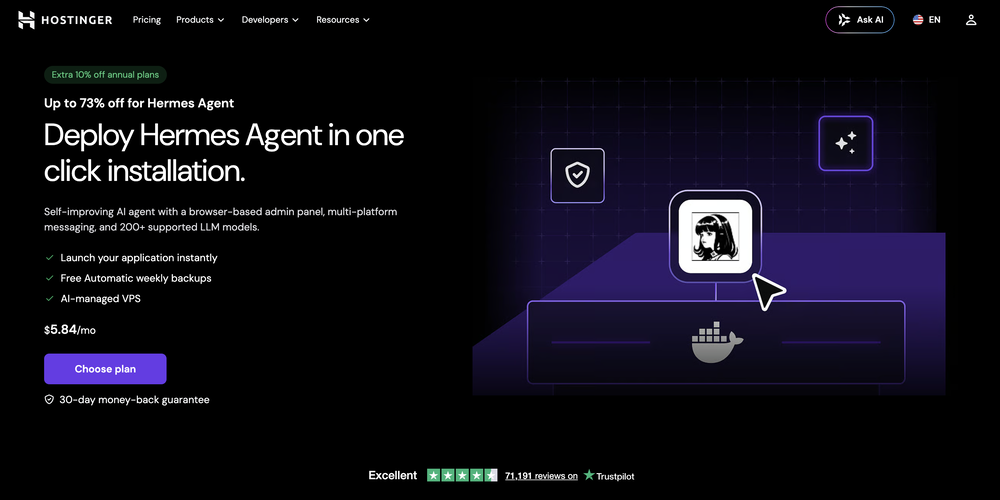 What's new: • Telegram in both dashboard and onboarding. • Model selection in both dashboard and onboarding for ALL providers, not only Nexos.
 -
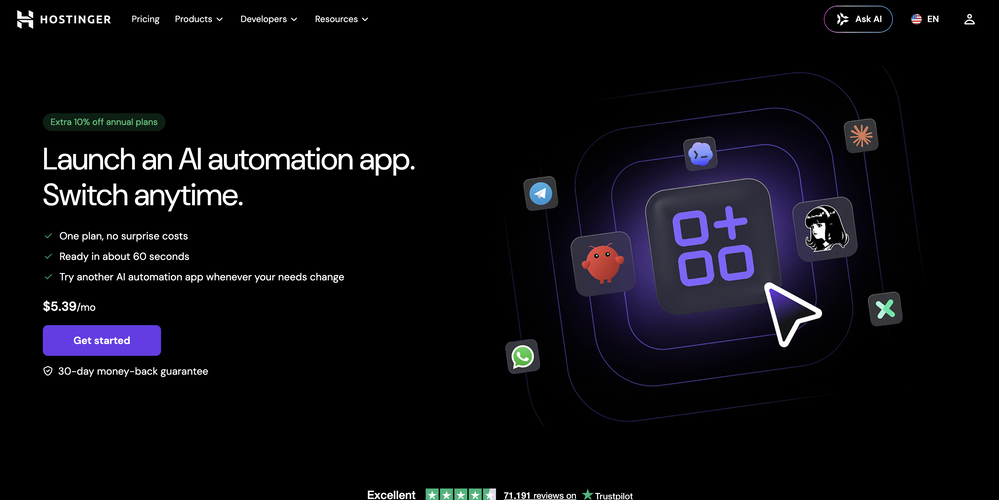 ⚙️ Reliability & Stability Improvements • Improved plugin recovery mechanisms • Better data merge handling during restarts • More resilient operation across updates and container restarts • Improved platform stability and recovery behavior
 -
-
-
 Open
Open I found out this girl i was talking to was catfish, and just promoting her OF account
 -
 in an era with AI benefit and AI horror stories both saturating, Charley is one of the few that seem to grasp the first principles of security. I spend my days researching quantum resistant encryption and advising on IAM challenges. The true weakest link is also that factors are not phishing resistant. On-device prevention of social engineering is by far the most valuable and efficient defense layer. Excited to see Agent Charley in action











Other tools
-
I've known WebFill for a while, I use it almost every day, the interface is pretty good, what I like the most is that it solves any MCQ. Congratulations on the launch!
-
This tool has been a game-changer for my job in HR, especially in recruitment. It significantly speeds up the email writing process and it helps us manage our workload way faster than before
- Sponsor
 Tripo AI 3D Generator
 -
Very convenient tool. They have this "prompt wizard", kind of like a template selector so it's easy to generate outputs without coming up with prompts just to generate what I need.
-
Hey AI fans, I am Kalo, co-founder of Breezemail. If your inbox is anything like mine, you spend at least 20% of your life opening, answering, and unsubscribing from emails. Arguably, the only thing more tedious than this is fixing your grandma’s Windows XP (arguably). Or you just gave up, and your inbox app has a cute red dot with a truncation ellipsis (…), also known as the symbol of inbox doom. Either way, the whole inbox situation is an absolute disaster. We wanted to solve this challenge using AI. Breezemail will help you enter the holy land of Inbox Zero. It’s an email categorizer tool that keeps important emails in your inbox and categorizes the rest into folders using natural language prompts. How does it work? 1. Breezemail has a default Important category which leaves all your real human emails in your inbox. 2. Everything else is organized into AI folders (or labels). Labels using natural language prompts, for example, “All emails from my family”. 3. We give you a bunch of pre-defined categories to start with, and you can create your own custom categories, the same way you would write a ChatGPT prompt (yes, our tool also uses ChatGPT). We’ve been testing it in-house for both our personal and business emails, and it worked so well that I no longer hate link builders and outreach people because their requests are neatly organized into a couple of folders. For my personal inbox, I can finally see all my receipts in one place, and all stock newsletters are ready for daily review in a different folder. Go try it out now for free. We’d love to hear your feedback, so please don’t be shy and drop me a line back. Currently, the tool is only available for Outlook, but we are working on a Gmail app, too. If you’d like to try it for Gmail, please let us know. Thank you, Kalo
- Didn't find the AI you were looking for?
-
 Your AI business agent platform, on any channelOpenHi there, I’m Alix, co-founder of Invent. We’re building the future of Customer Support UX, where humans and AI truly collaborate. Would love to read&hear your thoughts. DM for any questions. We ship fast!
 -
Still crashes on Mac Silicon. No response from emails to support about crashes with logs. Indexing takes forever and ai not that good once completed.
-
-
Hey TAAFT, I’m Richie, cofounder of Forage Mail! 👋 Forage has seriously changed my relationship to my inbox, and I'm excited for more of you to experience it. Forage is not a new email app you need to learn. It’s an AI that plugs right into your Gmail account and filters out your low-priority mail. Then, it sends you a clean daily summary with everything it filtered out—including a TLDR of every newsletter you received.
-
Quick and easy to use, but it doesn't offer many creative signature styles.
-
 Chatbot for Email using your Data!OpenWe've been using InboxPilot for a couple of weeks now, and it’s been a game-changer for my art studio's business! Our admins were drowning in repetitive customer emails while juggling phone calls and front-desk responsibilities, but we had a debate in our team about whether we could afford to hire support specialists. Now, with AI handling emails 24/7, our admins only review the emails that are escalated. I used to notice that emails went unanswered for hours due to the workload, and I'm sure our customer satisfaction has increased significantly since they receive responses right away. Thank you for the tool!
 -
 Fast, scalable AI technologies for enterpriseOpen
 -
Mail Sweeper V2 — Four ways to clean your Gmail inbox Mail Sweeper V2 turns a one-trick sweeper into a complete inbox-cleanup toolkit. A redesigned dashboard now offers four cleanup tools in one place: - Quick Clean — scans your inbox and suggests the smartest cleanups: top cluttering senders, years-old unread mail, and storage-hogging attachments, each with a one-click sweep and a "View in Gmail" preview before anything moves. - Organize Inbox — AI scans your senders, suggests smart Gmail labels grouped by category, and applies them in bulk. - Unsubscribe — every mailing list in one place, with one-click unsubscribe and bulk delete. - Automatic Cleanup — the signature Dustpan now has a guided setup and a dedicated configuration page, sweeping unimportant email to the trash on a schedule you control. V2 also adds a 14-day free trial, a limited pay-once lifetime plan, impact stats (emails deleted, storage reclaimed, estimated CO₂e saved), and a faster, streamlined onboarding. Everything goes to Gmail's trash first — nothing is ever permanently deleted without a rescue window.
-
-
unexpectedly nice email service with useful ai features. heavily recommended.
-
We had no luck with reCAPTCHA, still getting 50% spam messages. Bot Butcher solved this for us, we're very satisfied!
-
 OpenAmazing! This is exactly what I‘ve been looking for for years
 -
-
 Open
Open -
A spotlight-ish and unique design styled app for Mac with support for local LLMs and the major flagship LLM models via API key like OpenAi, Anthropic, xAi, Groq, Google, perplexity and last but not least Deepseek. The UI blends perfectly with the MacOS UI. Has support for keyboard shortcuts. It has Some design decisions adding a touch of uniqueness. You can contextually talk with it, like, with files, audio, and document texts. So far so good.
- Waitlist
-
This feels like one of those tools that removes a super annoying workflow people just accepted for years.
-
 AI-powered Gmail assistant. Get instant email summaries, task extraction, replies +moreOpen
 -
-
Convenient tool to work with contracts. The most useful Crab’s feature for me is the opportunity to access my docs online and on mobile phone. Big love to developers of this tool!
-
would've loved to test out more features as a free user but it looks really promising. keeping an eye 👀 (or two) on this one until i decide.
-
Hermes Agent Helper seems genuinely useful for people experimenting with AI agents without wanting to deal with overly complex setups. I like that the product feels more practical and workflow-focused instead of just AI hype.
-
database of only usa, usd 99 per month is too high to begin.should negin at lower n scale up, donno how effective cold emails are
-
Cloud Contact seems useful for businesses trying to make SMS outreach feel more organized and scalable. I like tools that simplify communication workflows without making marketing automation overly complicated.
-
 Create AI-generated content for events and webinars.Open
 -
 Build conversational AI for automated customer engagement.Open
 -
 Chinese-speaking guide for email marketing strategies.Open
 -
 Analysing email headers and providing online assistance against unsolicited emails and phishing.Open
 -
 Open
Open