TAAFT Tutorial
Generate image
Tasks
Generate text
Free mode
Trending
Leaderboard
Characters
 Mini tools
New
Featured
Lists
Agents
Requests
Jobs
Map
Newsletter
Starter pack
Free tools
Speech to text
Text translator
Remove background
Settings
Edit profile
My tools
Gallery
Dashboard
Inbox
Get featured
Contact TAAFT
For you
Popular
Job impact index
Most saved
Affiliate program
Submit AI tool
Notification preferences
Glossary
Home
Timeline
My profile
Create tool
Deals
Companies
Models
Robots
Papers
Fundraises
Repositories
Devices
Organizations
Events
Prompt Pack
Merchendise
APIs
Features
Tools
Countries
Collections
Videos
Mini tools
New
Featured
Lists
Agents
Requests
Jobs
Map
Newsletter
Starter pack
Free tools
Speech to text
Text translator
Remove background
Settings
Edit profile
My tools
Gallery
Dashboard
Inbox
Get featured
Contact TAAFT
For you
Popular
Job impact index
Most saved
Affiliate program
Submit AI tool
Notification preferences
Glossary
Home
Timeline
My profile
Create tool
Deals
Companies
Models
Robots
Papers
Fundraises
Repositories
Devices
Organizations
Events
Prompt Pack
Merchendise
APIs
Features
Tools
Countries
Collections
Videos
Mini tools
New
Featured
Lists
Agents
Requests
Jobs
Map
Newsletter
Starter pack
Free tools
Speech to text
Text translator
Remove background
Settings
Edit profile
My tools
Gallery
Dashboard
Inbox
Get featured
Contact TAAFT
For you
Popular
Job impact index
Most saved
Affiliate program
Submit AI tool
Notification preferences
Glossary
Home
Timeline
My profile
Create tool
Deals
Companies
Models
Robots
Papers
Fundraises
Repositories
Devices
Organizations
Events
Prompt Pack
Merchendise
APIs
Features
Tools
Countries
Collections
Videos

▼ Latest
Slack integration
Free mode
100% free
Freemium
Free Trial
Featured matches
-
 Daniel Edri🛠️ 3 tools 🙏 36 karmaMar 16, 2026@Base44 SuperagentsBase44 Superagents is an AI tool that designs personalized AI agents to automate various tasks without requiring any coding. It offers users a platform where they can deploy apps that are built specifically for AI agents.
 -
 Hermes Agent with zero setup, maintenance, or infrastructure management.Open
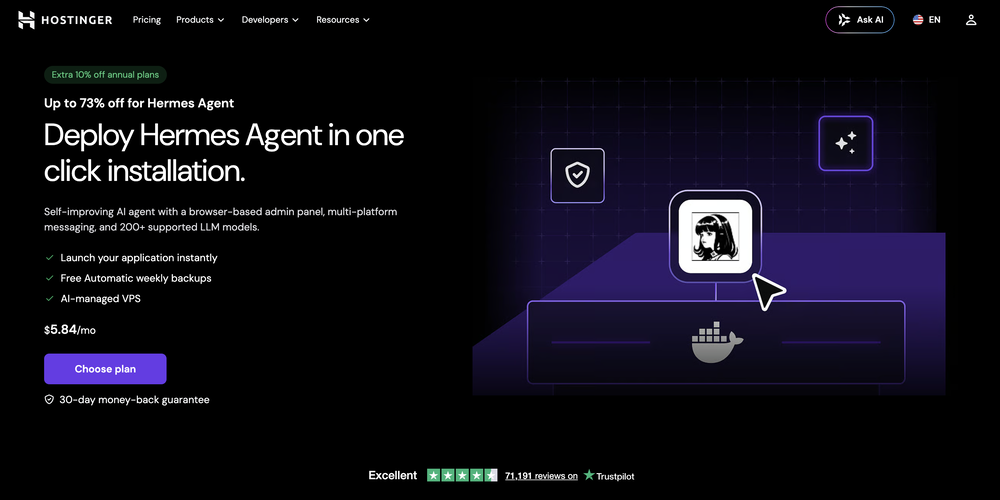 What's new: • Telegram in both dashboard and onboarding. • Model selection in both dashboard and onboarding for ALL providers, not only Nexos.
 -
-
 Open
Open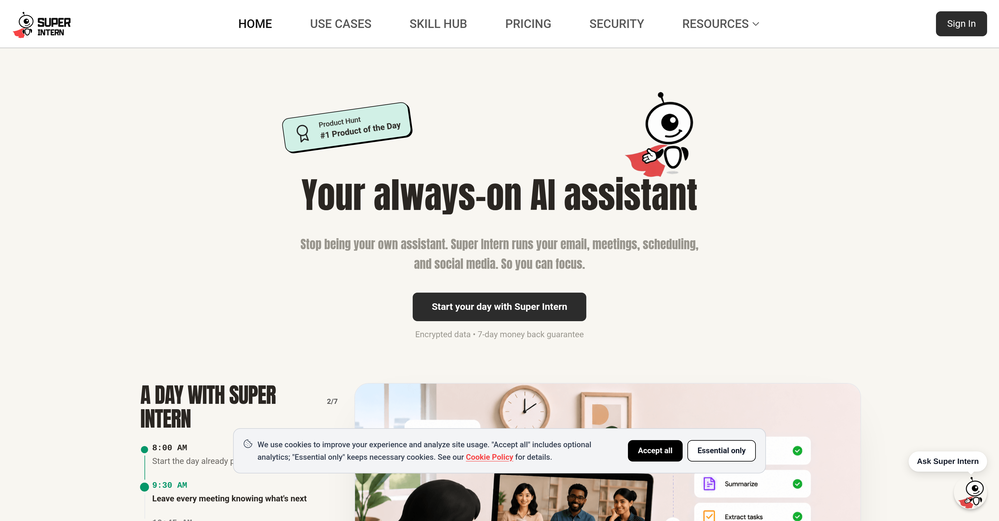
-
 I was one of the first users of Zocra. The platform has been instrumental in helping me prepare for meetings, generate follow ups, and ensure that no customer action items are ever missed. I use it continuously to provide feedback and feature requests to the product team, as well as to develop real-world use cases for our marketing efforts.
 -
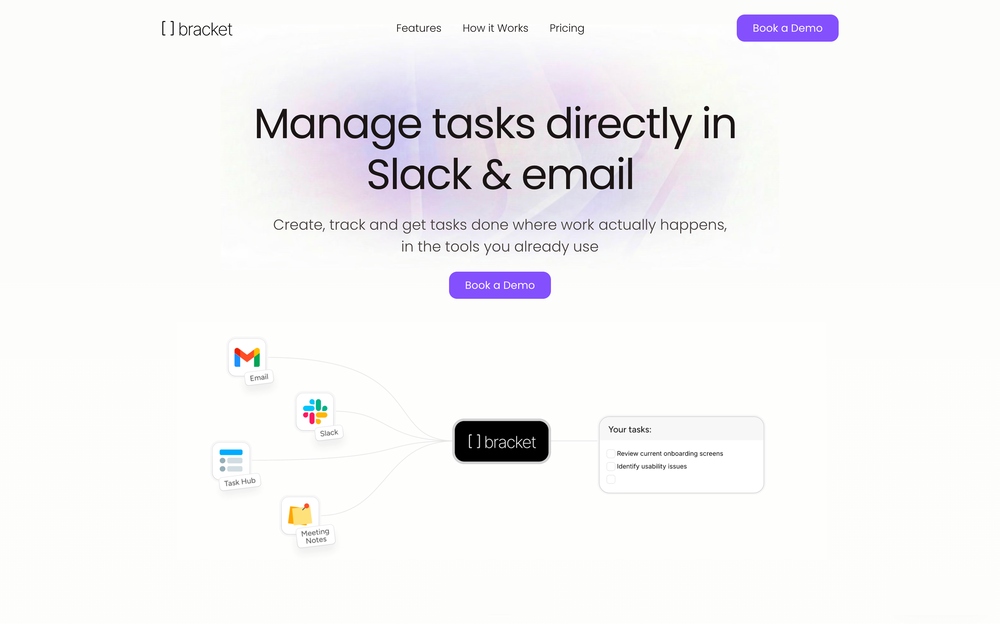 Bracket makes your task list proactive. Instead of hunting tasks across tools, Bracket captures them straight from Slack and Email (for now :P). It automates follow-ups, takes accountability for your tasks, and eliminates the hours wasted maintaining task systems. Operate where your work happens —> no context switching, no dropped balls, just a team that actually follows through. Try Bracket free, sign up to the waitlist today.
 -
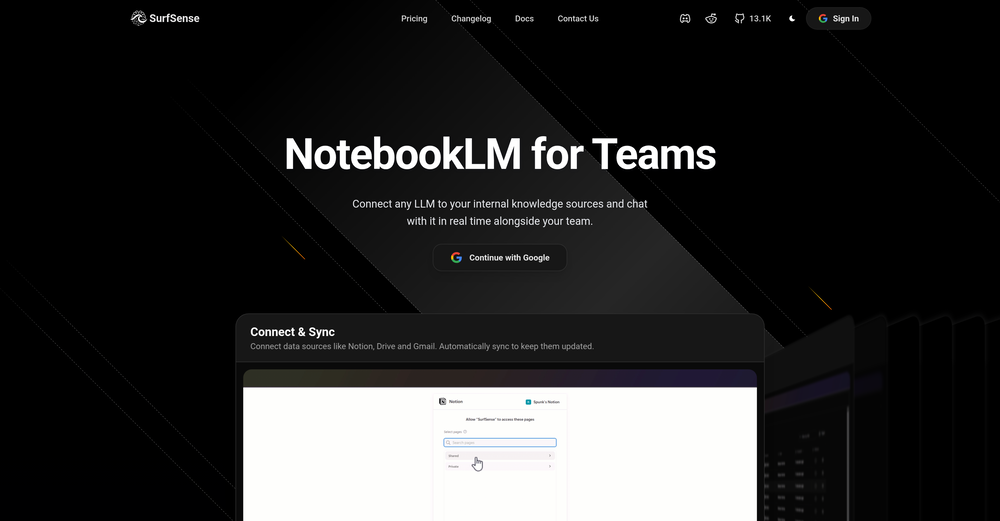 Honestly SurfSense is amazing, I use it almost every morning to get an mp3/podcast of my Gmail, Gcal and urgent Linear tickets so I know exactly what's going on that day. It's also insane for board games because I just throw the rulebooks in and share it with my friends so we can chat with the AI together to figure out how to play. And it is scarily good at untangling and explaining really complex rules when we encounter some weird situation!
 -
 Yes, finally a slack tool that does it all. I wonder how safe it is?
 -
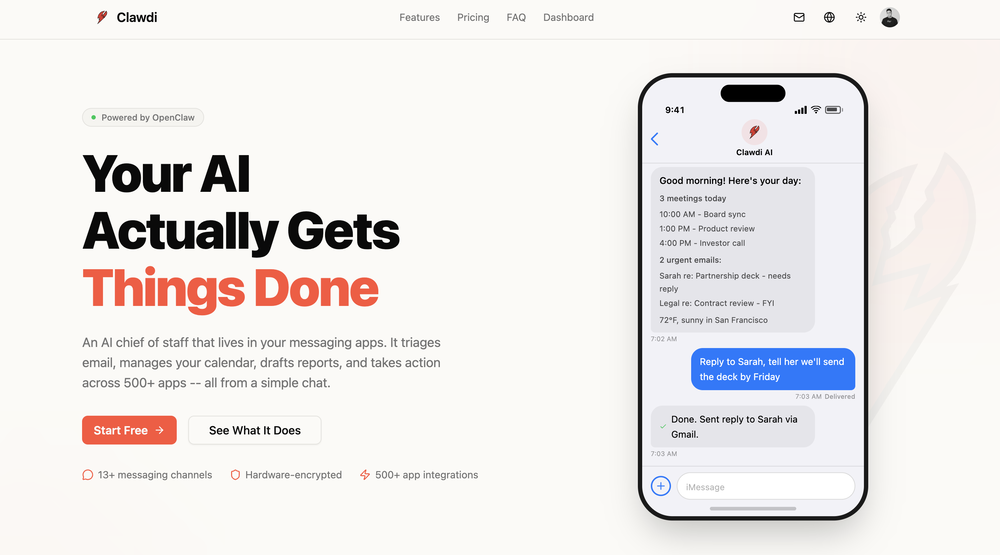 good for beginners & really awesome features, yet to be integrated within themselves
 -











Verified tools
- Sponsor
 Tripo AI 3D Generator
 -
-
Chatsistant has completely transformed how we run our business. Its custom LLM framework and RAG technology allow us to automate lead generation, streamline customer support, and create consumer-facing products with ease. With multi-platform integration like WhatsApp and Slack, plus API and webhook connections, we’ve customized workflows and scaled seamlessly. The AI Supervisor ensures all chatbots perform efficiently, while multilingual support helped us reach new markets. From automating tasks to optimizing operations, Chatsistant is more than a tool... it’s a true game-changer. If you’re ready to innovate, Chatsistant.com is the way to go!
-
Really impressed with Junior.so so far. Having an AI teammate inside Slack that can handle CRM updates and follow-ups without me constantly prompting it feels genuinely useful, especially for small teams juggling sales and ops. Setup was pretty smooth, and the daily reports are a nice bonus.
-
This is not good, it is randomly adding 3 seconds video before the given video. Not related to the video, so not good.
-
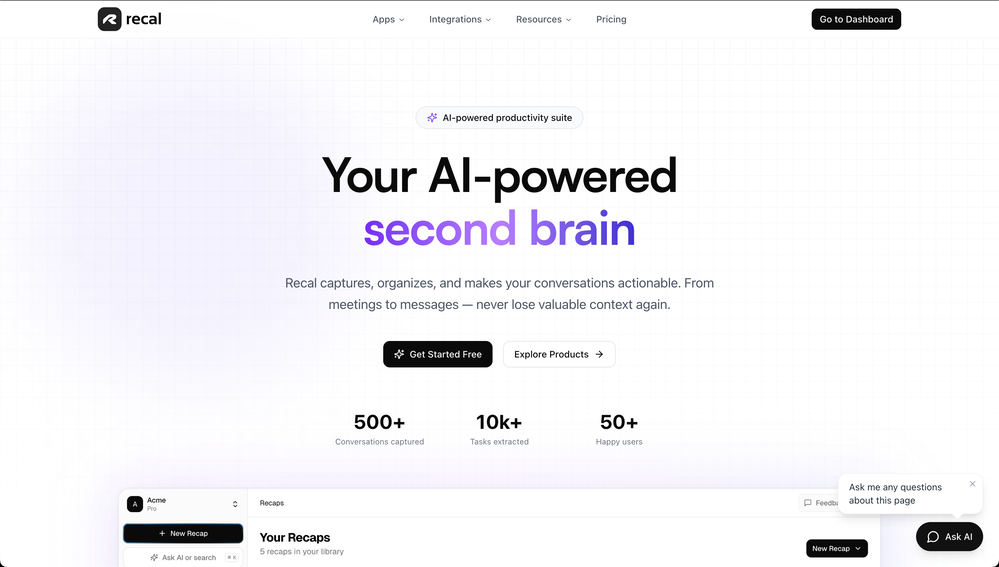
 Find and ask all your documents and emails in one AI workspace.OpenImpressive, looks like what I needed all these years... Finally I found something useful!
 -
-
-
look nice! I still explore more on this platform, and this tool is the first and the best one I have even used!
-
Dash AI has saved me countless hours. It has proven to be more useful than chatgpt or any other AI tool I've tried.
-
Using @Bugasura has been a game-changer for our QA workflow. The AI automatically generates precise issue descriptions, assesses impact, and suggests assignments, cutting down bug logging time by more than half while keeping everything organized and collaborative across teams.
-
Finally, a productivity tool that doesn't overcomplicate things. Caret's tab-complete works seamlessly across apps — once you get used to it, going back feels impossible. Exactly what macOS was missing.
-
-
 OpenNote from the Founder: Try the web app before you try its chrome extension. It's very powerful - I use it for my own linkedin posts, comments
 -
Solid hub for socials. Schedules to a lot of platforms in one place with ai post ideas and short-form tools, plus a free tier to try things out. I like the planner and analytics, ui feels busy at first but once you learn the flow it moves fast.

























































Other tools
-
 AI agent with infrastructure knowledge for incidents.Open
 -
Since the VSC extension became available, I've been using IDEs just to install the extension and run Claude Code in them. In the peak of my dev frenzy, I was running nine Claude Code instances in three projects on two computers. Cognitive strain was also extreme, but the amount of code and solutions deployed at that time was extreme as well.
-
- Didn't find the AI you were looking for?
-
This is an inbox game changer. I combined 4 inboxes into one, and set up custom tags using prompts. It actually saved me from missing a message that I would have never otherwise cought. Support is also great, had a connection issue and it resolved quickly.
-
It’s a decent tool for making slide presentations. A bit complicated at first, but once you get used, it gets better. Offers some nice features
-
Great tool. Love the lead generation feature that converts users chatting with the bot into leads in my mailbox
-
 Boost support with AI: Increase productivity and elevate customer service.Open
 -
 Open
Open -
 Maximize efficiency with Mojju's AI Personal Assistant.Open
 -
 Discover opportunities to save time with automation at work.Open