 Rocket
 Mini tools
▼ Latest
Automatic video generator
Free mode
100% free
Freemium
Free Trial
Featured matches
-

-
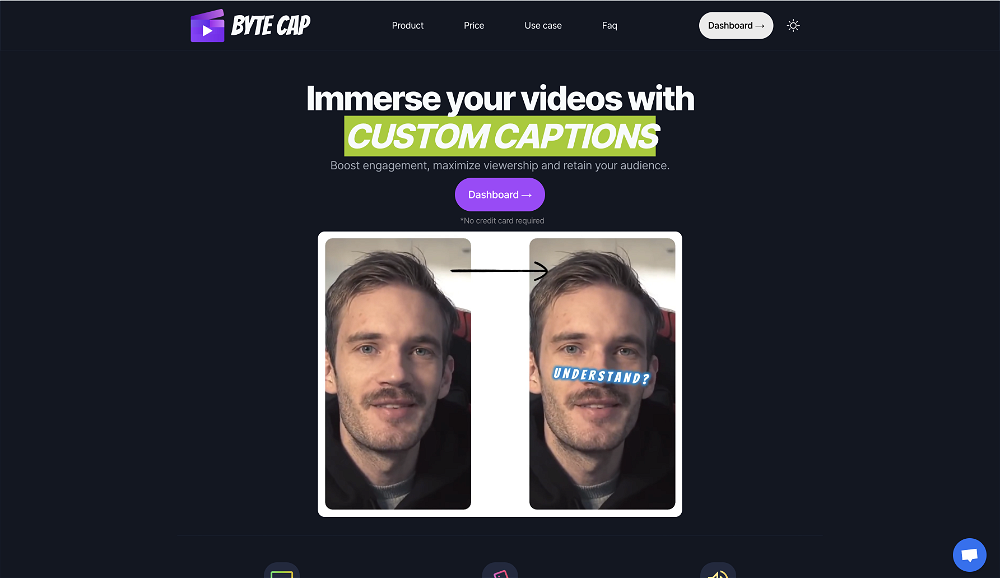 bob miller🙏 70 karmaMay 22, 2024@ByteCapGenerating captions was super fast like seconds. Wish they had Anton font though
 -
 Create flashcards, quizzes, and study materials instantly.Open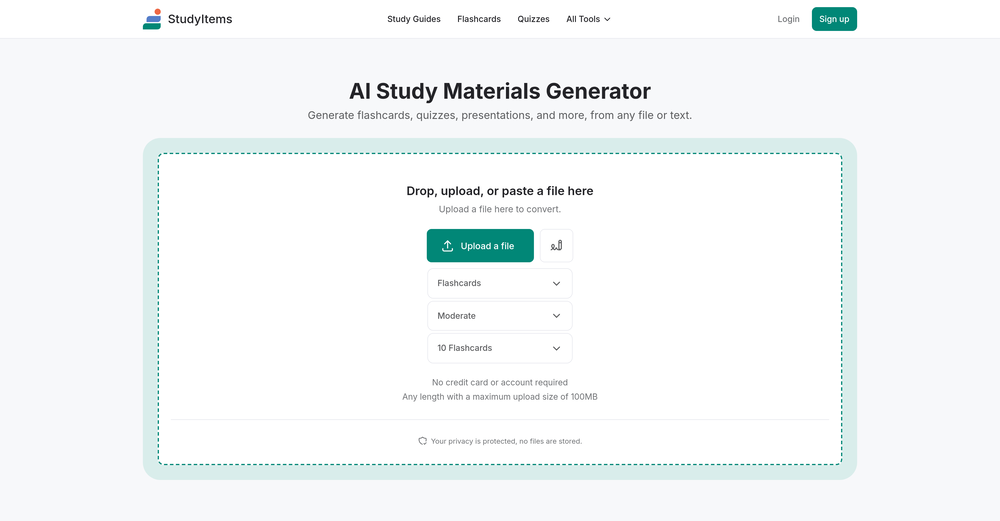
-
 Apply spooky Halloween filters and scary makeup effects online for free.Open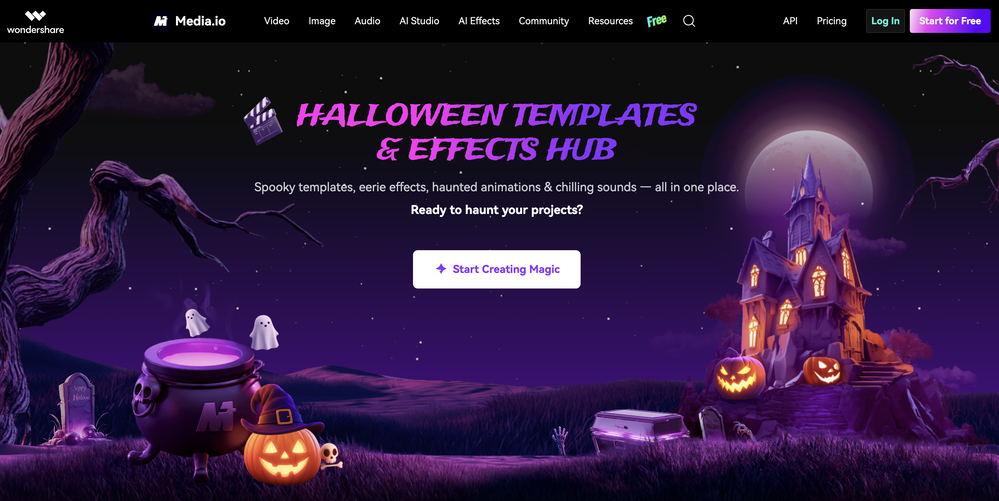
-

-
-
-
-





Verified tools
-
The ability to create a short video as a demo of the output is great. It had good imagery and it created a good script.
-
I’ve been using this tool for a while, and it’s made a huge difference. I now create 40–50 reels a month in half the time. It helps me generate videos automatically with realistic avatars, create images, edit clips easily, and see which types of content perform best. It really feels like having a creative team by my side.
- Sponsor:Rocket
-
It's simple and easy to use. There are multiple AI models to choose from. The veo3 model produces very good videos with natural sound and is attractive. There are also economical and affordable AI models that also produce good videos.
-
 Generate custom copyright-free music that fits to your video automaticallyOpenWe built Vidsembly’s Video Music-Score tool to make adding background music simple and fast. Upload your MP4 video, choose a music style, and get a copyright-free soundtrack that is automatically fit to your video and ready for export. No editing skills needed. You can try it free with 15 credits.
 -
I don't know how to use it because it's difficult to use
-
 Open
Open -
Great that you like it! Due to a lot of abuse, we had to disable exports in the free trial. We do have a 14 day money back guarantee for one-time licenses, so you can try out all the features.
-
Amazing tool! Just started working on my videos and I’m loving everything RenderCut offers. It’s super easy to use and saves me a ton of time with subtitles. 5 tacos, no doubt!
-
 Open
Open -
Tried Synexa AI for a quick deployment last week—clean and straightforward. No clutter, just worked.
-
This software helps me watch various educational videos on YouTube without any obstacles, significantly improving my learning efficiency.
-
An AI that can present slides! I used to only use AI that could create PowerPoint presentations, but this is the first time I've encountered an AI that can present slides for me! I hope it will provide even more help with my work in the future.
-
 Transform YouTube videos into polished documents and quizzes.OpenSuper helpful tool for content creators like myself. I have a Patreon where I give my Patreons quizzes and video summaries based on my YouTube video and this website speeds the whole process up tremendously.
 -
 OpenWorks better than expected honestly, they somehow managed to always crop the part where the action happens
 -
-
Very good. It is very easy to use. This saves money and time
-
This app now supports both iOS & macOS: https://whispernotes.app
-
It is the bet transcription tool I’ve ever used. I quit taking notes after I discovered Transkriptor.
-
-
 Transform static images into animated videos instantly.OpenHi everyone! I'm the creator of AI Video Maker. It's completely free to use and doesn't require any signup. You can instantly generate unlimited 5-second AI videos from text or images. Great for testing ideas before upgrading to HD or commercial plans. Excited to see what you all create!
 -
v03 ai is the only veo 3 videos generator supporting vertical videos for instagram, tiktok and other social media platforms, try it now!
-
I have used this tool. From two months of uses I can say, this is the best option for any google update for your blog. Not a single post has been deindexed still now. Thx Auto Ai Assistant team.
-
-
VideoWeb AI is an useful AI tool for my video creation. I like the video to video feature that I can create the anime video with my videos.
-
I’ve found Jogg.ai to be super convenient, especially for creating short ad videos for products! If you haven’t tried it yet, you should check out this tutorial: https://www.jogg.ai/blog/4-steps-to-create-your-product-video-ads-in-minutes/
-
it does only do one image per time i am looking for multiple images to video
-
Amazing and very fast. 300 free credits a month is actually generous. Recommended!
-



































Other tools
-
I’ve used this product, and the AI video generation quality is excellent. Most importantly, it offers the best value for money I’ve ever seen. In addition, if you need help optimizing your video prompts, you can email their professional advisors for free consultation.
-
 Convert YouTube videos to text fast and freeOpenHands down the best ai tool for content creators. Their free YouTube transcriptor is always on point
 - Didn't find the AI you were looking for?
-
-
-
it's a must-have for optimizing video ad strategies. Highly recommended for staying ahead in the digital landscape.
-
AutoEditor is a tool powered by AI that allows users to create highly customized short videos. It is primarily designed to make video editing easier and more efficient, thus enabling users to focus more on content creation. Distinct features include the automatic generation of subtitles in more than 40 languages, detection of silence or non-relevant content in videos, and the ability to enhance videos by adding b-rolls, watermarks, and other effects. The platform provides an easy-to-use interface for video editing, putting users in complete control of their content. Users can change text, styles, and various other aspects of their videos without prior knowledge in video editing. Furthermore, AutoEditor supports editing of long videos, which can be broken down into smaller parts without pre-cutting them. Videos for editing can be directly processed from YouTube, eliminating the need for separate downloading websites. Users can also customize their captions, save their unique styles as presets, and create videos with a few simple clicks for a fast editing experience. AutoEditor's pricing is designed to be simple and affordable, with plans tailored to suit different needs. Users can also access a free tier to get started. Flexibility is one of its key advantages, providing users the means to edit their videos exactly how they want them. The software works best with videos containing any type of voice or talking, such as podcasts, talk shows, documentaries, educational videos, or speeches.
-
-
Glitched output at best, that can’t even be exported unless you pay.
-
Awesome! Pricing is also good. Would recommend 100%
-
 Open
Open -
-
-
It's good for me to make my videos into different languages.
-
-
-
Great app, it does perfectly what it says!! I recommend this 100% to all. Great and intuitive UI
-
-
cant test before i pay. autocut doesnt work,but i can install it and watch that it doesnt work autopod cant do it
-
you cannot try the software. you waste lot of time downloading/installing, and the app doesn't let you repair... not even one damaged file
-
It doesn't create the subtitles and it doesn't let you upload them. You can only create them manually
-
-
-
kaspersky notified me of this platform when I registered it leaked personal data, ip history, name, password, email address.
-
It translateed quite well my video and easy to use and edit. PLus the free version is good to hava a first try
-
Really useful for podcast work. the transcription is accurate and speeds things up a lot.
-
I shot talent on a portable green screen (creased), and was still able to pull a satisfactory key. Note: when talent wears clothing in a shade of green shot against a green screen, results will vary. Unscreen maintains skin tone nicely, and I like the integration with editing software when using Unscreen Pro service. It's a time saver, for sure.
-
-
Incredible generation quality, truly impressive!
-
Standard marketing has always been a challenge for small businesses and startups, given they have very little bandwidth for devoting time to activities (such as marketing) other than the core business activities. AutoText AI is a rescue tool here as it takes care of idea and content generation, including images, followed by scheduling, posting content on various platforms, and providing analysis at the end. AutoText AI shines among social media marketing tools due to its well-thought-out, simple user journey that performs just the right amount of work. The QuickPost feature saves a lot of time. The tool is highly recommended to subscribe. The key features that solve my marketing problems are standard content creation, standard image creation, posting, and scheduling options, cost benefits, time savings, and ease of understanding and interpreting analytics.
-
-
-
It works nicely. The autodraw function works really well, it easily detects what I’m trying to go for. W tool!
-
You can find the customer service with chat button. Tina help me a lot
-
I've been using it for a while. In the begging I need to contact the support team to solve my issue, which is annoying. It has improved though. Especially after they launched the AI video director around Sep. Really time-saving for me. Anyway, hoping it could improve more
-
























































































Post





