
 Mini tools
▼ Latest
Pdf management
Free mode
100% free
Freemium
Free Trial
Featured matches
-
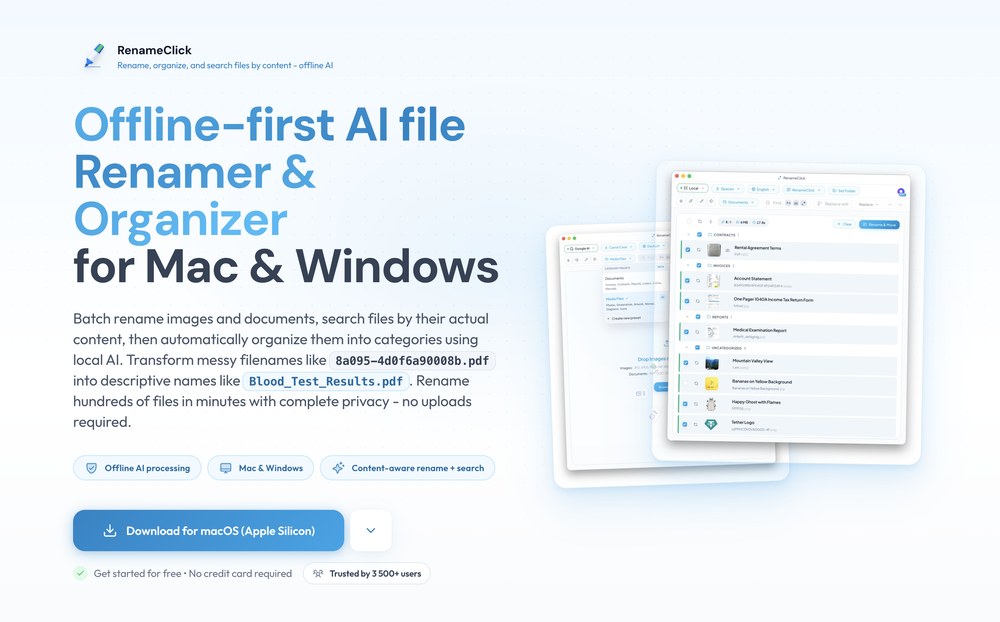
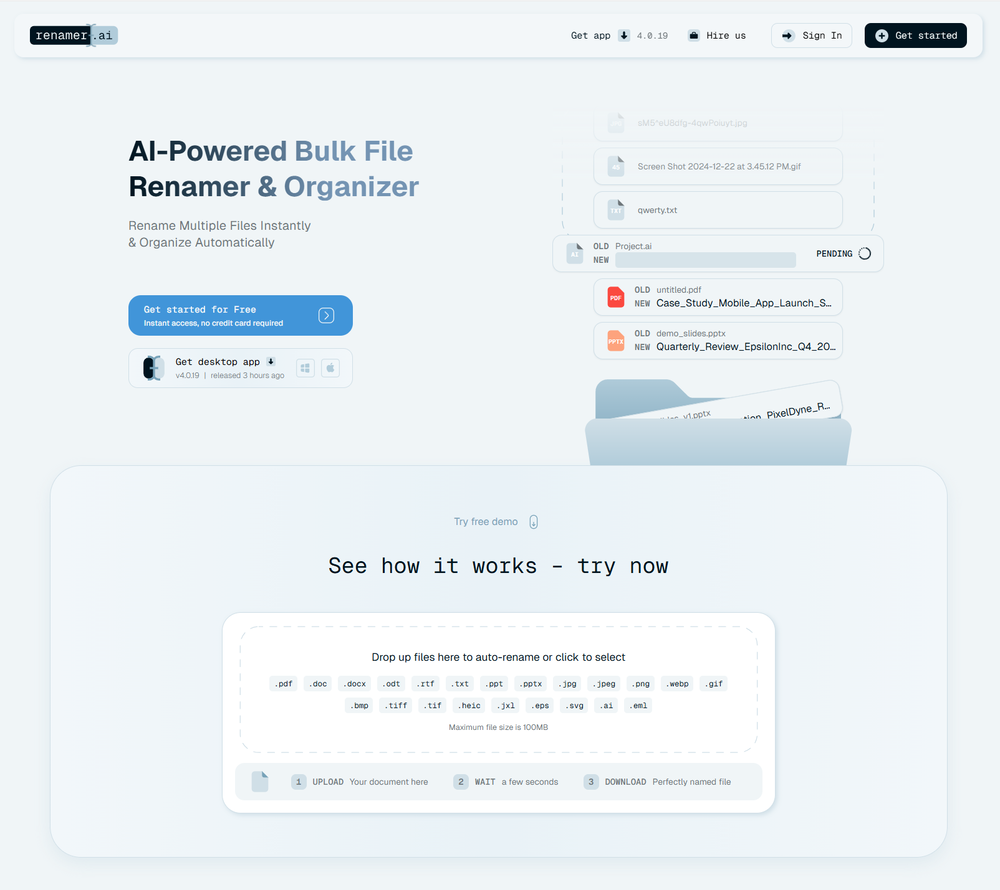 Filip Pendovski🙏 30 karmaAug 20, 2025@Renamer.aiA very simple-to-use, yet very powerful app. It made my work so much easier, my scanned and downloaded files are no longer a mess.
 -
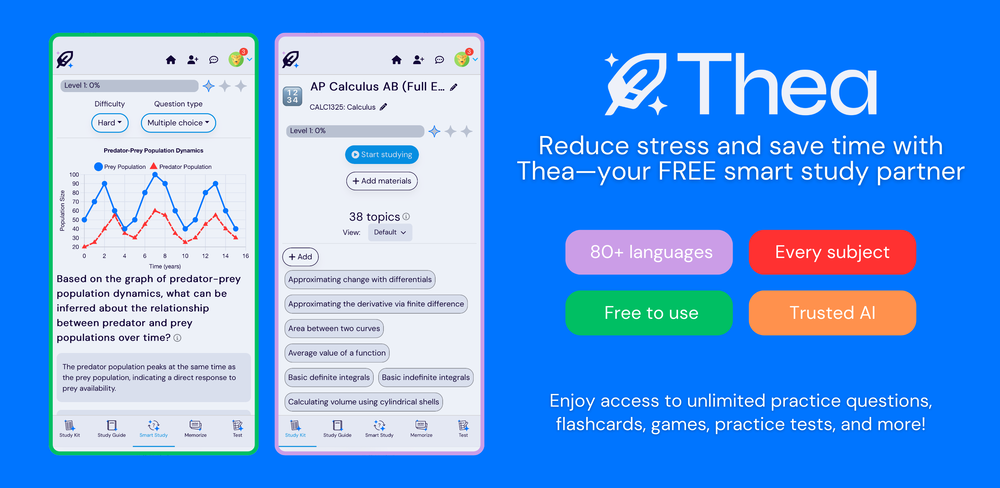 Went from a C to an A in Cognitive Psychology using Thea!!
 -
-
 Turn scanned or normal PDF invoices into UAE FTA-ready Excel in minutes.Open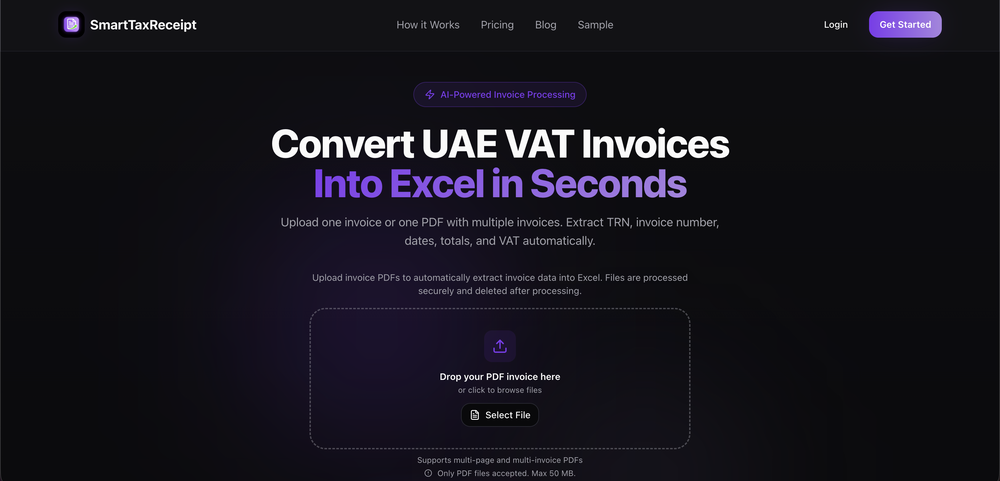
-
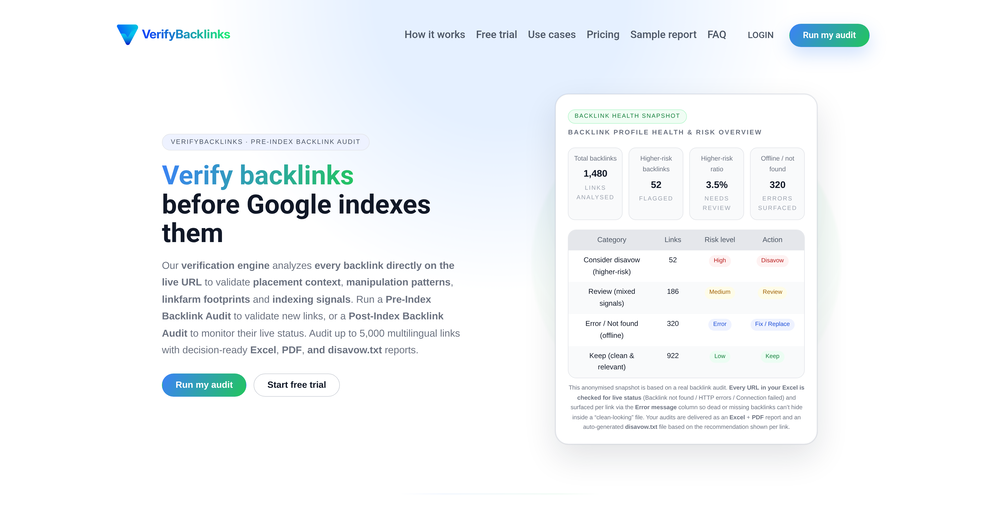 Totally agree that disavow decisions shouldn’t be based purely on third-party metrics. Verify Backlinks doesn’t automatically disavow anything. The output is Keep / Review / Consider disavow, based on a broader verification layer that combines multiple signals similar to those search engines evaluate. The final decision always stays with the SEO.
 -
-

-
-
-









Verified tools
- Sponsor
 Rocket - Start building, Now!💻 Vibe coding
 -
I’ve purchased boilerplates before but honestly this is by FAR the most thorough and useful. I mean check out the documentation alone. I get that ppl might be “boilerplated out” by now but seriously don’t sleep on this if you want to save literal days/weeks of building. Using it now to build a microsaas in 48 hours!!
-
 Edit smarter, faster and easier with Filmora’s powerful AI video tools.Open
 -
 Visual expression artifact. Turn docs and ideas into instant diagrams with AI.OpenGame changer. Stays on topic, generates solid layouts, fast, and switching formats is smoother than I expected, so what else do you really want/need? Big plus that it lets you test things properly before hitting you with a paywall (most tools do exactly that). Giving this one a 5 for sure!
 -
 AI-native OCR platform, 95%+ accuracy, zero prompt engineering, flags uncertain fields.OpenWe are a team of founders who worked before in data extraction, with traditional manual review of each document to check accuracy / errors. We are so excited about AI and the new LLM models because we have created DeepRead using those and the accuracy is 95% and we flag uncertain fields so no one has to manually review entire documents (whew), only the exceptions! We hope you try it out and please share your review, comments and feedback. Looking forward to hearing from users!
 -
Process patient referral documents way faster now. Pulls key medical history and relevant details instantly instead of me scanning through pages. Still review everything carefully but it flags what matters first.
-
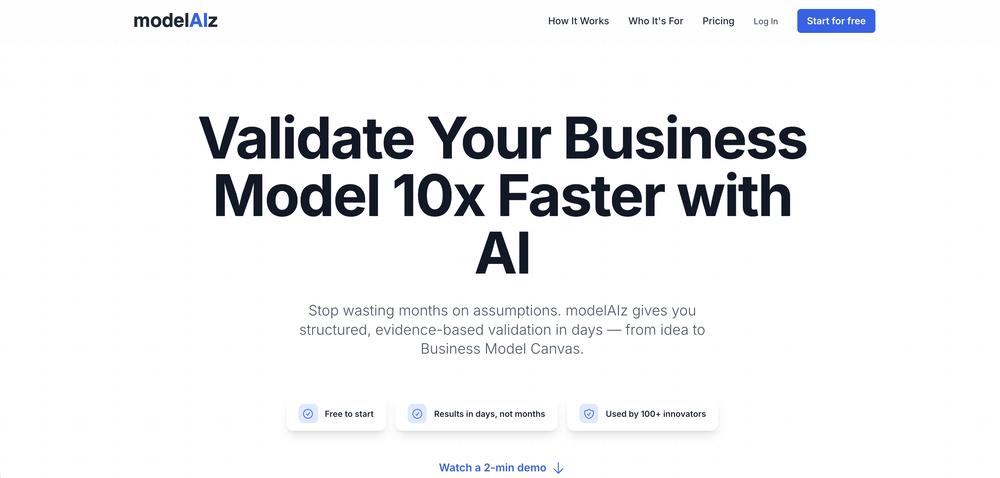
Great tool for developing business ideas and more. Also made a video on it here: https://youtu.be/ozmFFMiFLwM
-
Insanely fast. I tried 3 other 'free' tools that all failed or asked for my email at the last second. PDFClean just worked and that’s why I made it public
-
-
It helped me save so much time! Thank you to whoever made this.
-
🚀 Supercharge Your AI Workflow with Keymate! AI enthusiasts, researchers, and productivity power-users — meet Keymate, your new favorite AI-powered assistant to collect, manage, search, and chat with your digital knowledge. ✨ Why Keymate? 🔹 Collect any source – PDFs, Google Docs, YouTube videos, emails, web links — all in one private memory space. 🔹 Chat with your content – Ask complex questions and get grounded answers directly from your own documents. 🔹 Add notes and organize collections – Structure your memory the way you think. 🔹 Boost with AI context – Keymate uses a 128K context window and multi-LLM setup to deliver better, focused results. 🔹 Secure
-
Amazing app and really easy-to-use! It has all the things I need to create a neat, functional, and clear-cut mindmap.
-
No answer. I sent the documents several times and got no reply.
-
I’ve been using it for a month now and I have decided to keep it for a year. There definitely are some kinks they can still work out like file management, but it’s very good at it’s core function: it generally does a good job answering questions and most times identifies PDFs automatically and correctly. The browser plugin works great, and it’s very nice that Papers allows you to add your university’s library API so you can automatically download PDFs that are accessible through your institution (sometimes it refuses to download some papers, so you just have to downlow it yourself and manually add it). The iPad and Android apps are serviceable. Every once in a while it will mess up the PDF identification, especially with papers from either very old sources or online-only journals. Things they must work on: * A much better system to annotate PDFs (the post-it type notes are cumbersome). * Introduce a notepad attached to each PDF or some way to easily link and save the AI’s output to the PDF. Currently, you have to add a little post it note and then paste the text there. * Keep the AI answers available after closing the documents. If you close the document by mistake or have several open and wish to close some, the ai conversation will be reset. * I REALLY wish that you could get citations and links to where the info was from extracted from PDFs. Currently, I have found Coral.ai does a much better job of showing you where the info came from and it even highlights it for you. Give it a try, their 30-day no credit card needed trial allowed me to truly test it, and now I’m a yearly subscriber looking forward for new additions and releases.
-
10 MB Limit does limit usability best if .pdf contains NO images.
-
 Paperguide: The All-in-One AI Research Assistant for Scientific ResearchOpen
 -
 Open
Open -
 Open
Open -
Best PDF to Explainer Videos AI Tool



























Other tools
-
First week is free (hence 3 stars when it would have been 1 otherwise) then you have to pay £81 / year or £9 / month which for a light or occasional user is very expensive. There really needs to be a sensible ’document limit’ to back up the very good trial period.
-
Not bad, its freemium and the feature is good like private pdf and support OCR
- Didn't find the AI you were looking for?
-
Good to use even for free. Gives answers related directly to the info in the document, along with references to pages where it can be found. Also does well at analyzing graphs and charts
-
-
 Open
Open -
No no no. This is not what it claims to be. Yes there claim to be a free trial but free trial does not work at all. Its just a workaround.👎🏻
-
-
-
basic image generation like any prompt on chatgpt. no value added here.
-
There is no way to tell how good this AI Text to MP3 service is without paying up front. Maybe it's good, maybe it's not.
-
 Open
Open -
Not available for PC only Mac, it would have been worth mentioning.
-
Highly recommended. It saves a lot of time. Their PDF chat feature is very user-friendly.
-
-
Free version is limited to 5 pages for PDFs. I could not find a file short enough to even test this product. I give up.
-
Only extension that Worked well for large PDFs for Free.
-
-
They started charging for documents , Please change from no pricing to freemium
-
-
 Open
Open -
-
I like it. It answers simple questions accurately and by the book. The Ref (reference) page is not usually accurate though. I'll keep you updated on how it responds to complex questions.
-
lmao, says its free, but takes u straight to a pay page as soon as you put ur email in. won't be surprised if it also signed my email up to a ton of newsletters. dont sign in to this ai site.
-
A good app that let me reset some metadata on a pdf to keep the author name private. I'm going to try to use it for other things as well. It was also able to find a way for me to re-download the pdf after the modification, when the default way would not work. Very handy!
-
 Enhance your research with the AskYourPDF Research Assistant.Open
 -
 Open
Open -
 Summarize research topics, methods, and conclusions of your paperOpen
 -
 InDesign scripting assistance with direct .jsx downloads.OpenIt helps with writing scripts for Adobe InDesign if you can specify your problem in an exact way despite not being a script developer yourself. For more complex tasks I would still ask a script developer. I have to test it more and will update my comment in the future. So far it served me well for smaller tasks.
 -
 Multilingual PDF Translator with MarkdownOpen
 -











































































Post





