
 Mini tools
▼ Latest
Video audio to text
Free mode
100% free
Freemium
Free Trial
Featured matches
-
-
-
 Open
Open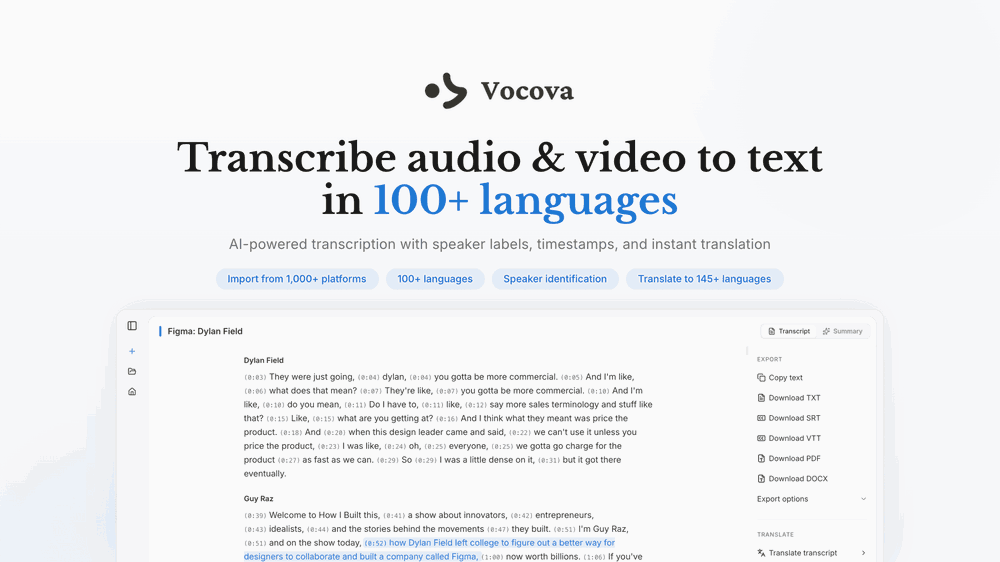
 jmcraft🛠️ 2 tools 🙏 9 karmaMar 2, 2026@VocovaI built Vocova to solve a simple problem — people consume content across languages and platforms every day, but turning that content into accurate, readable text is still painfully fragmented. You need one tool to download, another to transcribe, another to translate. It should be one step. We build Vocova the way you'd build a piece of art — every detail is intentional. How natural the speaker labels read, how precisely timestamps align with every word, how a bilingual export looks like a polished document rather than a raw data dump. We don't ship anything that we wouldn't be proud to put our name on. Vocova supports 100+ languages, imports from 1,000+ platforms, and translates into 145+ languages. Try it and let me know what you think — your feedback directly shapes what we build next.
 -
 I think it delivers on all of its claims, specially the transcription and Blogs.
 -
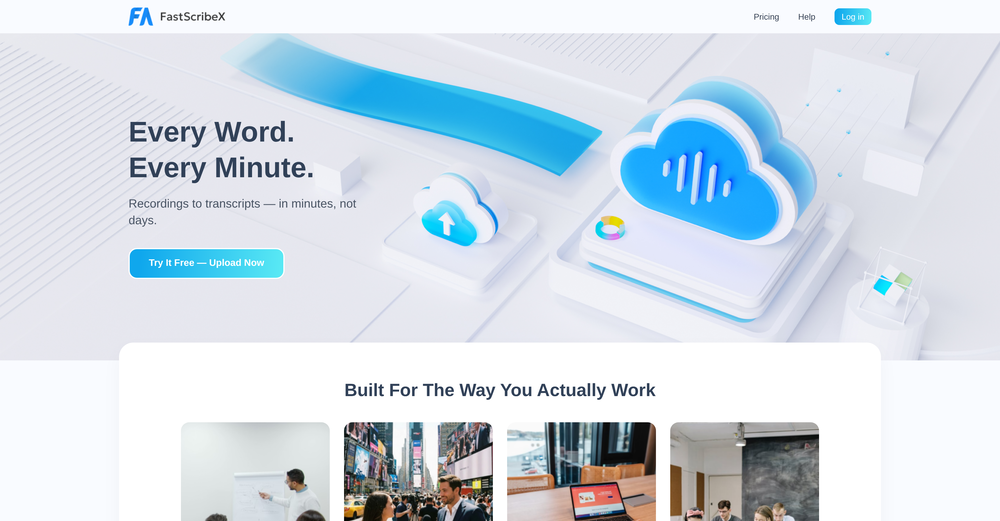
 Convert YouTube videos to text with 99% accuracy.Open
-
 Transcribe audio & video with Whisper. Export TXT/SRT/VTT. Auto-delete 24h.Open
-
 Apply spooky Halloween filters and scary makeup effects online for free.Open
-
 By using AI to generate ASMR videos with sound, you can choose your favorite ASMR scenes to DIY. It's so cool.




Verified tools
-
 Open
Open -
 Transform your music into stunning visual experiences with AIOpenThe generation effect is good, the pictures are exquisite, and the transition animations of the pictures are smooth The only drawback is that it would be better if the generation time were a little faster
 -
 Open
Open -
 Unlimited transcripts, summaries, 99.8% accuracy, speaker recognition, superfastOpenI already have another transcription tool, but this one is much better. I love the different features such as the summary, quiz, and chapters. It does a great job of them. I've only done one transcript so far to try it out, but I'm truly impressed and am going to grab another code. A couple things that would make it even better are: - the ability to rename the files and organize them through folders. - the ability to download a copy of the other features as well as the transcript. Copying and pasting it works, but doesn't keep the format.
 - Sponsor
 KiloClaw - Managed 🦀 OpenClaw hosting
 -
-
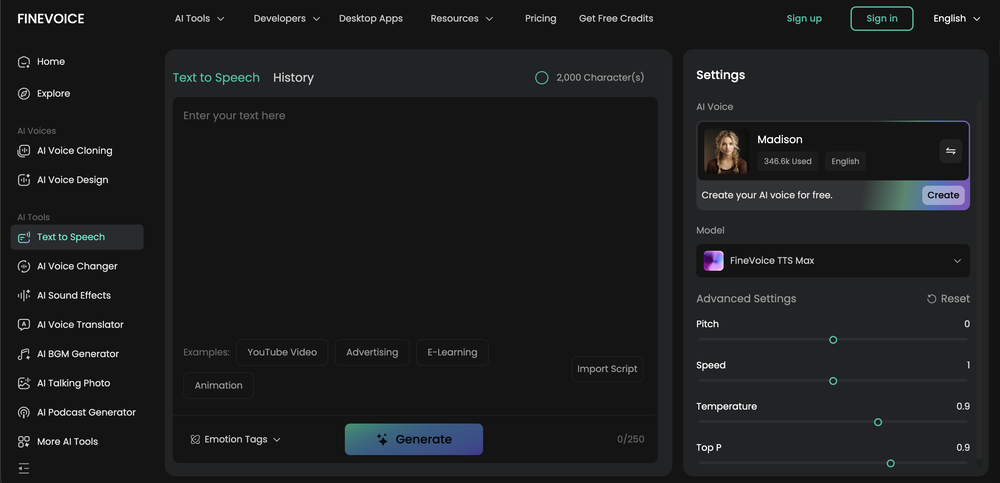
Vocallab AI is honestly the easiest tool I’ve ever used. The interface is super simple and intuitive. Generations take less than 2 seconds. The quality is also incredible. The voices sound very realistic — almost like real people. You can even add emotions and details like coughs, laughs, sighs, and other subtle effects, which makes everything feel much more natural and alive. Highly recommend it to anyone working with content, videos, or voice projects.
-
-
It's very easy to use, completely free, and even supports files up to 1GB in size.
-
I'm giving it two stars because it does do an ok job on videos but I would NOT recommend this. The "free trial" gives you 80 credits. It's not even enough to make a 60 second video so you can't really "trial" anything. I then spent $35 to make a 60 second video and I did two edits to it and I only have 451 credits left for the month. Until the costs come down, this is not feasible.
-
 Skip the complexity. Create professional-quality music with simple prompts.Open
 -
-
✨ Key Advantages of Pixwith: 1. Wide range of AI models: From video generation to image creation, enhancement, and style transformation — you get access to a full suite of cutting-edge AI models in one place. 2. Affordable and transparent pricing: Our credit-based system is flexible and offers better value compared to many similar platforms. 3. Free trials available: Several models can be used for free, allowing you to test the quality before purchasing credits. 4.Beginner-friendly interface: Simple and intuitive design — generate high-quality content in just a few clicks. 5.Constant updates: We continuously add new models and features, ensuring you always have access to the latest AI capabilities.
-
 vocal remover, remove vocal, vocal remover online free, vocal remover AIOpen
 -
 Transform photos into sketches, anime, paintings instantly.OpenNOT even 1 FREE demo to TEST it. It demands subscription right away! IT'S A BANDIT ON STEROIDS! ;-(
 -
This tool not only transcribes videos and audio, but also automatically generates summaries, which greatly helps me organize my study notes.
-
I like that the ai support many languages the only disadvantage is that the free version is limited and the paid version is also high $8 per month!!
-
 Open
Open -
YouTube to Doc is freaking awesome! Total lifesaver for turning videos into text. Just paste the URL → boom, you’ve got a doc. Perfect for notes or quotes. 10/10 recommend!
-
v03 ai is the only veo 3 videos generator supporting vertical videos for instagram, tiktok and other social media platforms, try it now!
-
I would have given five stars but it cut off before the song ended. The vocals were very good.
-
 Create Celebrity voices and voiceovers in 120 languages with 800+ AI voices.OpenThis is a cool little generator for a quick clip! Could see some potential quick use cases if you needed to generate something with an accent on the fly. Not a bad little tool!
 -
Amazing app and really easy-to-use! It has all the things I need to create a neat, functional, and clear-cut mindmap.
-
Every student must try this. It really saves me before final exams.
-
AI Notebook does what it promises, it's a decent on the go note-taking app. I like the automated tweak of these newer note-taking apps. I can just throw in pdfs, voice memos or youtube videos, and it'll generate all type oof different format like summaries, mind maps or flashcards. Extremely useful for students and professionals as it digest lengthy materials into small chunks of text. Recommended for anyone looking for a no-frills note taker tool
-
It seems to be working for me. Give it another try.
-
 Powerful speech-to-text tool for video captions, subtitles and audio transcription.OpenGreat product, very useful for captioning a large volume of influencer videos at work, highly accurate transcription tool, would recommend.
 -
This app now supports both iOS & macOS: https://whispernotes.app
-
It is the bet transcription tool I’ve ever used. I quit taking notes after I discovered Transkriptor.
-
 OpenThe features are incredibly comprehensive. I really love it — the AI videos I created got a ton of praise when I shared them. Likes galore!













































Other tools
-
too expensive for me, I just want to make memes, not pay that much
-
When uploading a 30-minute video file, I was surprised to receive the transcript in just a few seconds. The speed and quality of the transcription process blew me away, especially considering the complexity of the video content.
-
Diffusion pulls out extremely good images from simple prompts. Renders were a little slow on higher quality, but totally worth it for the results. The controls feel clear enough and the outputs look legit. Good one here!
-
No free use because I use a VPN?? I'm out. I should have a choice to stay private if I want to and still be able to review the product without penalty. Others allow it - I will use them before buying. If you have that big of an issue with what you feel are multiple accounts using your free services, then reduce the amount of free use.
-
It's suitable for beginners like me. I think it is simple and comprehensive, which can solve music creation problems. The creation speed is also prettey fast. And I hope it can keep improving, so we can create better music together.
-
Does not allow you to see your creations when you press the button 'my creations' it just redirects to a music samples page and/or original music generation page, so the only way to see your generated music is if you try to use other features like 'extend', which is very shady. Clone of other known platforms for sure. Also when you delete your account it states that some data remain on the platform which means it is not gpdr compliant and it keeps some of your information. Be wary of all this. I would not give them any money or cc details, seems way too shady.
-
- Didn't find the AI you were looking for?
-
No no no. This is not what it claims to be. Yes there claim to be a free trial but free trial does not work at all. Its just a workaround.👎🏻
-
Easy to use. If you select Trump's voice, type Epsteen rather than Epstein. Pronunciation is perfect hehe.
-
it does not give you enough credits to use veo3 which it claim to .
-
 Convert YouTube videos to text fast and freeOpenHands down the best ai tool for content creators. Their free YouTube transcriptor is always on point
 -
nice for sound play. took out clean vocals from a track.
-
 Convert audio and video to text with AI precisionOpen
 -
You're right, looks like there's no premium plan available right now, so it's free but with some limits. Hopefully they'll add more options in the future.
-
 Open
Open -
Very useful tool with variety of features and new AI models.
-
This Site gets a high spot on google search results (Top 10) by advertising a free and efficient sound effects generator. What they dont tell you is you cannot download or use these sounds in any way without buying a subscription.
-
Really cool and intuitive tool, it helps me a lot with my articles!
-
 Create stunning AI-generated videos from text prompts or images.Open
 -
You can make video narrations in so many different languages and in any style you want! Awesome!
-
Great tool! It has troubles in the subtitle editor tho. Needs improving.
-
-
-
-
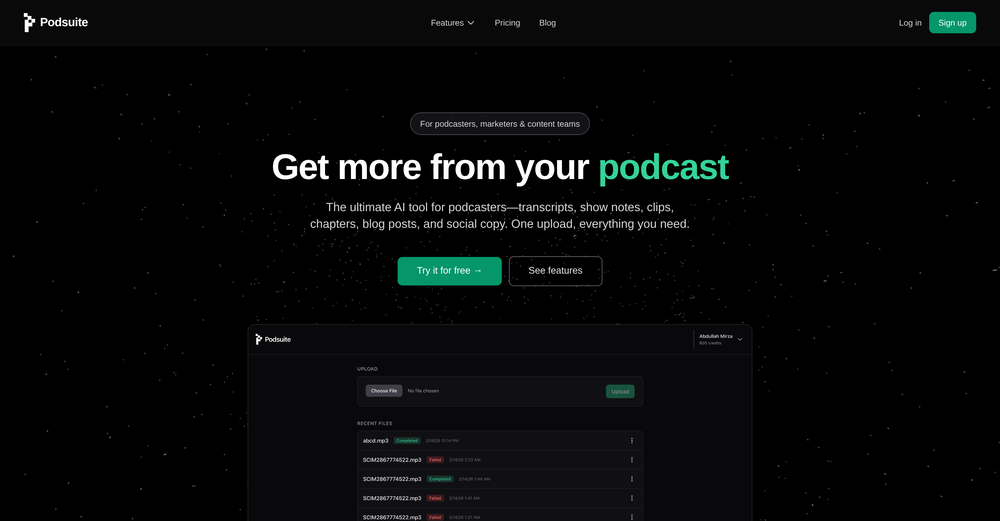
Great product! Summaries, social media content, promo content and more, all generated once we upload our episode. It's saved us a ****load of time!!
-
It translateed quite well my video and easy to use and edit. PLus the free version is good to hava a first try
-
-
They deceive - they advertise functionalities that turn out to be in the Pro version, which again has to be purchased. For some languages, the voices are quite old and sound robotic.
-
This was a helpful tool for what I needed to get done. The audio sounds pretty human, but could improve a bit more on the pronunciation. A useful tool overall
-
OMG! One of the worst "terms of use" i have ever seen. Basicly They we own your a**. They have every right for your creations on their platform. They can use your creations as however, whenever, whereever they want. Plus if you make money from a creation from their platform, you will end up giving them. Because they are saying you cannot do anything commercially that you have created on their platform unless you made a special agreement on paper.
-
iPhone SE 2020 and iOS17.6.1 - totally not working
-
















































































Post





