Go to section
Sponsor
 Wispr Flow - Don’t type, just speak
🎤 Dictation
Wispr Flow - Don’t type, just speak
🎤 Dictation
The front page of AI.Used by 90M+ humans.

TAAFT Tutorial
Generate image
Tasks
Generate text
Free mode
Trending
Leaderboard
Characters
 Mini tools
New
Featured
Lists
Agents
Requests
Jobs
Map
Newsletter
Starter pack
Free tools
Speech to text
Text translator
Remove background
Settings
Edit profile
My tools
Gallery
Dashboard
Inbox
Get featured
Contact TAAFT
For you
Popular
Job impact index
Most saved
Affiliate program
Submit AI tool
Notification preferences
Glossary
Home
Timeline
My profile
Create tool
Deals
Companies
Models
Robots
Papers
Fundraises
Repositories
Devices
Organizations
Events
Prompt Pack
Merchendise
APIs
Features
Tools
Countries
Collections
Videos
Mini tools
New
Featured
Lists
Agents
Requests
Jobs
Map
Newsletter
Starter pack
Free tools
Speech to text
Text translator
Remove background
Settings
Edit profile
My tools
Gallery
Dashboard
Inbox
Get featured
Contact TAAFT
For you
Popular
Job impact index
Most saved
Affiliate program
Submit AI tool
Notification preferences
Glossary
Home
Timeline
My profile
Create tool
Deals
Companies
Models
Robots
Papers
Fundraises
Repositories
Devices
Organizations
Events
Prompt Pack
Merchendise
APIs
Features
Tools
Countries
Collections
Videos
Mini tools
New
Featured
Lists
Agents
Requests
Jobs
Map
Newsletter
Starter pack
Free tools
Speech to text
Text translator
Remove background
Settings
Edit profile
My tools
Gallery
Dashboard
Inbox
Get featured
Contact TAAFT
For you
Popular
Job impact index
Most saved
Affiliate program
Submit AI tool
Notification preferences
Glossary
Home
Timeline
My profile
Create tool
Deals
Companies
Models
Robots
Papers
Fundraises
Repositories
Devices
Organizations
Events
Prompt Pack
Merchendise
APIs
Features
Tools
Countries
Collections
Videos

▼ Latest
Document workflow
Free mode
100% free
Freemium
Free Trial
Featured matches
-
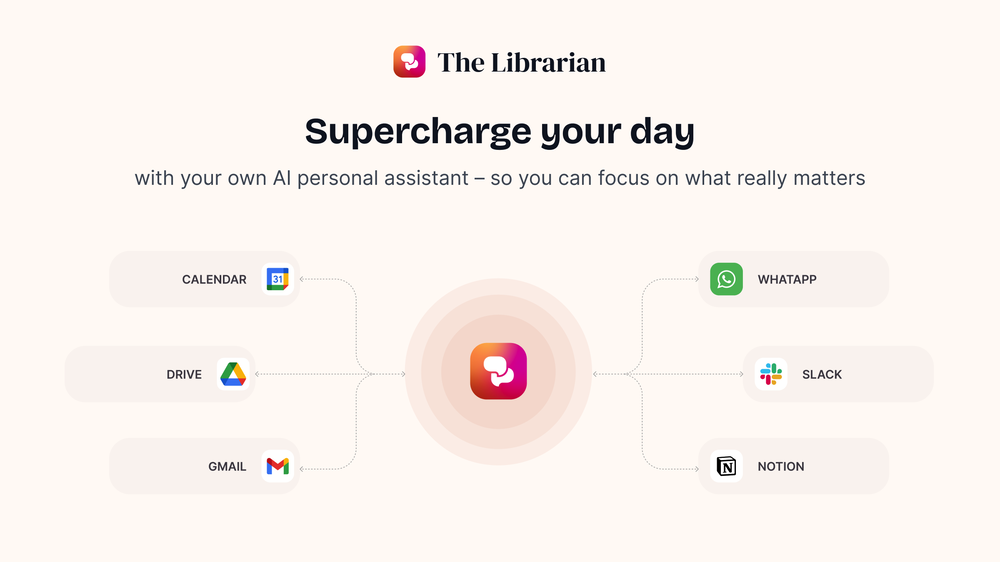 Duck Typer🙏 262 karmaFeb 12, 2025@TheLibrarian.ioGreat tool! Was very helpful in content production
 -
-

-
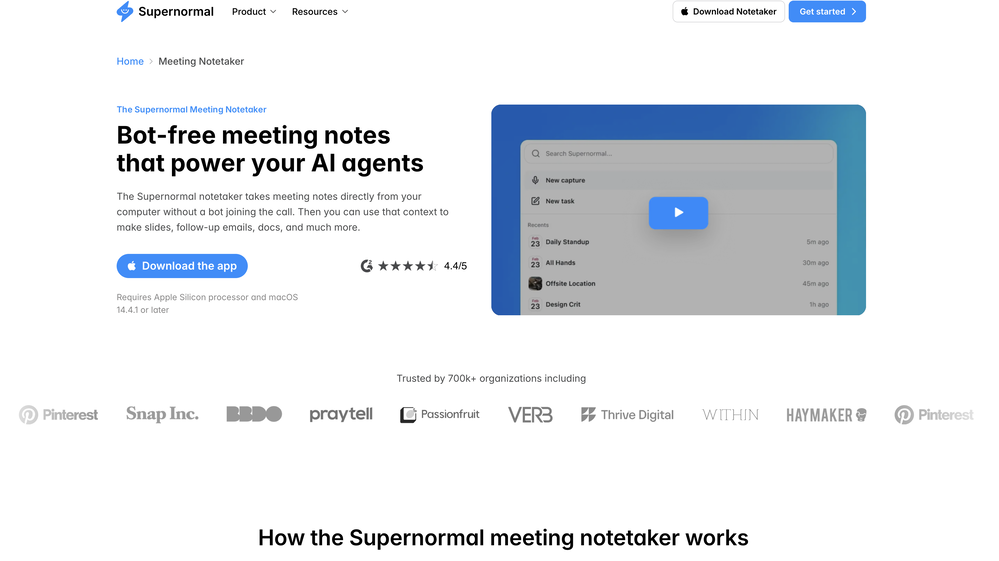
 Pay-as-you-go productivity. Meeting transcription at $0.25/hour, AI tasks, document search — noOpen
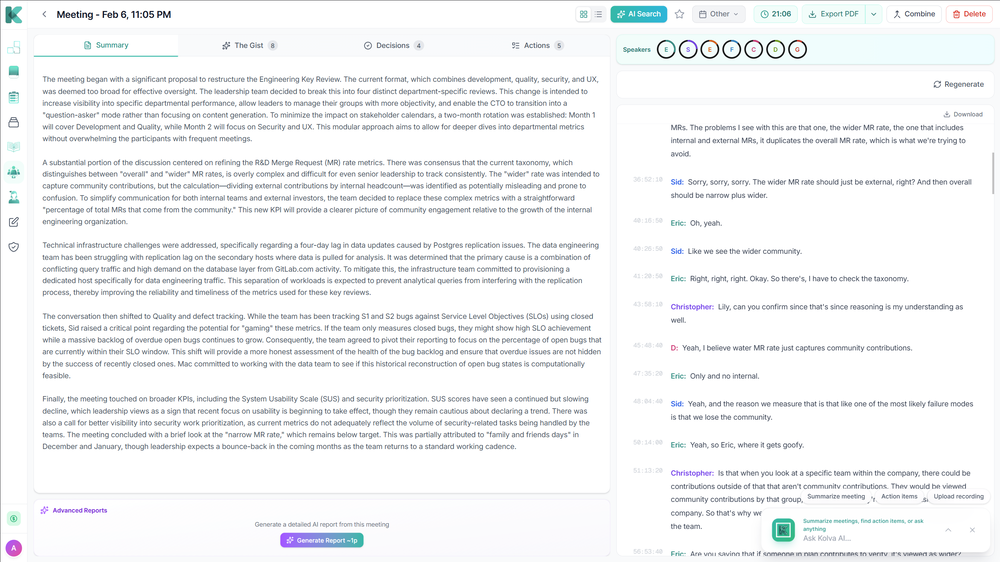 Kolva is a game changer! I use it almost every day and works every time! can't recommend it enough! I use it for every meeting. Give it go!
 -

-
-
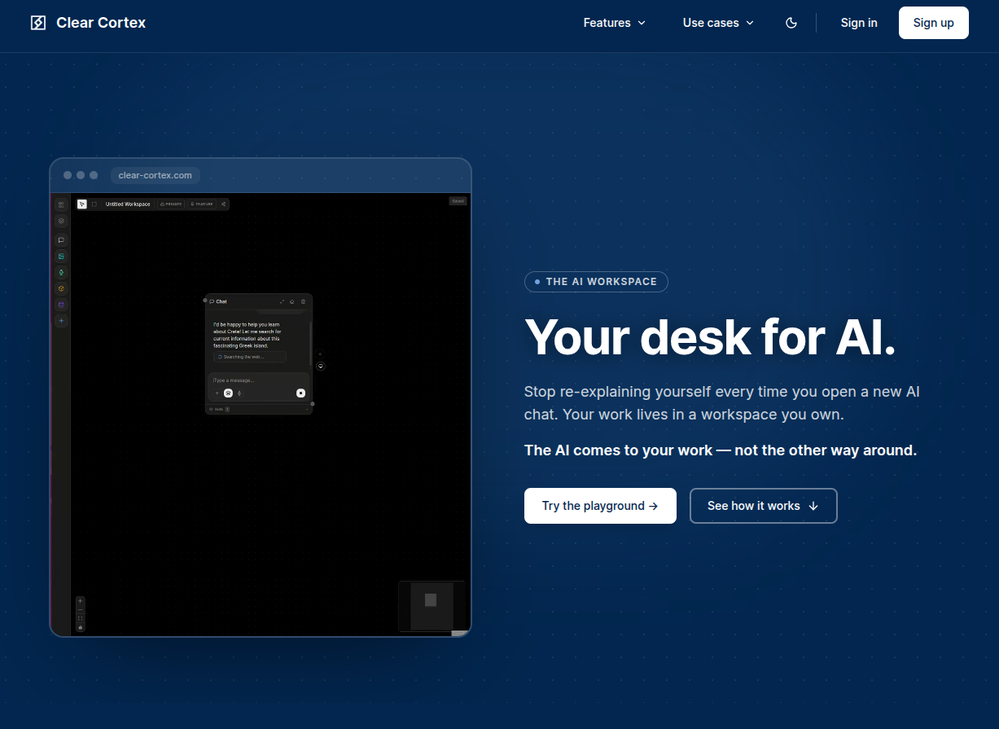 Founder here 👋 I built Clear Cortex because the chat window is the wrong shape for real work. Every new conversation starts from zero — you re-paste the same context, re-explain the same project, and the good answers disappear into scrollback you'll never find again. So the model here is flipped: your work lives in a workspace you own, and the AI comes to it. Every leading model — chat, image, audio, code — works from the same canvas behind one login and one pot of credit. And every answer is cited back to the exact source it was built from, so you can open it a week later and still trust it.
 -
-
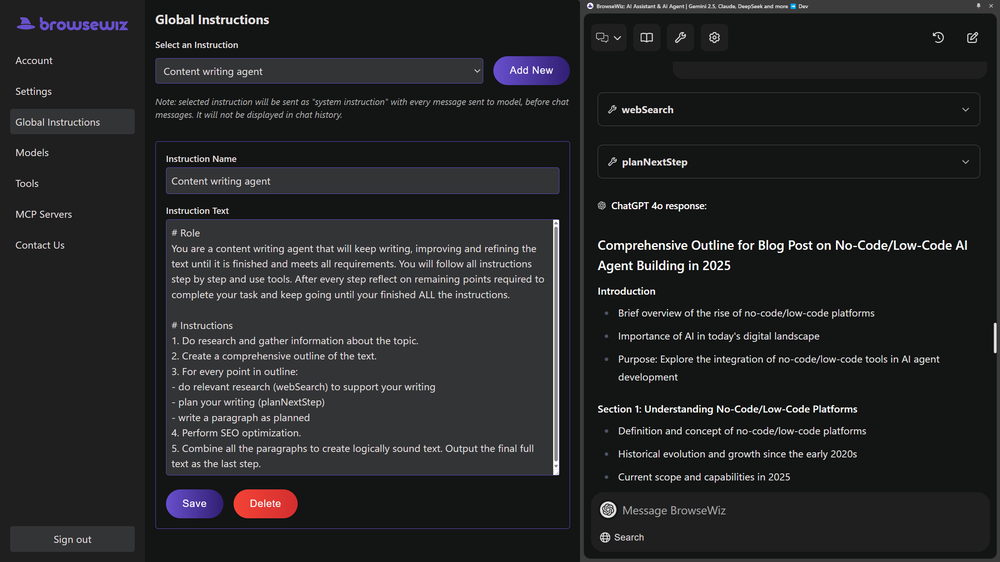 Like copilot, but for power users. Nice for my n8n workflows command center
 -













Verified tools
- SponsorWispr Flow - Don’t type, just speak🎤 Dictation
-
I love the idea of how one platform can hold so many features in one place, working so efficiently.
-
The Zetane AI platform helps me and my small marketing team produce like a team ten times our size while maintaining high quality. I can research through giant threads of emails, messages and threads and gain insights citing the exact place the insights come from. It works great for organizing our tasks and keeping our team collaborating in one central space.
-
Great tool, easy to get started building AI-native apps, and it has a depth of features needed for production usage
-
Lynx by Apex7 AI offers an interesting approach to workflow automation and AI-powered business operations. The interface feels clean, and it’s great to see a tool focused on helping teams streamline repetitive tasks more efficiently. Looking forward to seeing how the platform evolves and the new capabilities it brings over time.
-
 Open
Open -
Fabric is kind of like a combo of bookmarking/webclipper/summarizer/knowledgebase. Basically you can add information and it will auto organize it as well as let you chat with this information and search through it. It is not a “search engine tool” I wouldn’t say. Maybe you will be able to create a knowledge, base and information repository of everything relevant to you and be able to search through that information… But that is still different than a “search engine, tool” in my opinion. So far I think they are shooting for individuals and not enterprise users. Which is great because I have been wanting to find a product that will allow me to add information from PDFs, websites and videos and then be able to search/query/chat with that. But so many of the companies I have found that offer anything close to along these lines are developing knowledge bases with only company customers in mind. I get that that is where the money is, but Fabric appears to be for actual people to use. The product is definitely underdevelopment, and I have the TestFlight of their iOS app. I wouldn’t say the app is perfect yet or anything, but they are actively developing it, and some of their ideas are changing and evolving not just minor changes to their user interface. I am using Fabric and Mem at the same time and I will be interested to see which turns put to be more for me. Definitely check it out if you have not already done so they have the opportunity to make an extremely useful tool and kind of even changing the way individuals think about storing/accessing information important to them.
-
A very simple-to-use, yet very powerful app. It made my work so much easier, my scanned and downloaded files are no longer a mess.
-
I have been using this application for some time now, and it pleasantly surprises me. At first, this tool seemed to be just something like a smart document search, but I was wrong. It is able to generate brief contents of books and documents. With it, I will be able to create my own knowledge base in various areas, which will be built only on the data I uploaded, which I am sure of. Overall, the app is great, and I can safely recommend it. How do I personally use this product: For example, to summarize medical research and books. I intend to use it for academic research to save time searching for answers to specific questions and searching for links (documents, pages, comments), and I have to say that I am impressed. I upload not only PDF documents, but also transcribe videos of specialists in the right subject and upload them together to the service. Thus, I make my personal library, knowledge base and the quality of knowledge deeper. More recently, I came up with the idea to use the knowledge of some specialists who run their social networks and tell me the information I am interested in on their pages, because I can also collect their posts on social networks. networks in one document and upload to the service. What I liked especially: 1. Simple and user-friendly interface. Everything is in its place and nothing superfluous. 2. The algorithm does not come up with answers, but proceeds from the data in the document, allowing you to ask contextual questions and receive point-to-point answers in real time. Very often, language models sin against this. 3. Unlimited questions in the "chat" You can ask as many questions as you want in real time without using any credits. 4. Unlimited daily download. 5. I can upload documents in any language and get answers in my own. I can make full use of knowledge from all over the world, not just in my language. 6. The file viewer and links work well. Just click on the link and you will open the document in exactly the right place! 7. Chat with documents is quite accurate and fast. 8. The idea of labels is quite convenient and it is possible to add multiple labels to a file. 9. After downloading the document, it will warn you which pages were not recognized or have little content. 10. Understands the context of the correspondence, and does not answer the last question. 11. Responsive support. 12. API Access 13. OCR. 14. Automation of the workflow. 15. The ability to use your OpenAI API key 16. There is a promising roadmap. Separately, I would like to tell you about the workflow automation function, with the help of, when working with a group of documents, which can be processed separately only the necessary sections of documents. This makes it possible to access several documents at once. This is a super opportunity to gain deeper knowledge from documents uploaded to the service. It should be noted that in the end, a lot depends on how correctly you ask the question. This is both a plus and a minus. An experienced user will always be able to bring the algorithm to the conclusions of interest. For novice researchers, it will be a little more difficult to set the right direction to find the right information. My dreams: 1. Although I have no problems with the document loading time, it would be cool to speed up the document processing time. 2. I would like more free language models. At the moment, the service uses OpenAL GPT 3.5 Turbo and Anthropic Claude 3 Haiku. In principle, this is enough, but it would be good if more advanced language models were included, which will allow you to study your documents even more deeply. 3. I would like to be able to add ready-made template queries to documents. 4. I would like to be able to mark the best answers, which I can quickly refer to later. 5. I would like to be able to create folders in the Documents and Options section cataloging my knowledge. 6. I would like to be able to change the title of the document. 7. I would like to have an internal search system for documents or labels, which will become very numerous over time. 8. It would be very useful to be able to add people to work together with configured access rights. 9. The opportunity to create your own knowledge base and post it on your website via html code would be very useful. 10. I would like to be able to highlight the desired fragment or keywords in the document when you click on the link in the response to the document request. What I wanted to draw attention to: It seemed to me that OCR does not work quite correctly, after downloading the document, it writes "you have not enough credits to use OCR", although there are credits. Maybe I was doing something wrong. I'll figure it out. In general, I would like to rate the usage experience at 5 stars. I recommend everyone to try it!
-
👋 Hey, I'm the founder of Flowova! We built this because we were tired of spending hours dragging boxes in traditional flowchart tools. A few things you might not know: - Works with anything — text, images, PDFs, Word, PPT, Excel, even photos of whiteboard sketches - 40+ themes designed for presentations - Full Mermaid code support for developers Happy to answer any questions! 🚀
-
Didn't really do the graphs that i thought it would do. Good for simple graphs, like for a presentation
-
Highly recommend it for anyone dealing with high-volume document processing. Simplifies the process of extracting data from multiple PDFs into clean, accurate spreadsheets.
-
 Unlock faster financial workflows with AI automationOpen
 -
 Open
Open -
 Search real papers and write literature reviews without AI hallucinations.Open
 -
 Chain AI tasks with no-code into workflows for chatbots, video, documents, andOpenThis tool removes all of the prep work of getting an LLM API endpoint running. I can try out ideas quickly and see within minutes whether an endpoint concept actually works. And when it does, moving it into a production app is about as easy as it gets.
 -
-
 HIPAA-compliant AI that secures, summarizes, and streamlines healthcare workflows.OpenI Had a chance to use Hathr... Great tool... healthcare compilance can be tricky.. They solved it...
 -
Hey Michael 🙂 Thanks for the honest feedback , and I totally understand where you're coming from. We recently added the tutorial to help new users understand the app quickly, but we hear you , we’ll look into making it optional. Also, just to clarify: we do offer a free plan! You should be able to create and preview documents without paying. If you ran into any issues, please reach out to us at [email protected] , we’d be happy to give you extra free credits and make things right. We’d love the chance to turn that 2⭐️ into a 5⭐️ , and your input helps us get better. Appreciate you giving it a shot! Best, The Writedoc.ai Team
-
 OpenAthennian is a tidy hub for entity records, officers, filings and org charts. Alerts keep annual returns and registrations on schedule, and exports help with partner updates. Not a case research tool, more a corporate housekeeping system, so pair with your legal research stack.
 -
Took me a minute to get the first really good workflow done but I definitely see the value. Keep going on this one and I’ll keep sending feedback.
-
-
-
Creates eloquent articled and paragraphs, even able to receive context or instructions for each paragraph itself. You also get 25 free credits, which means about 25 individual generations, enough for at least one or two articles. Thank you for those!













































Other tools
-
 Open
Open -
I like it. It answers simple questions accurately and by the book. The Ref (reference) page is not usually accurate though. I'll keep you updated on how it responds to complex questions.
- Didn't find the AI you were looking for?
-
 Open
Open -
 Open
Open -
Played around with this a bit — the benchmarking and evaluation side feels especially useful for teams testing multiple models at scale.
-
OK, it says "FREE" and "NO Pricing," and yet some tools are available only to "Premium users?" If that's not misleading, I don't know what's "free" any longer! Oh, yes, the air, thank God, but maybe soon they'll start selling it as well ;-) THX
-
 AI-powered research assistant for diverse content analysis.Open
 -
-
This is a pretty cool, easy to use tool for getting fresh ideas and getting your notes moving when you're stuck. It gives helpful suggestions and lets you customize stuff easily. Overall it's more about sparking inspiration than handling everything from start to finish.
-
-
-
 Open
Open -
Good to use even for free. Gives answers related directly to the info in the document, along with references to pages where it can be found. Also does well at analyzing graphs and charts
-
It is useful for when you are in the project manager and you have to do certain tasks.
-
Without a doubt Petal is the most comprehensively helpful ai for analysing, comparing and paraphrasing multiple papers or websites etc. it’s table feature totally rocks for gathering citations and will answer you]r questions in a table containing your choice of docs - it then mines each uploaded doc for answers to your questions. The multi-doc lit review writer it’s very cool once you get the hang of it’s. Honestly, there are so many things to love in this ai - I’m truly surprised it’s isn’t more widely used … it mines your documents thoroughly and finds all kinds of helpful insights. I use it by preference.
-
-
 Open
Open -
 AI-powered platform streamlines university admissions with automated evaluation.Open
 -
Good tool, i'm impressed of the quality of its result for such an early version. I'll be waiting on a newer version; as it is now, you can't give it a starting point, nor your own draft to analyze and continue writing on.
-
A knowledge base that doesn’t tie to revenue impact (less churn / faster onboarding) often sits unused -> ~20–30% drop in retention vs teams that quantify value. What metric are you using to prove Userdoc moves revenue, not just pages?
-
 Oversee your document management in a tech-focused framework.Open
 -
 AI Genetics Researcher for professional analysis and document compilation.Open