Go to section
Spotlight SureThing.io - "OpenClaw" for BeginnersTask automation
The front page of AI.Used by 90M+ humans.

Generate image
Tasks
Generate text
Free mode
Trending
Leaderboard
Characters
 Mini tools
New
Featured
Lists
Agents
Requests
Jobs
Map
Newsletter
Starter pack
Free tools
Speech to text
Text translator
Remove background
Settings
Edit profile
My tools
Gallery
Dashboard
Inbox
Get featured
Contact TAAFT
For you
Popular
Job impact index
Most saved
Affiliate program
Submit AI tool
Notification preferences
Glossary
Home
Timeline
My profile
Create tool
Deals
Companies
Models
Robots
Papers
Fundraises
Devices
Organizations
Events
Prompt Pack
Merchendise
APIs
Features
Tools
Countries
Collections
Videos
News
Investors
Repositories
Modalities
Mini tools
New
Featured
Lists
Agents
Requests
Jobs
Map
Newsletter
Starter pack
Free tools
Speech to text
Text translator
Remove background
Settings
Edit profile
My tools
Gallery
Dashboard
Inbox
Get featured
Contact TAAFT
For you
Popular
Job impact index
Most saved
Affiliate program
Submit AI tool
Notification preferences
Glossary
Home
Timeline
My profile
Create tool
Deals
Companies
Models
Robots
Papers
Fundraises
Devices
Organizations
Events
Prompt Pack
Merchendise
APIs
Features
Tools
Countries
Collections
Videos
News
Investors
Repositories
Modalities
Mini tools
New
Featured
Lists
Agents
Requests
Jobs
Map
Newsletter
Starter pack
Free tools
Speech to text
Text translator
Remove background
Settings
Edit profile
My tools
Gallery
Dashboard
Inbox
Get featured
Contact TAAFT
For you
Popular
Job impact index
Most saved
Affiliate program
Submit AI tool
Notification preferences
Glossary
Home
Timeline
My profile
Create tool
Deals
Companies
Models
Robots
Papers
Fundraises
Devices
Organizations
Events
Prompt Pack
Merchendise
APIs
Features
Tools
Countries
Collections
Videos
News
Investors
Repositories
Modalities

▼ Most saved
Email efficiency
Free mode
100% free
Freemium
Free Trial
Featured matches
-
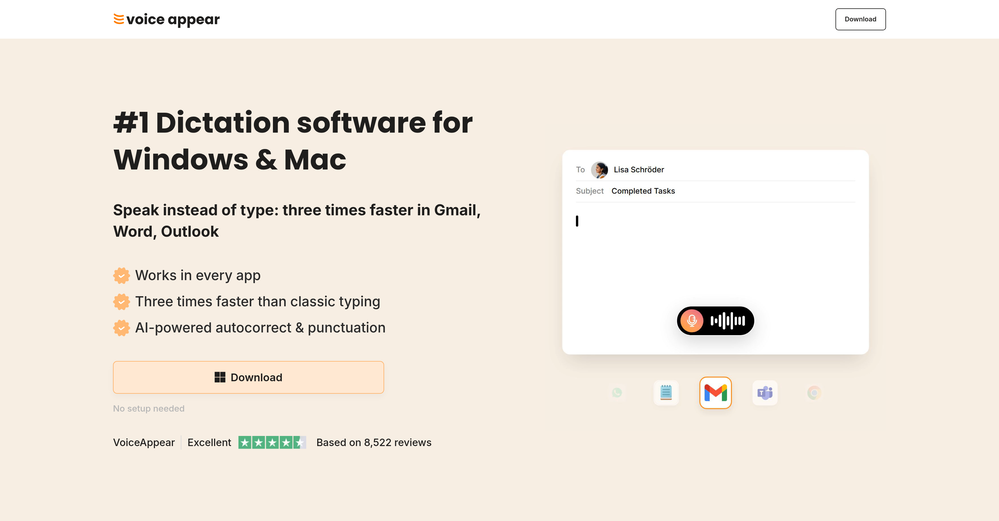
 Marvin🙏 3 karmaMay 5, 2026@VoiceAppearWhy did I not find this earlier
 -
-
-
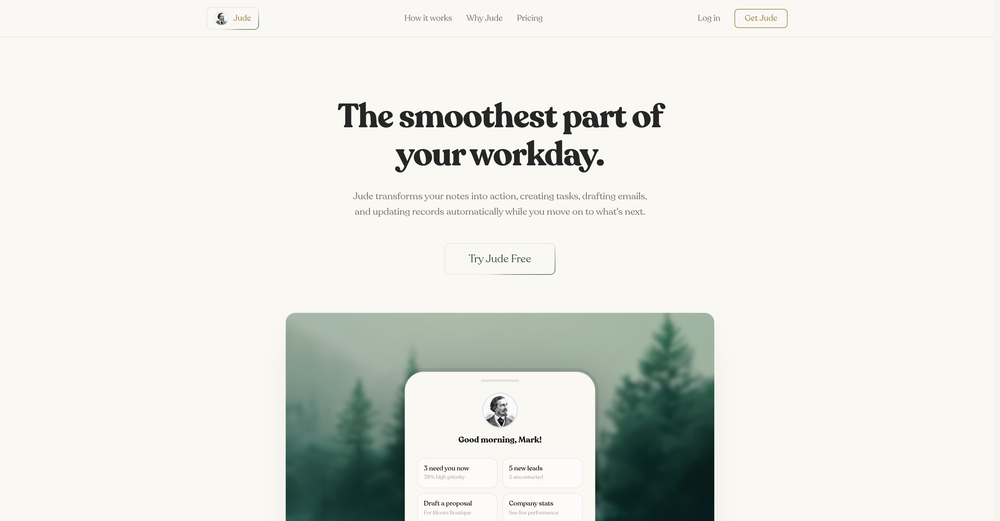 Gave it a try, before i used to use Calendly and manually tag them as important. Used some trackers on Appstore but this works just as well if not better, really like it!
 -

-

-
 Protaige really made my life easier in creating Campaign across different platforms in a single click just by providing my Briefs. Thank you! Awesome Time Saving AI Tool. Really loved using it.
 -
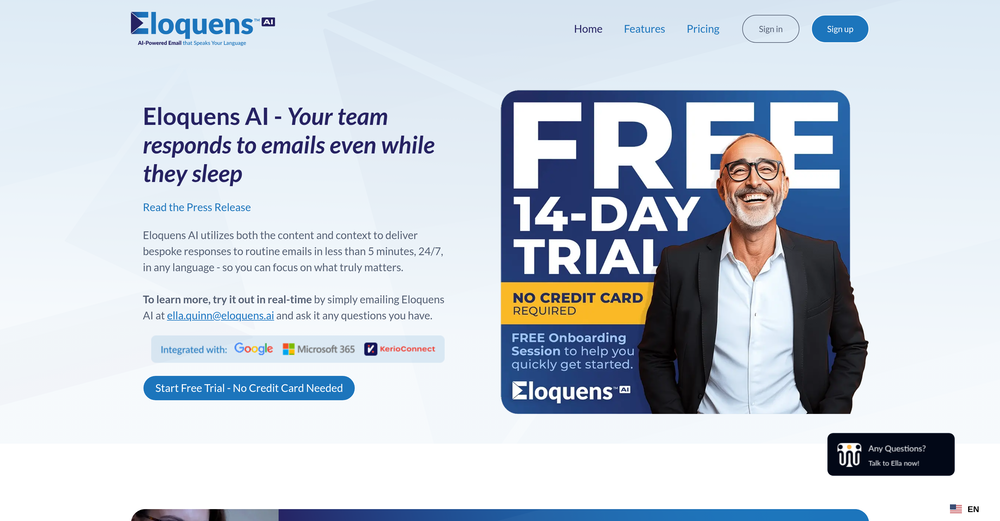 Worth the $60 monthly if you're a small business especially because it sends email on your behalf - doesn't just draft and keep it in your inbox (that option also exists). Mails composed are accurate, it's as if the tool is thinking on your behalf too. Learns and understands your writing style, job role, etc. and tailors the response.
 -
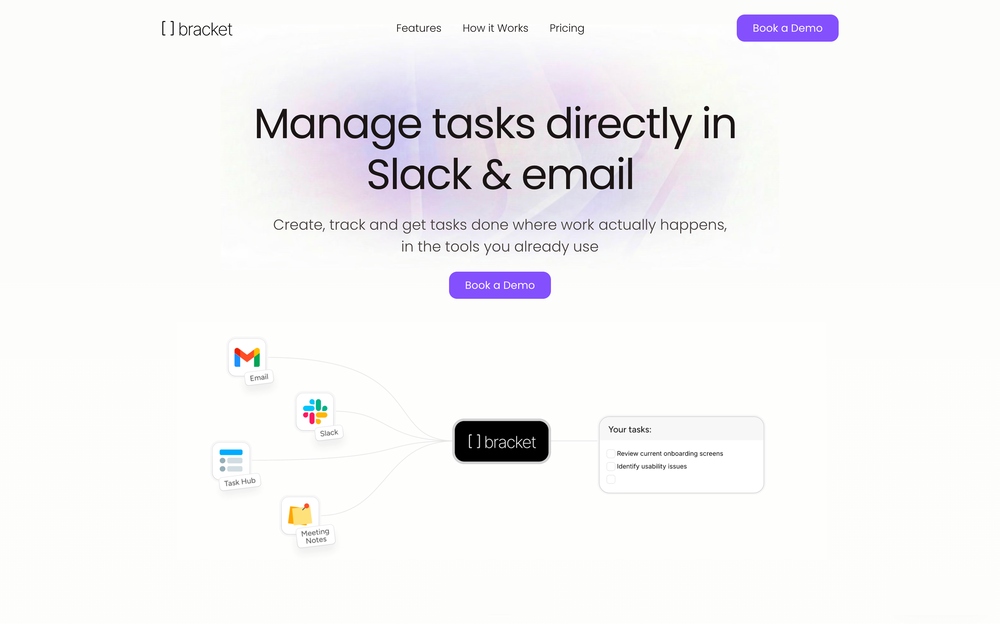 Bracket makes your task list proactive. Instead of hunting tasks across tools, Bracket captures them straight from Slack and Email (for now :P). It automates follow-ups, takes accountability for your tasks, and eliminates the hours wasted maintaining task systems. Operate where your work happens —> no context switching, no dropped balls, just a team that actually follows through. Try Bracket free, sign up to the waitlist today.
 -












Other tools
-
Love this CRM. No fields to configure or pipeline to define, it just does everything for you.
-
 Private Q&A with your Documents on Windows or Mac.Open
 - SpotlightSureThing.io - "OpenClaw" for BeginnersTask automation
-
Very convenient tool. They have this "prompt wizard", kind of like a template selector so it's easy to generate outputs without coming up with prompts just to generate what I need.
-
Hey AI fans, I am Kalo, co-founder of Breezemail. If your inbox is anything like mine, you spend at least 20% of your life opening, answering, and unsubscribing from emails. Arguably, the only thing more tedious than this is fixing your grandma’s Windows XP (arguably). Or you just gave up, and your inbox app has a cute red dot with a truncation ellipsis (…), also known as the symbol of inbox doom. Either way, the whole inbox situation is an absolute disaster. We wanted to solve this challenge using AI. Breezemail will help you enter the holy land of Inbox Zero. It’s an email categorizer tool that keeps important emails in your inbox and categorizes the rest into folders using natural language prompts. How does it work? 1. Breezemail has a default Important category which leaves all your real human emails in your inbox. 2. Everything else is organized into AI folders (or labels). Labels using natural language prompts, for example, “All emails from my family”. 3. We give you a bunch of pre-defined categories to start with, and you can create your own custom categories, the same way you would write a ChatGPT prompt (yes, our tool also uses ChatGPT). We’ve been testing it in-house for both our personal and business emails, and it worked so well that I no longer hate link builders and outreach people because their requests are neatly organized into a couple of folders. For my personal inbox, I can finally see all my receipts in one place, and all stock newsletters are ready for daily review in a different folder. Go try it out now for free. We’d love to hear your feedback, so please don’t be shy and drop me a line back. Currently, the tool is only available for Outlook, but we are working on a Gmail app, too. If you’d like to try it for Gmail, please let us know. Thank you, Kalo
-
Very limited functionality and not easy to configure. No predefined configs. Ugly UI
-
Very unique document parser. Works extremely well even on complex PDF tables and emails
- Didn't find the AI you were looking for?
-
SparrowGenie isn’t a SaaS. It’s a secret weapon, battle-tested by our own sales team. Real problems, solved by real users—finally!
-
-
I love using Magic AI - saves me a ton of mental space when writing messages.
-
 AI-powered outreach and multimedia delivery to help sales and marketing teams close.Open
 -
-
Still crashes on Mac Silicon. No response from emails to support about crashes with logs. Indexing takes forever and ai not that good once completed.
-
 ChatGPT AI for Gmail: Generate, summarize, translate, and improve emails.Open
 -
Wow, Vondy sounds like a game changer! So many cool AI tools in one place. Definitely gonna check this out, might save me a ton of time! Hope it's as good as it sounds!
-
-
Good idea, very mediocre execution. Not there yet. Contextual search is a complete joke, task generation from emails do not recognise taks owners (if I ask someone to do something or if someone asks me to do something). Useless at this stage. Will revisit it in an year, hopefully with some money form YC they can develop the product.
-
Clever email management design and easy to use. I love the kanban board style with summarize and auto response.
-
Before registration, it was free, but after downloading to your computer, it became paid.
-
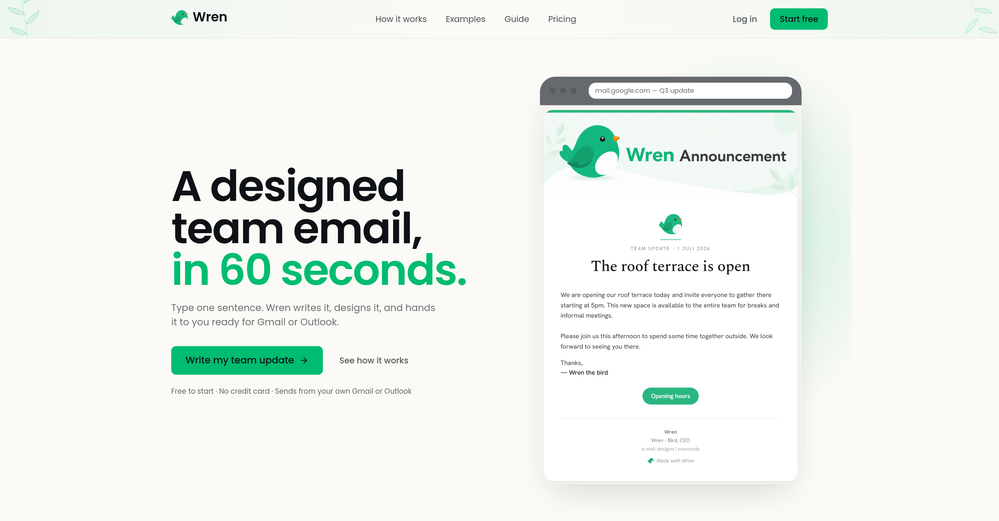
Confusing to start, but eventually it made sense. I would consider using this to design your own brand's email
-
It is important to be cautious when a website does not provide pricing information upfront and instead prompts you to download something before asking for payment. This could be a red flag for a potential scam or deceptive marketing tactics. It is always a good idea to research the company or product further before providing any payment information.
-
-
-
 Open
Open -
 Uncover churn risks and opportunities with AI-powered customer analytics.Open
 -
I really appreciate it has a Chrome extenstion, besides just the app, as well as the user guide. I haven't yet seen it giving suggestions while writing, but i'm excited to try it out more
-
Ready to Send is the best thing I’ve seen in a while. I wake up every morning to drafts written to my important emails 🤯
-
-
 OpenAmazing! This is exactly what I‘ve been looking for for years
 -
Great tool to write emails faster and answer emails faster. It's very easy to use and fast!
-
 AI-powered Gmail assistant. Get instant email summaries, task extraction, replies +moreOpen
 -
Spokenly feels genuinely practical for people who prefer talking through ideas instead of typing everything manually. I also like that offline/local support is included since a lot of dictation tools still depend completely on the cloud.
-
 Turn scripts into creator-style videos instantly.OpenI built this because I had a spare RTX 5090 sitting idle and friends in e-commerce kept telling me UGC videos were too expensive. Most AI UGC tools cost 80 to 110 dollars a month, about 10 dollars per video. My prototype can already create 3-minute videos, but it takes almost an hour on one GPU, so I limited the public version to 30 seconds while I scale to 4 GPUs. Would love feedback on the best pricing model and go-to-market.
 -
-
database of only usa, usd 99 per month is too high to begin.should negin at lower n scale up, donno how effective cold emails are
-
 Enhance your email communication with artificial intelligence.Open
 -
Teams use text shortcuts, but without clear impact on pipeline metrics that tool becomes a cost center → usually drops enterprise conversions by ~15–25% vs solutions tied to revenue outcomes. Are buyers asking how you move the needle on revenue, or just “does this save typing”?
-
 Maximize efficiency with Mojju's AI Personal Assistant.Open
 -
 Discover opportunities to save time with automation at work.Open
 -
 Your warm virtual executive assistant for email and task management.Open
 -
 Versatile email marketer with data and media analysis skills.Open
 -
 Crafting polite declines to 'quick question' emails.Open
 -
 Efficient, formal customer service rep with specific commands.Open
 -
 Compose effective support emails with structured guidance.Open
 -
 Open
Open