Flow - 4x faster than typing

 Mini tools
 Enhance academic writing with AI-powered language assistance.
 AcademicGPT
 ThesisAI
 Thesify
 Paper Generator by Curvedo
 Aithor
 Isaac Editor
 SciPub
 Inkey
Inkey
 AI Thesis Writer
 Essay writing and humanize
 Academic Essay Introduction and Thesis Generator
 Innhold.ai
 Litero
 Quillminds
 HOPE AI - Academic Content
 Scholantic
 NemoAI
 College paper writer
 AshwinGPT
 WriteGo
 55club
 Personal Performance
 The Mid Life Magic Woman
 Auramind
 SchoolAI
 Khanmigo
 MagicSchool
 SCHOOL SCHEMES OF WORK
 Loopydoopdedoop education
 Education Counciler AI
 TeAIcher
 NEGE-AI
 SchoolBote
 Education
 Coaching
 Thabo Assistant Ai
 Scholarcy
 Scispace
 OpenRead
 Elicit
 Scite
Scite
 Papers
 Wonders AI - Research Workspace
 Semantic Scholar
 Free Research Paper Generator
 Avidnote
 Logically
 bundleIQ
 Undermind
 Research Idea Generator
 Enago Read
 Academic Research Agent
 Academic Research Assistant
 AI Research Assistant
 KnowBe
 alphaXiv








Overview
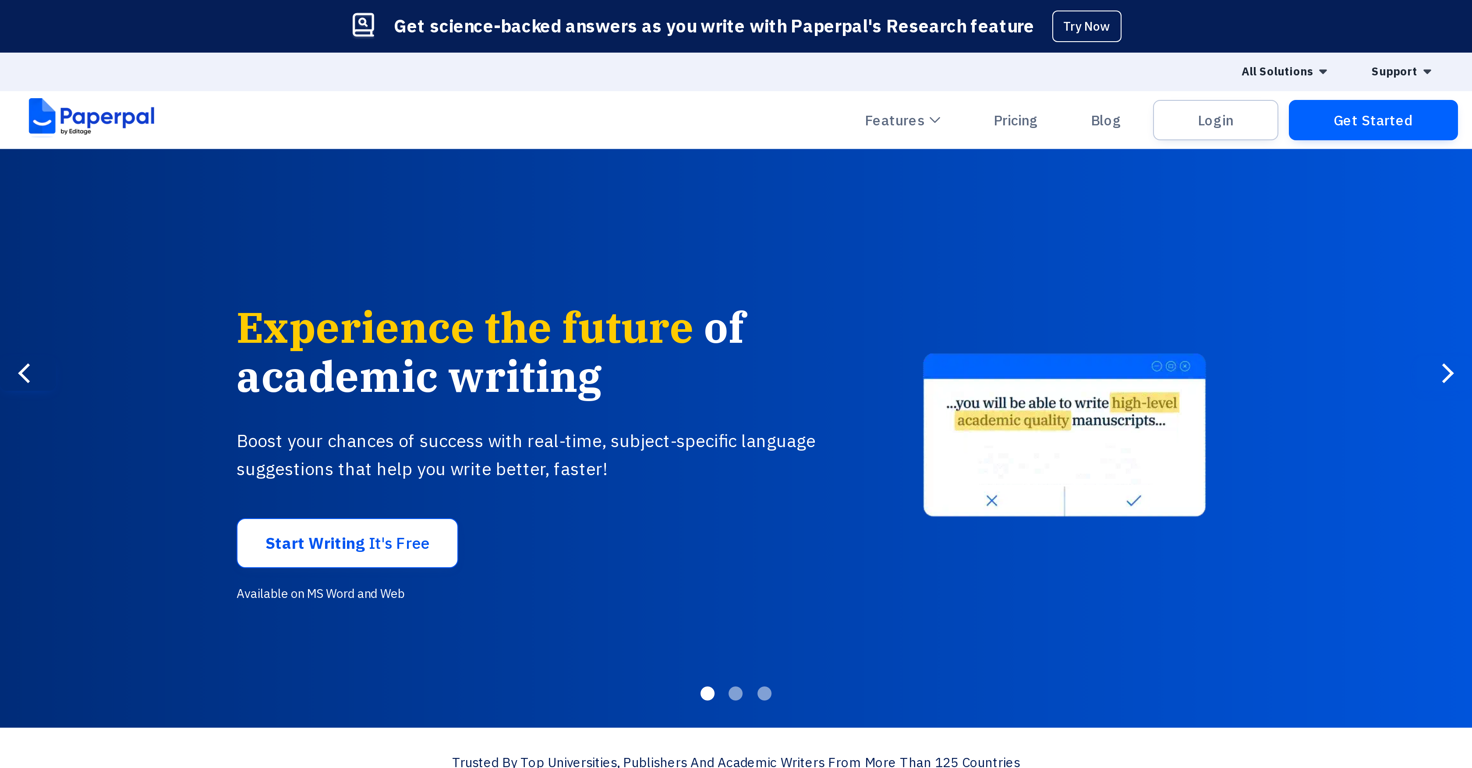
Paperpal is a generative AI-powered academic writing tool designed to enhance the quality and efficiency of academic writing by offering real-time, language-specific suggestions.
In particular, it provides guidance in selection and use of language, grammar checking, paraphrasing, and academic translation. It is also equipped with a text reduction feature to help users streamline their work.
Furthermore, Paperpal includes a free essay checker to ensure an error-free manuscript and a plagiarism checker to avoid accidental duplication of contents.
The tool is designed to be context-sensitive in providing recommendations, making it a value-added companion for academic writers. Another feature includes its ability to assist writers in performing research, where it provides science-backed answers derived from a vast number of research articles.
This research feature also allows users to save relevant citations directly into their library. This tool is compatible with web and MS Word and has been widely adopted by leading universities, publishers, and academic writers worldwide.
Releases

Unlock your academic potential with Paperpal – the AI writing toolkit loved by 1 Million academics globally. Try now!






Pricing
Top alternatives
-
 AI-powered academic writing assistant.
 Ivan Taslim🙏 7 karmaJun 8, 2023@AcademicGPTAlternative for fast academic writing
 -
 Write 80 pages with just ONE promptIt works great for generating your Thesis/Essay or research papers. The fact that it has in-source citations is what really makes it stand out from the competition. Also great that it has minimal AI detection😁
 -
 AI tools for students and scientistsGreat way to get concrete, organized supervisor-style feedback on papers pre-submission without text generation or ChatGPT-style high-level comments.
 -
 Generate Academic Papers with AIThe tool is posted since 2024-01-04.
 -
 AI-powered essay writing, simplified.Aithor is an excellent tool for writing scientific essays. The best part is that it shows real references. This means your generated text is validated. Other tools, like Gemini or Chatgpt, frequently give wrong citations and references, even nonexistent ones.
 -
 AI-powered text editor for academic writingHello! I am writing about an error When using Asc Isaac. It is not the answer that appears, but the text of the HTML code. here is the first half of <!DOCTYPE html> <html> <head> <meta name="viewport" content="width=device-width, initial-scale=1" /> <meta charset="utf-8" /> <title>Server Error</title> <style media="screen"> :root { --bg: hsl(250, 24%, 9%); --fg: hsl(0, 0%, 100%); --pink: hsl(270, 60%, 52%); } html,