 Notis
Notis
 Mini tools
▼ Most saved
Automated video generation
Free mode
100% free
Freemium
Free Trial
Featured matches
-
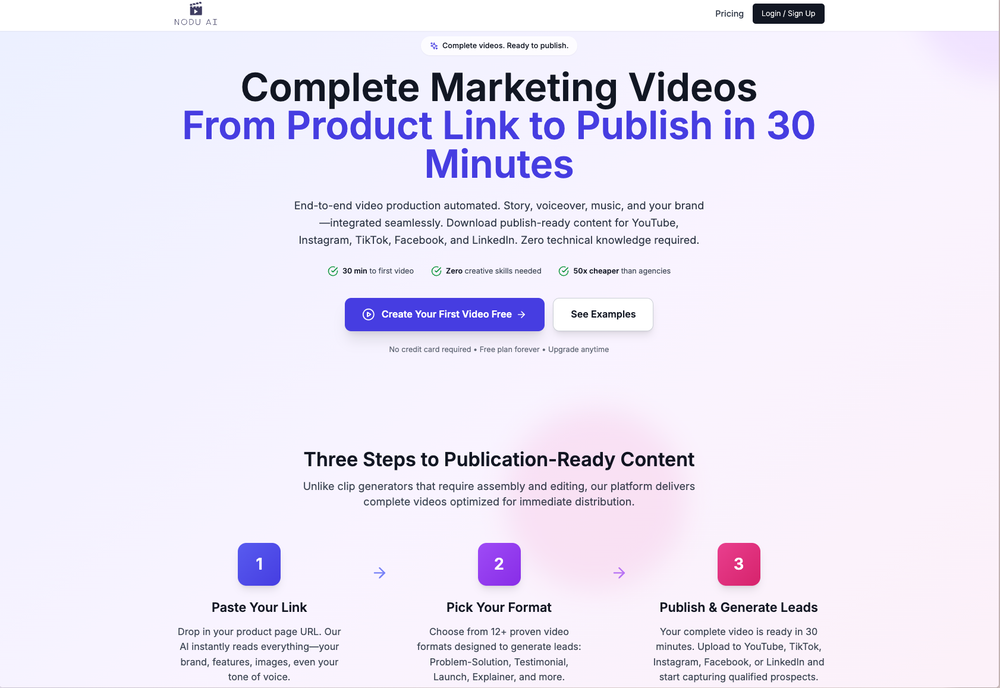 Thanks for all the feedback on our last release — the one where we introduced one-click product import, story-driven videos, automated templates, brand vault, and smarter AI characters. This week’s update focuses on making those features smoother, more reliable, and more polished across all product types. Latest Updates - Translated pages now work more smoothly. - Spokesperson videos now come with matching B-rolls. - Digital products now use a new benefits-focused style. - Physical products now require a product image for better video quality. - Other bug fixes and improvements
 -

-
 Edward Caveman🙏 1 karmaNov 28, 2025@ReshortEasy to use, good visuals and good price to videos ratio. Made a few with 10k views.
 -
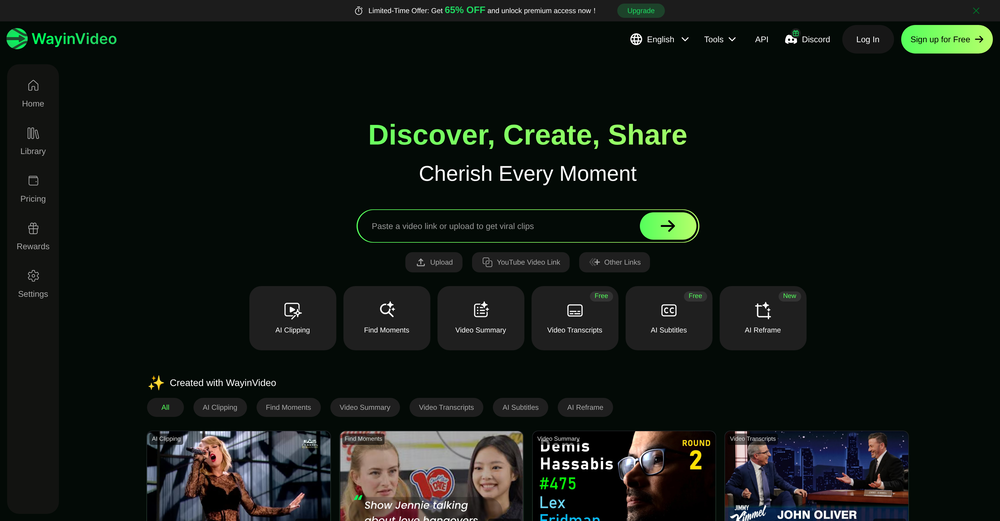
-
 Rapidly generate AI training videos without equipment or editing.Open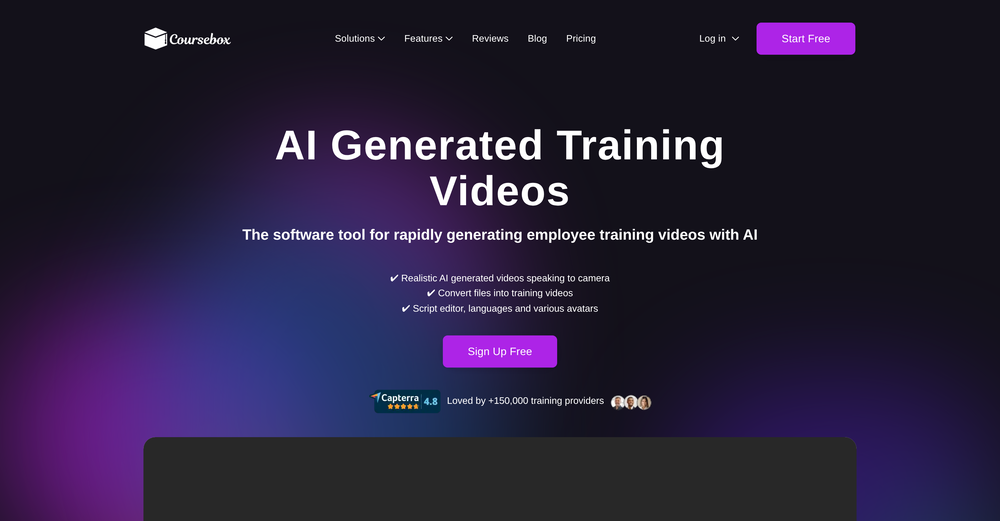
-
-

-
-
-







Other tools
-
Way too expensive for anything but short form or casual use.
-
-
- Spotlight: Notis (Personal assistant)
-
Instantly deleted my account after first video failed to generate and when tried second time, it says you've reached the limit. NEED MORE IMPROVEMENT
-
-
I use Fliz to create videos to promote my store's products. I also use it for my blog posts. The result is really good and I can post it on tiktok quickly.
-
 Open
Open -
-
- Didn't find the AI you were looking for?
-
I've been using it for a while. In the begging I need to contact the support team to solve my issue, which is annoying. It has improved though. Especially after they launched the AI video director around Sep. Really time-saving for me. Anyway, hoping it could improve more
-
This is so encouraging — thank you! ❤️ We’re putting everything into the next version to make it even better.
-
excellent to use! very helpful in my content creation journey. the UI is elegant and easy to navigate, plus the founder keeps on shipping new features faster than I can imagine. love the product 👏
-
I have a hard time with doing video presentations - I have to brainstorm on paper, write the whole thing out, then painfully spread them out on powerpoint. And after all that I gotta prep for the actual presentation part, which is agonizing (for many different reasons). But Keytake solves all of that, as long as I’ve got a basic idea about what I want to talk about. There’s a couple things I’d wish the team would add like brand kits, but I know they are coming soon so I can’t wait
-
-
It's $47/mo after a short free trial
-
 Create high-quality multimodal eLearning in minutes from text prompts or documentsOpenIt's an amazing product that generates eLearning from a document or text prompt. It also has a full editor for tweaking after the generation. We use this exclusively for producing our commercial eLearning. Ready in minutes.
 -
after uploading pictures, nothing can generated.
-
 Automate your short video production with AI and instantly publish to socialsOpen
 -
-
-
-
-
it gives multiple shorts to pick from and lets you tweak stuff like caption style, duration etc. makes the whole process super easy. Works great.
-
-
Not really worth it, not only does it only support Youtube, but can only generate up to 30s of video and has no options to control the image style.
-
 Create Your First Viral Video and Start YouTube Monetization with Multilingual Content.OpenIt feels so cool. I think the characters generated by the model are very consistent.
 -
One platform gives me access to various high-quality video models — it’s been used to generate 110k viral social media posts.
-
At first I thought how this will help me understand the video lectures on you tube… but to my surprise this was the only element left in my preparation. Thanks man!!
-
Crazy stuff, it's so useful, i feel like a weight's been lifted off my shoulders. Real game changer 10/10
-
It changes face in some videos as well as inserts new persons also
-
-
1. AI-powered transcription: Edit videos simply by editing text. 2. AI Virtual Avatars: Use high-quality and diverse virtual presenters to keep video engaged without the need for a real person on camera, helping to solve the issue of camera shyness. 3. AI Voice Enhancement: Elevate your audio to studio-grade quality with one click. Sound professional, no matter what mic you're using. 4. Webcam Background Removal & Replacement: Instantly remove or swap your webcam background for a polished, distraction-free look. 5. AI Subtitles Generation: Support for over 55 languages, generating corresponding subtitles instantly, simplifies the workflow, and enhances video accessibility. 6. Smart Noise Reduction: Eliminate background noise for crystal-clear audio in any recording environment. 7. Stylish Cursor Effects: Highlight your mouse with refined cursors and smooth animations to make your recordings more engaging and dynamic effortlessly. 8. Hide Cursor: Keep your recordings clean by hiding the cursor when you don't need it. 9. Redesigned UI & Interactions: A sleek new interface designed to make video creation faster, smoother, and more intuitive. 10. Smarter Project Naming: Improved default naming conventions help you organize and locate your projects with ease. 11. Performance & Stability Improvements: Under-the-hood optimizations for a faster, more reliable workflow. Less waiting, more doing.
-
-
-
 OpenI love using sync. labs to dub my content in different languages
 -
-
-
It’s a powerful and intuitive tool that simplifies complex tasks, boosts productivity, and makes managing work smoother than ever. Highly recommended!
-
 COACH uses AI to give sales reps expert feedback on every sales call.Open
 -
I use the software to turn rough ideas into polished visuals that feel curated and high-end. It’s quick, effortless, and always on-brand.
-
Great! the first tests are convincing, I'm going to use it for my cosmetics store !
-
-
 OpenHi! I'm the founder of LyricEdits. After 20 years as a bass player and 20 years in software engineering, I finally combined both passions into one. I'd love to hear your comments and suggestions!
 -
Could not generate any videos at all. Lost $19.99 from this site. Could not contact them at all.
-
good one compare with others as it clearly refelect what it said even hindi was clear and perfect where most software fail to produce correct prononciation ramesh rajani
-
-
Hoox app is a very easy and simple app to navigate and generate your script video for social media. My experience so far has been top-notch and the customer service in the name of Alan Hoox is always pronto to assist whenever needed. I recommend it for anyone that want to create a faceless youtube Ai without editing, selecting or mixing all you details. All you need is just drop your script and wellah your video is ready .
-
Personally I think it's very business oriented and cannot be used for fun
-
its really good, works super well. I use a lot for resumes at classes.
-
-
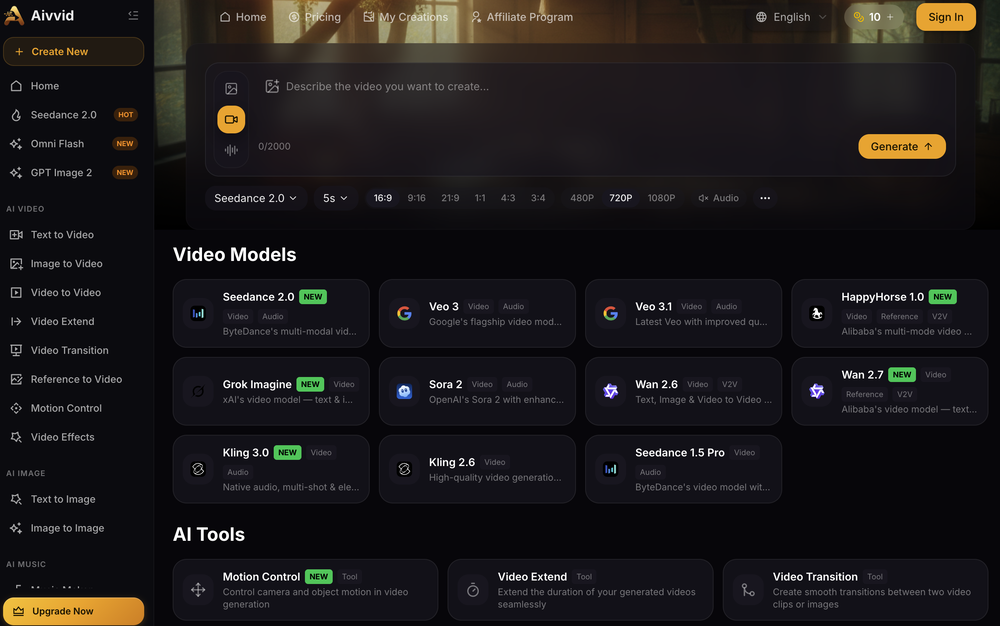
It has most popular video models on the platform
-
You can make video narrations in so many different languages and in any style you want! Awesome!
-
Discovery: Understand system purpose and needs. Preparation
-
- Generate AI Images with latest AI models incl. Google Nano Banana, Flux 2 etc - Generate AI Video clips with latest AI models incl. Google Veo 3.1, Sora 2, Kling etc - Updated AI video genie to generate explainer videos automatically
-
 Transform static images into animated videos instantly.OpenHi everyone! I'm the creator of AI Video Maker. It's completely free to use and doesn't require any signup. You can instantly generate unlimited 5-second AI videos from text or images. Great for testing ideas before upgrading to HD or commercial plans. Excited to see what you all create!
 -
-
it does only do one image per time i am looking for multiple images to video
-
Glitched output at best, that can’t even be exported unless you pay.
-
-
Thanks for the feedback. We would love to know more about your issue. Could you please provide more details at [email protected] ?
-
 OpenHey everyone, I’m Evaldas, co-founder of Guideless, the fastest way to turn any browser workflow into a polished, AI-narrated video guide in minutes. No screen recording. No tedious editing. Just turn on the extension, click through your process as you normally would, and instantly get a share-ready guide. We recently shipped a major update: a sleeker UX and new high-quality AI voiceover characters — making guides sound and feel more vibrant than ever. Give Guideless a try and see how effortless creating high-quality tutorials can be 🪄
 -
Been using CloneViral for my UGC ad campaigns and it's honestly a game-changer. The Agent Mode feature is what sold me - you basically describe what you want, and their AI agents collaborate to handle everything from scripting to final video. No more jumping between 5 different tools. The UGC Ads generator is surprisingly good. I can create authentic-looking user testimonials and product demos in minutes instead of hiring creators or spending days editing. Quality is solid enough that my clients can't tell the difference. Not perfect, but for the price and time it saves me, it's become essential in my workflow. If you're doing any kind of social media marketing or content creation at scale, worth trying out.
-
Amazing and very fast. 300 free credits a month is actually generous. Recommended!
-
-
-
-
-
VideoWeb AI is an useful AI tool for my video creation. I like the video to video feature that I can create the anime video with my videos.
-
Solid hub for socials. Schedules to a lot of platforms in one place with ai post ideas and short-form tools, plus a free tier to try things out. I like the planner and analytics, ui feels busy at first but once you learn the flow it moves fast.
-
"Trust us, it's good. You don't need to try before you buy" Is their motto. Pass on this one
-
# Semantic Search - use multi-modal semantic search across your entire video library to find key moments, objects in scenes, # Teams - Create organizations to share videos and analyses # Improved Analyses - Automated analysis of all uploaded videos, better AI models for bulk analysis, faster response times # Improved user experience - the UI is more polished and easier to use
-
I forgot to take videos on my trip, so I gave this a shot with just the photos I had. Surprisingly, it created a short clip that actually looked real, super cool. Just wish it didn’t take forever to render
-
Hey Ben, the images generated from your trained model are mostly going to be driven by the prompt you supply. Use words that describe the character. "A portrait photo of yourtokenword man with a beard, wearing a red shirt, sitting in a cafe" for example. Results should be great . Reach out to me on the sites chat or on the sites discord server with any questions or feedback.
-
-
This ai is insane, i recommended it to everyone. It's pretty fast, have alot of options and the cost of it is low for what it gave. Really good.
-
It can only capture a box in a page, but if the page is longer than the screen, and it has scrolling text, the tool cannot handle it wholly. Then the user has to scroll and do the job piece by piece, making this extension useless. I have also encountered several issues with extracting data from a web page with tables and pasting it onto an Excel file, the formatting was not kept and I have spent hours on portions of the texts just to be able to paste it into an excel file correctly. This last issue might be due solely to the web page I have tried the extension on, but the fact that the tool cannot capture the whole page, still stands.
-
Incredible generation quality, truly impressive!
-
 OpenThe features are incredibly comprehensive. I really love it — the AI videos I created got a ton of praise when I shared them. Likes galore!
 -
The AI property description tool works really well. I haven’t gotten around to using the poster feature yet, but all in all, it’s worth an 8 out of 10.
-
Hello Gilson, We disabled free credits because we observed many abusers. Could you please let me know more about the audio quality, surprised to hear this feedback. Thanks
-
-
-
Try making a product for other devices as well. Not everybody desires to be in the I-Cult.
-
Mega expensive (charged in euro). There's nothing for free...
-
👋 Hey TAAFT — Ahmed here, founder of Merra. Merra replaces first-round interviews with a conversational AI interview—real back-and-forth with clarifying follow-ups (not one-way video). You choose the voice, tone, language, questions, pass threshold, and duration. Review a match fit score with per area analysis and evaluation, plus the full video & transcript for transparency. Live today: Create → Invite → Review in minutes, brief candidate feedback by default, and GDPR-friendly defaults (video kept 30 days; transcripts per employer policy). Try it free (no card): 1 job • 10 interviews • 14 days → https://www.trymerra.ai. I’d love feedback on fairness & accessibility, review UX, and pricing/onboarding—I’ll be in the thread.
-
-
-
I couldn't really use it because it was more of an extension of ChatGPT. It asked for the API key, making it clear it wasn't an independent summarization tool. I feel like I could just go into ChatGPT and do the exact same thing. I'm looking for an independent platform focused on automatically summarizing and note-taking for students, but this seems more like an add-on rather than a standalone solution.
-
 Turn baby photos into talking podcast videos.OpenWow, The AI tool is so interesting for the AI talking baby podcast. I like it. Thank you for the AI
 -
-
i've been trying for almost an hour to check how this works. The See Demo page takes me to a "Ask me about Tesla" page? i just want to test your product, it shouldn't be this hard -_-
-
-
 AI-powered candidate screening with instant results.OpenGreat app! User-friendly design, smooth performance, and all the tools I need are easily accessible. Highly recommend!
 -
threw it at our dusty help center and it cooked. pulled context from tickets and updates and wrote clean articles and faqs. inbox got quieter fast. solid tool.
-
I’ve been using this tool for a while, and it’s made a huge difference. I now create 40–50 reels a month in half the time. It helps me generate videos automatically with realistic avatars, create images, edit clips easily, and see which types of content perform best. It really feels like having a creative team by my side.
-
LipSyncAI.net delivers the best lipsync quality I’ve tested so far. The mouth movements are natural, the timing is spot-on, and the results always look professional. I’ve tried several other platforms, but I keep coming back to LipSyncAI because it’s simply the most realistic and reliable. Highly recommended for anyone working with AI music videos or creative projects!
-
 Master YouTube growth and solve all related issues.Open
 -
 Open
Open











































































































































































































Post





