Go to section
Sponsor
 Flow - 4x faster than typing
🎤 Dictation
Flow - 4x faster than typing
🎤 Dictation
The front page of AI.Used by 90M+ humans.

TAAFT Tutorial
Generate image
Tasks
Generate text
Free mode
Trending
Leaderboard
Characters
 Mini tools
New
Featured
Lists
Agents
Requests
Jobs
Map
Newsletter
Starter pack
Free tools
Speech to text
Text translator
Remove background
Settings
Edit profile
My tools
Gallery
Dashboard
Inbox
Get featured
Contact TAAFT
For you
Popular
Job impact index
Most saved
Affiliate program
Submit AI tool
Notification preferences
Glossary
Home
Timeline
My profile
Create tool
Deals
Companies
Models
Robots
Papers
Fundraises
Repositories
Devices
Organizations
Events
Prompt Pack
Merchendise
APIs
Features
Tools
Countries
Collections
Videos
Mini tools
New
Featured
Lists
Agents
Requests
Jobs
Map
Newsletter
Starter pack
Free tools
Speech to text
Text translator
Remove background
Settings
Edit profile
My tools
Gallery
Dashboard
Inbox
Get featured
Contact TAAFT
For you
Popular
Job impact index
Most saved
Affiliate program
Submit AI tool
Notification preferences
Glossary
Home
Timeline
My profile
Create tool
Deals
Companies
Models
Robots
Papers
Fundraises
Repositories
Devices
Organizations
Events
Prompt Pack
Merchendise
APIs
Features
Tools
Countries
Collections
Videos
Mini tools
New
Featured
Lists
Agents
Requests
Jobs
Map
Newsletter
Starter pack
Free tools
Speech to text
Text translator
Remove background
Settings
Edit profile
My tools
Gallery
Dashboard
Inbox
Get featured
Contact TAAFT
For you
Popular
Job impact index
Most saved
Affiliate program
Submit AI tool
Notification preferences
Glossary
Home
Timeline
My profile
Create tool
Deals
Companies
Models
Robots
Papers
Fundraises
Repositories
Devices
Organizations
Events
Prompt Pack
Merchendise
APIs
Features
Tools
Countries
Collections
Videos

▼ Latest
Pdfs
Free mode
100% free
Freemium
Free Trial
Featured matches
-
 DavidRFeb 27, 2026@Wonder WispCool idea and nice read for my kids!
 -
-
-
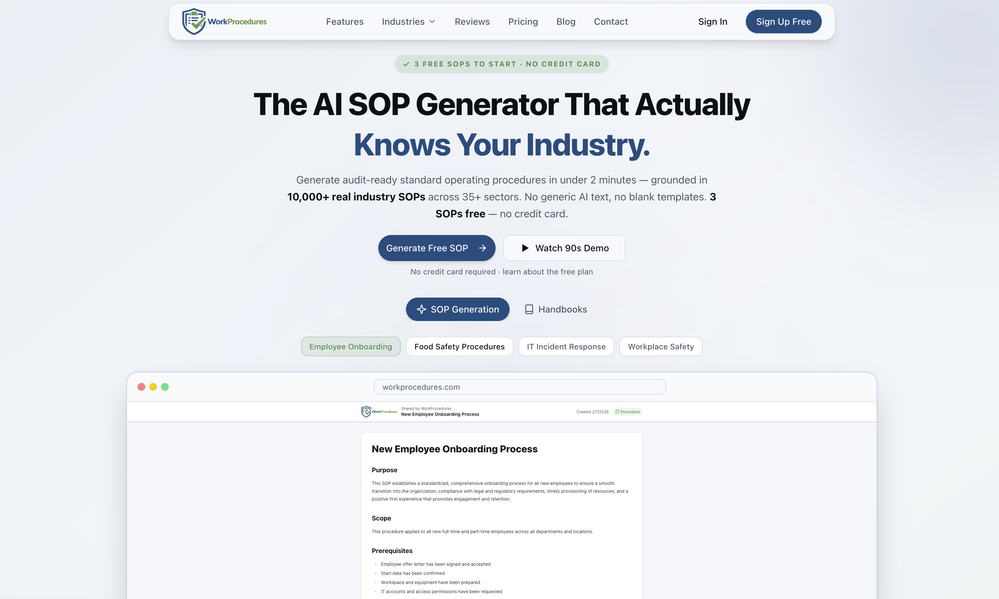
-
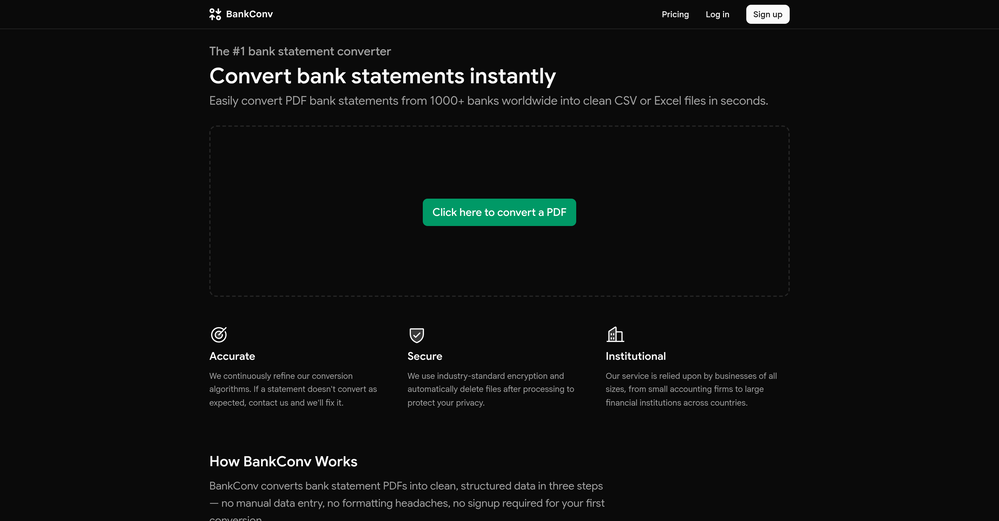
-
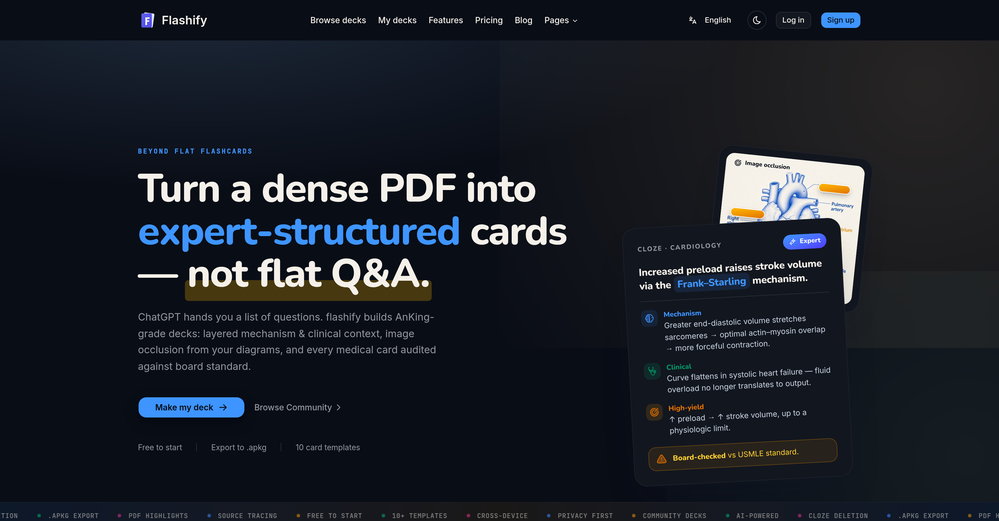
-
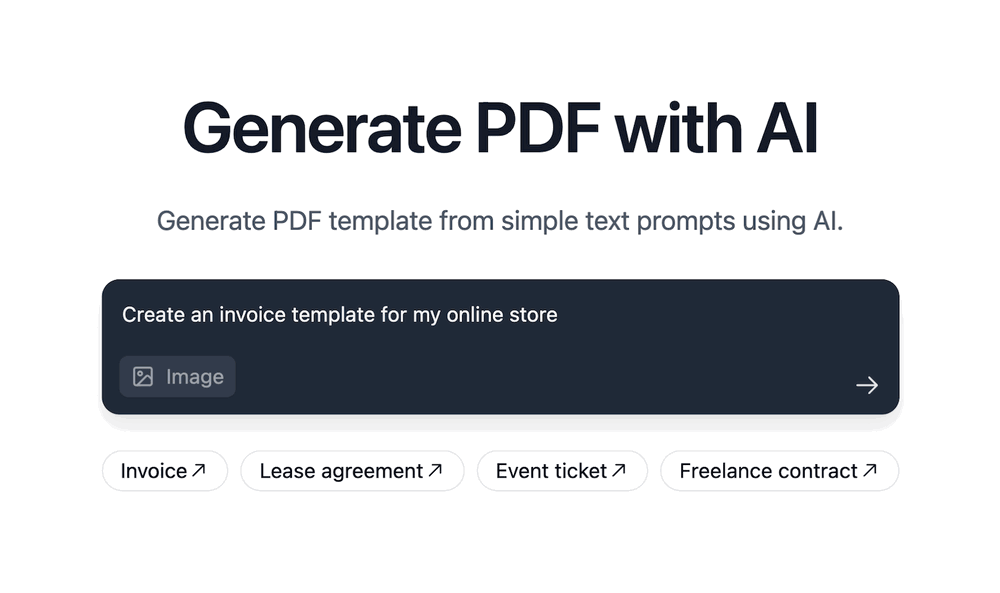
-








Verified tools
-
 Open
Open -
It helped me save so much time! Thank you to whoever made this.
-
- SponsorFlow - 4x faster than typing🎤 Dictation
-
Not what I expected. The roblocks stuff. When you say PDF to video, I was expecting whatever the PDF says there would be an animation or cartoon or something visually animated going on.
-
This AI PDF Summarizer worked really well
-
 OpenUnable to tried its functionality as its keep asking to pay
 -
-
-
The translation is good enough. It's free, so waiting longer for the result is not a problem
-
I’ve been using Collate to go through technical PDFs, and it’s been surprisingly handy. Summarizing docs and being able to ask questions directly saves me time, especially when I’m skimming through research or API references. No sign-ups, works offline, and everything stays on my device — which I appreciate.
-
 Free text-to-audio reader for PDFs, web pages, URLs, and even paper books.Open
 -
Hi everyone. 👋 I created Ozigi because I was tired of seeing AI slop in content all over the internet, from social media posts to long-form content. Ozigi operates on two principles: 1. We eliminate AI slop words from your content, using a banned lexicon feature that filters common/known AI words or structures from getting into your content. 2. We encourage a human-in-the-loop philosophy. We do not believe in mindless automation that values quantity over quality. We value quality, and that is why it is important to us to make sure that you--a human--reviews the generated content first before setting it up for publishing. Ozigi does more than just social media content. It generates email newsletters and blogppsts as well.
-
 No-code AI agent for your website, trained for your business data.Open
 -
 Extract structured data from images and PDFs into usable tables with AIOpen
 -
Great App! Comes in handy to generate questionnaires or quizzes out of specific topics from PDFs and scanned notes. If you are looking to boost kids performances either as a parent or a teacher then this is the app. Try it to believe it!
-
Decent if you have a bunch of highlights sitting in your kindle that you never go back to. It pulls them in and groups them by theme which is honestly more useful than I expected. Wish it worked better with PDFs though, that's where I do most of my reading and the import was a bit hit or miss for me. Still gonna keep using it for the kindle stuff.
-
No answer. I sent the documents several times and got no reply.
-
Smartexam is disappointing compared to other quiz tools. The paid version is more expensive than competitors but lacks key features. It doesn’t adapt to different student skill levels, offers no tutoring support, and you can’t navigate back and forth during quizzes. Also, the answer format makes it too easy to guess the correct choice. Not worth the price.
-
 Read aloud PDFs, GDocs, & more using text-to-speech to boost productivityOpengreat app, in school that is fully online to career switch and this app has really saved my degree. it helps me do all my assigned readings alongside my busy job, and has been a lifesaver.
 -
 Chat with any PDF, ask questions, summarize and extract insights effortlessly.OpenThe maximum number of pdf pages for the free tier is 10, which is a bit small. Generally, I think people need this service for pdf documents over 50 pages or so.
 -
I’ve been using it for a month now and I have decided to keep it for a year. There definitely are some kinks they can still work out like file management, but it’s very good at it’s core function: it generally does a good job answering questions and most times identifies PDFs automatically and correctly. The browser plugin works great, and it’s very nice that Papers allows you to add your university’s library API so you can automatically download PDFs that are accessible through your institution (sometimes it refuses to download some papers, so you just have to downlow it yourself and manually add it). The iPad and Android apps are serviceable. Every once in a while it will mess up the PDF identification, especially with papers from either very old sources or online-only journals. Things they must work on: * A much better system to annotate PDFs (the post-it type notes are cumbersome). * Introduce a notepad attached to each PDF or some way to easily link and save the AI’s output to the PDF. Currently, you have to add a little post it note and then paste the text there. * Keep the AI answers available after closing the documents. If you close the document by mistake or have several open and wish to close some, the ai conversation will be reset. * I REALLY wish that you could get citations and links to where the info was from extracted from PDFs. Currently, I have found Coral.ai does a much better job of showing you where the info came from and it even highlights it for you. Give it a try, their 30-day no credit card needed trial allowed me to truly test it, and now I’m a yearly subscriber looking forward for new additions and releases.
-
Process patient referral documents way faster now. Pulls key medical history and relevant details instantly instead of me scanning through pages. Still review everything carefully but it flags what matters first.



























Other tools
-
 Open
Open -
Great for skimming research papers and reports
-
Although not very detailed, the key points are almost all included. Not only can PDFs be uploaded, but other text files as well, and can be translated into the specified language, Overall, it's quite practical!
-
very useful AI tool for those who need to work with pdf docs. Thnak you very to the team for offering it free
-
- Didn't find the AI you were looking for?
-
 Transform ideas into compelling copy instantly.Open
 -
Nice interface, but no good at PDF answers, especially tables data.
-
 Open
Open -
First week is free (hence 3 stars when it would have been 1 otherwise) then you have to pay £81 / year or £9 / month which for a light or occasional user is very expensive. There really needs to be a sensible ’document limit’ to back up the very good trial period.
-
 Open
Open -
 Convert audio and video to text with AI precisionOpen
 -
It may have been a temporary problem, I tried it now and had no issues. I recommend trying again
-
 Experience the power of realistic AI voices that can effortlessly read aloud webpages, EPUBs, PDFs.Open
 -
There is no way to tell how good this AI Text to MP3 service is without paying up front. Maybe it's good, maybe it's not.
-
Highly recommended. It saves a lot of time. Their PDF chat feature is very user-friendly.
-
Only extension that Worked well for large PDFs for Free.
-
They started charging for documents , Please change from no pricing to freemium
-
Works really great and easy way to create a chat bot but .Ost importantly to control the Questions and Answers
-
why does it continue to bring captcha needed when i am first trying out the AI, im so disappointed
-
-
Good to use even for free. Gives answers related directly to the info in the document, along with references to pages where it can be found. Also does well at analyzing graphs and charts
-
Not bad, its freemium and the feature is good like private pdf and support OCR
-
Way better than most Chat with PDF tools I tried
-
 Assists with PDF and template formatting for a professional look.OpenThough doesn't format pdf correctly, however saved my time, so far good tool
 -
 Your ultimate learning partner: summarizing documents, interactive learning, and test design.Open
 -
 Open
Open -
 Creating interest-based writing exercises for young learners.Open
 -
A good app that let me reset some metadata on a pdf to keep the author name private. I'm going to try to use it for other things as well. It was also able to find a way for me to re-download the pdf after the modification, when the default way would not work. Very handy!
-
Unfortunately I just cannot get this to process any PDF I upload - it just fails. Tried editing source to exactly their recommendations, and no go. Keep getting errors. Would love to have this work. Tried to contact developer. Any suggestions welcome.
-
 Transforming academic PDFs into understandable content.Open
 -
 Creates top-tier real estate copy from photos, PDFs, and the internet.Open
 -
 Finds and summarizes scientific papers, accepts PDFs and DOIs.Open
 -
 Expert in systematic review and data extraction from PDFs.Open
 -