TAAFT Tutorial
Generate image
Tasks
Generate text
Free mode
Trending
Leaderboard
Characters
 Mini tools
New
Featured
Lists
Agents
Requests
Jobs
Map
Newsletter
Starter pack
Free tools
Speech to text
Text translator
Remove background
Settings
Edit profile
My tools
Gallery
Dashboard
Inbox
Get featured
Contact TAAFT
For you
Popular
Job impact index
Most saved
Affiliate program
Submit AI tool
Notification preferences
Glossary
Home
Timeline
My profile
Create tool
Deals
Companies
Models
Robots
Papers
Fundraises
Repositories
Devices
Organizations
Events
Prompt Pack
Merchendise
APIs
Features
Tools
Countries
Collections
Videos
Mini tools
New
Featured
Lists
Agents
Requests
Jobs
Map
Newsletter
Starter pack
Free tools
Speech to text
Text translator
Remove background
Settings
Edit profile
My tools
Gallery
Dashboard
Inbox
Get featured
Contact TAAFT
For you
Popular
Job impact index
Most saved
Affiliate program
Submit AI tool
Notification preferences
Glossary
Home
Timeline
My profile
Create tool
Deals
Companies
Models
Robots
Papers
Fundraises
Repositories
Devices
Organizations
Events
Prompt Pack
Merchendise
APIs
Features
Tools
Countries
Collections
Videos
Mini tools
New
Featured
Lists
Agents
Requests
Jobs
Map
Newsletter
Starter pack
Free tools
Speech to text
Text translator
Remove background
Settings
Edit profile
My tools
Gallery
Dashboard
Inbox
Get featured
Contact TAAFT
For you
Popular
Job impact index
Most saved
Affiliate program
Submit AI tool
Notification preferences
Glossary
Home
Timeline
My profile
Create tool
Deals
Companies
Models
Robots
Papers
Fundraises
Repositories
Devices
Organizations
Events
Prompt Pack
Merchendise
APIs
Features
Tools
Countries
Collections
Videos

▼ Latest
Ai text extraction
Free mode
100% free
Freemium
Free Trial
Featured matches
-
-

-
-
-

-
-

-
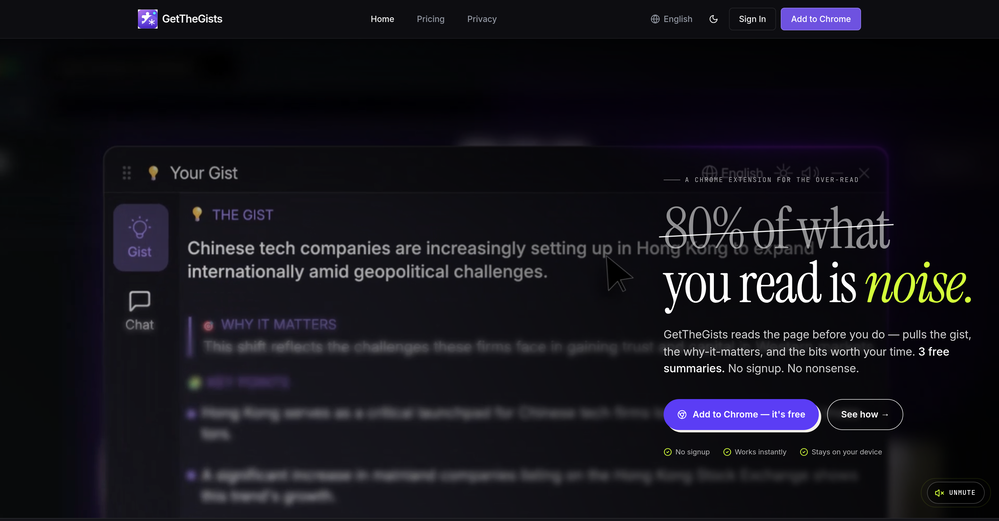
 GetTheGists🛠️ 1 tool 🙏 2 karmaMay 13, 2026@GetTheGistsThis started from a small frustration that wouldn't go away: I'd open 12 tabs for "research," skim none of them properly, and close my laptop feeling more behind than when I started. The web rewards reading speed, not reading depth — and I wanted a tool that flipped that. So I built GetTheGists: a Chrome extension that gives you the gist of any page in 3 seconds, then lets you ask follow-up questions like you would a smart friend who already read it. A few things we went out of our way to get right: - Cognitive hierarchy, not walls of text. Every summary is structured as Gist → Why It Matters → Key Takeaways → Implications. Compression before precision. - Ask, don't just read. Hit the page with follow-ups, get answers grounded in the content. - 20 languages, full dark mode, and a resizable side panel that actually respects your screen. What surprised me building this: the hardest part wasn't the AI — it was deciding what not to show. Every iteration was about removing a section, not adding one. It's free to try (Premium and Pro tiers if you want higher limits). I'd love your honest feedback — especially on the summary format and where it falls short on your favorite kind of page. I'll be in the comments all day. Thank you for taking a look 🙏
 -
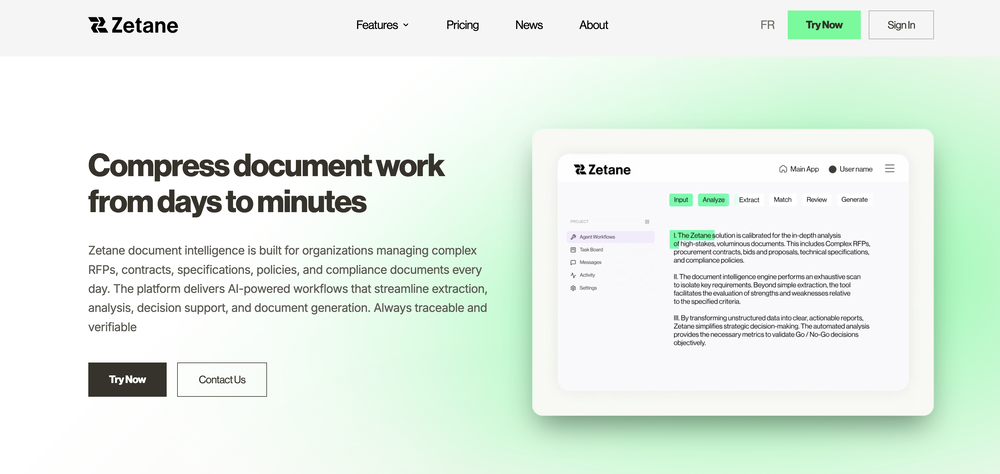 The Zetane AI platform helps me and my small marketing team produce like a team ten times our size while maintaining high quality. I can research through giant threads of emails, messages and threads and gain insights citing the exact place the insights come from. It works great for organizing our tasks and keeping our team collaborating in one central space.
 -











Verified tools
- Sponsor
 Tripo AI 3D Generator
 -
This app now supports both iOS & macOS: https://whispernotes.app
-
SheetAI was very handy in sorting, fixing and all sorts of tools. This tool is also well documented, so if you need help figuring something out, chances are they will have the info you need.
-
 OpenI love this extension, mobile app and desktop software! I use it everyday and everywhere. Generated text are amazing. Well done to the team and continue your incredible work! For me, Voilà is the best AI assistant, copilot and AI writer on the market. I stopped my ChatGPT plus subscription since I discoverer it.
 -
 Extract Wisdom from Any Link -- 6 AI Models, Haiku 4.5 SynthesizedOpenExtract wisdom from YT, websites, PDFs, any link. Multiple models catch what single perspectives miss. Organized thematically. Honest about uncertainty. Built for understanding, not compression. All feedback welcome!
 -
 Open
Open -
 No-code AI agent for your website, trained for your business data.Open
 -
 Debating AI models, tireless agents, and workspaces. Unlocked, pay-as-you-go.Open
 -
 Extract structured data from images and PDFs into usable tables with AIOpen
 -
PDF Digest is a helpful AI tool that makes working with PDF files easier and saves time.
-
-
 AI-native OCR platform, 95%+ accuracy, zero prompt engineering, flags uncertain fields.OpenWe are a team of founders who worked before in data extraction, with traditional manual review of each document to check accuracy / errors. We are so excited about AI and the new LLM models because we have created DeepRead using those and the accuracy is 95% and we flag uncertain fields so no one has to manually review entire documents (whew), only the exceptions! We hope you try it out and please share your review, comments and feedback. Looking forward to hearing from users!
 -
Great platform to increase your productivity. The infographic generator is my favorite tool.
-
 Transform unstructured documents into actionable data instantly.Open
 -
 vocal remover, remove vocal, vocal remover online free, vocal remover AIOpen
 -
YouTube to Doc is freaking awesome! Total lifesaver for turning videos into text. Just paste the URL → boom, you’ve got a doc. Perfect for notes or quotes. 10/10 recommend!
-
This AI PDF Summarizer worked really well
-
 Open
Open -
 OpenUnable to tried its functionality as its keep asking to pay
 -
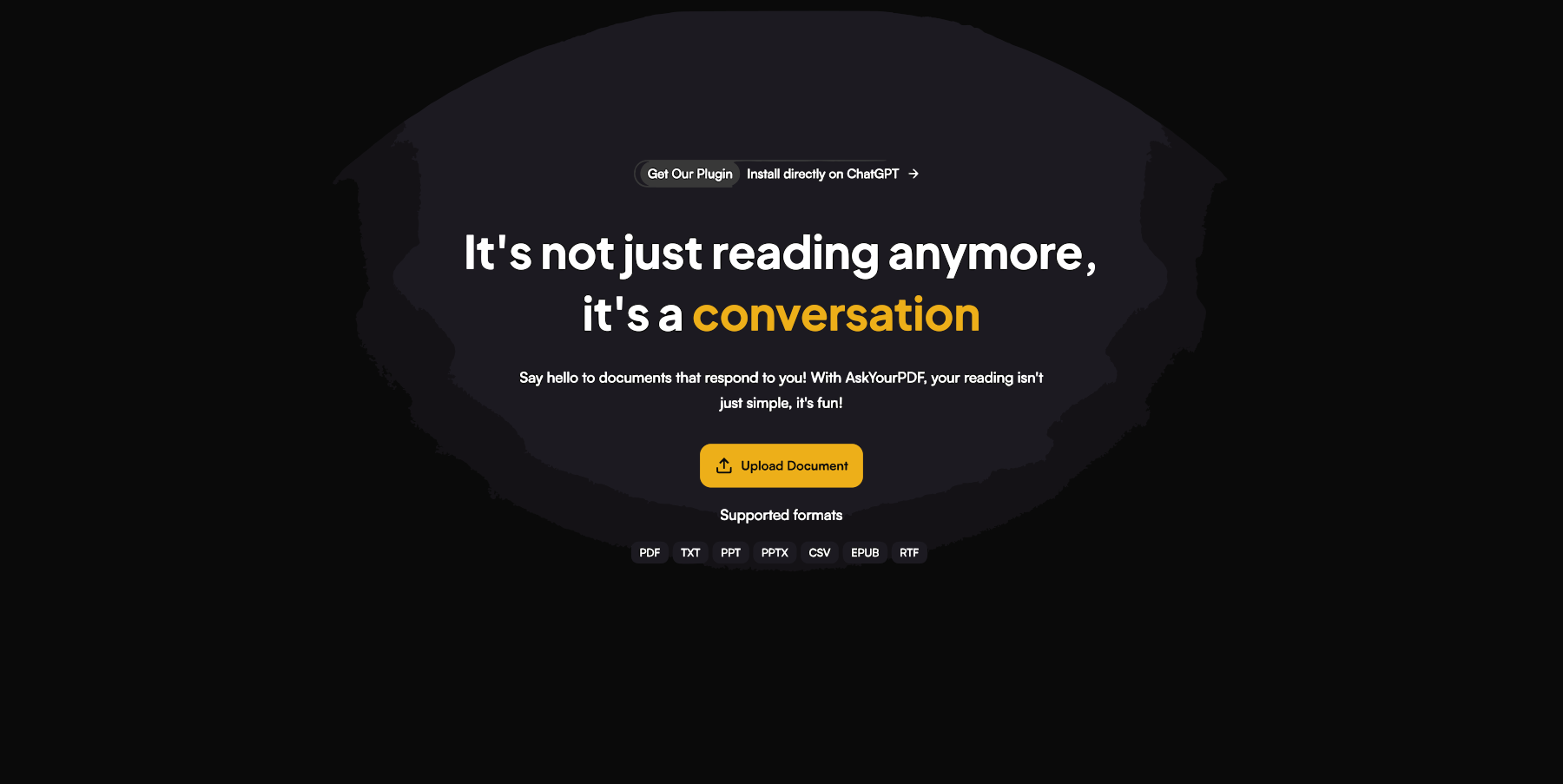
 Chat with any PDF, ask questions, summarize and extract insights effortlessly.OpenThe maximum number of pdf pages for the free tier is 10, which is a bit small. Generally, I think people need this service for pdf documents over 50 pages or so.
 -
 Summarize any webpage portion with ChatGPT.Open


































Other tools
-
 Convert YouTube videos to text fast and freeOpenHands down the best ai tool for content creators. Their free YouTube transcriptor is always on point
 -
It can only capture a box in a page, but if the page is longer than the screen, and it has scrolling text, the tool cannot handle it wholly. Then the user has to scroll and do the job piece by piece, making this extension useless. I have also encountered several issues with extracting data from a web page with tables and pasting it onto an Excel file, the formatting was not kept and I have spent hours on portions of the texts just to be able to paste it into an excel file correctly. This last issue might be due solely to the web page I have tried the extension on, but the fact that the tool cannot capture the whole page, still stands.
- Didn't find the AI you were looking for?
-
-
its good, but uses a credit system and needs premuim
-
 Intelligent browser assistant for deep content analysis and instant translations.Open
 -
-
Way better than most Chat with PDF tools I tried
-
I've tried several Youtube summarizers and this is...by far...the best.
-
While it does write your notes it only transcribes no audio. and it doesn’t even allow for you to update the title or a description of the recording. Lastly, the section items section doesn’t work.
-
I have been using ProNoto for over an year, the extension has helped a lot with my meetings and presentations.
-
It's like 12ft.io with summaries. I haven't tested it for long, but I'm hyped about this!!
-
It just said error, try again later over and over again
-
I couldn't really use it because it was more of an extension of ChatGPT. It asked for the API key, making it clear it wasn't an independent summarization tool. I feel like I could just go into ChatGPT and do the exact same thing. I'm looking for an independent platform focused on automatically summarizing and note-taking for students, but this seems more like an add-on rather than a standalone solution.
-
Good to use even for free. Gives answers related directly to the info in the document, along with references to pages where it can be found. Also does well at analyzing graphs and charts
-
 Open
Open -
I have used this for several personal assistant applications and it works amazingly. Obviously it is still restricted to the flaws of any model you are using it with, but the ability to constrain prompts is incredibly helpful (especially when it comes to getting things like JSON format from the AI).
-
They started charging for documents , Please change from no pricing to freemium
-
Not particularly useful and expensive at the same time. Don’t waste your time or money.
-
Such an impressive platform for all of us who are looking for more efficient ways to do the investigation. OpenRead has the potential to solve our problems.
-
Nice interface, but no good at PDF answers, especially tables data.
-
I couldn't use it because it wouldn't let me upload a PDF file, so I can't really review it properly. This tool would work best with audio files. For example, if your teacher gave you an assignment in a PDF file, you wouldn't be able to use it. Until it enables that feature, it's not very useful for students. However, it is useful if you're incorporating audio.
-
-
-
-
I wasn't able to use this one (I have my API key)
-
easy to pick up and you get a few free file imports. it gives you results pretty fast, unfortunately i can't find a way to get back to these, they're locked behind the paid service.
-
Inscrivez-vous, c'est gratuit! 9h41  Qu’est-ce que Playtext ? Playtext transforme n'importe quel texte en livre audio et vous aide à lire 3 x plus rapidement. Nous extrayons le contenu et le présentons dans un environnement sans distraction tout en utilisant l'IA pour générer des voix humaines qui lisent le texte à haute voix. Avec Playtext, vous pouvez lire à un rythme qui vous convient, que ce soit 1x, 2x ou même 3x la vitesse. Vous pouvez entraîner vos oreilles à lire jusqu'à 3 fois plus vite avec une utilisation régulière ! Pour accélérer les choses, appuyez simplement sur l'icône . Et le meilleur ? Vous pouvez toujours comprendre tout ce que vous lisez, même à des vitesses plus élevées. En effet, Playtext vous permet de lire et d'écouter en même temps, ce qui améliore considérablement la rétention et la compréhension du contenu. Donc, si vous cherchez une nouvelle façon de profiter de vos articles préférés et d'améliorer votre vitesse de lecture, essayez Playtext. Vous pourriez être surpris de voir à quel point vous allez l'adorer !
-
Think its a fab tool but why wont it allow you to save your workflows?
-
Pretty handy, not always helpful since sometimes notes are not in a simple text format, but it does the job
-
 Open
Open -
 Ethically find domain emails, keeping methods confidential.Open
 -
 Translate document photos into your desired language.Open
 -
 Open
Open -
 Open“Dear Doc, did you prescribe me a medicine… or just call me an Aphashole?”
 -
A ai which make pdf from a yt video. Very accurate
-
 The ultimate tool for regex command pattern matching and data extractionOpen
 -
 Open
Open -
 Open
Open -
 Extracts and explains key insights from online articles, blog posts, and files.Open