
 Mini tools
▼ Latest
Auto caption
Free mode
100% free
Freemium
Free Trial
-
 Kevin🙏 1 karmaDec 8, 2023@AutoCaptionWonderful product


Featured matches
-
 AI browser assistant for intelligent automation.Open
-
 As a student juggling classes and deadlines, this tool is a lifesaver. It helps me stay on track without having to manually check everything.
 -
-
 it integrates so well with my workspace, could be more responsive though!
 -

-
 AI agents deliver 10x faster test management.Open
-
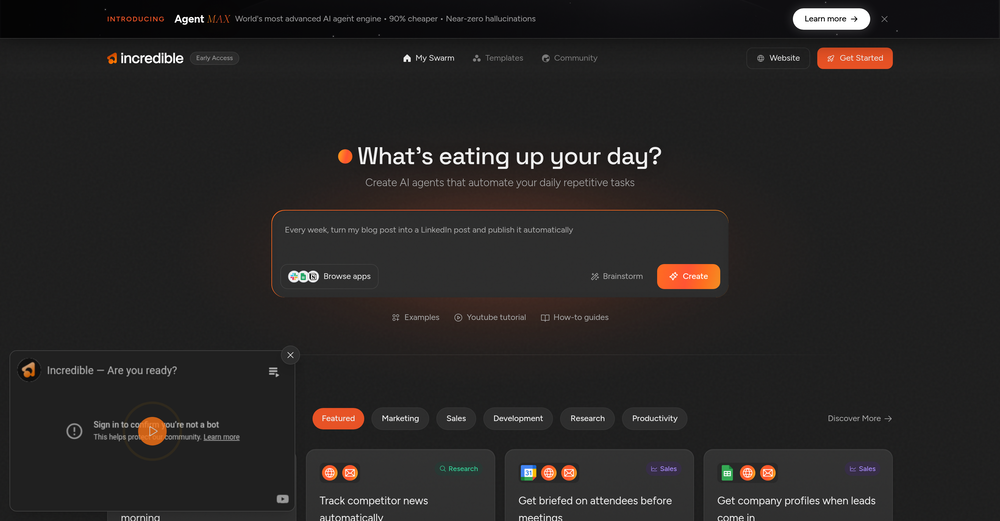 super reliable and fast to build agents that automate in the background for me! i like the daily *help me prep for my meetings* agent alot!
 -
 I work on the Tendem team, so take this with that context — but I also use the product constantly for my own work. I've used Tendem to research AI directories — finding relevant ones, pulling submission requirements, organizing everything into a spreadsheet I could act on. I've also used it for copy edits — sending over drafts and getting back tightened, polished versions without going back and forth with a prompt ten times. The thing that keeps me coming back is how little I have to think about the handoff. I describe what I need, send it, and move on to something else. It's slower than getting a ChatGPT response, sure. But I get something finished — not a starting point I still need to rework. When you use AI tools for this kind of work, you trade waiting time for cleanup time. Tendem flips that. I'd rather wait and get a result I can use than get a fast draft I have to fix myself.
 -
-
 Insanely easy to use yet reliable automation tool. Recommend to give it a try.









Verified tools
-
Thanks for noticing this Tyler, we really liked the idea of getting back to lifetime one-time purchases. Alice is a desktop app and it doesn’t use our cloud resources much, so this should be also feasible for the long run. Please, give Alice a try, you won’t regret it!
-
 Openthey only allow work email as of now
 -
 Chain AI tasks with no-code into workflows for chatbots, video, documents, andOpenThis tool removes all of the prep work of getting an LLM API endpoint running. I can try out ideas quickly and see within minutes whether an endpoint concept actually works. And when it does, moving it into a production app is about as easy as it gets.
 - Sponsor:
 Base44💻 Vibe coding
 -
 Open
Open -
Introducing Lindy Assistant: It reads your email, drafts replies in your voice, manages your calendar, preps you before every meeting, takes notes during, and handles the follow-ups after. Not just words: real action that saves you time and buys you peace of mind, day in, day out. What Lindy Assistant does for you: There is an immense difference between a chatbot that can give answers and an AI assistant that knows you and proactively moves work forward: - Your inbox is under control before your coffee. Lindy triages what matters, drafts replies that sound like you, and flags only what needs you. You review, and you send. You may have the same experience as many Lindy users, who start off by thinking that they are the ones who wrote these drafts — because they're that good. - You walk into every meeting prepared. Lindy pulls context from past emails, previous meetings, and your calendar so you know who you're talking to, what was discussed, and what's at stake. No more scrambling five minutes before a call. - Meetings end, work keeps moving. Notes captured, action items identified, follow-up emails drafted and ready to send. What used to slip through the cracks now happens automatically. - Scheduling just stops being a thing you do. No more back-and-forth. Lindy handles availability, time zones, and preferences. Meetings land on your calendar without you touching it. - Nothing falls through the cracks. Every conversation and commitment is recalled instantly. Ask Lindy what you discussed with a client three weeks ago and get the answer in seconds. Proactive and personalized: Lindy constantly works its magic in the background. It learns how you write, how you prioritize, and what your day looks like — then starts anticipating what you need before you ask. Drafts get better. Prep gets more relevant. Follow-ups stop slipping. The more you use it, the less you have to. Enterprise-ready security: Lindy is built for teams. SOC 2 Type II, GDPR, HIPAA, and PIPEDA compliant. You control what connects, what Lindy can access, and all data stays encrypted. No trade-off between getting time back and keeping things secure. Get started in two minutes: Connect your inbox. Let Lindy triage what needs attention and draft your replies. Then ask it to prep you for your next meeting. Within a day, you'll wonder how you worked without it. Lindy Assistant is live now. Try it at Lindy.ai.
-
New Features 🚀 Ace Max Agent Introducing Ace Max alongside our existing agent versions (Fast and Think) — built for complex reasoning across multi-dimensional tasks. Ace Max handles multi-step workflows that require planning, research, creation, and delivery in a single conversation. 🔌 Connectors Connectors library with 40+ pre-built connectors including: - Gmail - Google Drive - Notion - Supabase - Calendar - Outlook - And more... Key Features: - Add custom MCP servers as connectors to plug in any tool or API - Filter tools to limit access to specific actions per session - Context-efficient design — add as many as you need without worrying about context bloat 🛝 Presenter View for Slides Professional presentation mode with advanced controls: - Multi-window setup — presenter view in one window, slide view in another with real-time synchronization - Interactive cursor tools — laser pointer, arrow, and other cursor types that broadcast across windows - Presenter notes — AI-generated speaker notes with inline editing, resizable panels, and auto-sync - Timer controls — built-in timer with pause/reset functionality - Autoplay mode — configurable auto-advance with adjustable duration - Slide navigation — thumbnail preview, keyboard shortcuts, and progress tracking - Publishing — share slides via public URL for remote viewing 📄 File Publishing and Editing - Publish any file to a public URL — share with anyone, access from anywhere - Edit files inline in the smart editor with changes synced to the agent in real-time - Redesigned workspace sidebar with improved file navigation and management ⏮️ Rewind Rewind any session to any previous message: - All files, context, and agent state are fully restored to the rewind point - Branch your session in a new direction from any point in the conversation history 🎤 Audio and Input Experience - Audio input support — dictate prompts using the microphone - Prompt enhancement with `Cmd/Ctrl + Shift + E` to refine your prompts before sending - Quick file picker (`Cmd/Ctrl + U`) - Drive import (`Cmd/Ctrl + Shift + U`) - Command palette (`Cmd/Ctrl + K`) for power users 🌐 Web App Previews - Significantly stabler previews with fixed race conditions, stale content, and server restoration issues - In-preview navbar to quickly navigate between pages of your app - Inspect mode — select any element directly on screen and ask the agent to modify it visually - Cloud integration — connect your Supabase account in a few clicks and build full stack web apps with authentication, database and cloud storage, all managed by the agent. 🧭 Explore and Navigation - Recent sessions sidebar with quick actions to switch between sessions or start new ones instantly - Explore section with detailed capability guides to discover everything Raccoon AI can do - Focused in-session experience with updated tool output UI and performance improvements - Connect your web app to cloud hosting anytime during a session 🌍 Localization Raccoon AI now supports 7 languages natively across the entire platform. And you can work with the agent in any language including these 7. Bug Fixes and Stability - Fixed session listing delays - Fixed stale file previews - Fixed missing files - Fixed delayed UI updates - Autoloading knowledge bases when tags are present in queries - Unified and optimized image handling across the agent - Improved media generation tools and media knowledge bases - Fixed system prompt propagation for API users
-
 OpenFast, Easy to use and makes repetitive tasks easy
 -
By far the best test automation platform! I no longer waste hours writing test code—this AI handles everything. When something breaks, I can see it instantly and fix it. My productivity has easily doubled since I started using it!
-
-
Use full workspaces multiple people can use this ai
-
Generating captions was super fast like seconds. Wish they had Anton font though
-
Thanks! So happy to hear you're liking FlowPost.
-
Solid hub for socials. Schedules to a lot of platforms in one place with ai post ideas and short-form tools, plus a free tier to try things out. I like the planner and analytics, ui feels busy at first but once you learn the flow it moves fast.
-
It's really frustrating when you try to select something you want, only to be immediately redirected to a subscription-based payment model. There's no opportunity to even test things out, which kills the enthusiasm right away. It seems like everything is geared towards subscriptions nowadays, and it's a turn-off. Companies should prioritize transparency and give customers a chance to try out products before committing to a subscription. Practices like these erode consumer trust and deter many potential customers.
-
 Powerful speech-to-text tool for video captions, subtitles and audio transcription.OpenGreat product, very useful for captioning a large volume of influencer videos at work, highly accurate transcription tool, would recommend.
 -
 Add accurate, multilingual subtitles to videos - fast, right in your browser.OpenThis one is CRAAAAAZY! drop your MP4/MOV, it locks captions to speech cleanly (also multi-language), the in-browser editor is solid and you can either export SRT for youtube or burn the subs in shorts with a couple clicks. it's a W for creators :D
 -
 Open
Open






























Other tools
-
 Industrial automation solutions for enhanced performance and protection.Open
 -
-
I started with OpenClaw on a sandboxed environment on my Mac, but now trying ZeroClaw on a very old Thinkpad with Ubuntu. Feels more non-dev friendly and seems to handle security better.
-
Feels like an important moment in consumer AI. I installed it this past weekend and played with it a bit (in a sandboxed environment). Still rough around the edges, but feels like it will become something big. Onwards!
- Didn't find the AI you were looking for?
-
This AI automation tool is fantastic! It has saved me so much time by handling my daily tasks efficiently. It's incredibly user-friendly and integrates seamlessly with other software. Highly recommended for boosting productivity!
-
 Open
Open -
-
I've used it for personal finance transaction categorisation to sort out my bank statements transactions before import to Quicken. It has been amazing so far and today is just day 1!
-
Thanks for including us! Please reach out if you have any requests for improvements!
-
-
-
Link ends up going to OpenAI website, and login and integration with APIs are required. Lots of set-up and not what was expected.
-
Keploy is a great tool for simplifying API testing. It makes it easy to generate test cases and mocks automatically, saving a lot of time and effort. The integration is smooth, and the features are really helpful for improving test coverage quickly.
-
 Open
Open -
the tool charges per response not result, simply the 100 gratuity credits keeps decreasing every time i try to correct the action taken backend, may be i am stupid but if i am uploading a photo that cannot be altered in horizontal view, the tool should notify me that the outcome will be wrong due to the reference image, what really happened is that i was charged, the result even after i requested correction was the same for 3 times. and guess what the script was complete and i literally requested the assets to be added since i had none, the tool promised to get assets and show a preview,, but after charging ofcourse and again the result was wrong.. not recommended sorry!
-
Great app, it helped me reach more people with my posts, I noticed an increase in the number of likes of my posts after I started using this app. Highly recommend it.
-
It is absolutely a game-changer in terms of providing stylish captions to your videos
-
 Open
Open -
it's good. but is not totally free. there's a limit of captions you can run daily.
-
tried it on a pic of my cat pedro wearing glasses and it cooked up a full on storyline like he's some retired tech genius or something 😂 lots of options to mess around with. another W tool added to the list.
-
-
 Generate engaging social media captions with AI.Open
 -
Hey there! Quick question — did you already purchase the subscription and it’s not working, or were you just assuming that because there’s no free trial? Just want to make sure I understand where you’re coming from.
-
It doesn't create the subtitles and it doesn't let you upload them. You can only create them manually
-
AutoEditor is a tool powered by AI that allows users to create highly customized short videos. It is primarily designed to make video editing easier and more efficient, thus enabling users to focus more on content creation. Distinct features include the automatic generation of subtitles in more than 40 languages, detection of silence or non-relevant content in videos, and the ability to enhance videos by adding b-rolls, watermarks, and other effects. The platform provides an easy-to-use interface for video editing, putting users in complete control of their content. Users can change text, styles, and various other aspects of their videos without prior knowledge in video editing. Furthermore, AutoEditor supports editing of long videos, which can be broken down into smaller parts without pre-cutting them. Videos for editing can be directly processed from YouTube, eliminating the need for separate downloading websites. Users can also customize their captions, save their unique styles as presets, and create videos with a few simple clicks for a fast editing experience. AutoEditor's pricing is designed to be simple and affordable, with plans tailored to suit different needs. Users can also access a free tier to get started. Flexibility is one of its key advantages, providing users the means to edit their videos exactly how they want them. The software works best with videos containing any type of voice or talking, such as podcasts, talk shows, documentaries, educational videos, or speeches.
-
 Assists in document management, creation, and summarization.Open
 -
 Integrating Textwell with iOS for complete automation.Open
 -
 Integrating smart devices for efficient homes.Open
 -
 Improves efficiency and productivity through automation solutions.Open
 -
 Open
Open -
 Providing Automation QA interview prep and mock interviews.Open
 -
 Guide on customer service best practices and terminology.Open
 -
 Offering business automation advice and coding assistance.Open
 -
 Discover opportunities to save time with automation at work.Open
 -
 Open
Open -
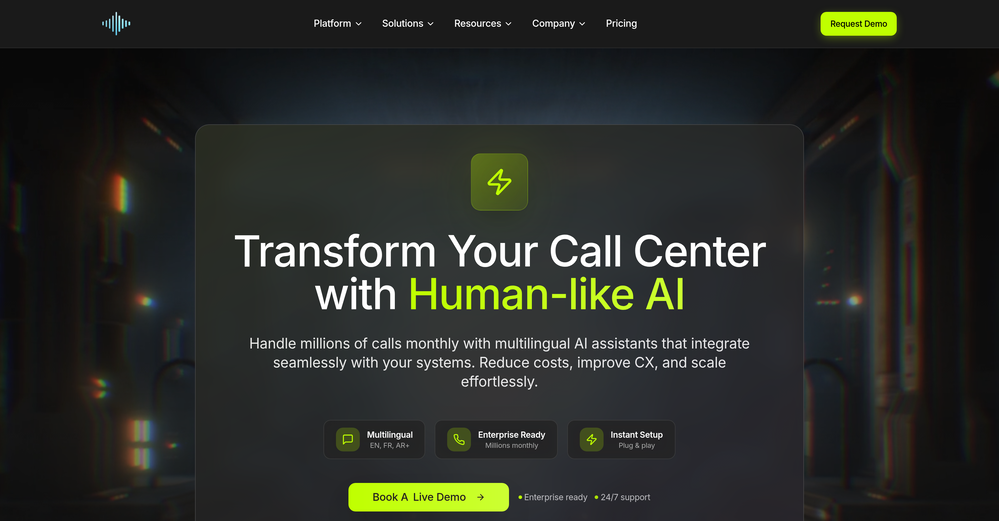
 Make phone calls to real people and businesses with voice AI.Open
 -
 Open
Open -
 Your personal AI agent, planning and executing tasks semi-autonomously.Open
 -
 Open
Open -
 Expert in automating sales process and data handling.Open
 -
 Specializing in Schneider Electric's energy solutions and automation.Open
 -
 Managing software card writing, time estimation, and image interpretation.Open
 -
 Maximize efficiency with Mojju's AI Personal Assistant.Open
 -
 Clean and structure your raw data with automatic file output.Open
 -
 Expert in automation engineering, generating Python code for Opentrons SDK.Open
 -
 Open
Open -
 Open
Open -
 Advanced organizer with self-learning AI.Open
 -
 AI replacing your Product Manager, Developer and Tester.Open
 -
 Creates standalone reusable PHP scripts, tools and batch processes.Open

























































































































Post





